• Workspace
Creation
  • AI Video
  • AI Image
Features
  • AI Video Effects
  • Text to Video
  • Image to Video
  • Reference to Video
  • AI Video Editor
  • Mimic Motion
  • Video to Video AI
  • Video Upscaler
  • Face Swap Video
  • Video Background Remover
  • AI Video Extender
  • Text to Image
  • Image to Image
  • Image to Prompt
  • PNG Maker
  • Pricing
Workspace
All creationsAd VideoStory VideoMV Visuals
Story VideoAnime VideoKids Story VideoHorror Video

AI Horror Story Video Creator

7 credits
7 credits

Build suspense through a specific setting, an unsettling clue and a reveal driven by the character’s decision.

Establish the room before the reveal.
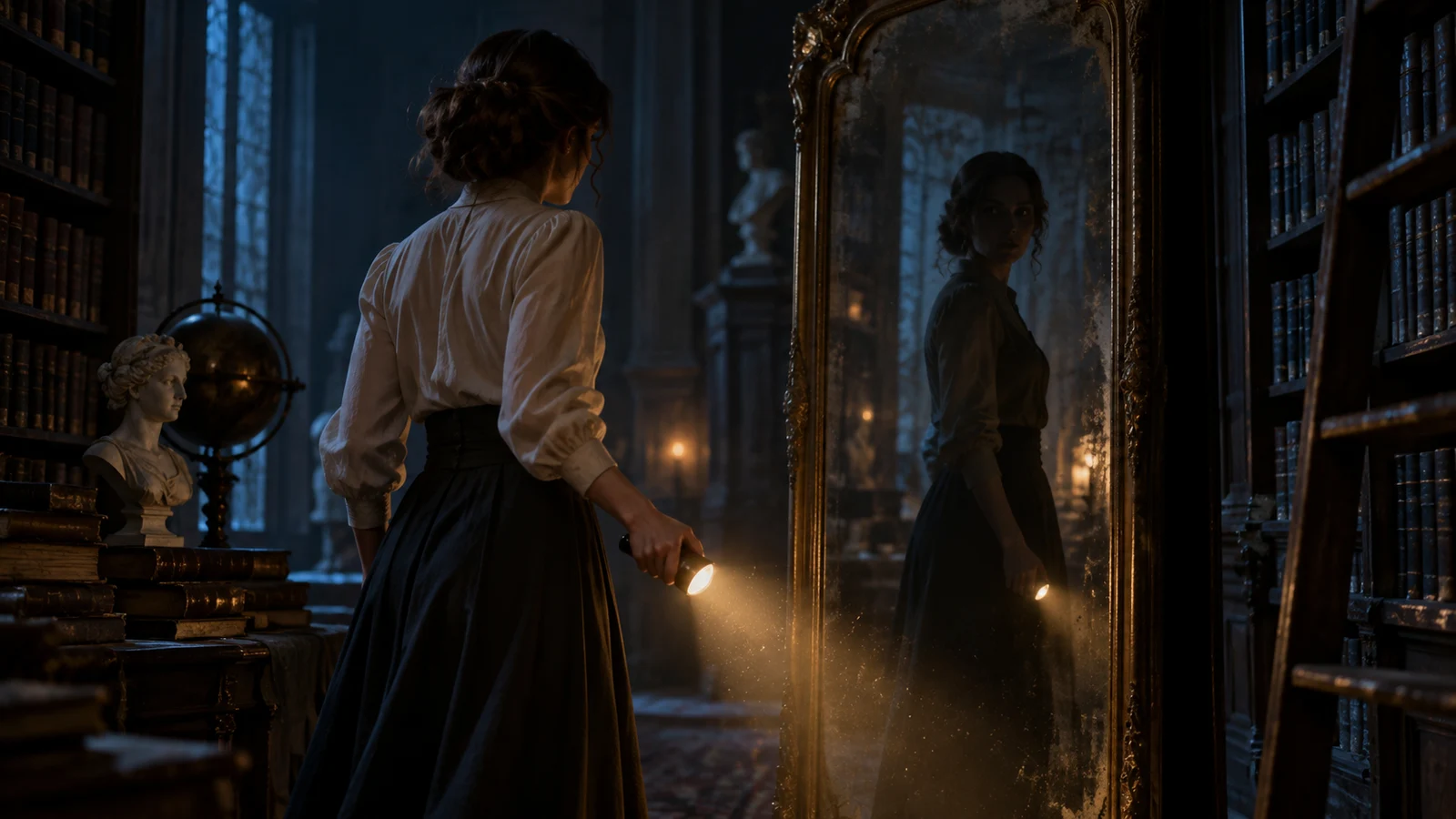
A night archivist in a dim archive with an unsettling mirror reflection

An archivist notices a reflection out of time

A small inconsistency can carry a suspense scene when the viewer understands the normal situation first. Define the bookshelves, mirror and archivist’s position. Let the delayed reflection motivate a decision, then plan the reveal and reaction as separate moments.

Plan an atmospheric three-shot suspense scene with no gore. A night archivist notices that a tall mirror reflects her movement one beat late. She covers the mirror, but a reflected silhouette remains elsewhere in the room. Establish the room layout before revealing the clue. Keep the archivist, bookshelves and mirror position consistent. Give the setup, motivated action, reveal and reaction in a readable shot plan. Plan first; ask which scene reference to create before generating.

Make your visual idea specific

01

Establish what looks normal

Give the viewer a stable room layout and a clear view of the archivist. A small change becomes readable against that reference.

02

Use one specific clue

Name the delayed reflection and what the archivist does about it. Keep the cause of the reveal connected to that decision.

03

Plan the reaction as well

Leave enough time and space for the character to respond. The aftermath helps the reveal feel like an event in the story.

From a brief to assets for your edit

  1. 1

    Set the place and intensity

    Describe the archive, the clue and the intended level of suspense. State any content boundaries in the brief.

  2. 2

    Review setup, reveal and reaction

    Check the room geography and the order of events. Keep the unusual behaviour specific and give the character a reason to act.

  3. 3

    Create assets and inspect continuity

    Build the chosen references and separate shots. Check mirror placement, reflections and character position before setting the final pacing in your edit.

Frequently asked questions

Yes. Describe the atmosphere, the clue and a restrained reveal. State the intensity you want and any content boundaries. The archive example builds tension through a reflection behaving differently from the character.

The viewer needs to recognise where the mirror, bookshelves and character are before something changes. Use the same spatial references in later shots and review whether the generated result preserves them.

Describe the character’s movement and the reflection’s different timing as one specific event. Separate the setup from a second reveal if combining them makes the visual cause hard to read.

Plan a setup, a reveal and a reaction, then generate and review those visual assets separately. You choose their duration and spacing in the final edit; the page does not assemble the finished suspense film for you.

Choose your next creative direction

Ad Video

Start with your product and the reason someone would choose it. Develop a concept, storyboard and matching visual clips.

Start creating

Story Video

Build a short story around a goal, a difficult choice and an ending that feels earned. Keep characters and props consistent across scenes.

Start creating

Anime Video

Develop original animated scenes with consistent character design, readable action and a visual payoff that follows the story.

Start creating

Kids Story Video

Create a clear, friendly story for your chosen age group, with expressive characters, gentle stakes and a reassuring ending.

Start creating

Horror Video

Build suspense through a specific setting, an unsettling clue and a reveal driven by the character’s decision.

Start creating

MV Visuals

Plan visual clips around a mood, a recurring character or motif and changing energy. Take the generated clips into your own edit.

Start creating

Stories in motion

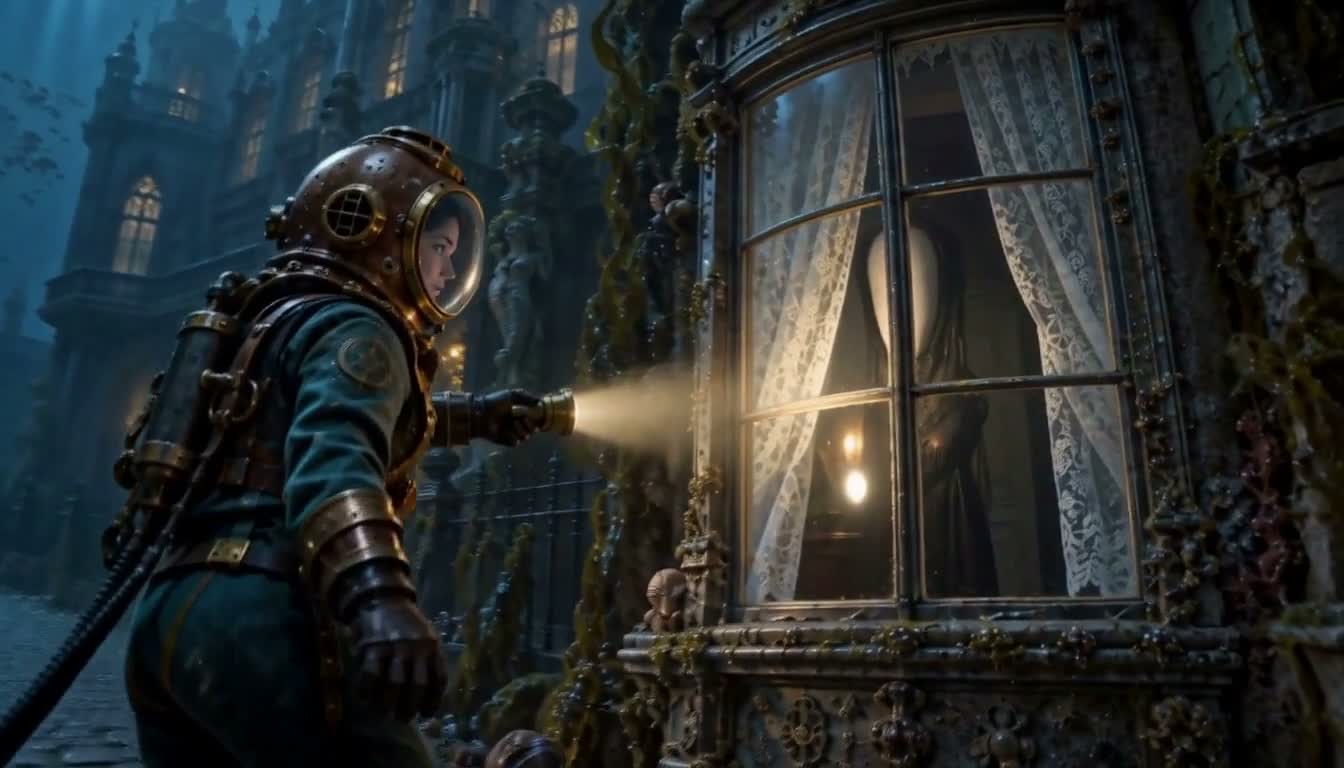
Below the Glass
Below the Glass
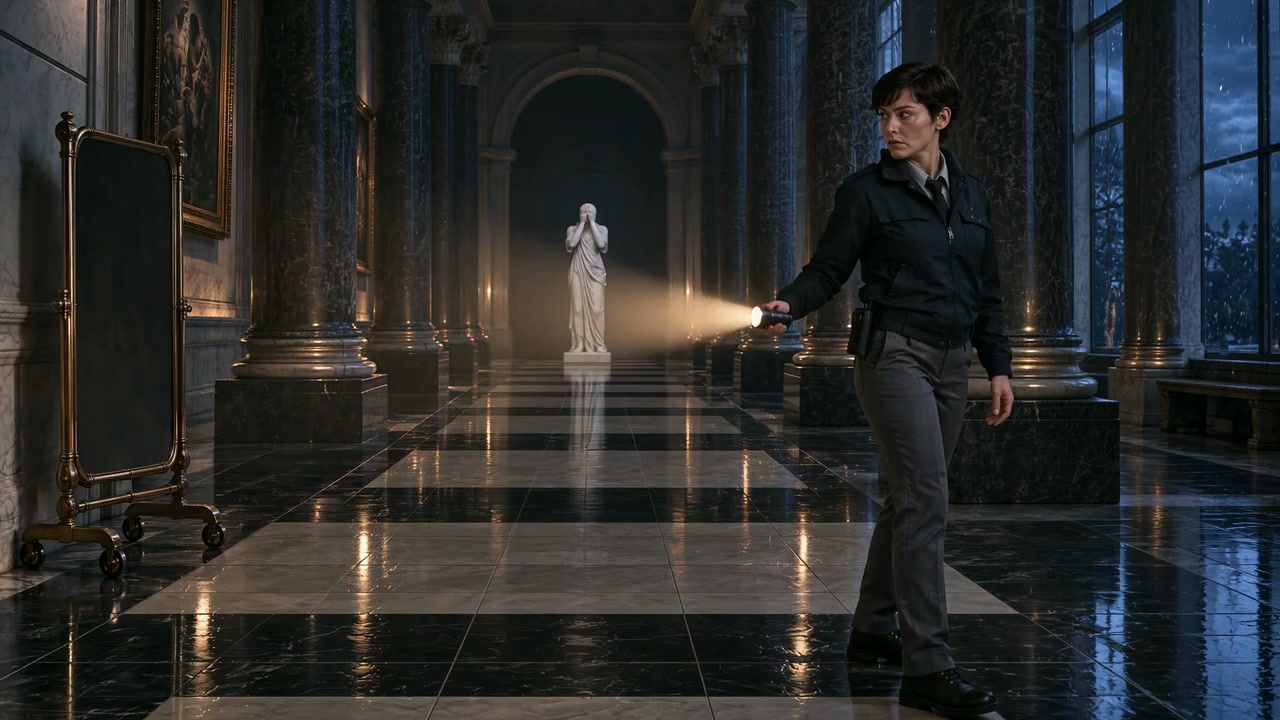
Do Not Blink
Do Not Blink

Put your idea to work

Suspense scenes

Establish an ordinary room before introducing one unsettling detail.

Short reveals

Let a character decision trigger a visible payoff.

Atmospheric pitches

Choose the scare intensity and develop references before making clips.

Plans for your next creation

Use your plan credits for images and videos. Review the selected tool, settings and credit quote before each generation.

Starter

$9.99/ month

800 credits / month

Credits renew monthly and expire at the end of the billing period.

View plan

Creator

$24.99/ month

2,500 credits / month

Credits renew monthly and expire at the end of the billing period.

View plan

Pro

$59.99/ month

6,200 credits / month

Credits renew monthly and expire at the end of the billing period.

View plan
See all plans and credit packs

Guides for your next creation

Plan a video from a product photo

↗

Prepare an image and describe motion

↗

Choose your Jynno creative workflow

↗

Start your horror story video creator

Build suspense through a specific setting, an unsettling clue and a reveal driven by the character’s decision.

Start creating

AI Image

  • AI Image Generator
  • Image to Image AI
  • AI Photo Editor
  • Watermark Remover
  • Magic Eraser
  • Image Upscaler
  • Background Remover
  • Face Swap Photo
  • Chat to Image

AI Video

  • AI Video
  • Text to Video
  • Image to Video
  • Reference to Video

AI Video Effects

  • AI Video Effects
  • AI Kiss Video Generator
  • AI Hug Video Generator
  • City flight
  • Everything blooms
  • Giant pet
  • Step out of the frame
  • Petal drift
  • Doodle to life
  • City folding
  • Vanish
  • Street Colossus
  • High Flip
  • Thunder Strike
  • Portal Reveal
  • Energy Wings
  • AI Twerk Video Generator
  • Bigfoot Video Generator

Product

  • Jynno
  • All AI Tools
  • Agent
  • Pricing

Resources

  • Creative guides
  • Privacy Policy
  • Terms of Service
© 2026 Jynno. All rights reserved.