• Workspace
Creation
  • AI Video
  • AI Image
Features
  • AI Video Effects
  • Text to Video
  • Image to Video
  • Reference to Video
  • AI Video Editor
  • Mimic Motion
  • Video to Video AI
  • Video Upscaler
  • Face Swap Video
  • Video Background Remover
  • AI Video Extender
  • Text to Image
  • Image to Image
  • Image to Prompt
  • PNG Maker
  • Pricing
Jynno

AI image generator

Describe your subject, choose the image settings, and create a first direction. Use a reference when there is already something you want to keep.

All AI Tools

Which AI image tool fits your idea?

An AI image generator is a starting point for portraits, product visuals and artwork. Choose a model in the panel above, then pick a workflow based on whether you already have an image.

Create an image from a prompt

Start from a written scene when you need a new composition. Name the subject, setting, light and style before adding small details.


Transform an existing image

Upload a reference when you want a different background, material or visual style. Say what to keep as well as what to change.

Read the AI image prompt guide

One studio, different creative briefs

Make the subject, setting and intended use specific. These directions show how a clear brief changes the kind of image you explore.

Shape every detail, from light to framing

Editorial portraits

Direct the expression, light and framing for a portrait with character.
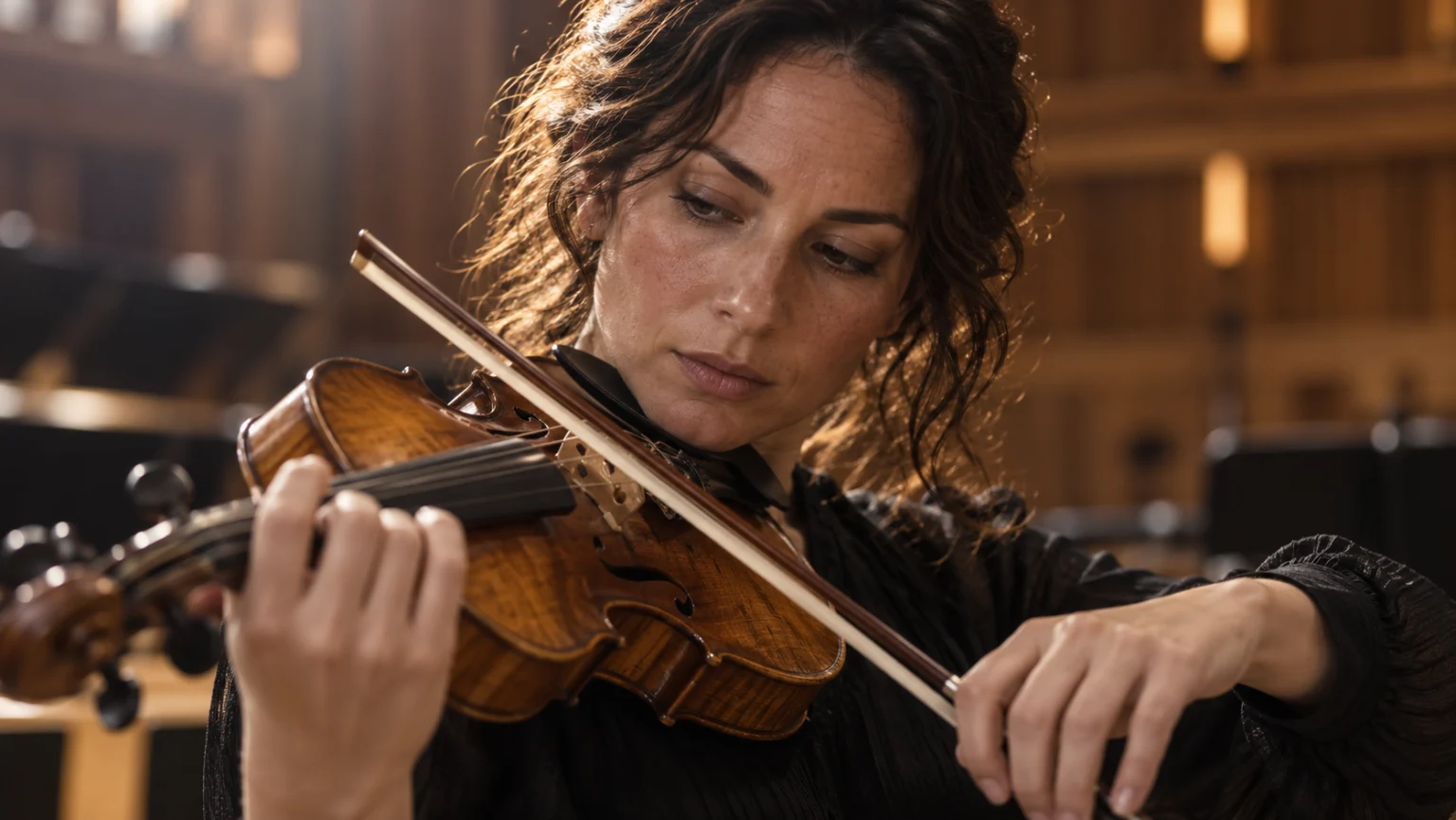
An editorial portrait of an adult violinist
Editorial portrait of an adult violinist, natural skin texture, thoughtful expression, soft directional window light, shallow depth of field, detailed instrument, restrained cinematic color.

Campaign graphics

Build a visual hierarchy around a short headline. Check the words before publishing.
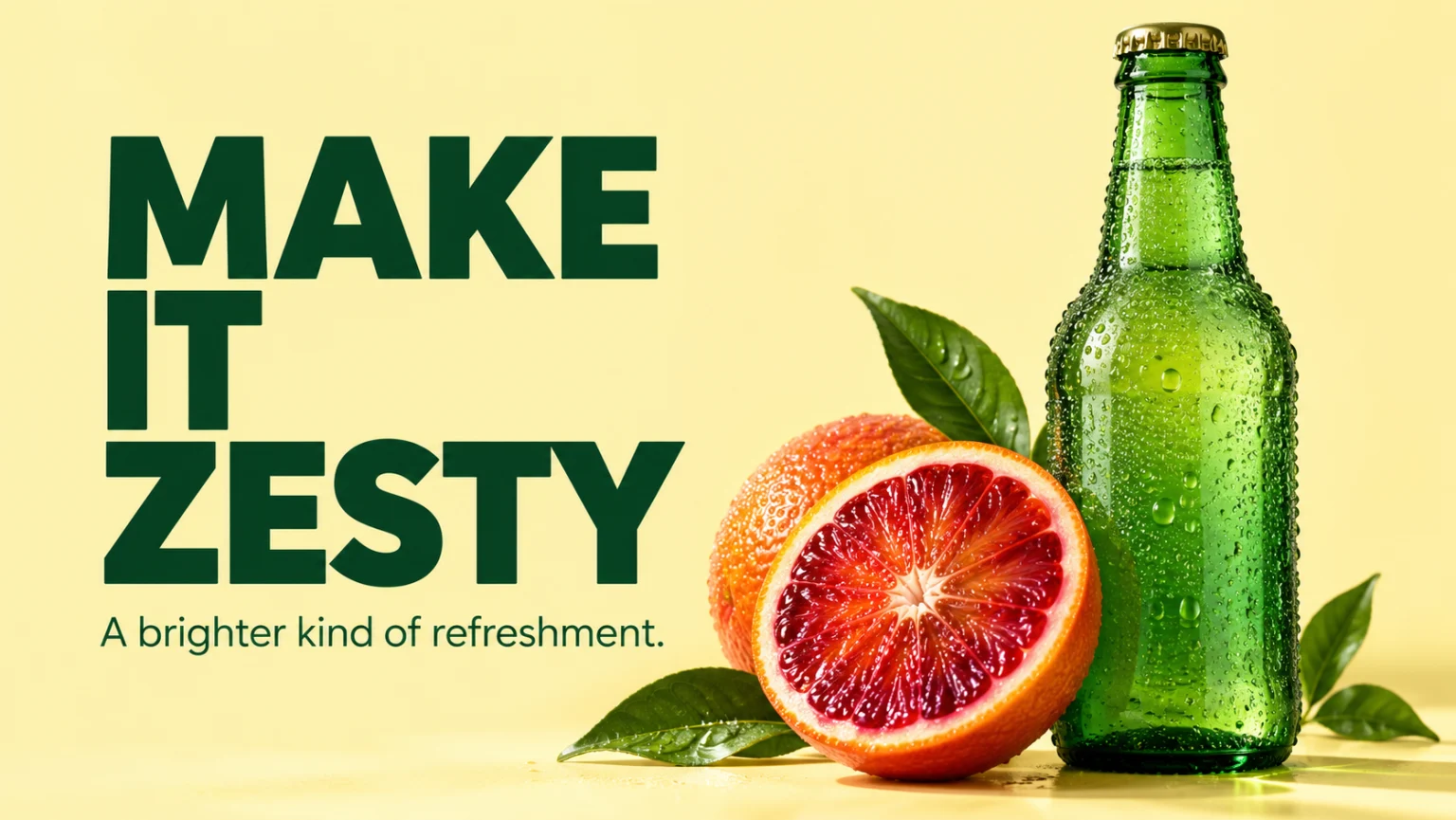
A bold citrus campaign poster with large typography
Bright citrus campaign poster, large concise headline, fresh orange slices, bold graphic shapes, clear hierarchy, balanced typography, playful editorial layout.

Product campaigns

Give the material, silhouette and lighting a role in the campaign.
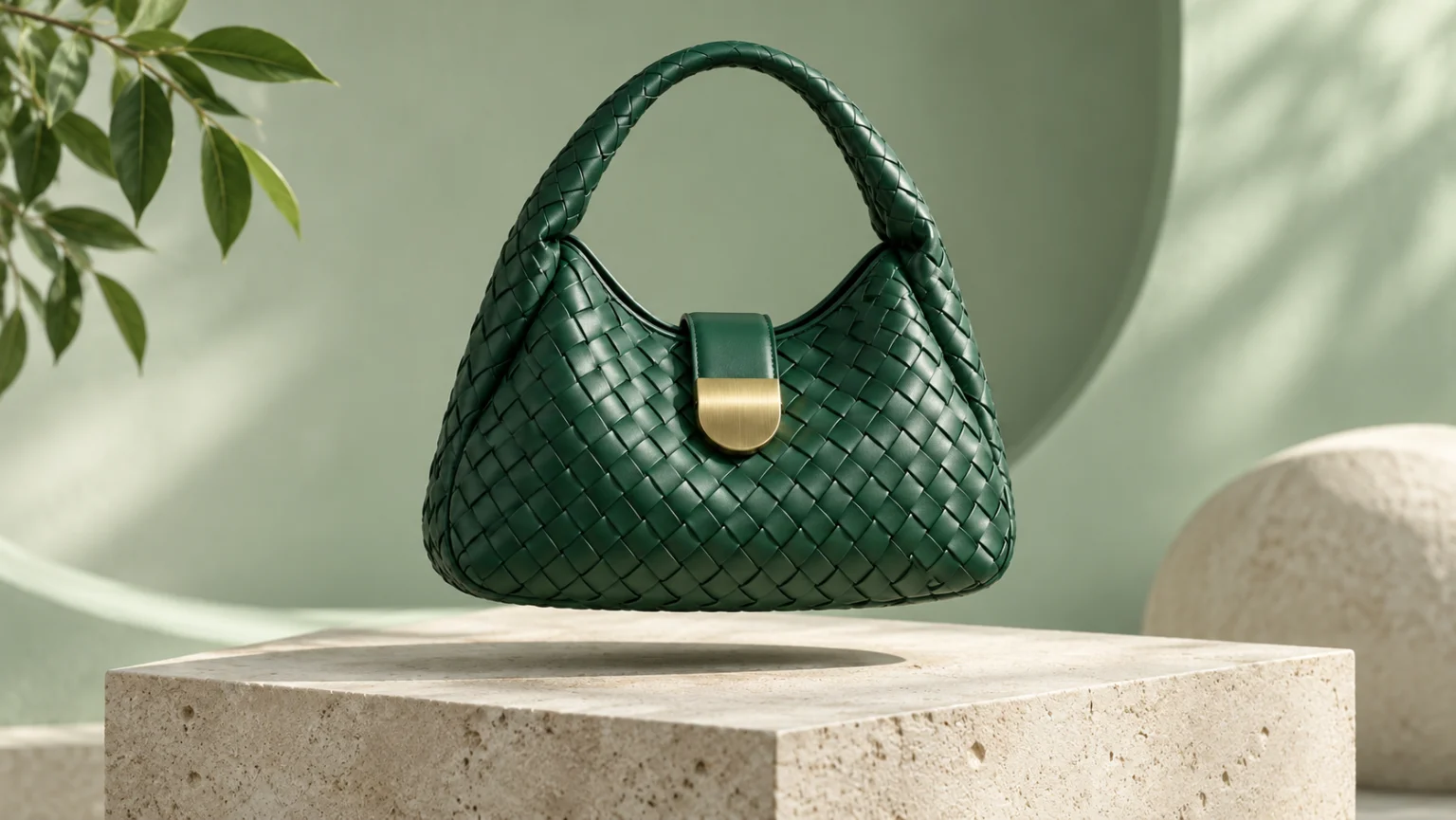
A handbag photographed in a premium product setting
Premium handbag campaign photograph, tactile leather and precise seams, sculptural composition, controlled studio lighting, clean negative space for a campaign layout, realistic reflections and material detail.

One character, different settings

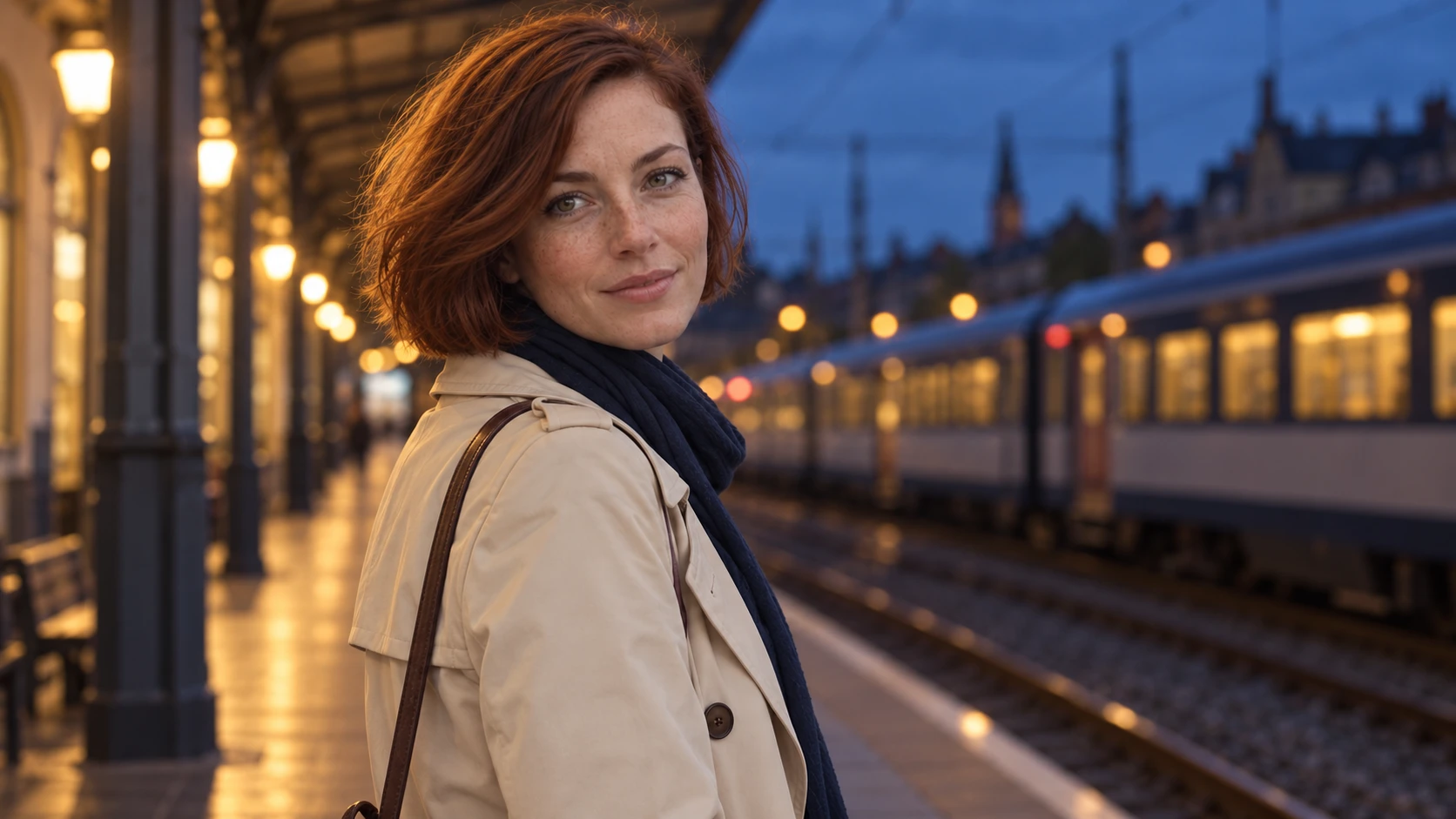
Compare the same auburn-haired woman beside a canal, at a sunny café and on a train platform at dusk. Her freckles, short bob, ivory coat and navy scarf remain the reference details; compare each new scene for consistency.
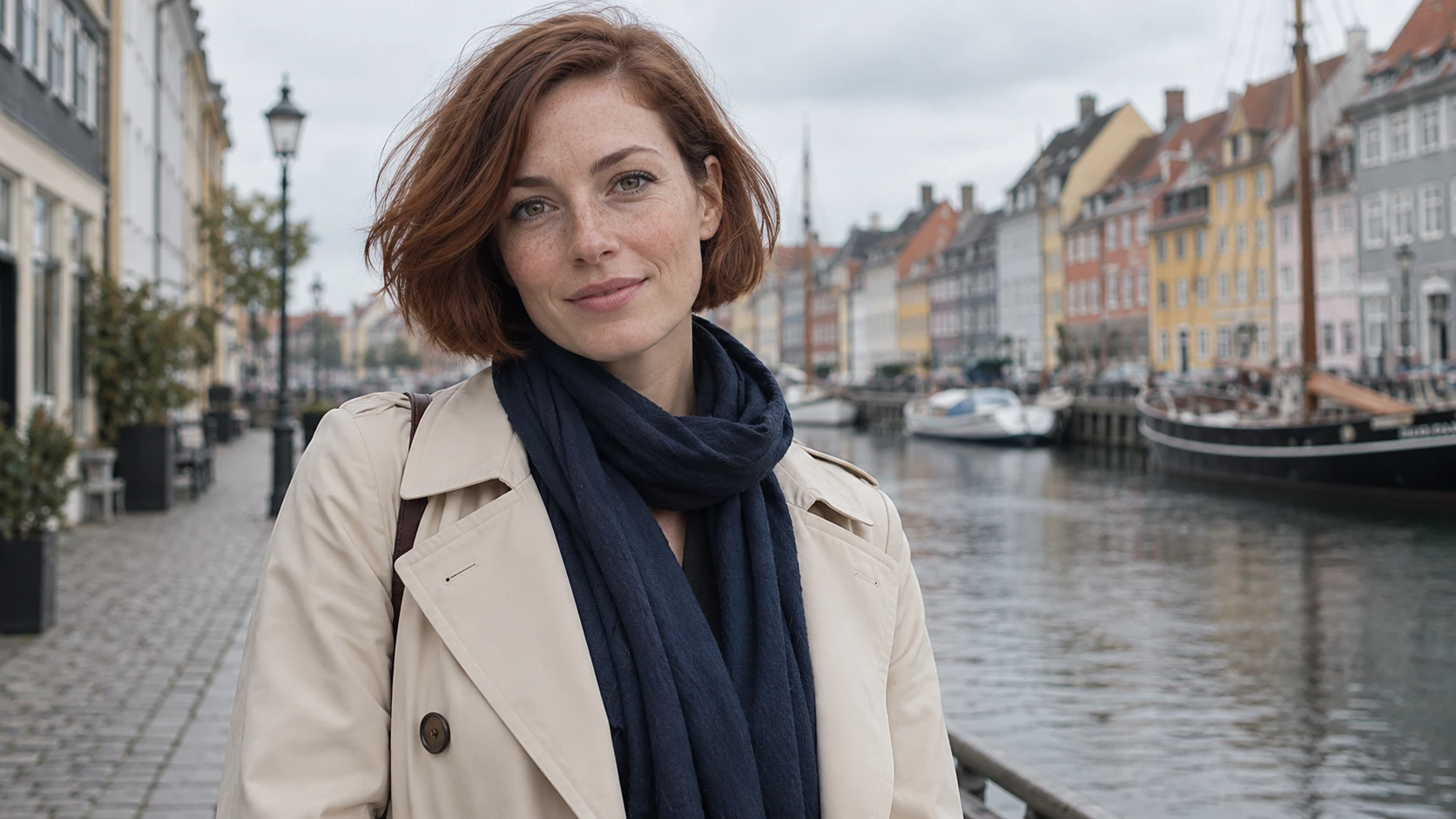
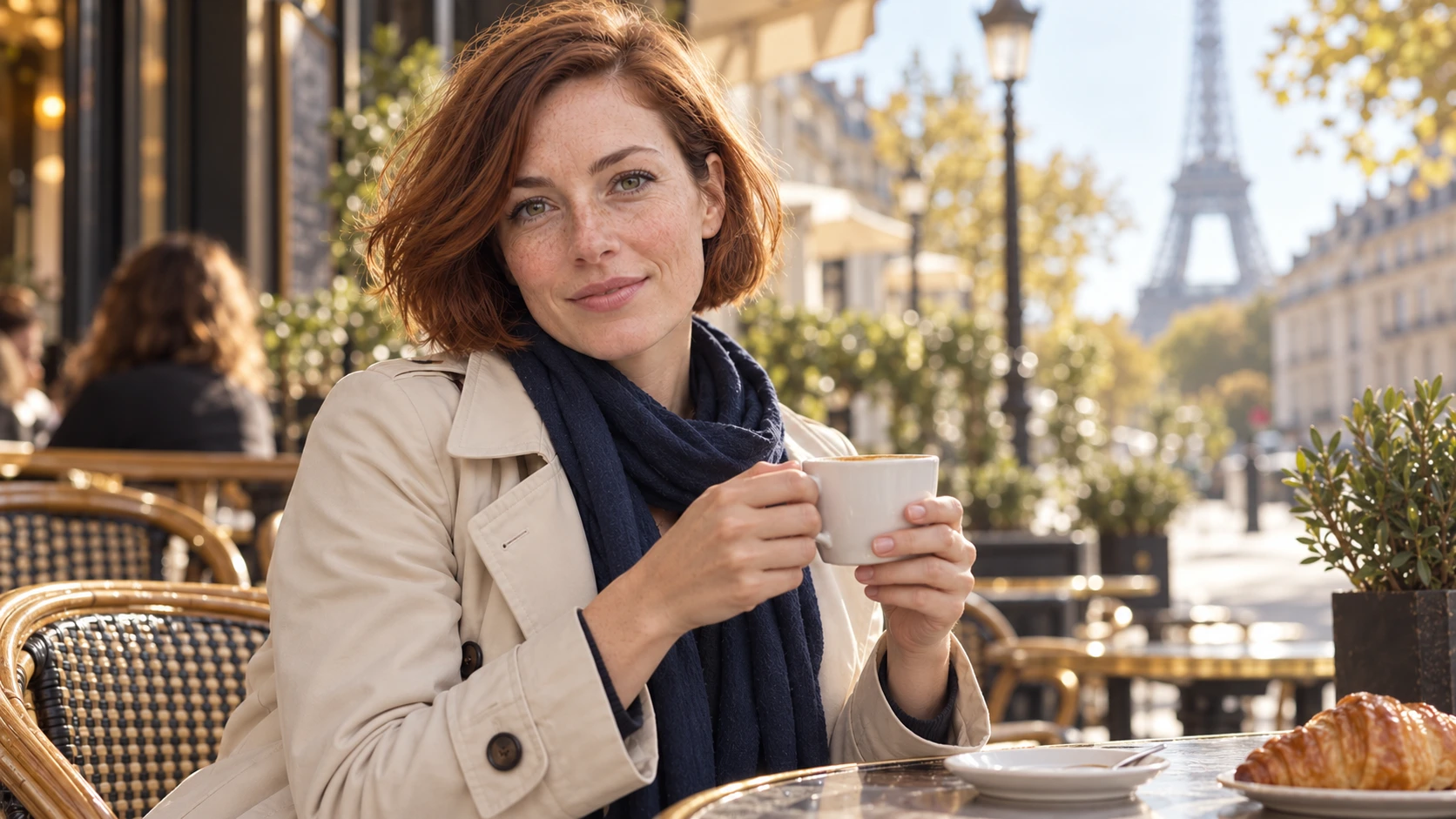
The same auburn-haired woman beside a Copenhagen canalThe same woman holding a coffee cup at a sunlit caféThe same woman on a European train platform at dusk

Direct the frame around your subject

Compare a wide view of the pianist and studio with a closer frame. The subject and light remain the anchor while the image’s emphasis changes. Specify camera distance and what should stay visible.
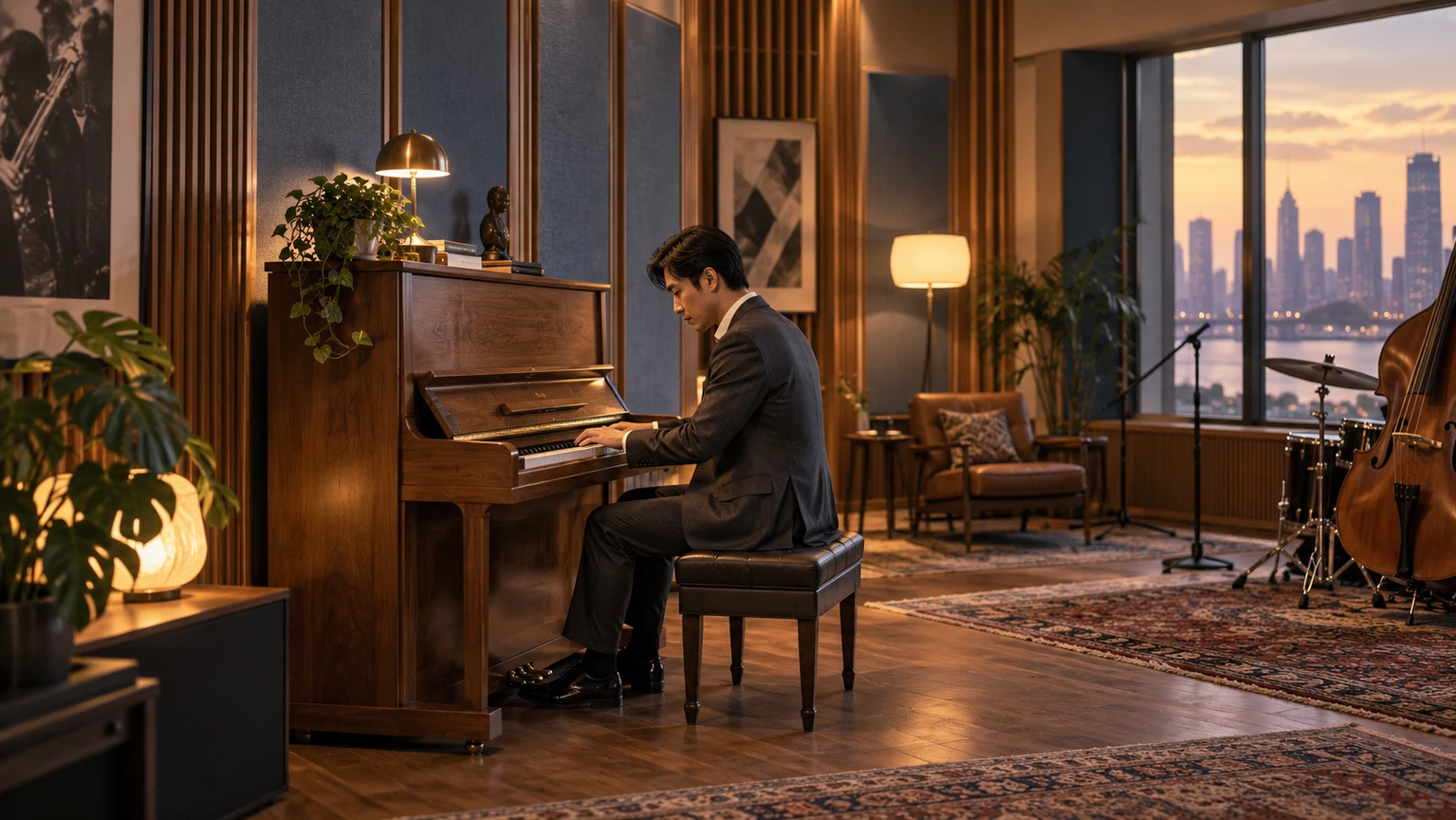
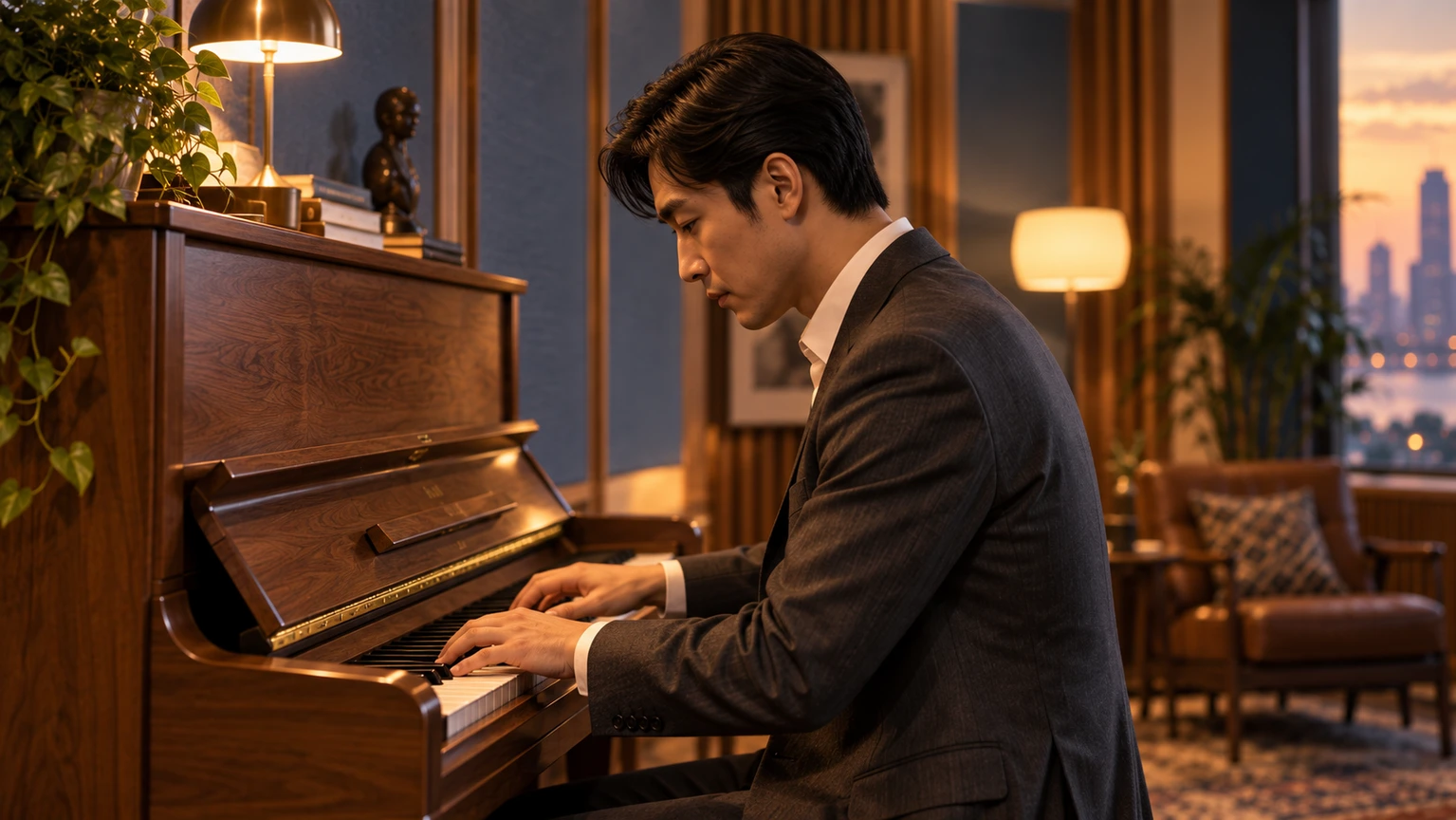
Wide composition of a pianist at a grand piano in a sunlit studioCloser framing of the same pianist and pianoOriginalCloser framing
Reframe the pianist at the grand piano as a closer composition. Keep the person, piano and soft studio light, and give more emphasis to the expression and hands.

Image ideas for different creative briefs

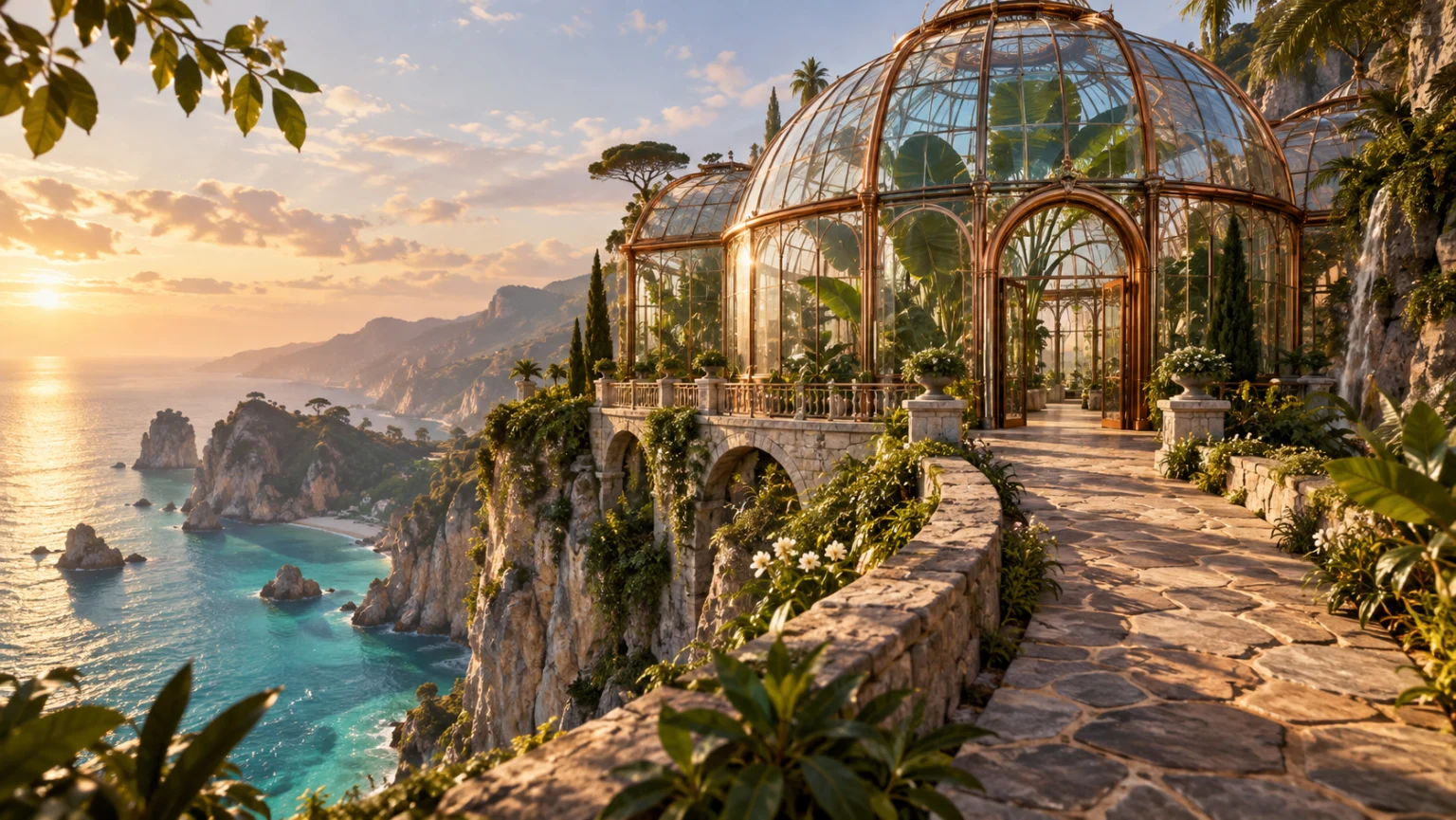
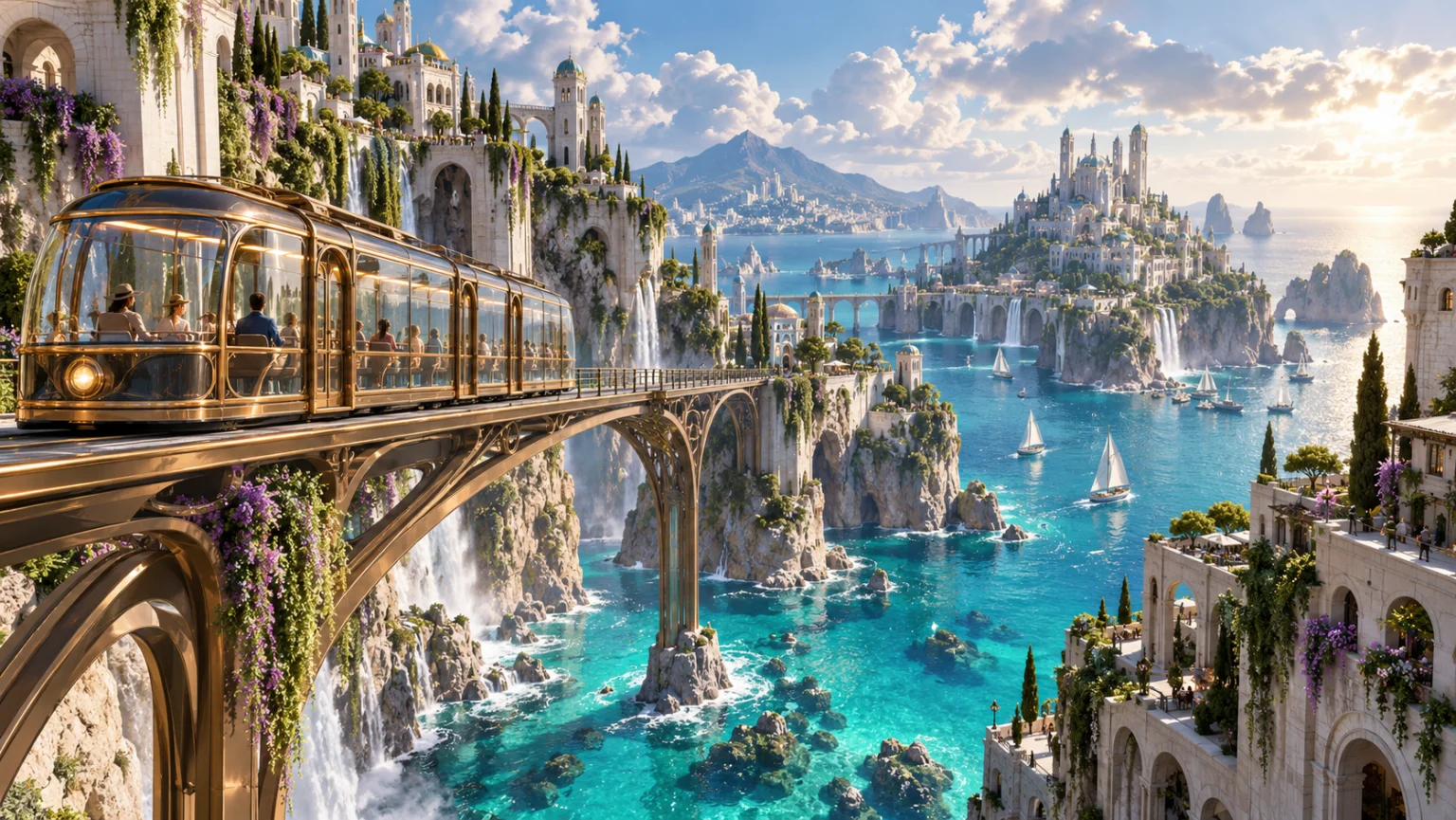
A glass railway winds through a bright coastal city on limestone cliffs.
Creative workflows

A glass railway winds through a bright coastal city on limestone cliffs.

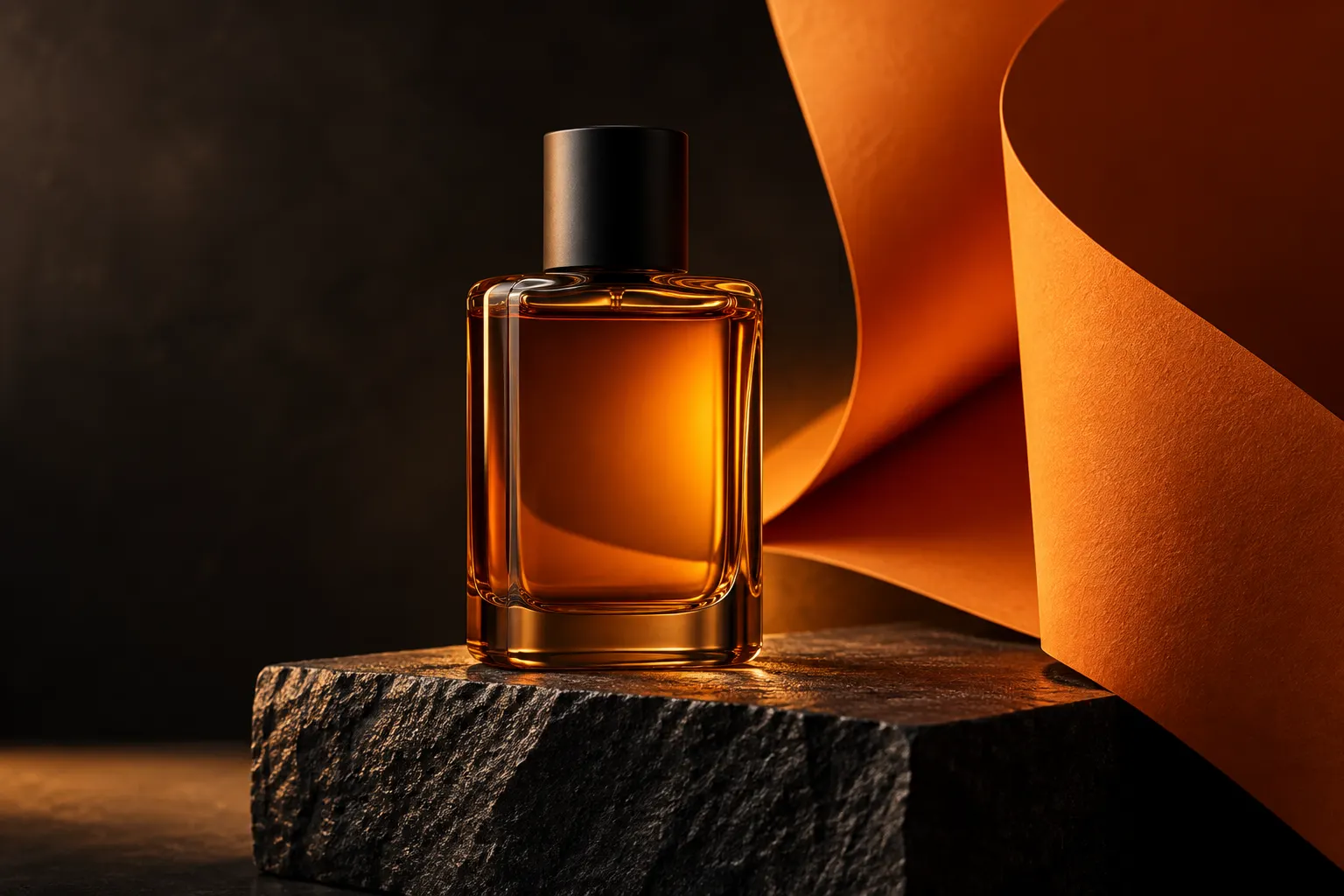
Amber perfume on dark stone with sculptural orange light and clean negative space.
Creative workflows

Amber perfume on dark stone with sculptural orange light and clean negative space.

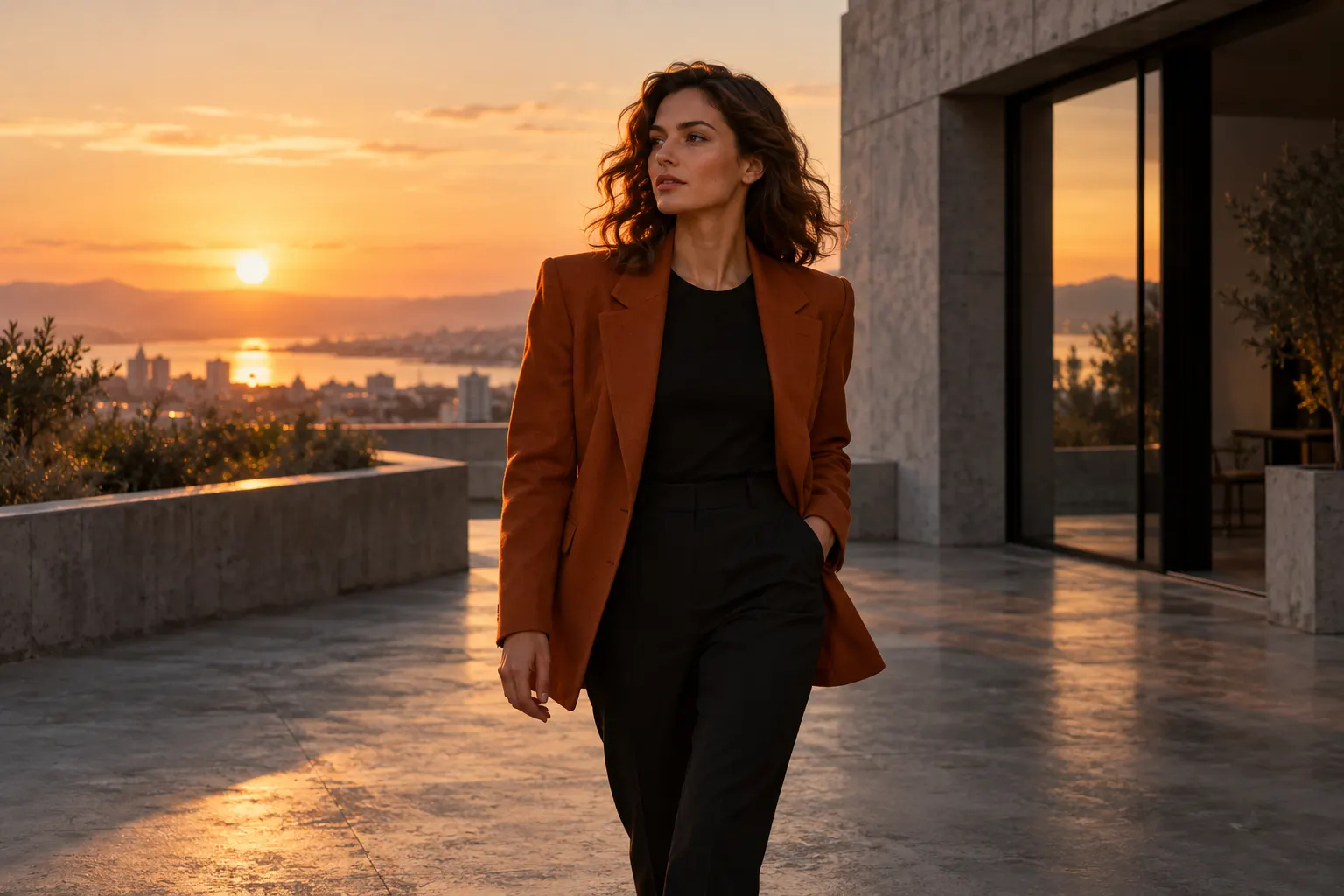
An adult woman in an amber blazer at a sunset terrace overlooking the sea.
Creative workflows

An adult woman in an amber blazer at a sunset terrace overlooking the sea.

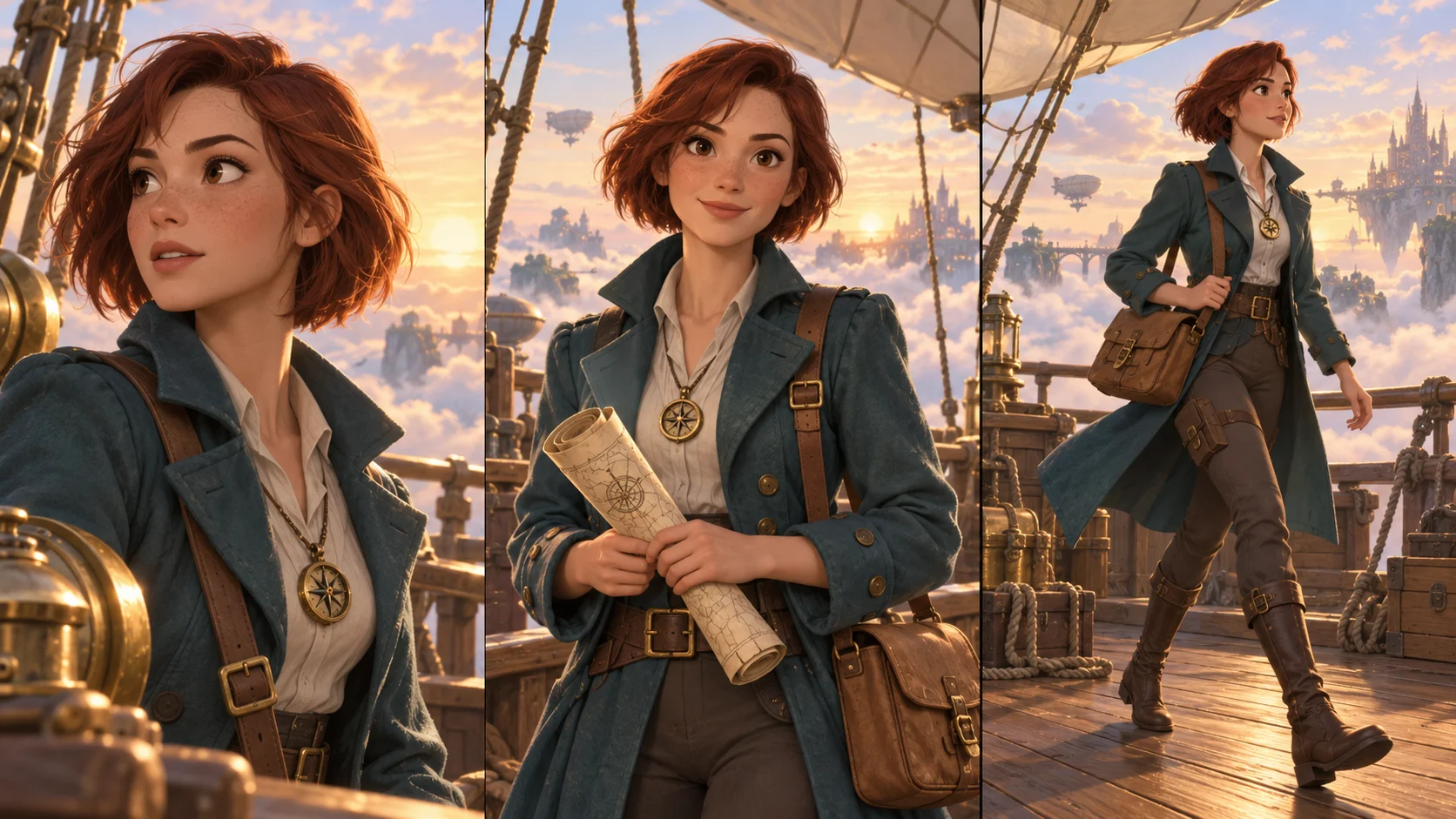
Three illustrated views of a red-haired explorer in a teal coat aboard an airship.
Creative workflows

Three illustrated views of a red-haired explorer in a teal coat aboard an airship.

Tools for your next image

Text to image

Start with words and create a new scene.

Image to image

Keep a subject and describe one clear change.

Image to prompt

Turn composition, lighting and style into words.

PNG maker

Separate a subject for your next layout.

Give your image a useful brief

An editorial portrait of an adult violinist
1Name the subject and use

Say what belongs in the frame and whether the image is for a portrait, product page, poster or scene study.

Try this direction

A better brief starts with priorities

Choose what the image must communicate, then add only the visual details that support it.

Create a scene from a brief

For a new picture, name the subject, setting and intended use. A product listing needs a readable silhouette; a poster may need space for a headline.

Continue with a reference edit

When you like the subject but want different light, materials or surroundings, open image-to-image. Name one change and the details that should remain.

Turn a reference into a brief

Use image-to-prompt to describe an unfamiliar visual style. Review the visible subject, composition and lighting before adapting the words to your own idea.

Explore plans and credits

Plans for your next creation

Use your plan credits for images and videos. Review the selected tool, settings and credit quote before each generation.

Starter

$9.99/ month

800 credits / month

Credits renew monthly and expire at the end of the billing period.

View plan

Creator

$24.99/ month

2,500 credits / month

Credits renew monthly and expire at the end of the billing period.

View plan

Pro

$59.99/ month

6,200 credits / month

Credits renew monthly and expire at the end of the billing period.

View plan
See all plans and credit packs

AI image studio questions

Use text-to-image for a new scene, image-to-image for a specific reference edit, image-to-prompt for a visual description, and PNG maker for a subject cutout. The tool links on this page take you to each workflow.

The directory includes models you can explore on their official pages. Only the models listed in the generator are connected here. Their supported reference inputs, ratios and resolutions can differ.

For products, compare shape, materials and small labels with the real item. For posters, review spelling, line breaks and headline space. Inspect the result at the size where you plan to display it.

Use the result as an image-to-image reference. Request one change, such as softer window light, and name the subject and framing to preserve. Compare the next version before adding another change.

Guides for your next creation

Write a clear image prompt

↗

Turn a photo into a useful prompt

↗

Make a PNG and check its edges

↗

Start with an idea. Give it a visual form.

A subject, a setting and one clear purpose are enough to begin.

Create an image

AI Image

  • AI Image Generator
  • Image to Image AI
  • AI Photo Editor
  • Watermark Remover
  • Magic Eraser
  • Image Upscaler
  • Background Remover
  • Face Swap Photo
  • Chat to Image

AI Video

  • AI Video
  • Text to Video
  • Image to Video
  • Reference to Video

AI Video Effects

  • AI Video Effects
  • AI Kiss Video Generator
  • AI Hug Video Generator
  • City flight
  • Everything blooms
  • Giant pet
  • Step out of the frame
  • Petal drift
  • Doodle to life
  • City folding
  • Vanish
  • Street Colossus
  • High Flip
  • Thunder Strike
  • Portal Reveal
  • Energy Wings
  • AI Twerk Video Generator
  • Bigfoot Video Generator

Product

  • Jynno
  • All AI Tools
  • Agent
  • Pricing

Resources

  • Creative guides
  • Privacy Policy
  • Terms of Service
© 2026 Jynno. All rights reserved.