Halloween AI Studio
Turn your own photos into Halloween costume portraits, pet looks and couple photos. Compare before and after, copy a prompt or animate your finished look.
What are you making this Halloween?
Start with an everyday photo. Choose something you would love to share.
Not sure? Find a photo look
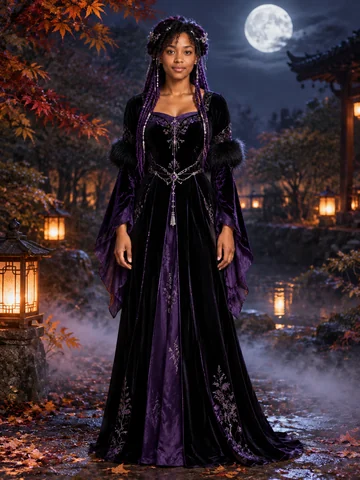
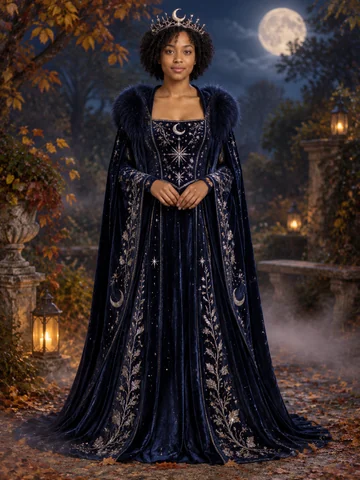
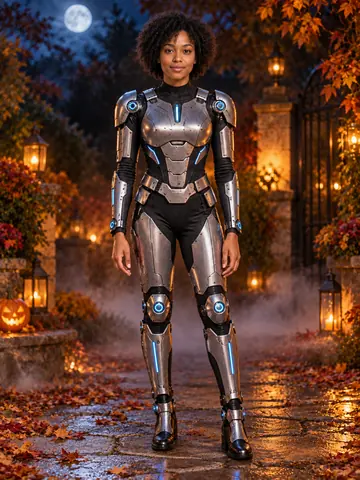
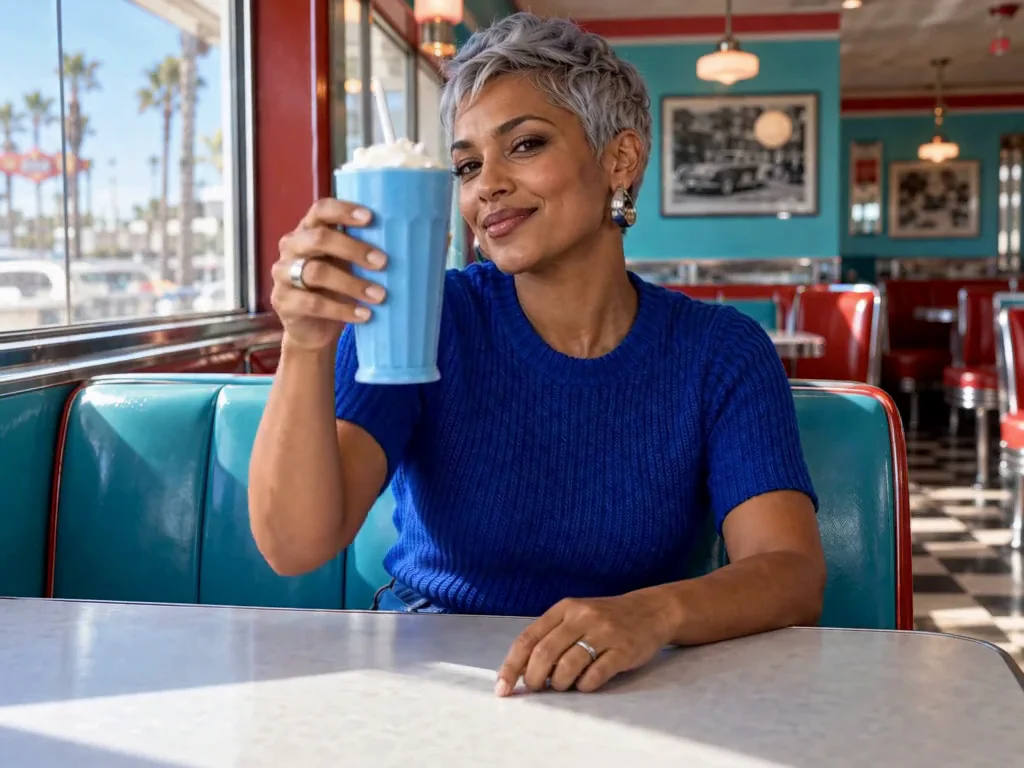
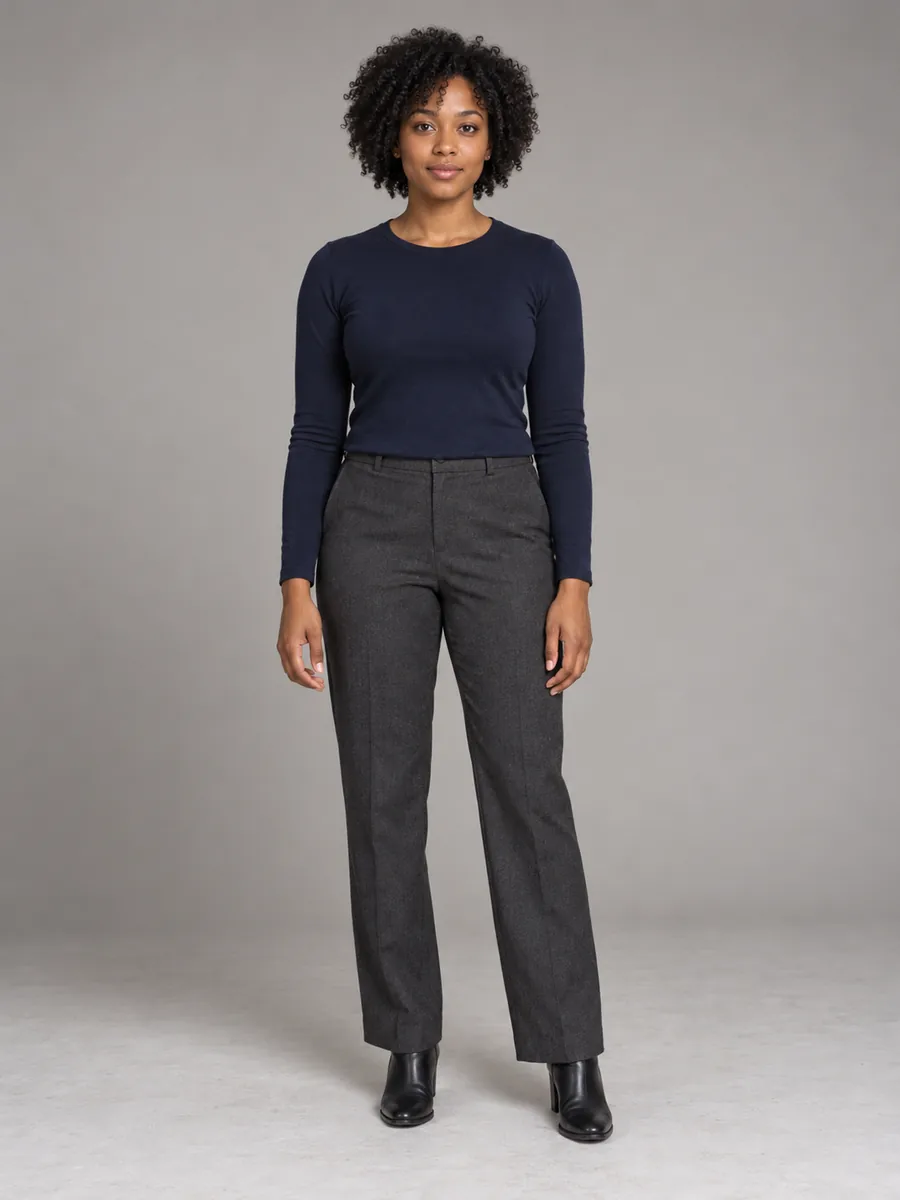 Original photo
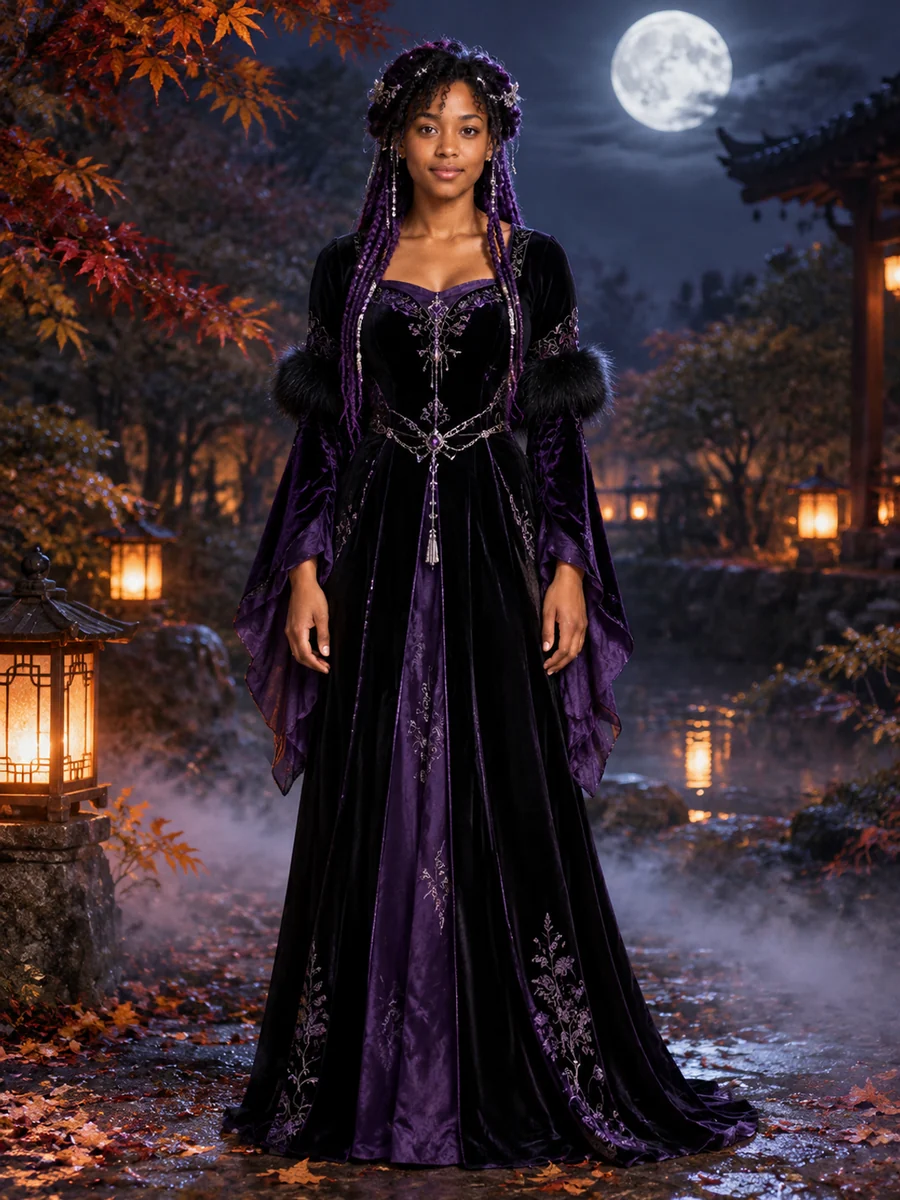 Halloween look
Try my Halloween costume
Upload a portrait and explore Halloween costume ideas with identity-aware image editing, selectable looks and editable prompts.
Try this costume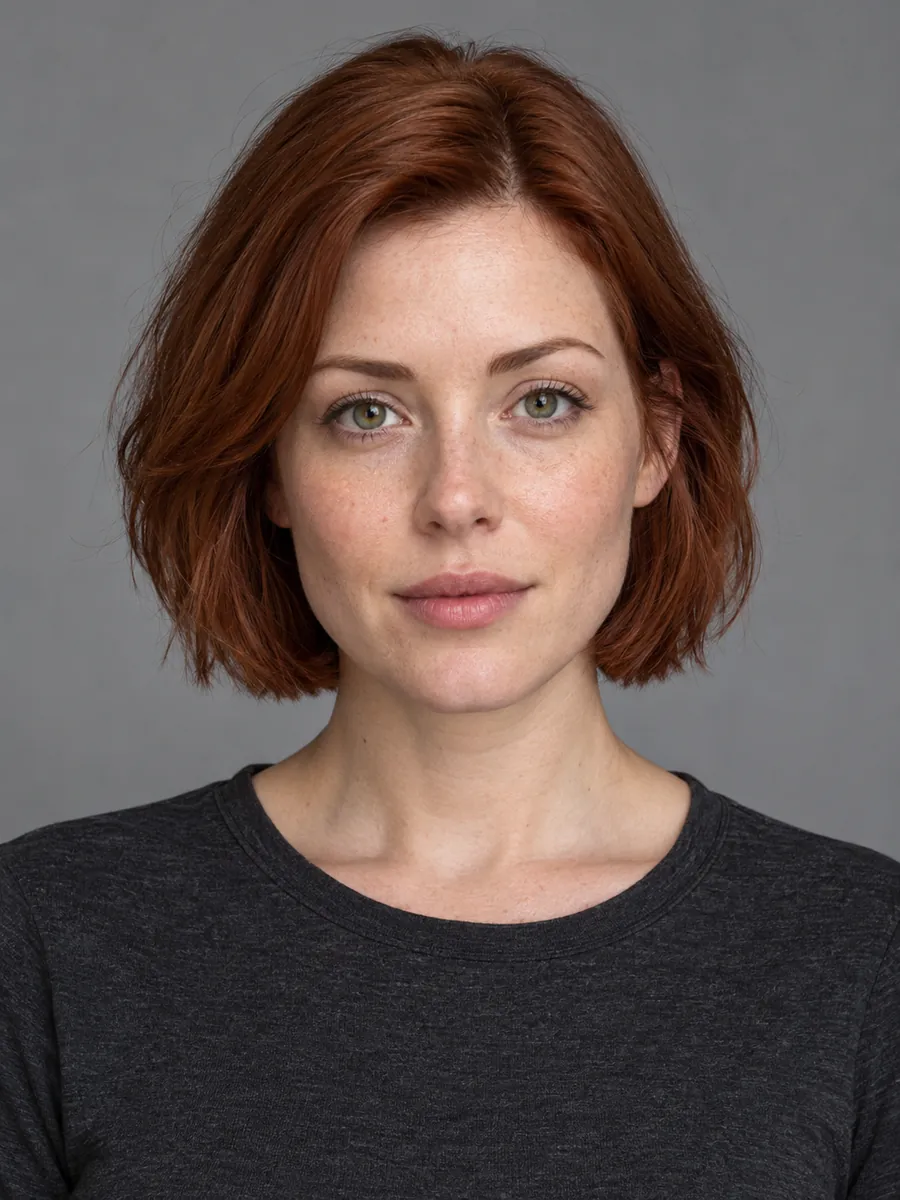 Original photo
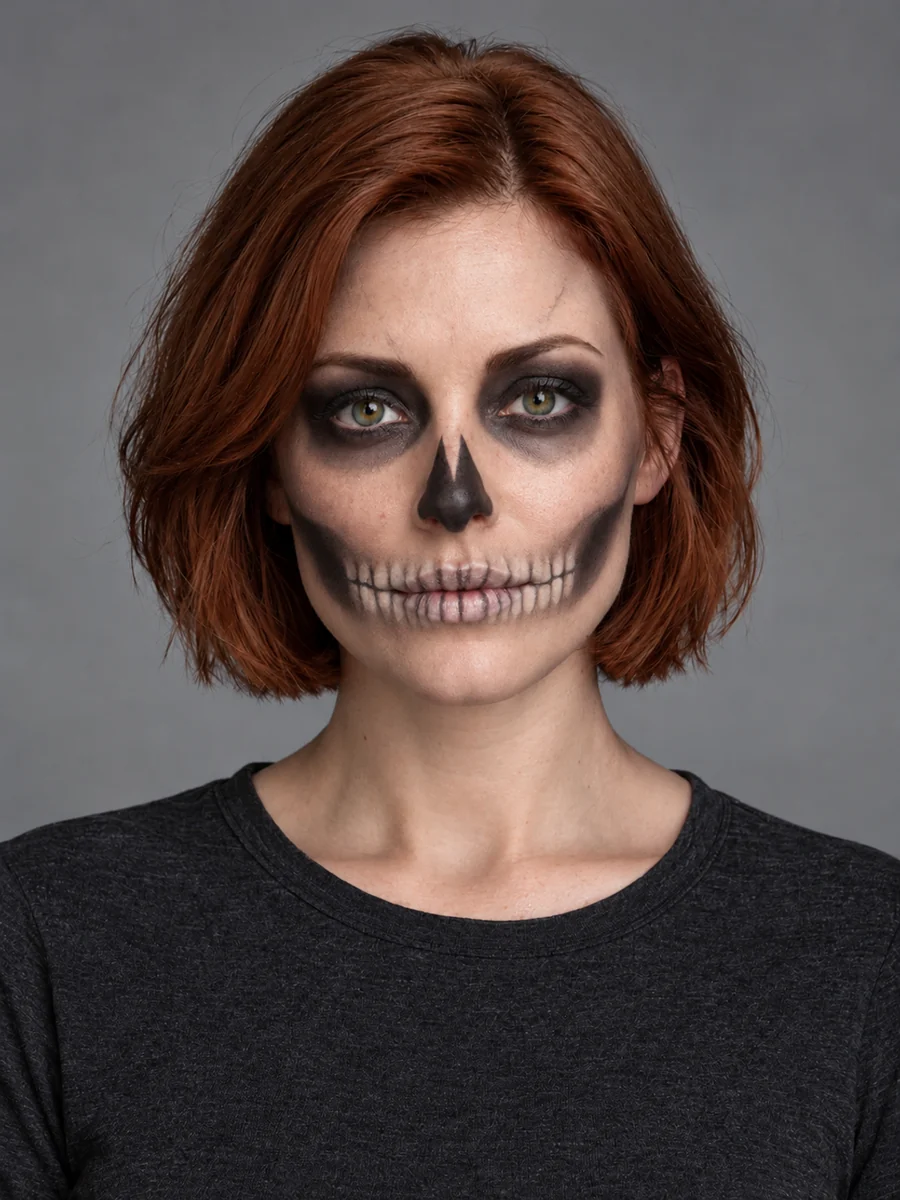 Halloween look
Make my Halloween avatar
Edit Halloween makeup, lighting and backgrounds from a reference photo. Keep the changes focused with ready-to-edit photo prompts.
Make my avatar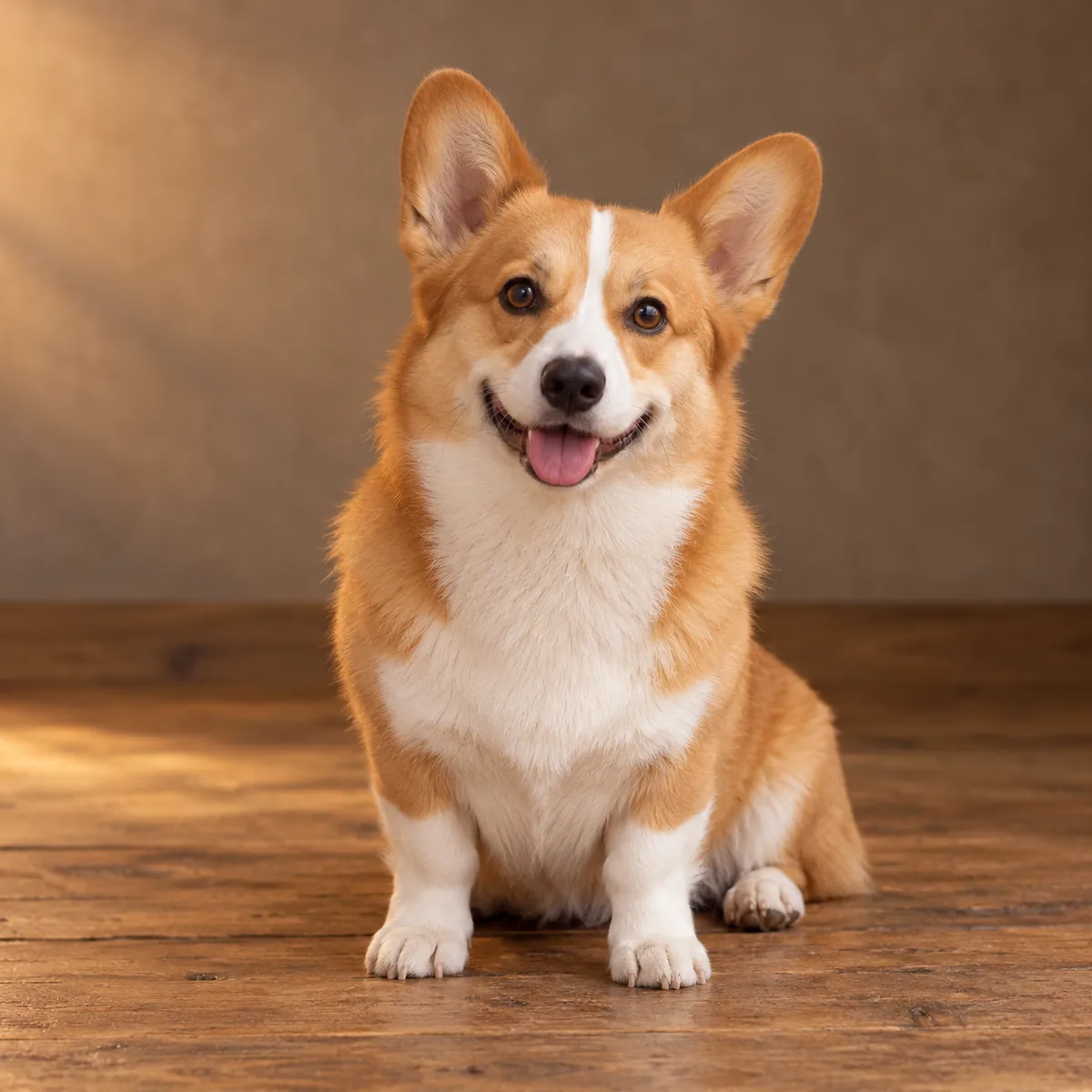 Original photo
 Halloween look
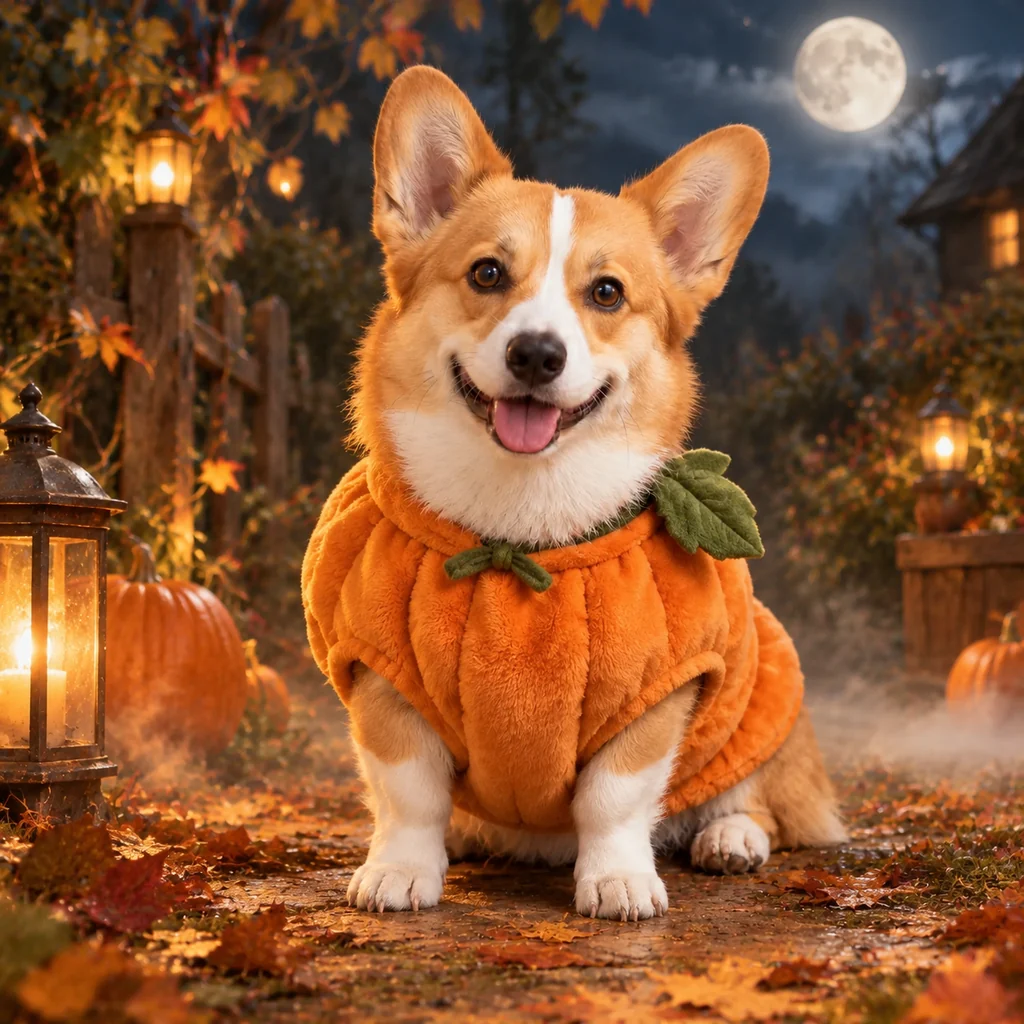
Let my pet dress up too
Turn a pet reference photo into a Halloween costume portrait. Explore pumpkin, glowing dinosaur and cozy potato looks.
Dress up my pet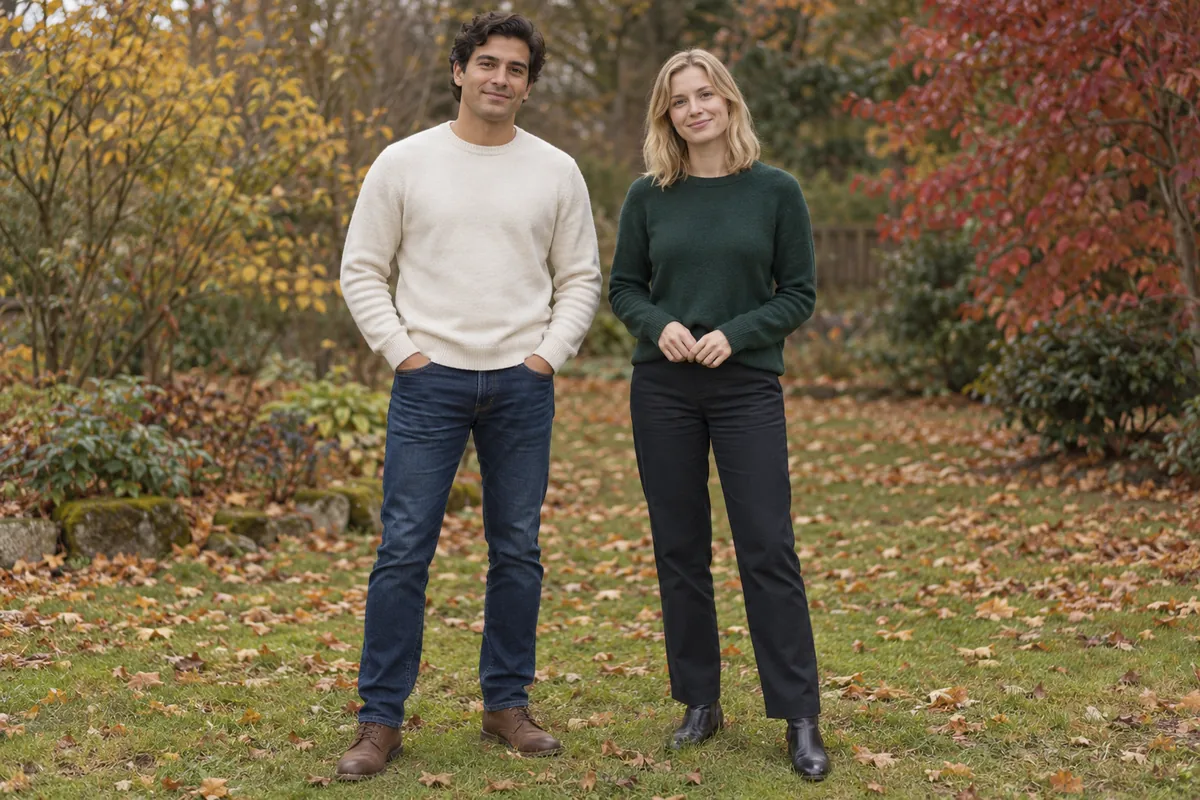 Original photo
 Halloween look
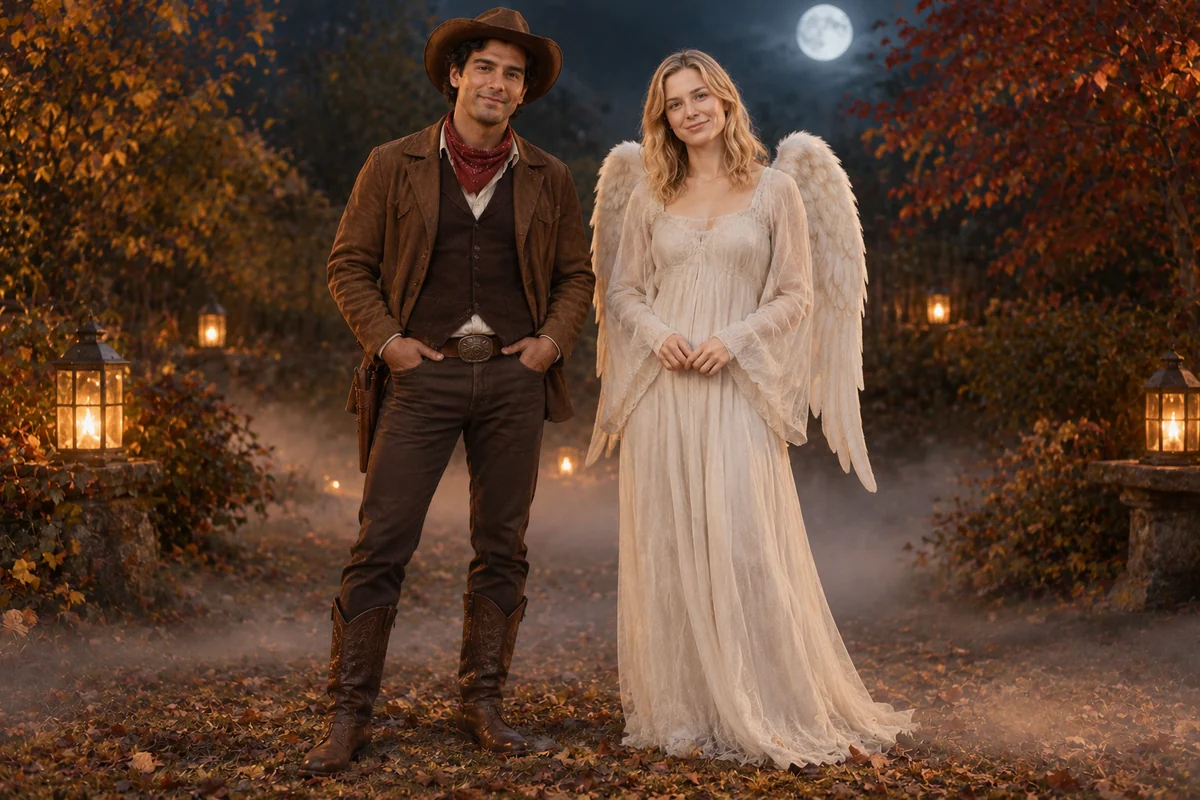
Match our couple or family looks
Plan coordinated Halloween couple and family looks using a group photo or separate references, with clear roles for each person.
Create our photoHalloween AI Prompts for Gemini & Image Editors
Copy Halloween prompts for selfies, costumes, pets, couples and videos. Build a prompt for Gemini or bring it into Jynno to create.
Halloween Costume Planner & Budget
Coordinate people and pets, prepare a costume brief and keep an editable shopping checklist with your own price estimates.
AI Halloween Video Generator
Turn your photo into a werewolf, pumpkin head, dancing shadow surprise or ghost dance. Compare original photos and complete Halloween video effects before you create.
Four Halloween effects starring you
Compare each original photo with the complete video, then choose your effect.
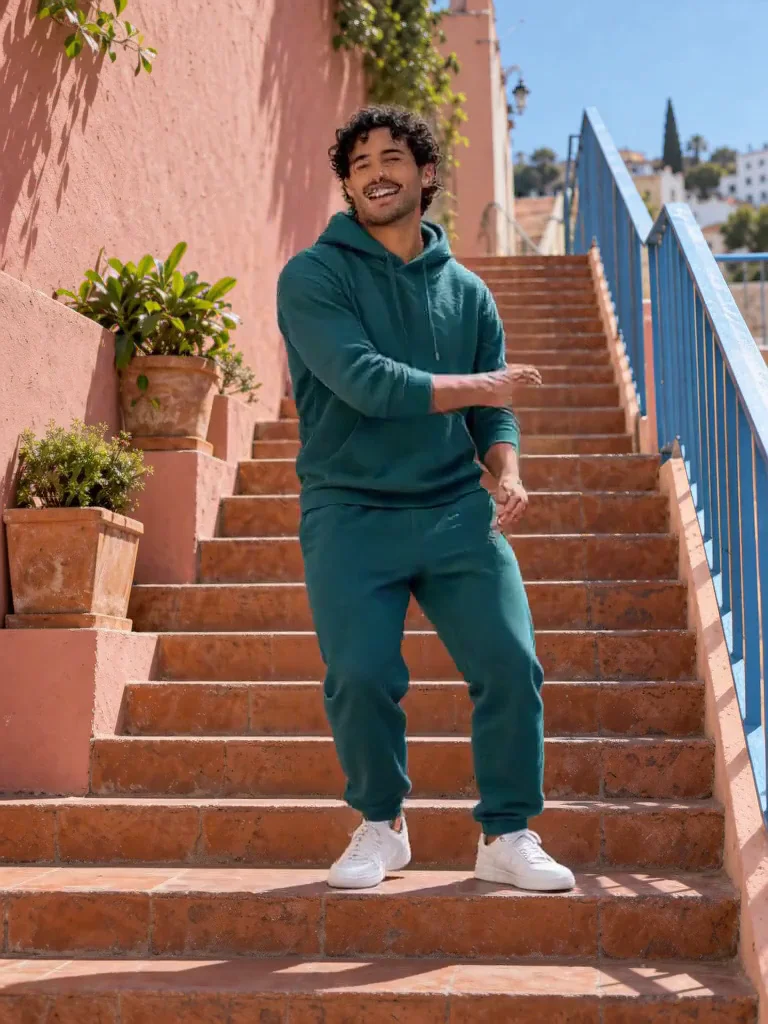
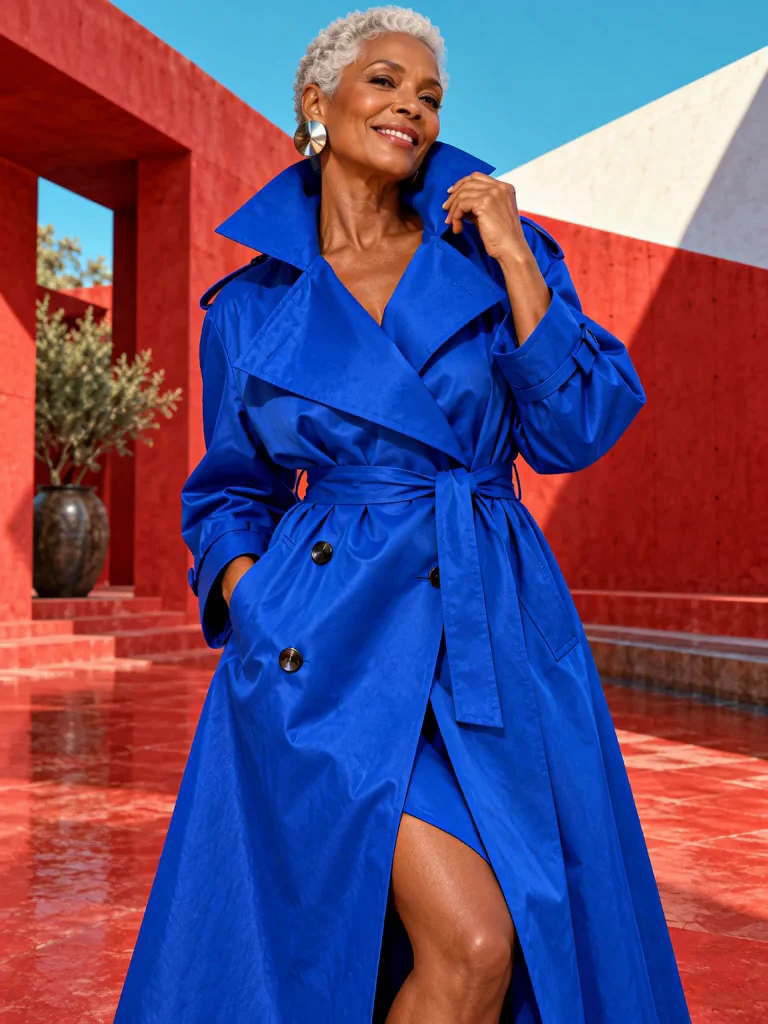
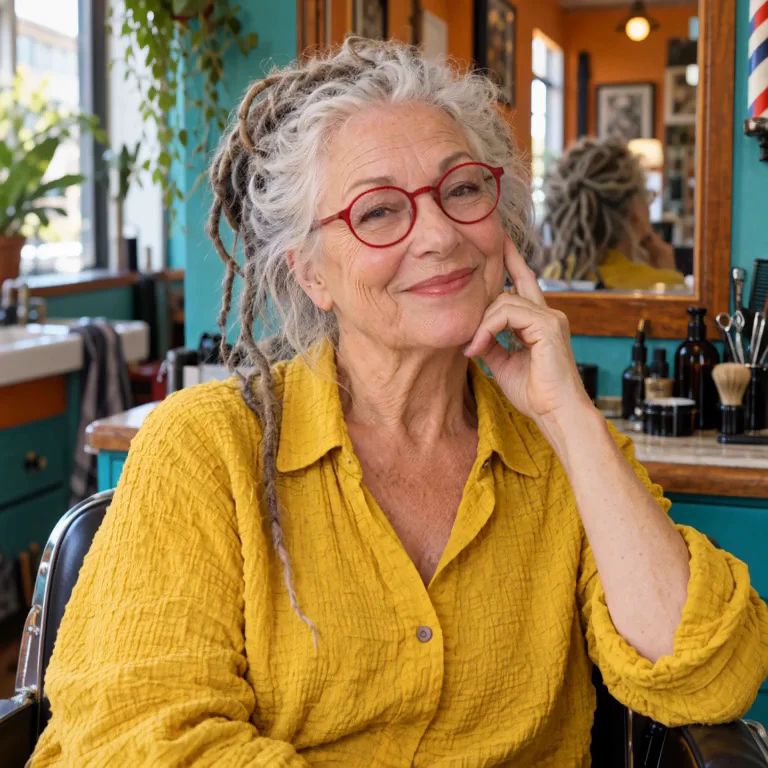
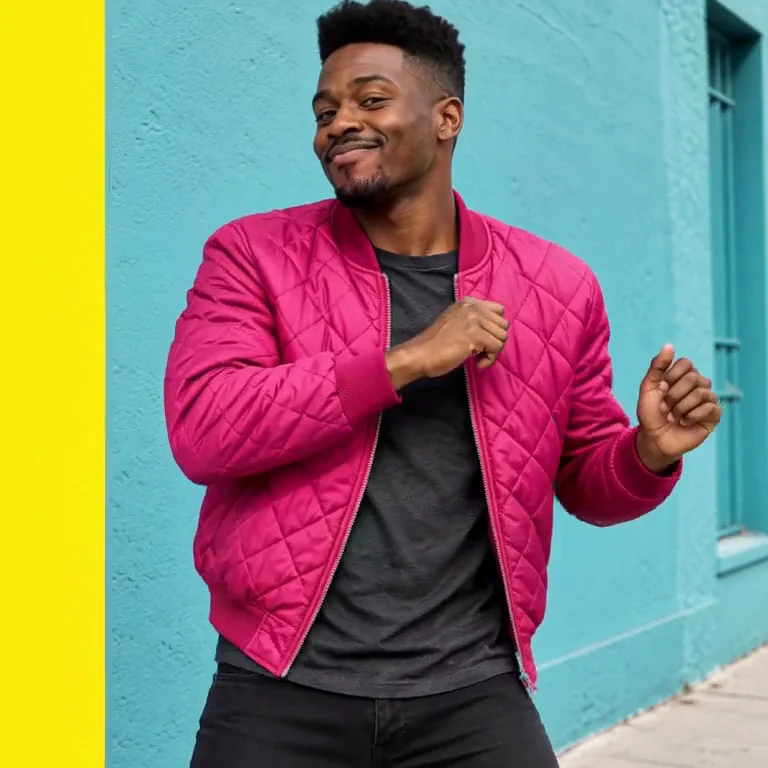
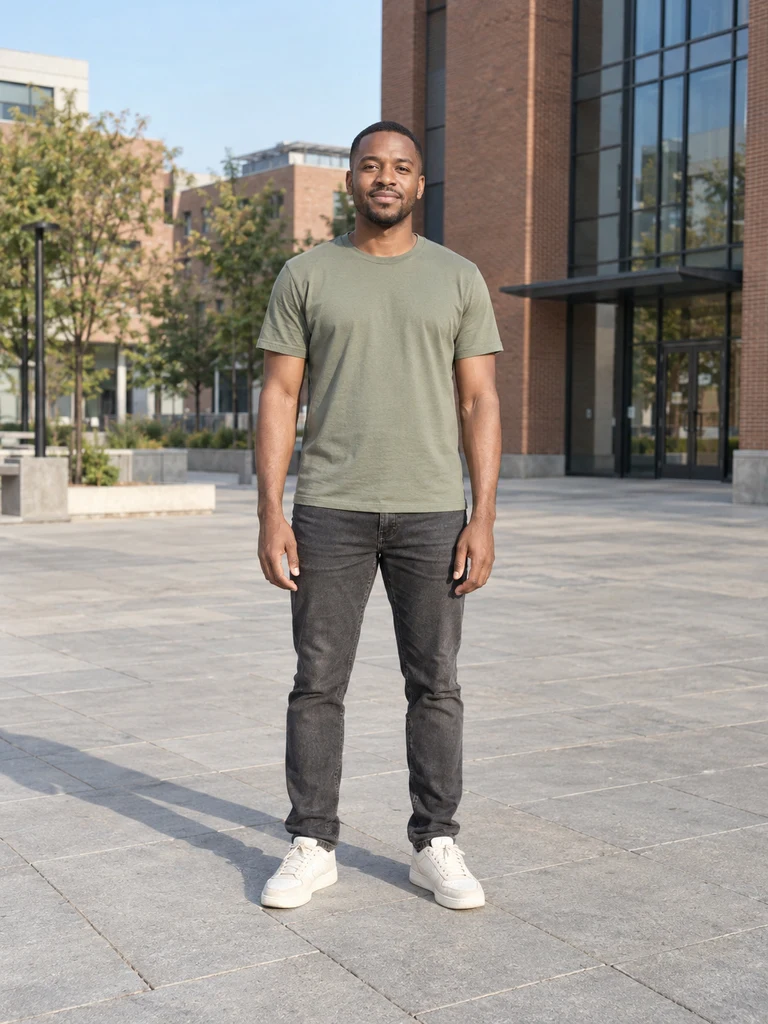 Original photo
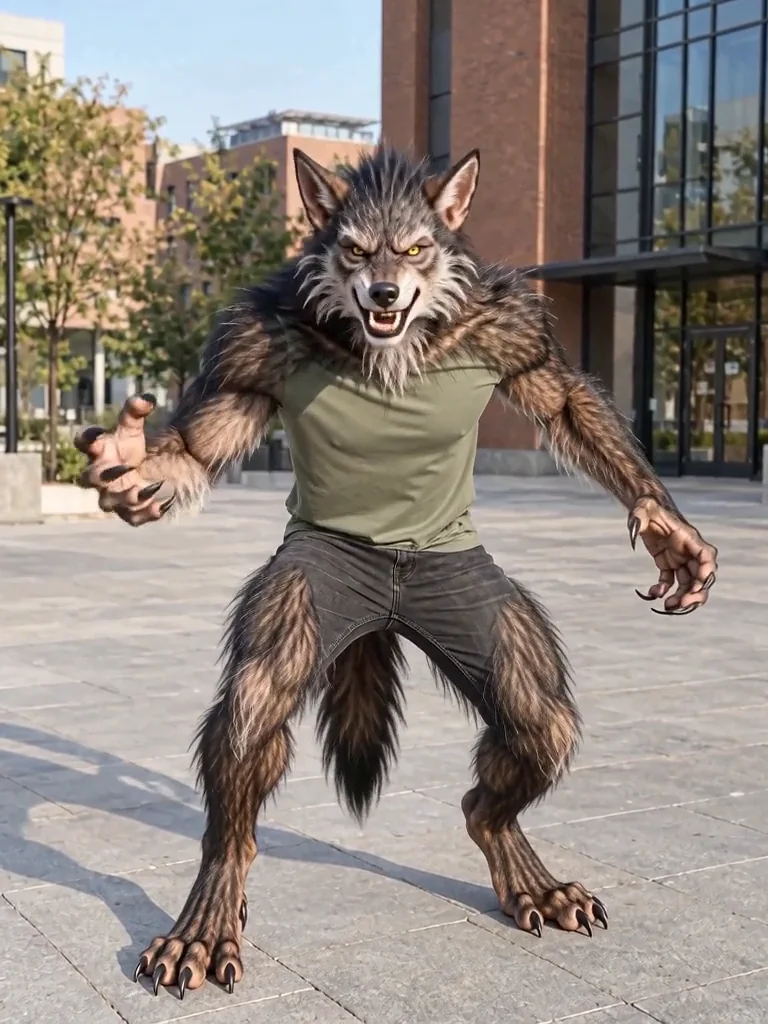
Werewolf transformation
Transform into a full-body werewolf in one quick reveal.
Use a clear adult full-body photo with the feet visible.
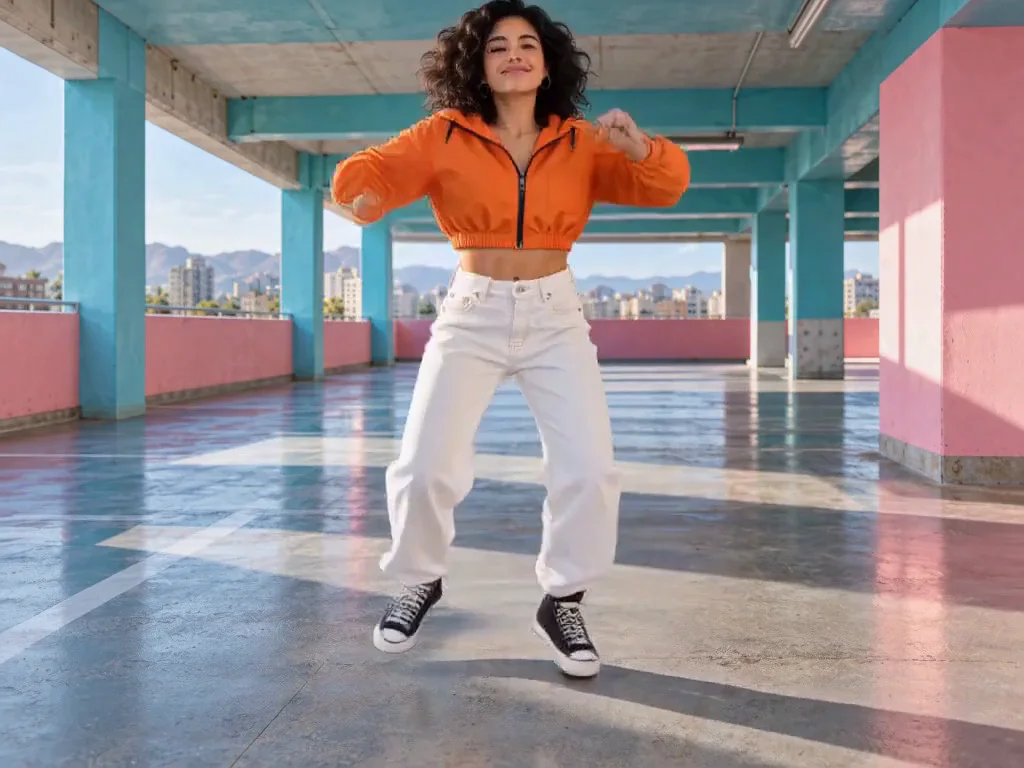
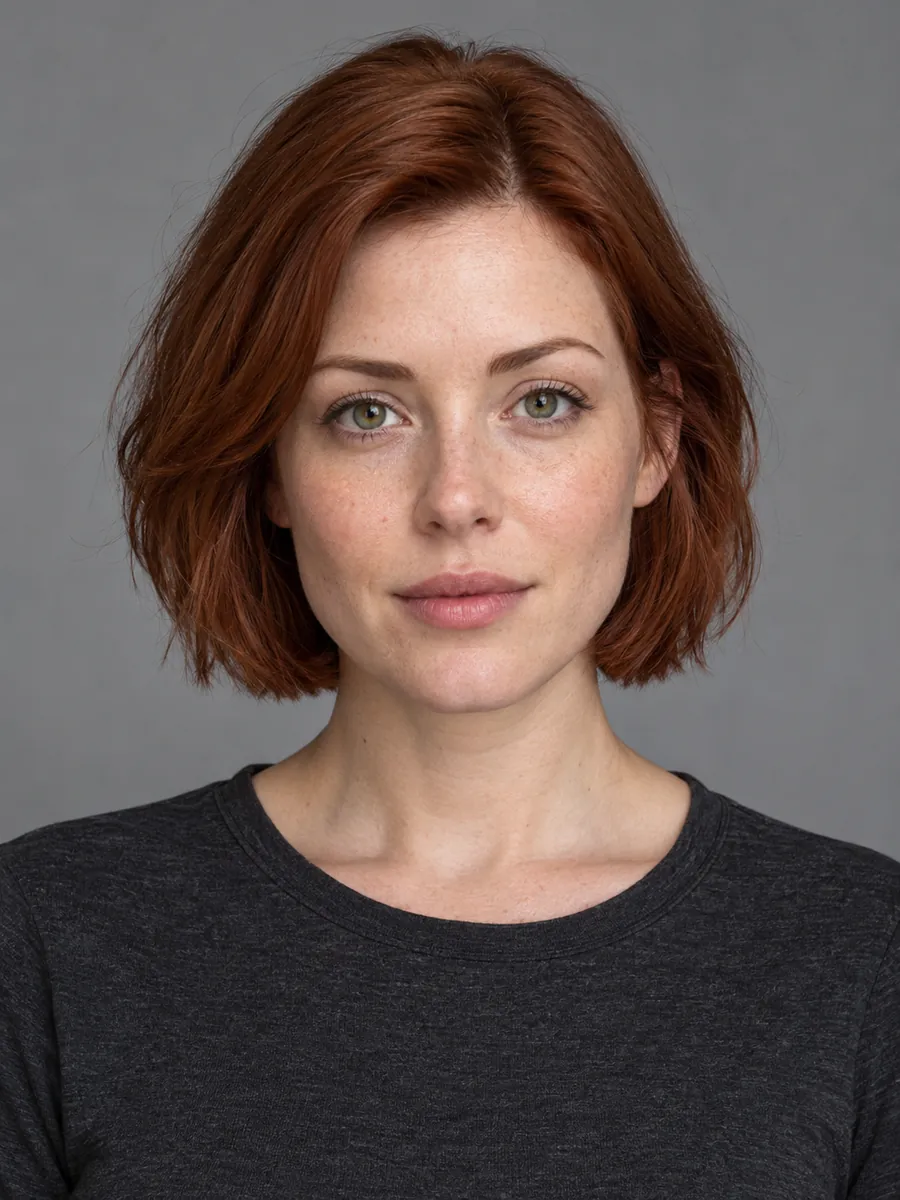 Original photo
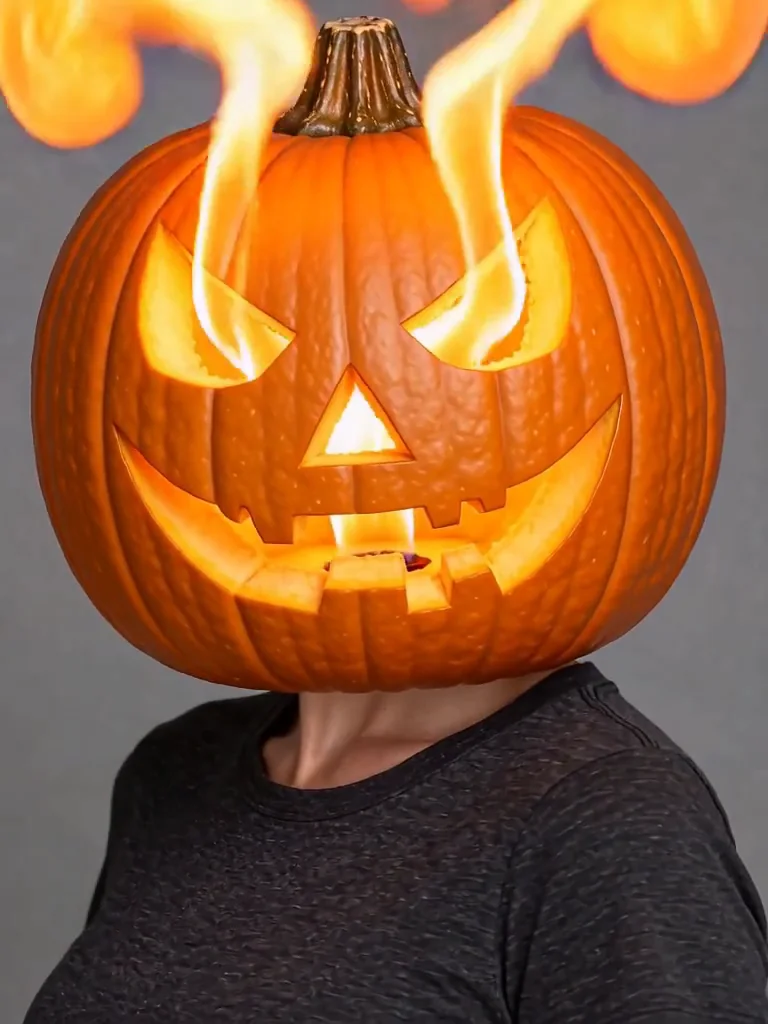
Pumpkin head
Turn your head into a carved pumpkin with a fiery reveal.
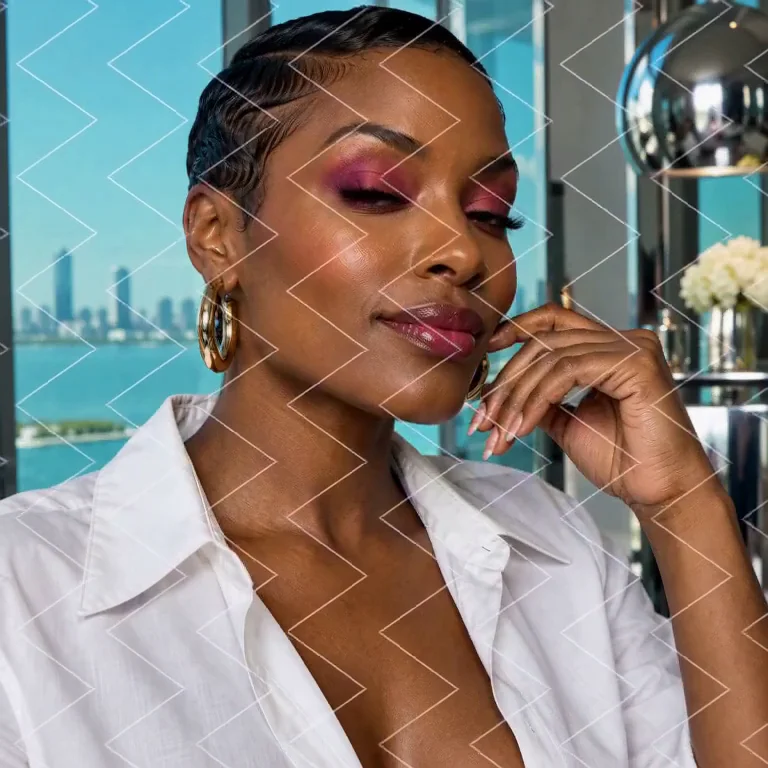
Use a clear adult portrait with the head and shoulders visible.
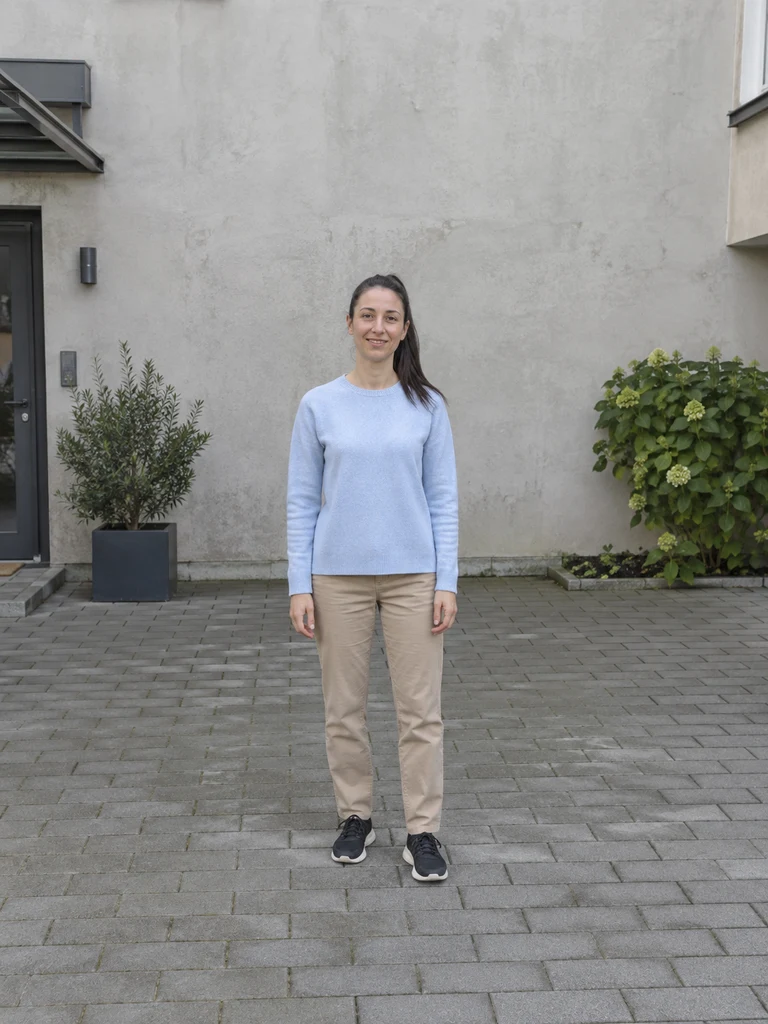 Original photo
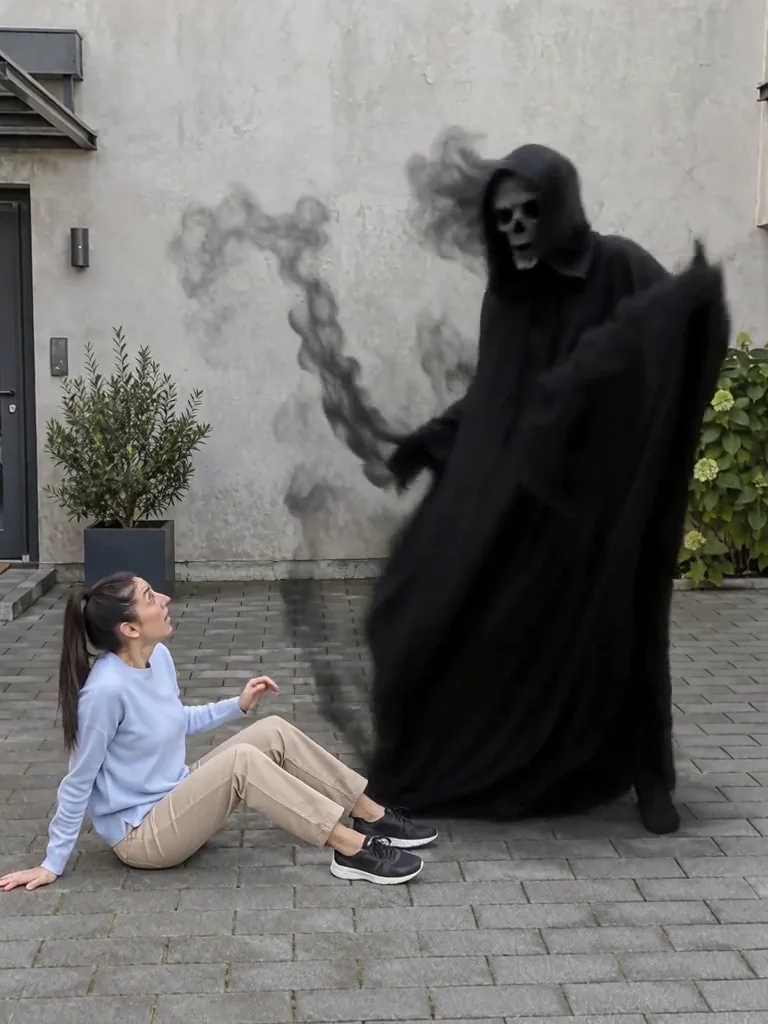
Dancing shadow surprise
A dark ghost appears. You turn, fall back in surprise, and it starts dancing.
Use a full-body adult photo with clear floor space beside the person.
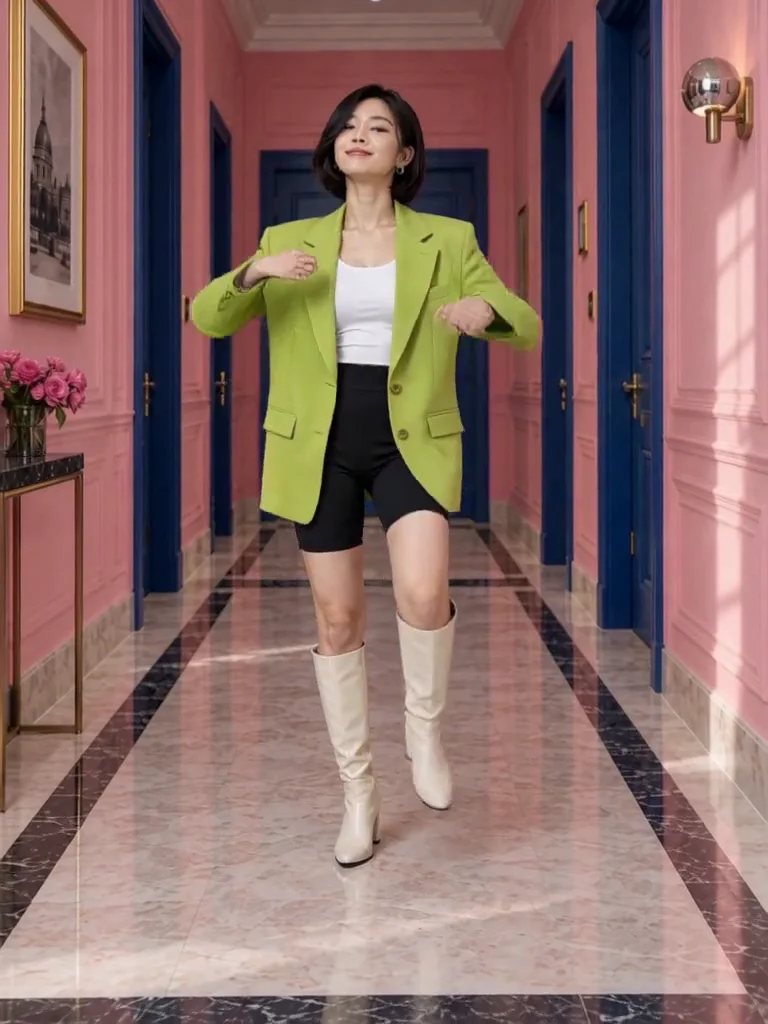
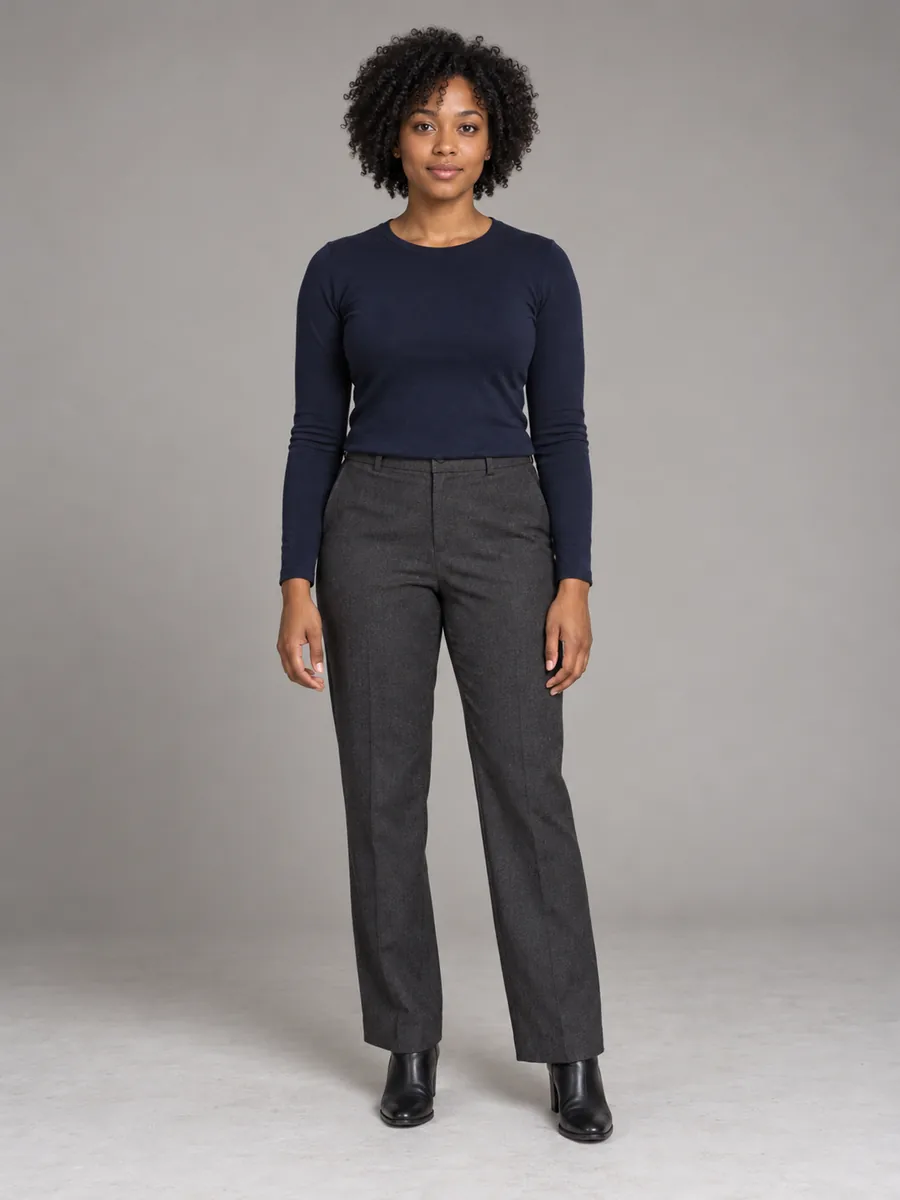 Original photo
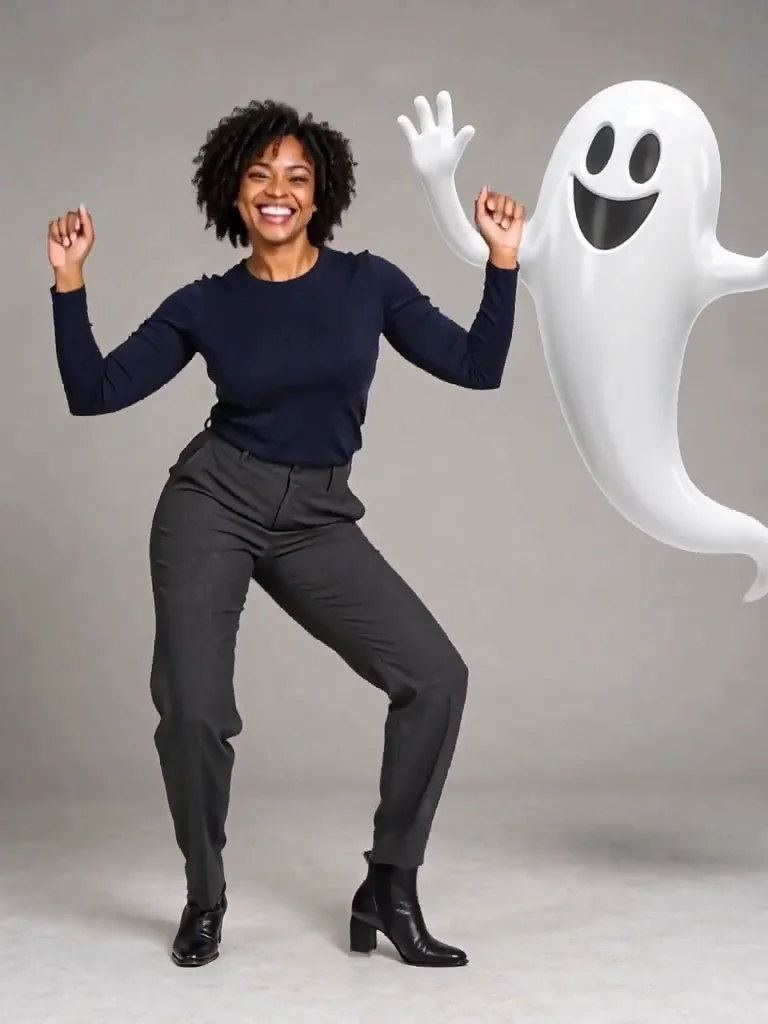
Dance with a ghost
Dance alongside a playful floating ghost with a continuous groove.
Use one adult full-body photo with room for a ghost beside you.
Your idea, in three steps
- 01
Choose a subject
Find a person, pet, group or scene recipe.
- 02
Make the prompt yours
Describe the details to change and the features to preserve.
- 03
Open the right workflow
Copy the prompt or continue in its matching editor.
Try the AI Halloween trend with an everyday photo
Jynno’s Halloween AI Studio combines reference-photo editing, short video effects, a prompt library and a costume planner. Start with an everyday photo; you do not need to be wearing a costume. Try midnight braids, skeleton makeup, a pet outfit or a couple’s look. Copying a prompt or downloading your planning checklist does not submit a generation; image and video requests have their own settings and quotes.
Give your idea a clear starting point
A stronger starting point
- For yourself, use a clear face photo for makeup or an avatar; include your whole body for a full costume.
- For a pet, show the eyes, ears, fur markings and paws clearly in a natural pose.
- For couples or families, use a photo with every face visible, or separate references, and assign each person's costume.
Worth checking first
- Avoid heavy filters, covered faces and tiny subjects that make identity details hard to see.
- Check faces, hands, pet markings and each person's assigned outfit before saving or sharing the result.
Halloween AI Studio FAQ
Which Halloween tool should I start with?
Use costume photos for one person, pet costumes for an animal, couple and family photos for several people, and the photo editor for makeup or background edits.
Which Halloween video can I make from my photo?
Compare werewolf transformation, pumpkin head, dancing shadow surprise and dance with a ghost above. Use an adult full-body photo for the werewolf and ghost effects, with space beside you; pumpkin head needs a clear head-and-shoulders portrait. You can also animate a finished costume photo. Video has its own settings and quote.
Do I have to generate to read the prompts?
No. Read and copy the prompt library or use the local planner without submitting a generation. Paid requests keep their existing access rules.
Create at your own pace
Choose a credit pack for occasional projects, or compare subscriptions for ongoing work. Tool and model access still applies.