


AI Halloween Video Generator
Turn your photo into a werewolf, pumpkin head, dancing shadow surprise or ghost dance. Compare original photos and complete Halloween video effects before you create.
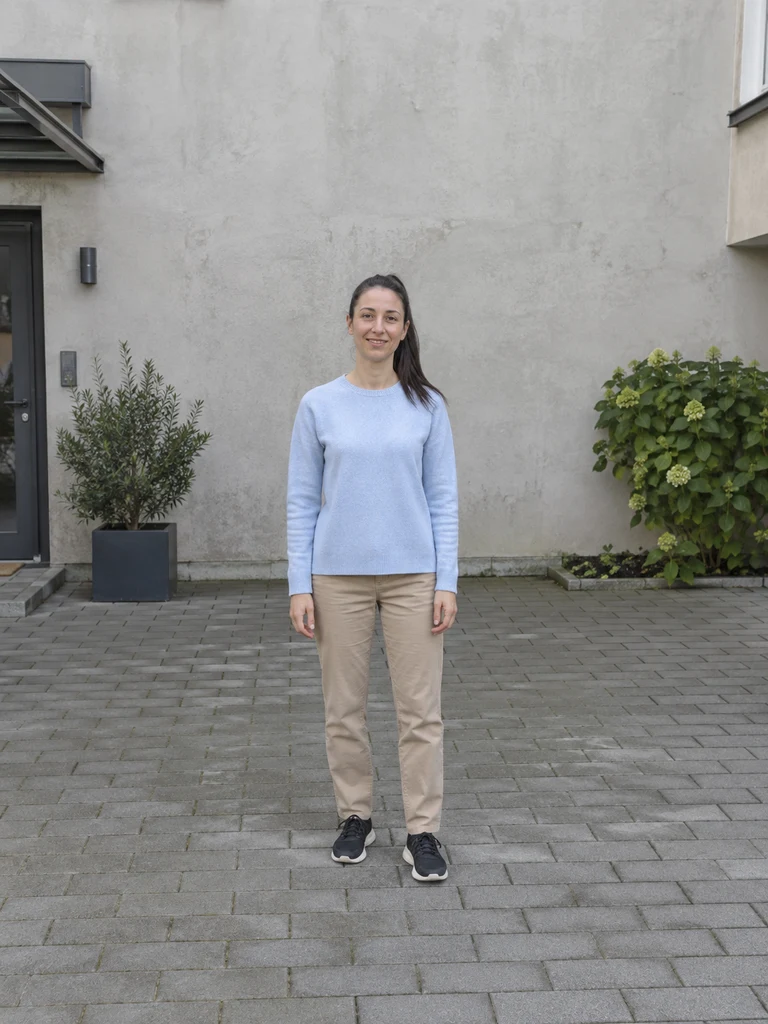 Original photo
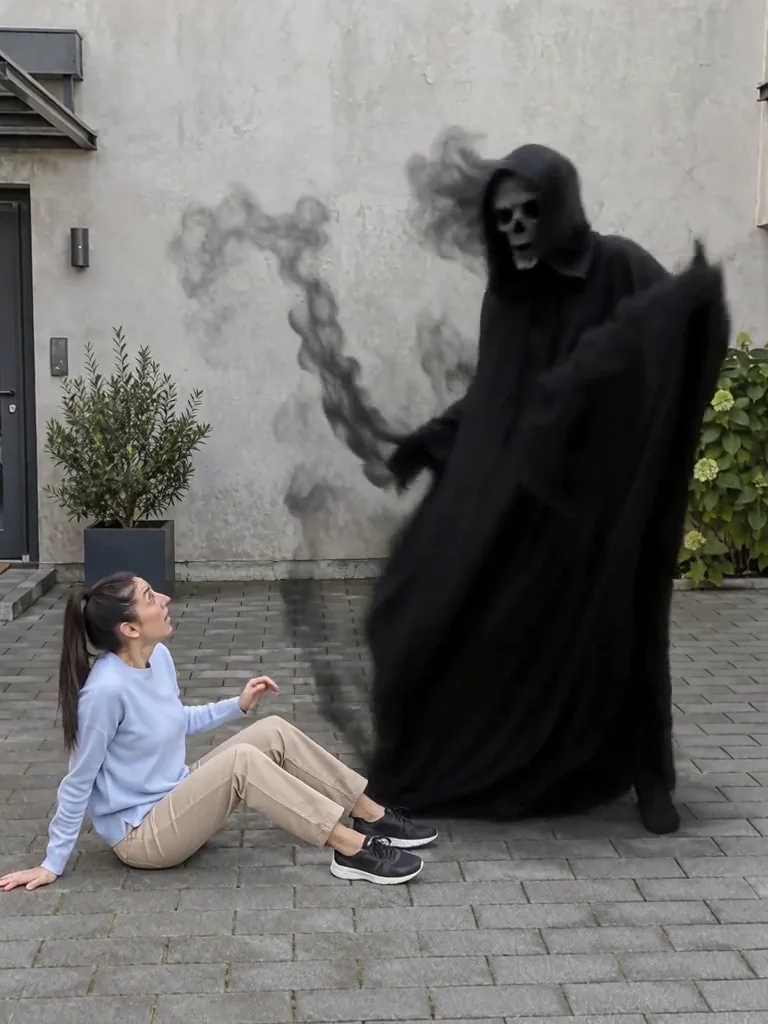
Choose the credits you need
One-time purchase. Credits are valid for 365 days.
Bonus credits cannot be used for effects. The final credit quote appears before generation; applicable taxes are additional.
Four Halloween effects starring you
Compare each original photo with the complete video, then choose your effect.
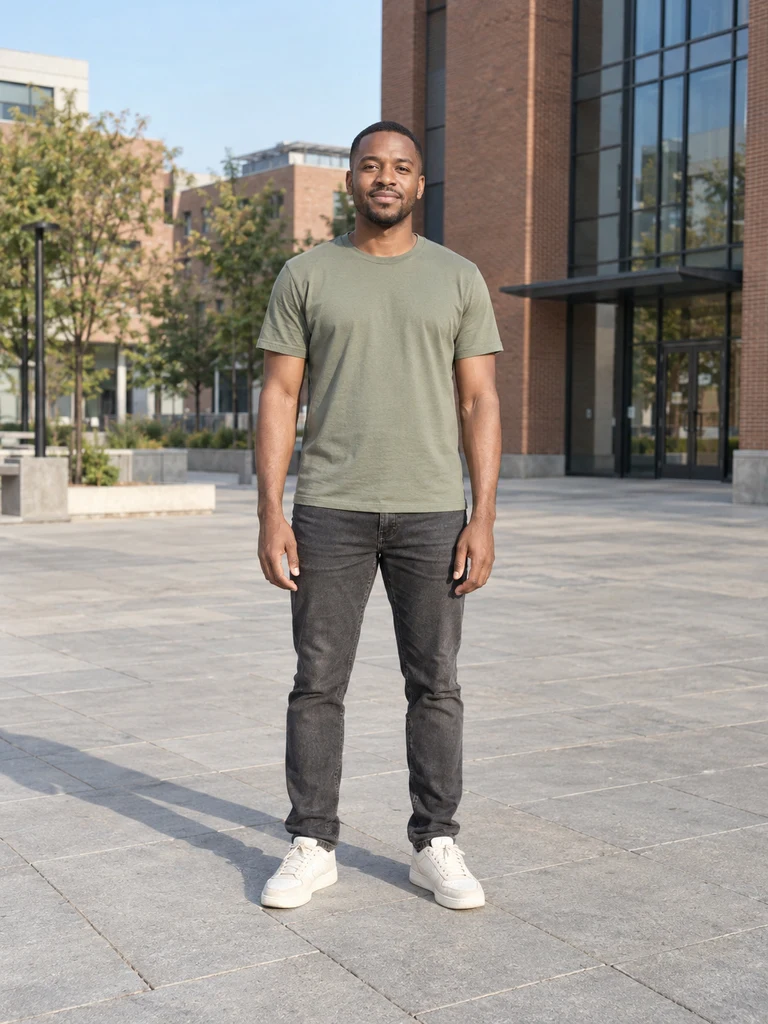 Original photo
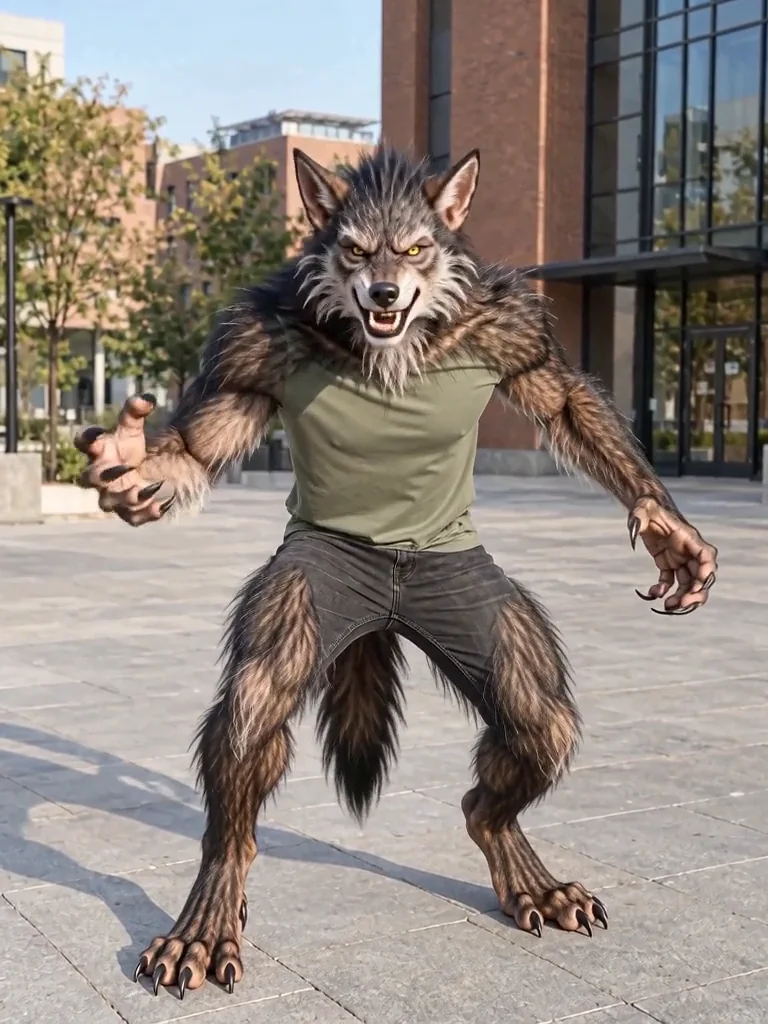
Werewolf transformation
Transform into a full-body werewolf in one quick reveal.
Use a clear adult full-body photo with the feet visible.
 Original photo
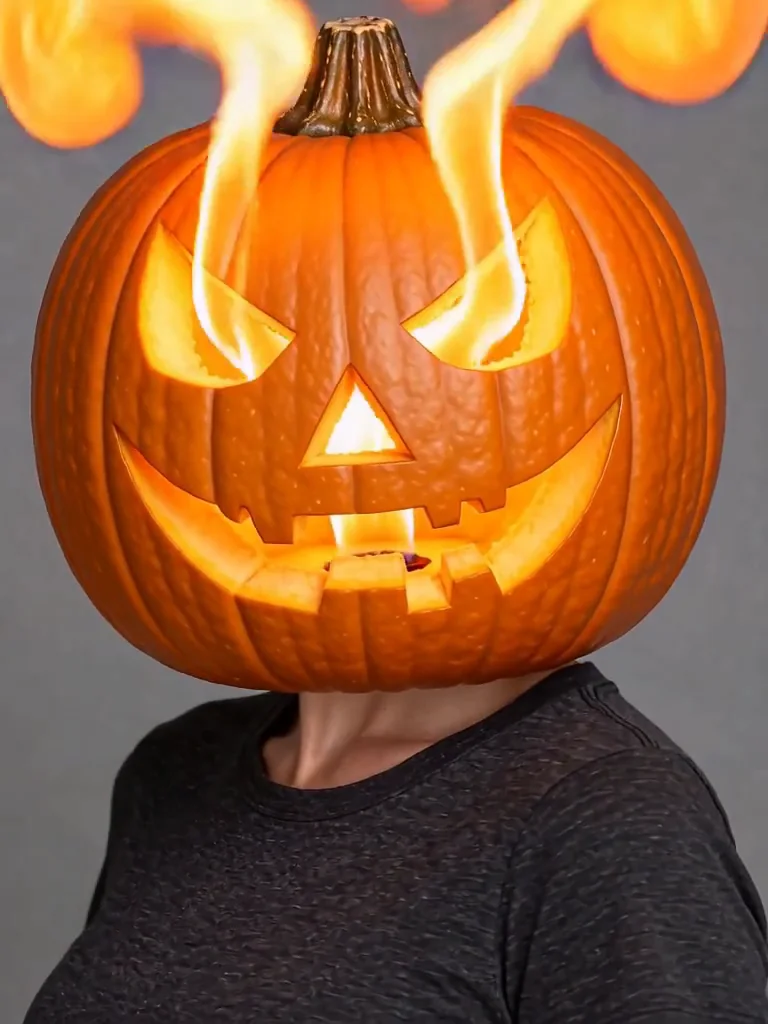
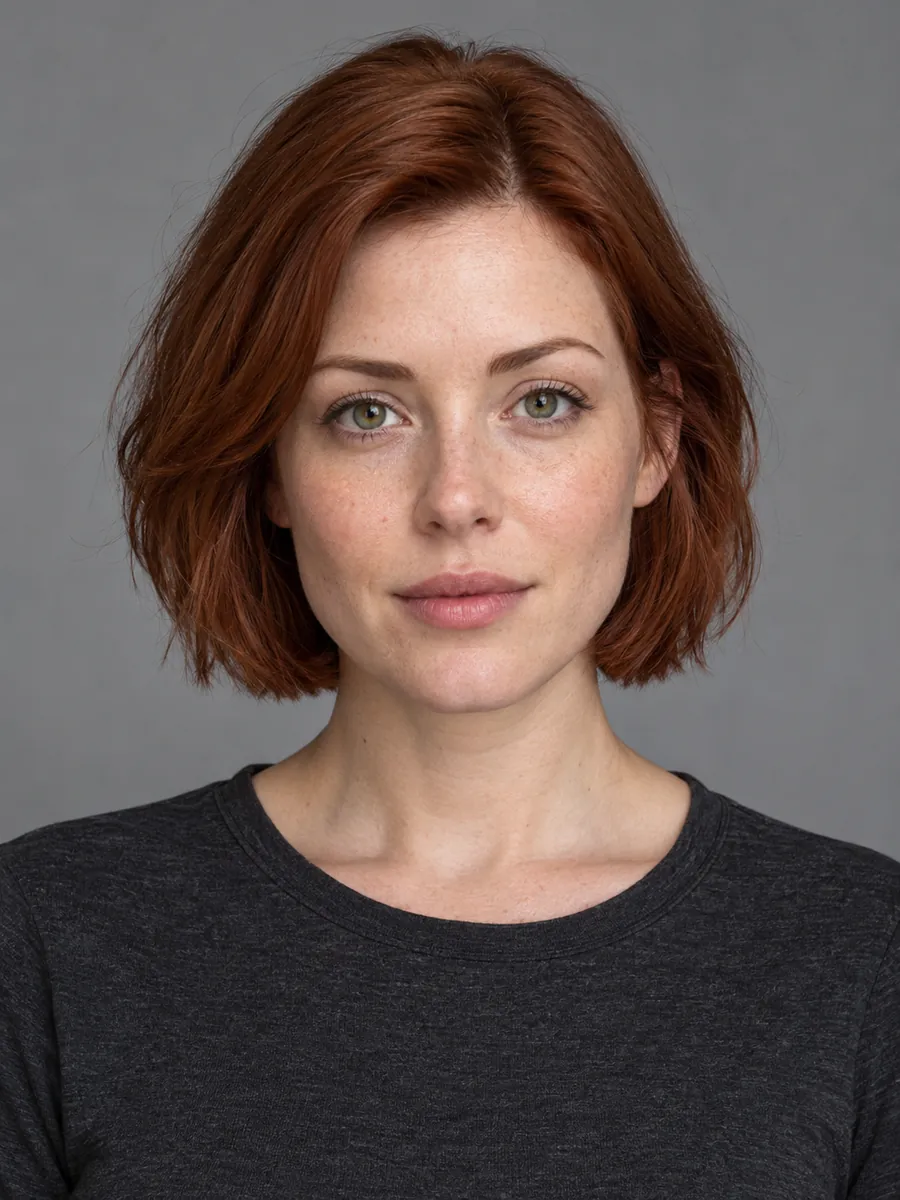
Pumpkin head
Turn your head into a carved pumpkin with a fiery reveal.
Use a clear adult portrait with the head and shoulders visible.
Original photoDancing shadow surprise
A dark ghost appears. You turn, fall back in surprise, and it starts dancing.
Use a full-body adult photo with clear floor space beside the person.
 Original photo
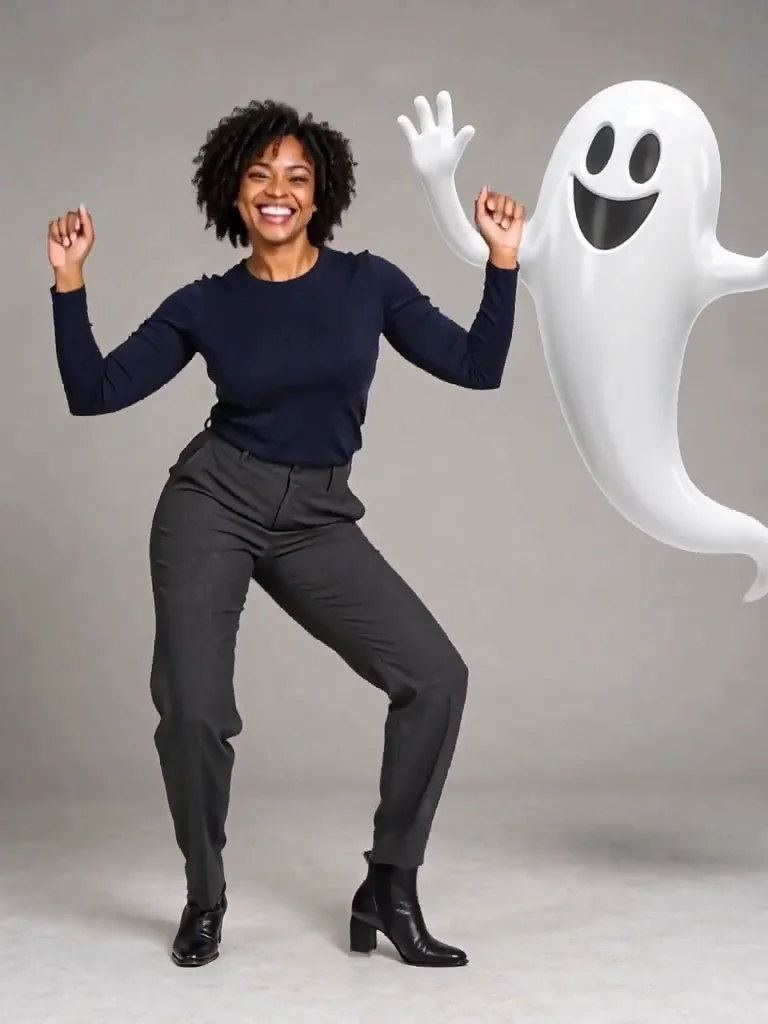
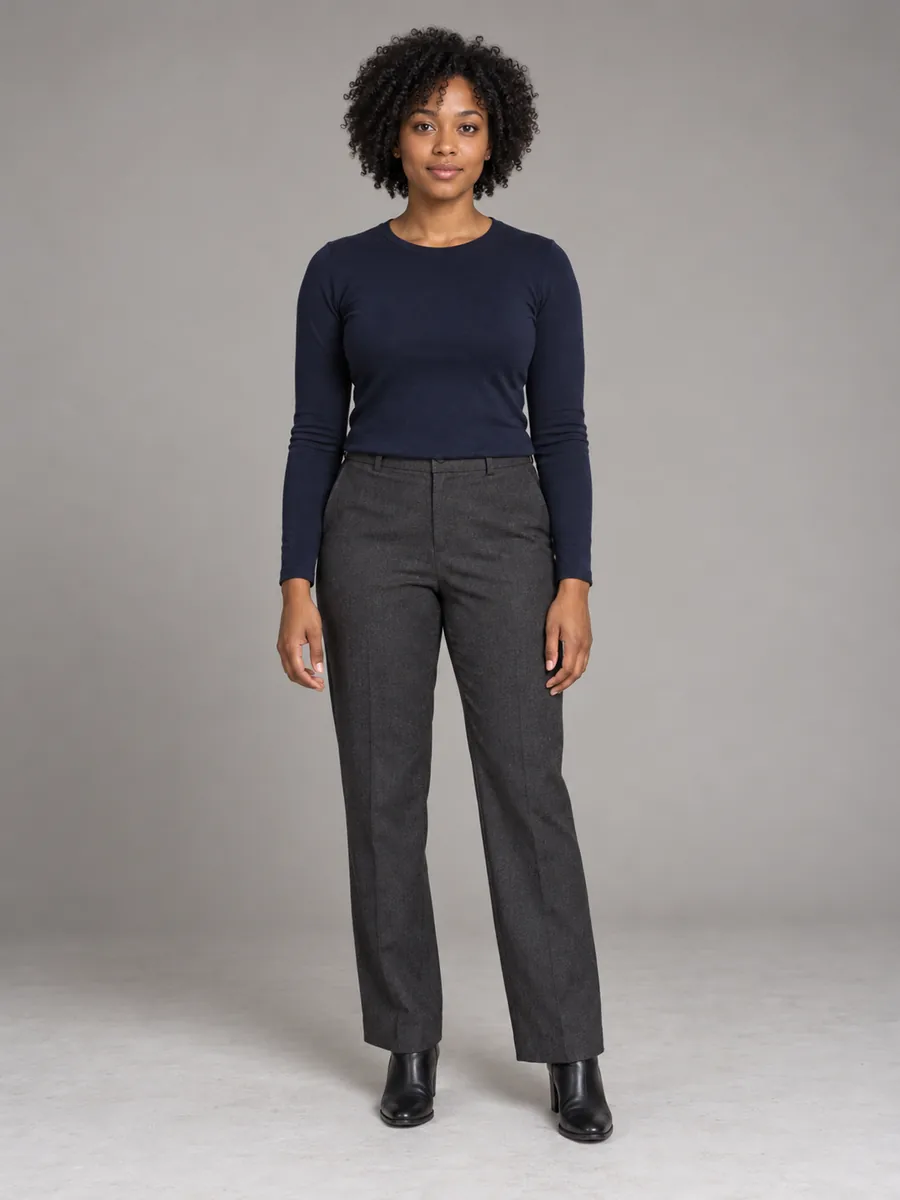
Dance with a ghost
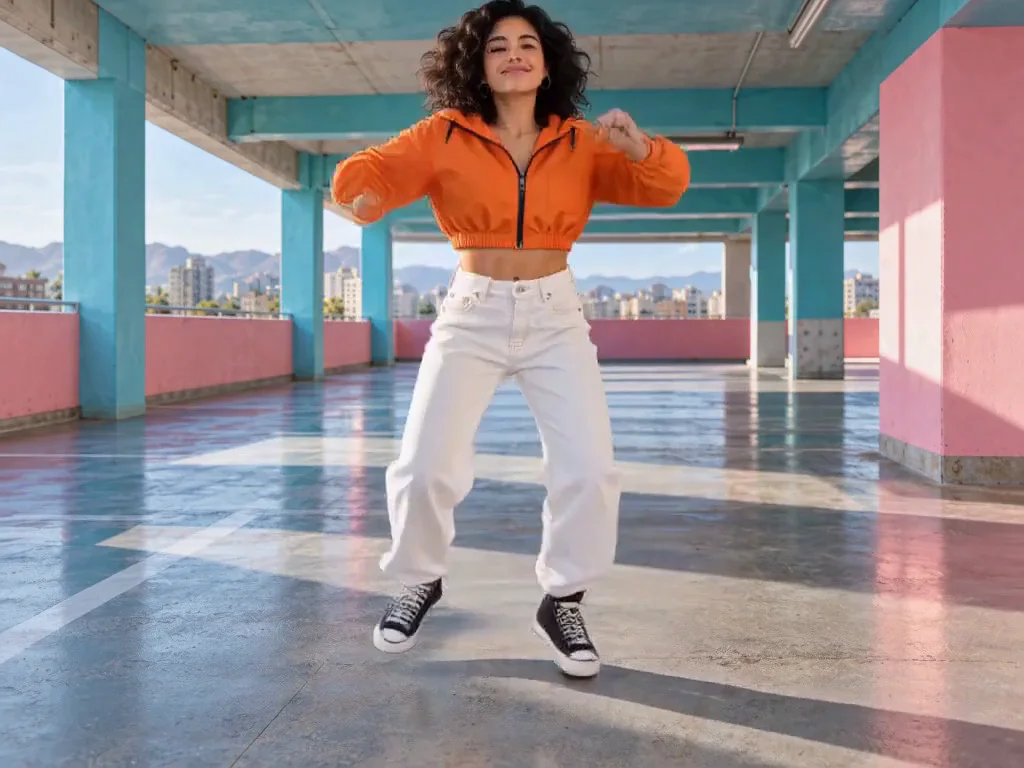
Dance alongside a playful floating ghost with a continuous groove.
Use one adult full-body photo with room for a ghost beside you.
See the effect with different photos.
A park photo becomes a werewolf
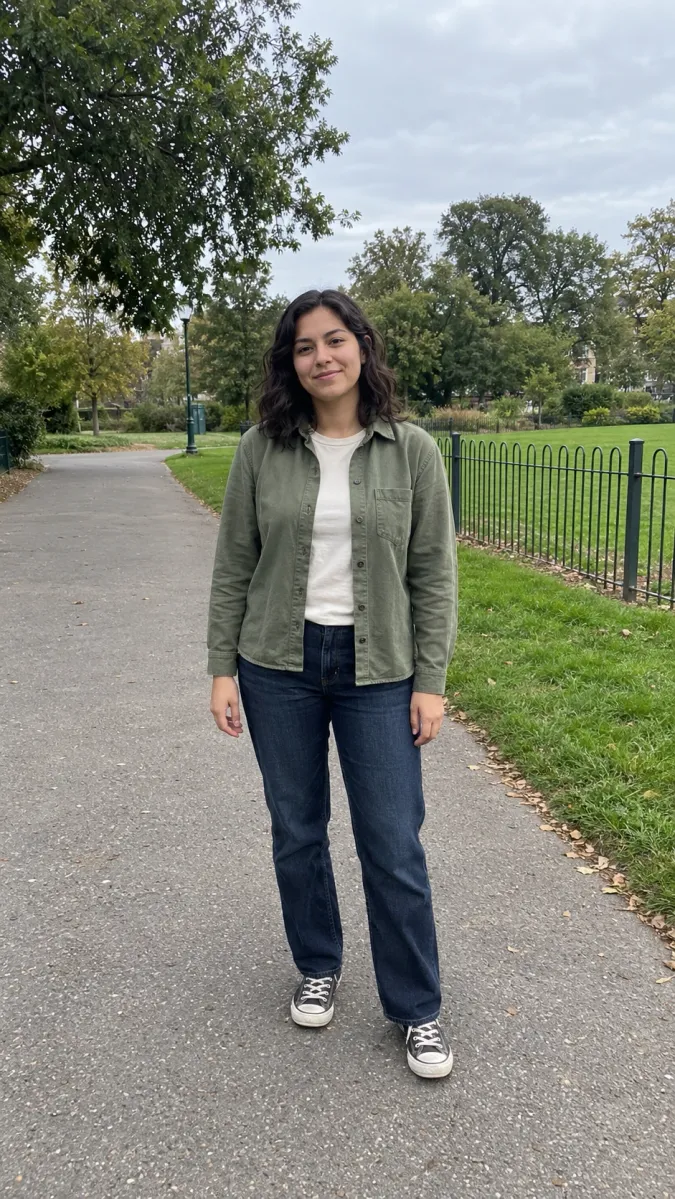
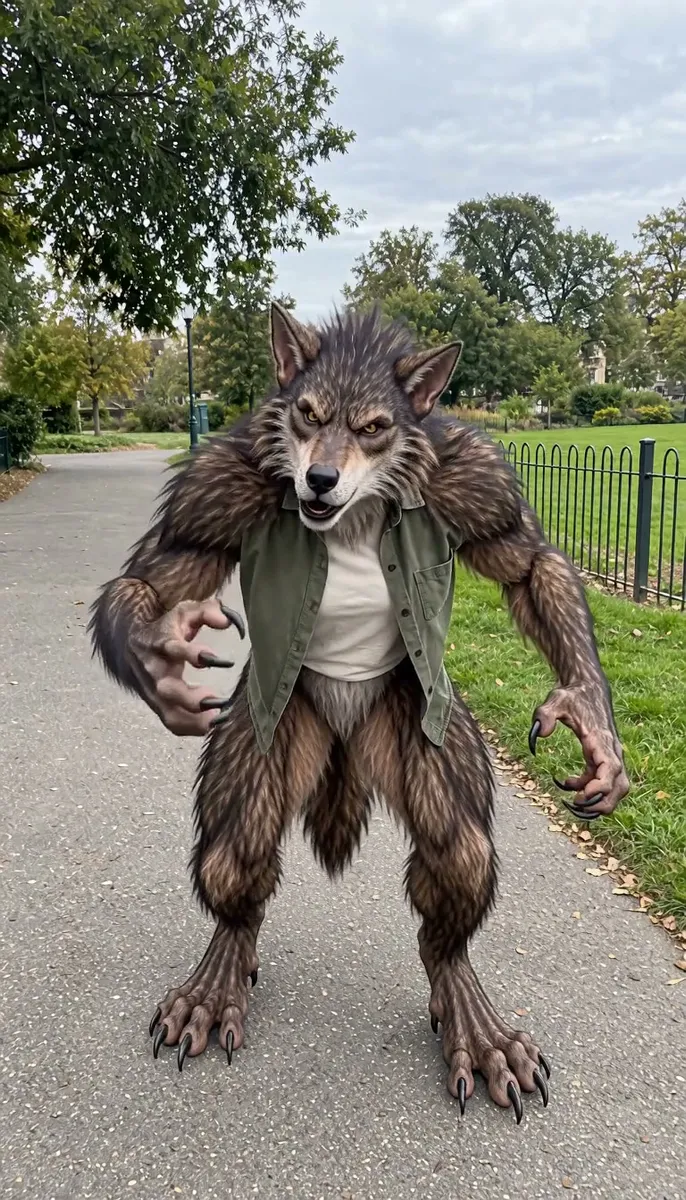
A casual park portrait becomes a crouching, full-body werewolf with a short claw gesture.
A backyard werewolf transformation
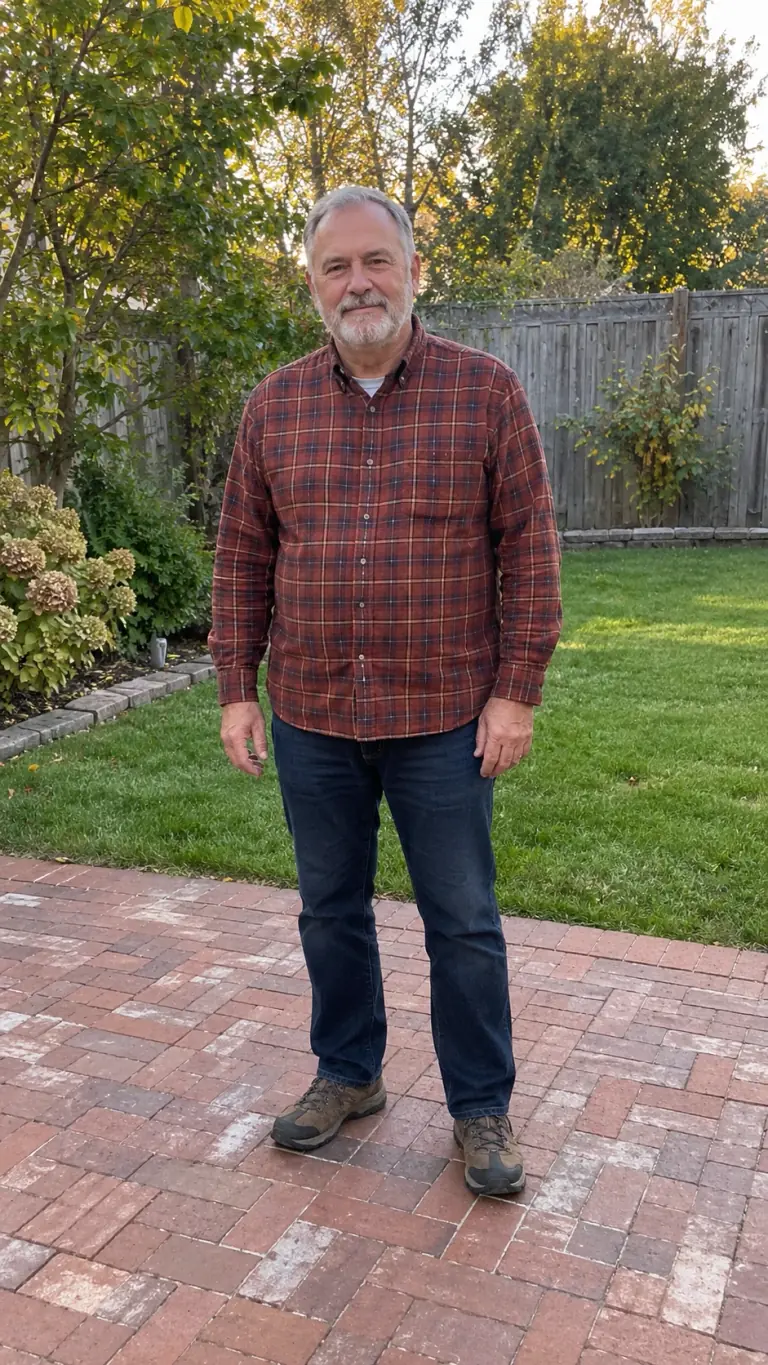
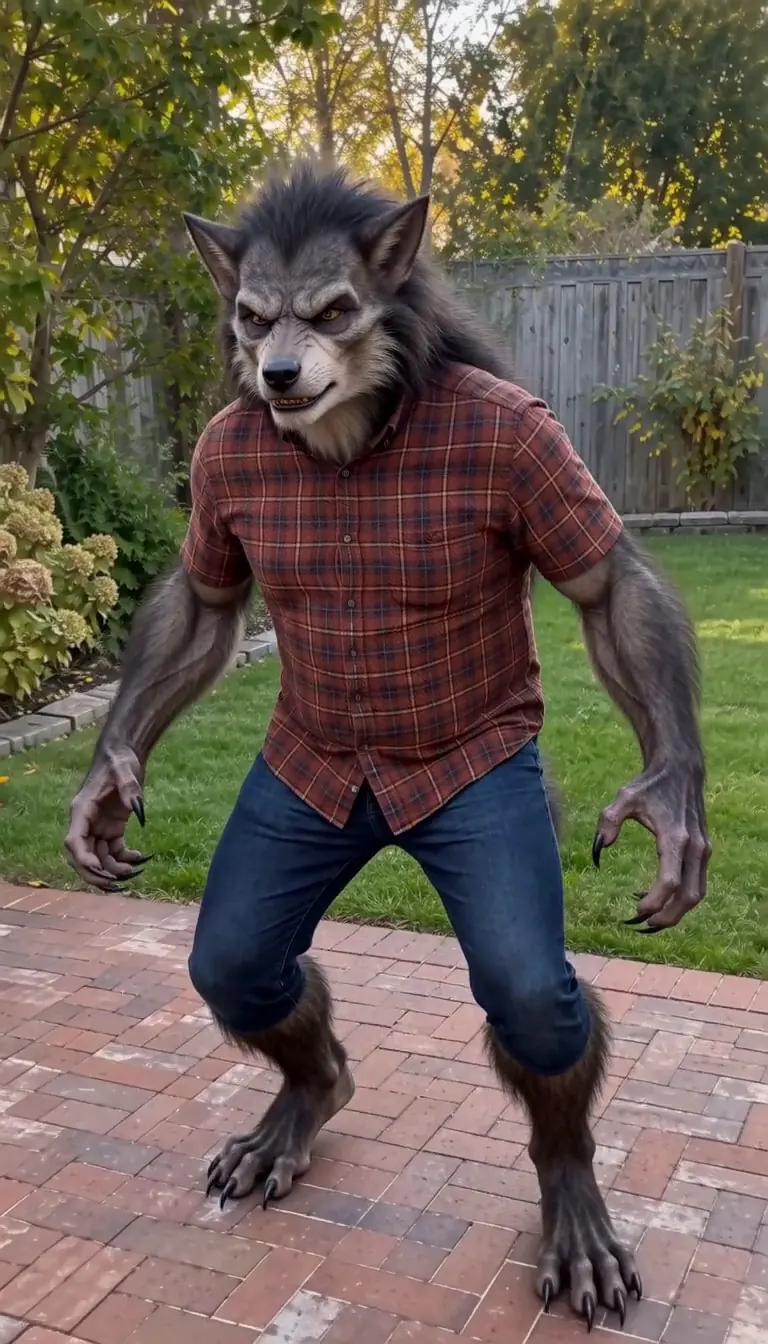
A backyard portrait becomes a crouching werewolf, with the shirt and jeans still visible.
A pumpkin head at home
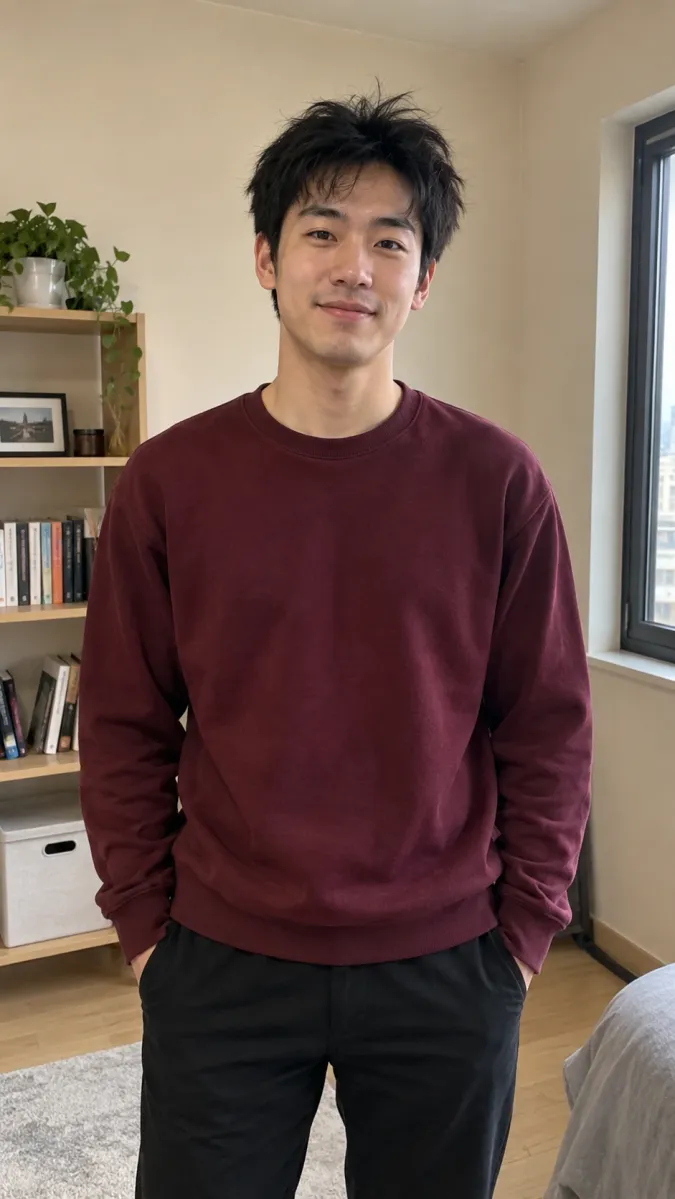
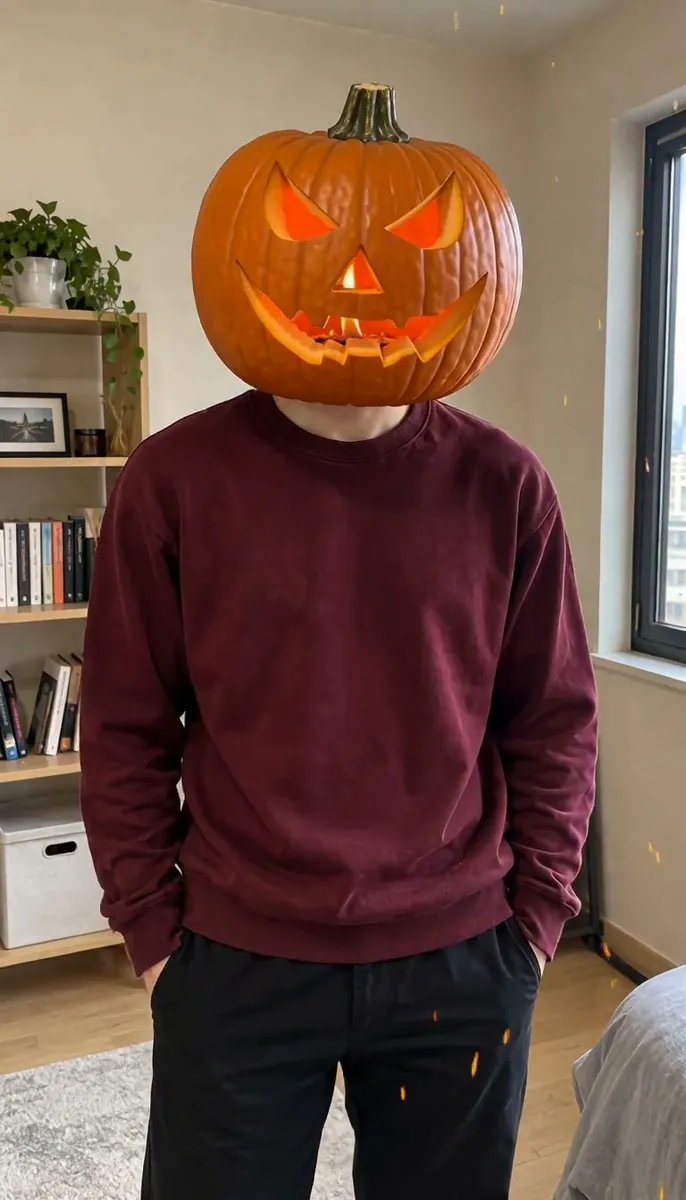
A home portrait changes into a carved pumpkin head, followed by a sharp turn and a burst of fire.
A porch portrait with pumpkin fire
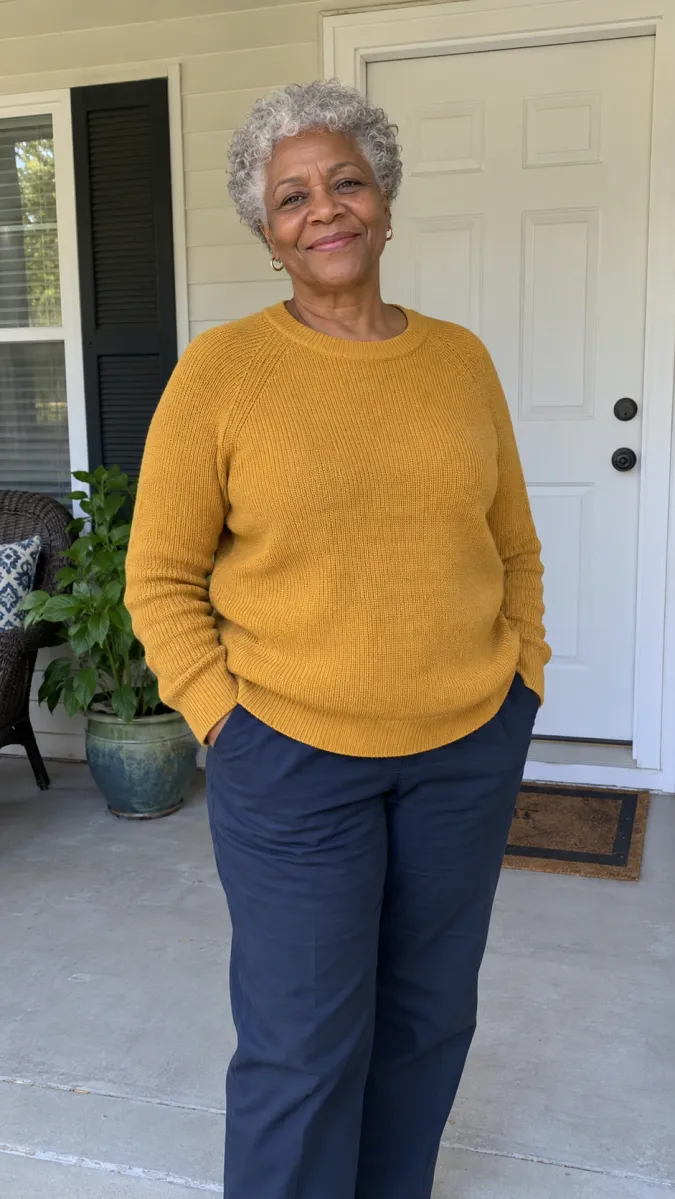
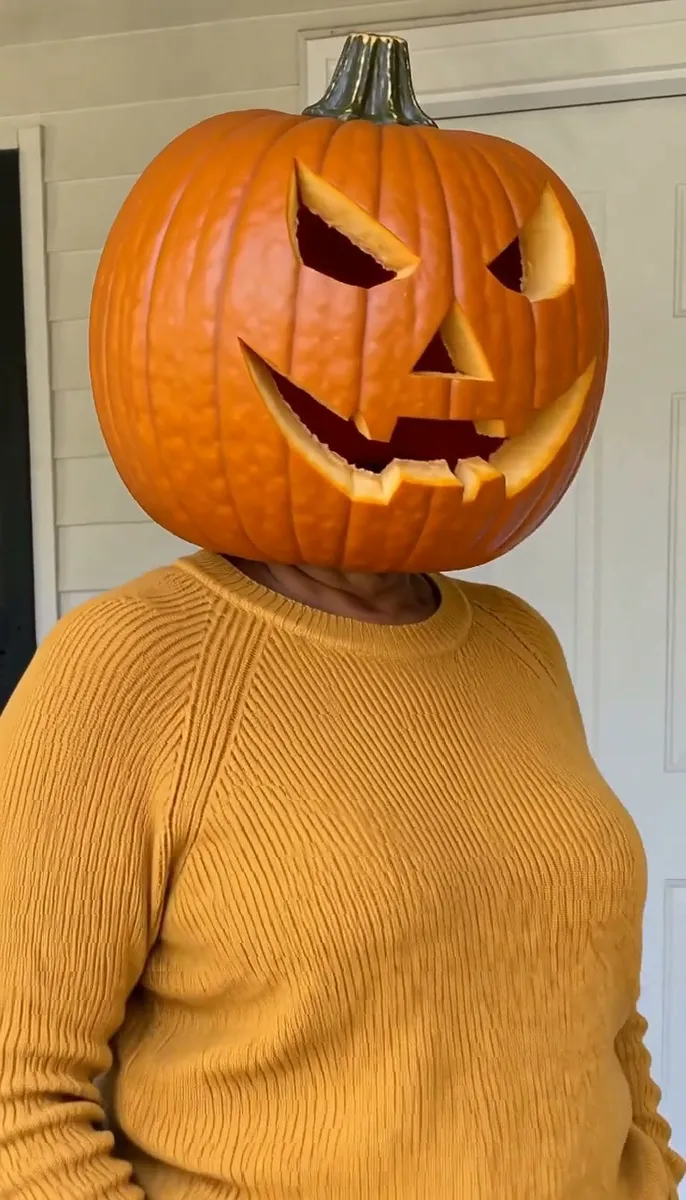
A silver-haired porch portrait becomes a glowing pumpkin head with a fiery final accent.
A ghost surprise in the living room
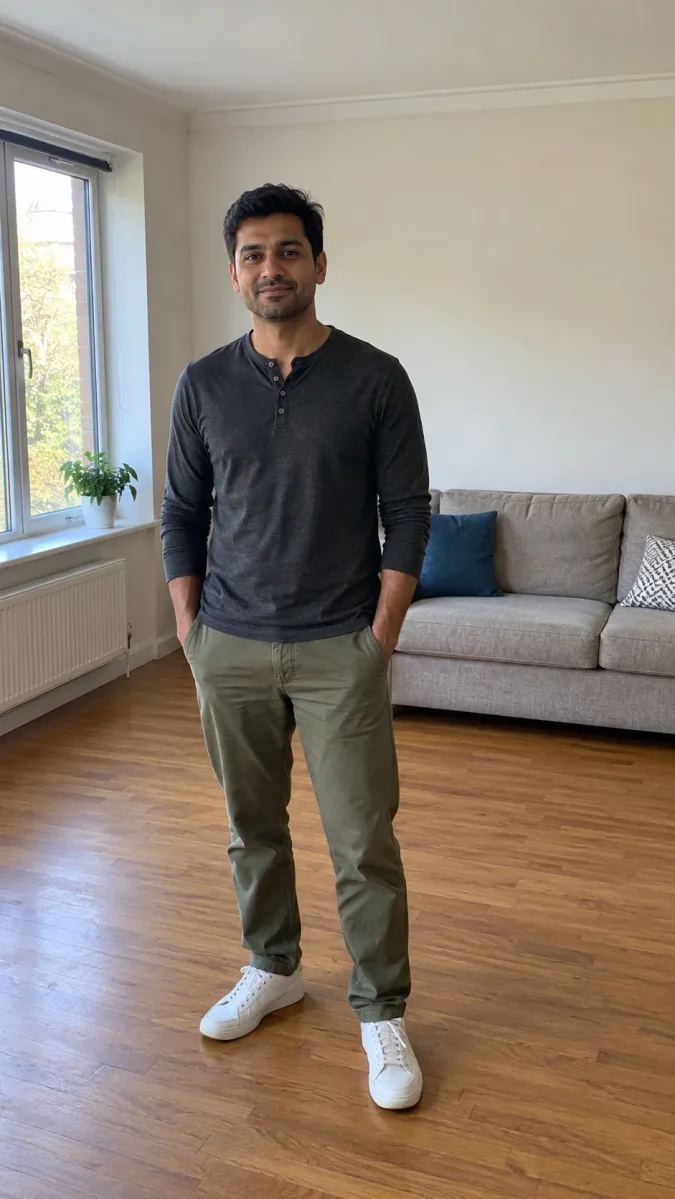
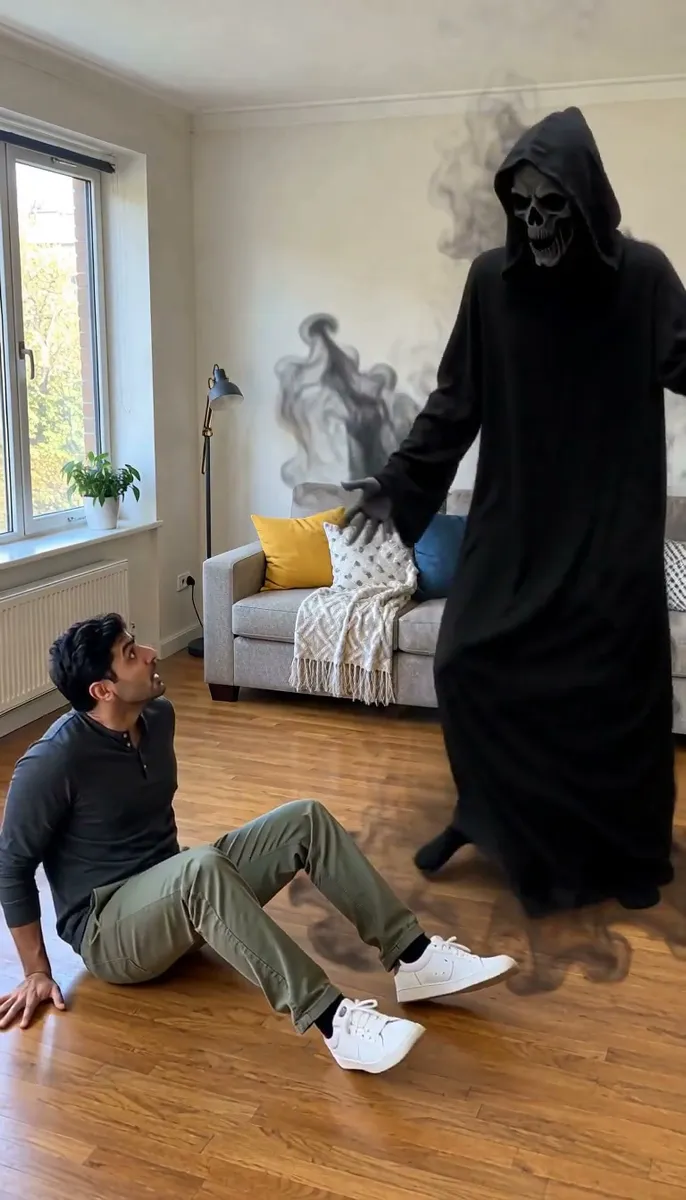
Black mist appears behind the person. They turn and fall back, then watch the ghost swing its arms.
A courtyard ghost surprise
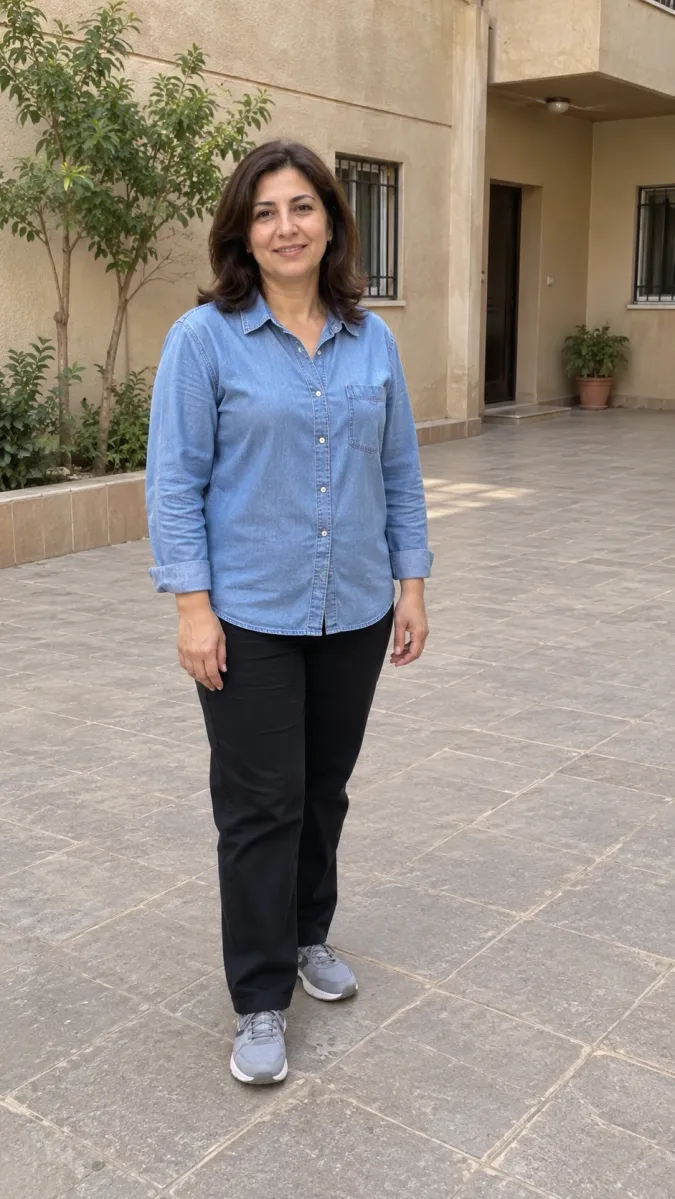
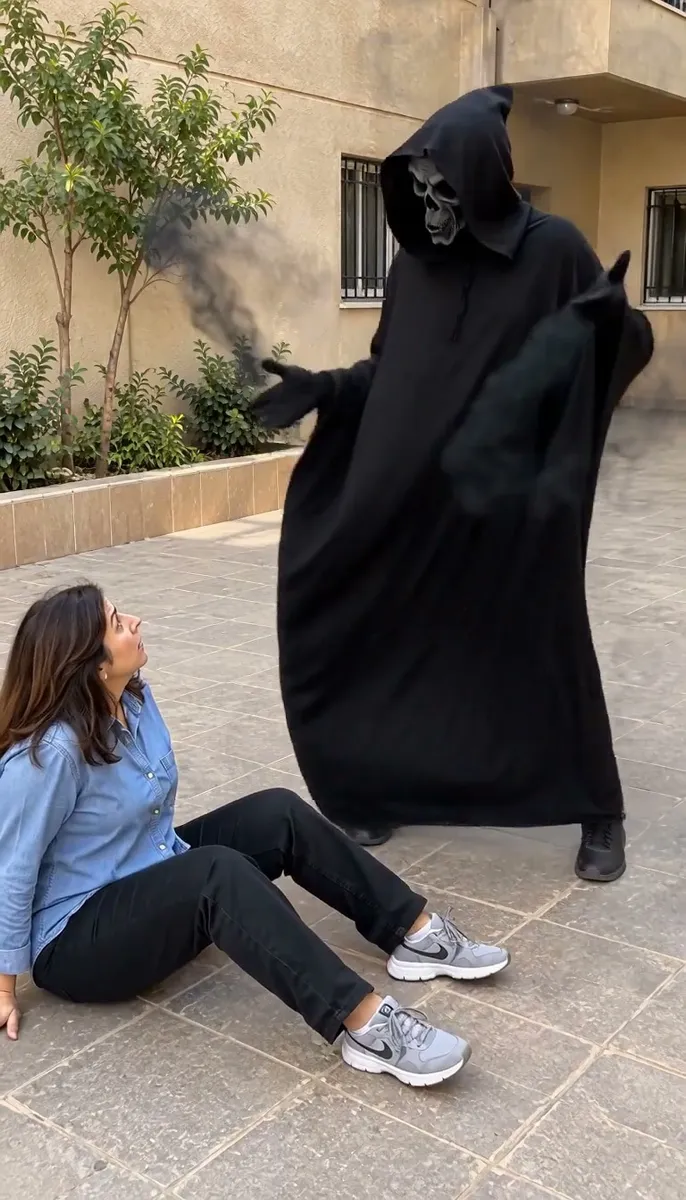
An ordinary courtyard photo becomes a startled tumble and an unexpected dancing ghost.
Dance with a ghost at home
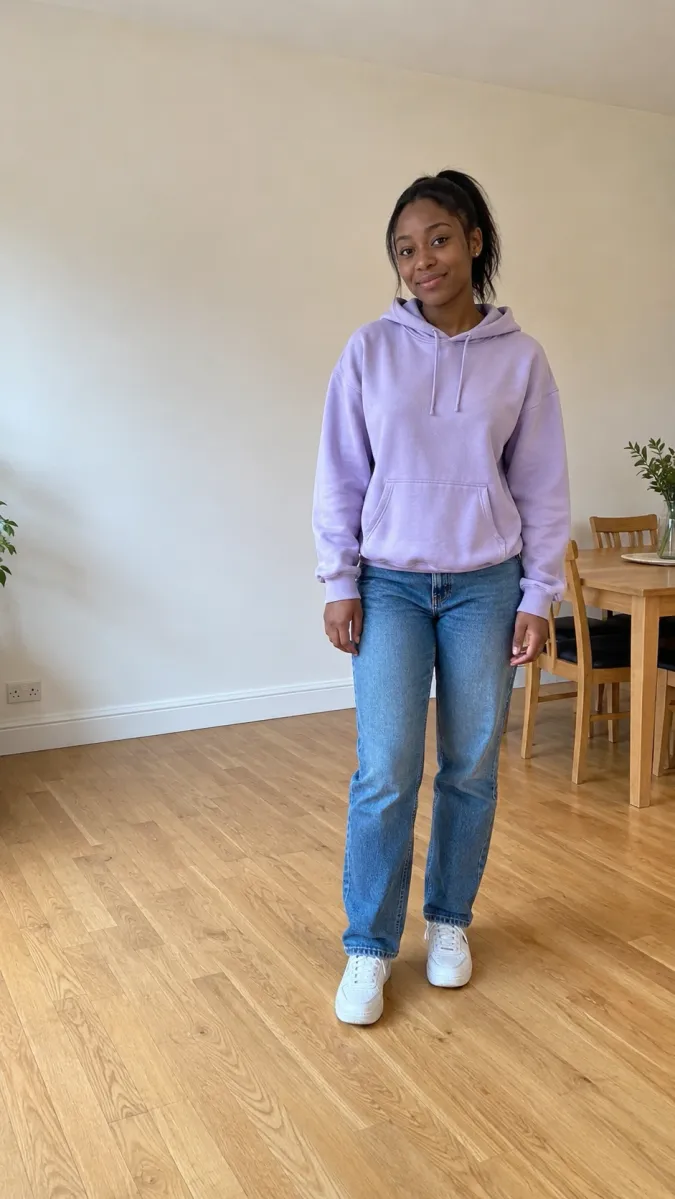
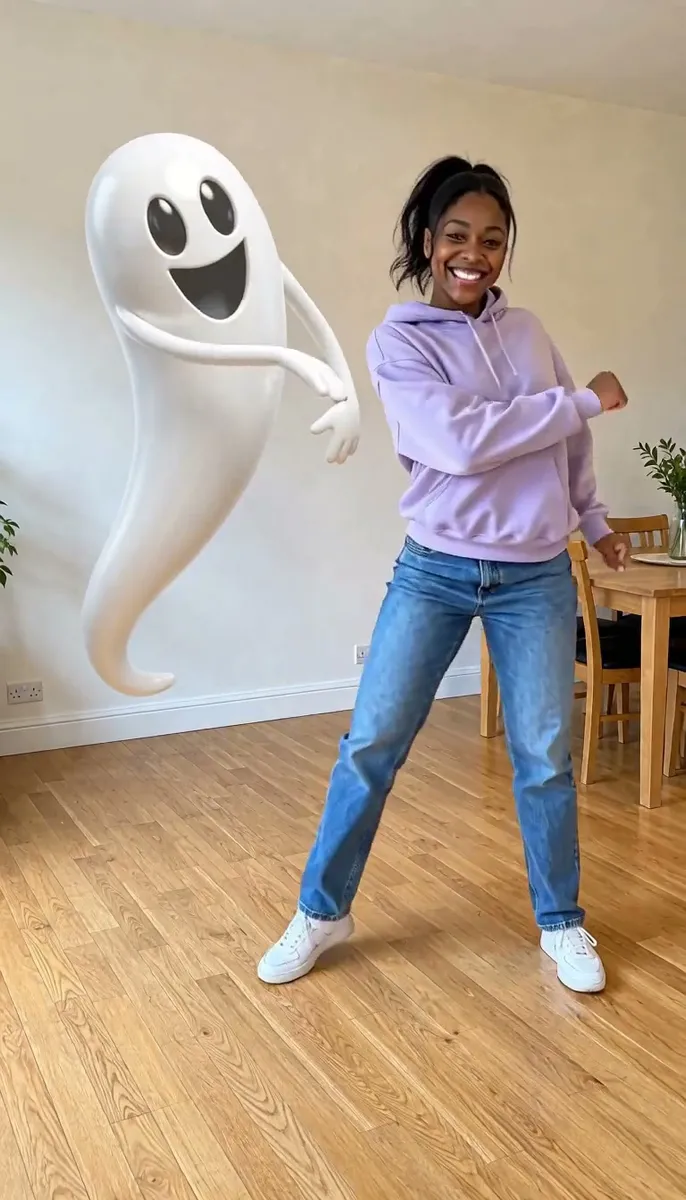
A casual hoodie photo becomes a continuous groove with a floating ghost matching the arm swings and bounces.
A patio dance with a ghost
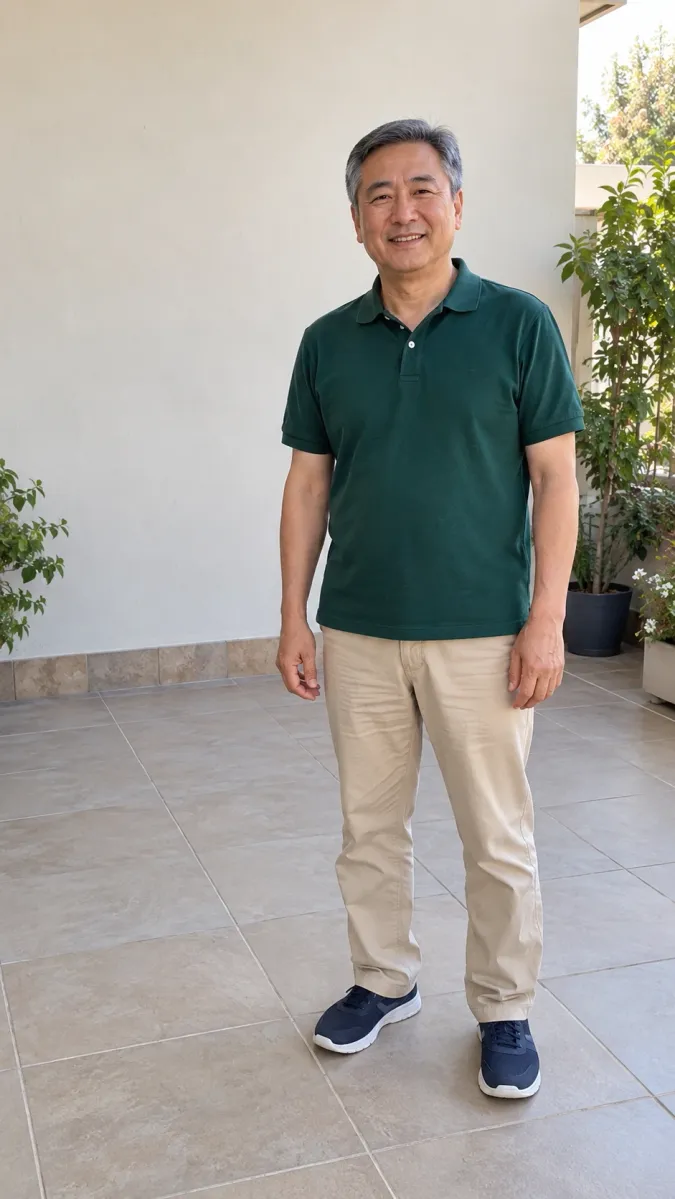
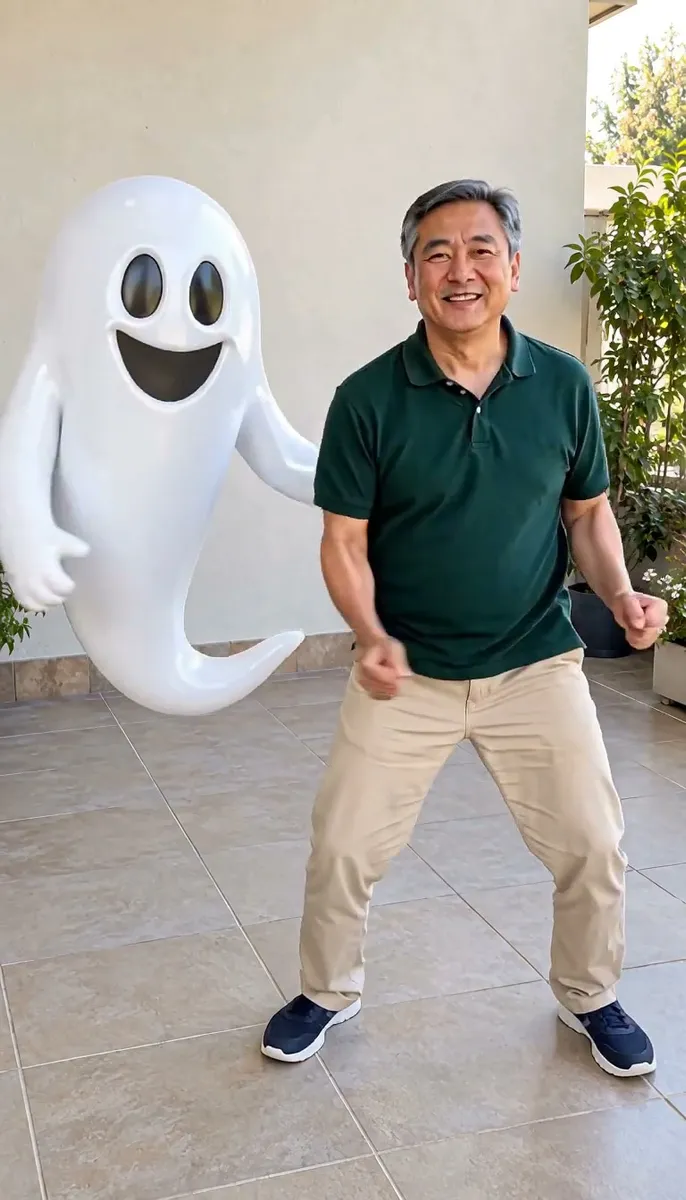
A relaxed patio photo becomes a dance duet with repeated arm sweeps, side steps and bouncing replies.
Want a costume reveal?
Create your costume photo first. Once you like the face and outfit, choose Animate this look on the result to carry the image and motion prompt into the video creator.
Your idea, in three steps
- 01
Choose clear references
Keep the subject visible and follow the photo guide below.
- 02
Choose your effect
Compare the example, choose an effect and check the photo requirements.
- 03
Review and create
Check the quoted credits, generate, then inspect your result before saving.
A Halloween moment starring you
Jynno’s Halloween video generator creates short photo-based clips. Choose werewolf transformation, pumpkin head, dancing shadow surprise or dance with a ghost, then match the example’s input framing. These effects start from an everyday adult photo. To keep a costume you already made, use Animate this look from its reviewed image instead. Each video request has its own supported settings and quote; inspect identity, motion and framing in the returned clip.
Give your idea a clear starting point
A stronger starting point
- Use one clear adult photo. Show the full body and ground for the werewolf and ghost effects.
- Keep space beside the subject for the ghost and room to sit on the ground for the dancing shadow surprise.
Worth checking first
- A tight face crop when the effect needs the whole body.
- Expecting the look-animation step to invent a new costume.
AI Halloween Video Generator FAQ
Which Halloween video can I make from an everyday photo?
Choose werewolf transformation, pumpkin head, dancing shadow surprise or dance with a ghost. Each example pairs the actual input photo and video. Full-body effects need the feet and ground visible; a pumpkin head can use a closer portrait.
How do I animate my own Halloween costume photo?
Create and review the photo, then choose Animate this look on its result. The complete image and an editable motion prompt carry into the video creator. Select settings and confirm the separate video quote before generating.
Can the video animation change an ordinary selfie into a costume?
The look-animation step keeps the outfit already in the image. Use the costume photo tool first if you want to change clothes. Face detail and motion still need review in the generated result.
How long are the Halloween effects?
Werewolf, pumpkin head and dancing shadow surprise request 5 seconds; dance with a ghost requests 8 seconds. Actual output duration can vary slightly: these examples are about 5.18 and 8 seconds. Confirm the current quote before generating.
More Jynno effects
View all effects →
Create at your own pace
Choose a credit pack for occasional projects, or compare subscriptions for ongoing work. Tool and model access still applies.
Explore more with Jynno
From photo edits to video effects. Find your next creative move.
Photo editing
Jynno Image Edit
Video restyling
Jynno Restyle
Watermark removal
Jynno Erase
Video clothing & color editing
Jynno Video Edit

Magic Eraser
Jynno Erase
Image background removal
Jynno Cutout
Transparent PNG
Jynno Cutout
Image Upscaler
Jynno Upscale

Video Effects
Jynno Effects
Image to Prompt
Jynno Vision
Video Upscaler
Jynno Upscale
Video background removal
Jynno Cutout