• Workspace
Creation
  • AI Video
  • AI Image
Features
  • AI Video Effects
  • Text to Video
  • Image to Video
  • Reference to Video
  • AI Video Editor
  • Mimic Motion
  • Video to Video AI
  • Video Upscaler
  • Face Swap Video
  • Video Background Remover
  • AI Video Extender
  • Text to Image
  • Image to Image
  • Image to Prompt
  • PNG Maker
  • Pricing
Jynno

Image Upscaler

Choose a 2K or 4K output and inspect the details that matter.

Jynno Upscale

No model is currently available for this feature.

Create an image

Choose 2K or 4K. Exact pixel dimensions are shown before generation and must be larger than the source.

Example comparison
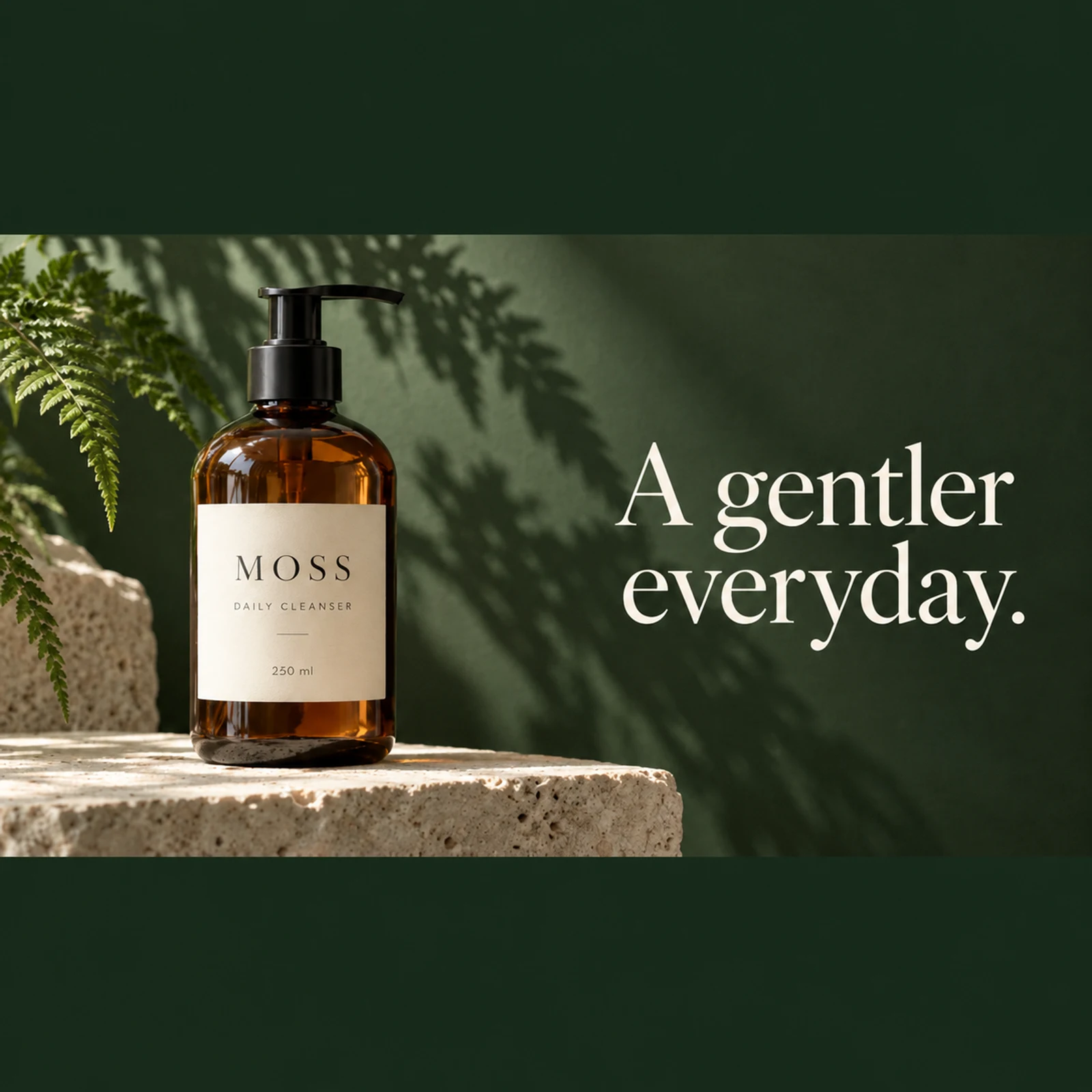
A cleanser product photo compared with its actual 2K enlarged resultA cleanser product photo compared with its actual 2K enlarged resultOriginalFine detail
Enlarge the source conservatively. Preserve the bottle, label wording, composition and colors.

A focused workflow for your original image

01

Choose a larger canvas for the image you have

Select 2K or 4K and compare the actual result with your original at the intended viewing size.

02

Define the input and the goal

Choose the 2K or 4K output resolution.

03

Compare the actual result

Check faces, lettering and outlines for invented detail.

Read the label. Compare the texture.

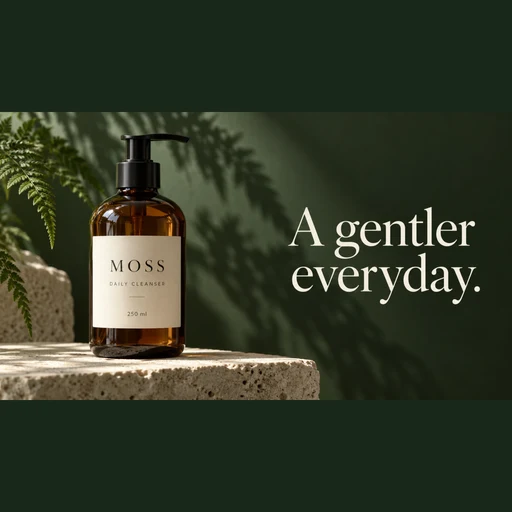
Compare this 512 × 512 product photo with its native 2048 × 2048 output. Inspect the bottle label, stone texture and reflections at full size.

Use this tool
Original: A cleanser product photo compared with its actual 2K enlarged result
Original
Fine detail: A cleanser product photo compared with its actual 2K enlarged result
Fine detail

See the change from source to result

Select 2K or 4K and compare the actual result with your original at the intended viewing size.

Start creating
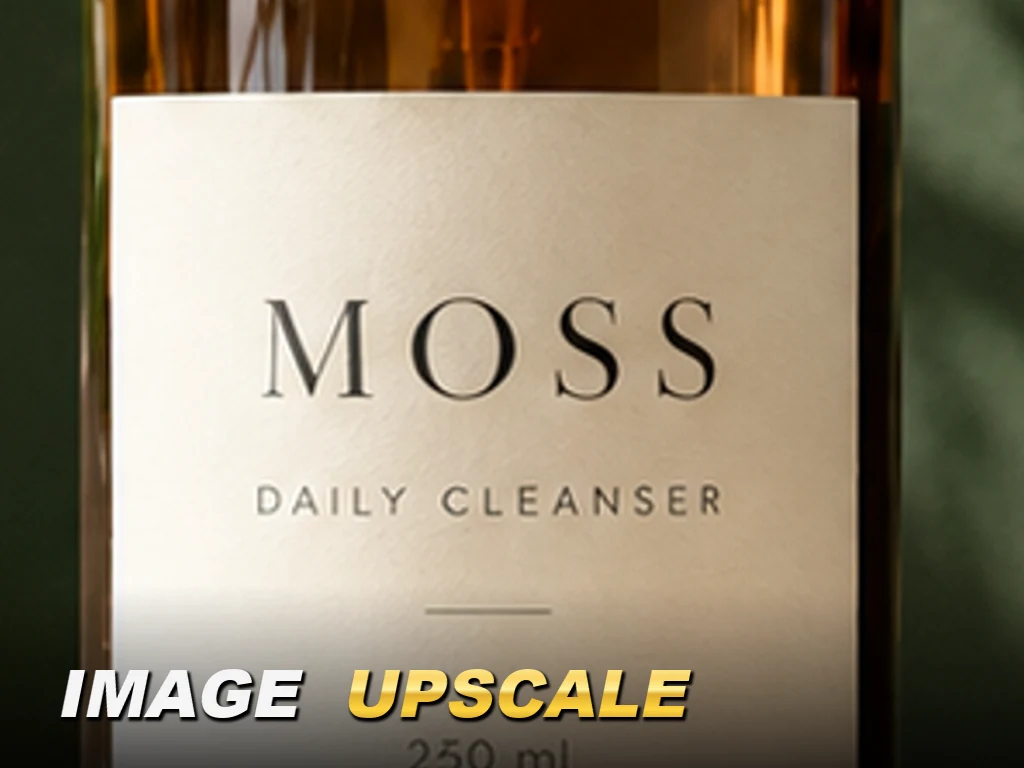
A cleanser product photo compared with its actual 2K enlarged result

Enlarge a pencil sketch while keeping its canvas and margins

This 512 × 512 pencil robot source produced a native 3840 × 3840 result. The top and bottom white margins, paper and pencil layout remain; some strokes and textures change and should be compared.

Enlarge your image
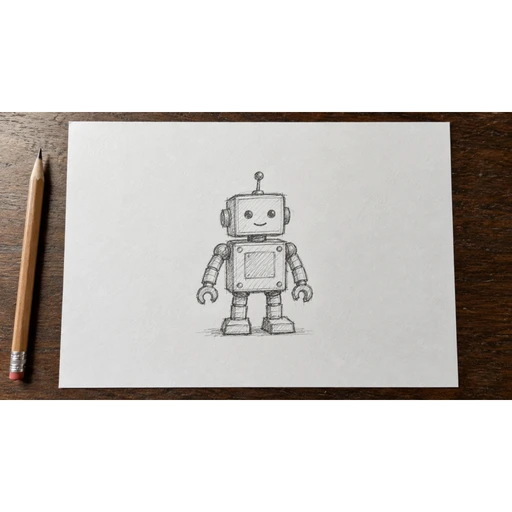
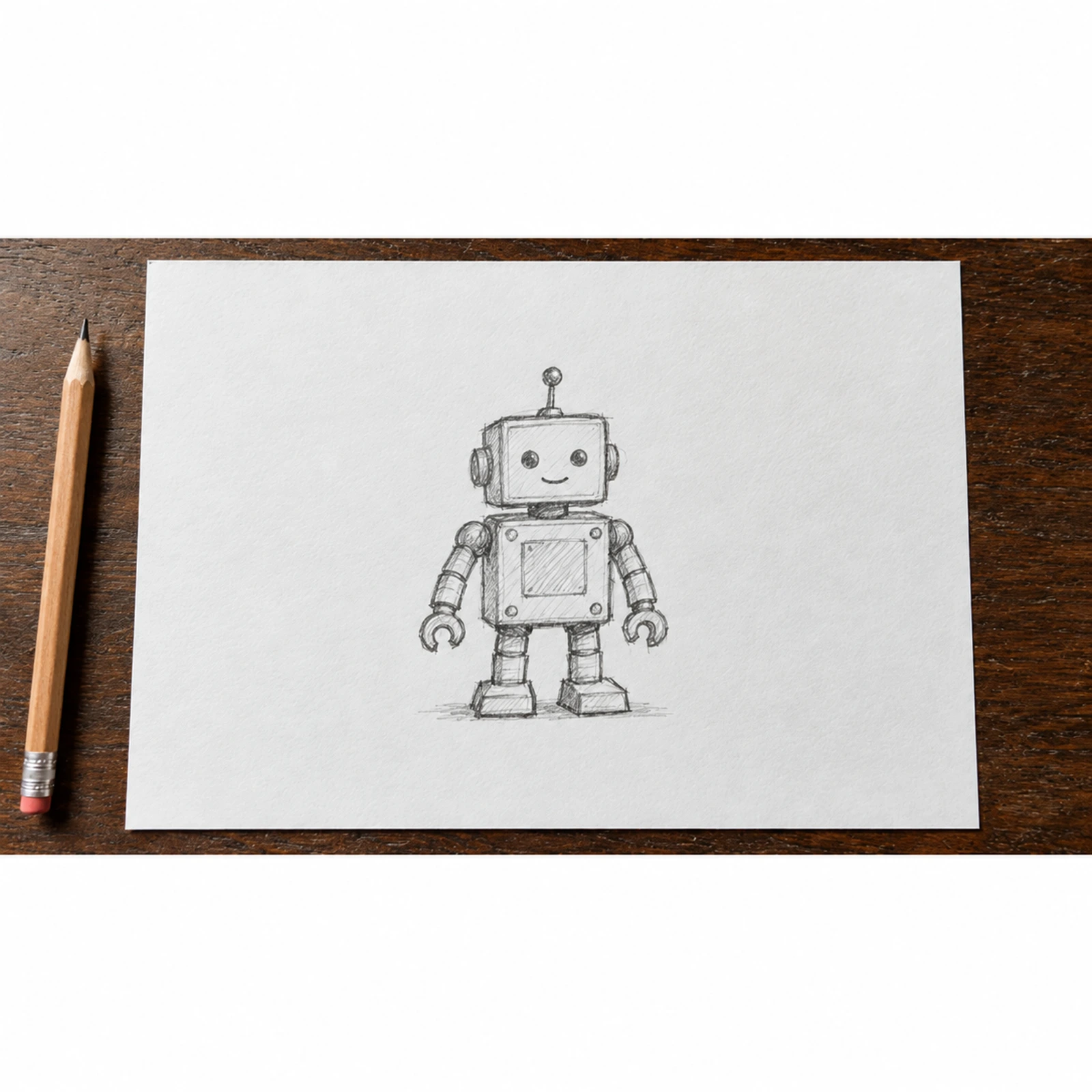
Original: Original pencil robot sketch
Original
4K result: Actual 4K enlarged result
4K result

Where this tool fits your work

Product details

Inspect labels, outlines and surface detail on a larger canvas.

Campaign layouts

Prepare a larger image for a new crop or placement.

Landscape images

Review foliage, fabric and distant details after enlargement.

Three details to check

  1. 01

    Start with the cleanest available source.

  2. 02

    Compare fine detail at the intended viewing size.

  3. 03

    Check faces, lettering and outlines for invented detail.

From your source to a result

  1. 01

    Upload the small source image.

  2. 02

    Choose the 2K or 4K output resolution.

  3. 03

    Generate and compare the subject details before downloading.

Download the sample source ↓

Questions before you edit

Choose 2K for a smaller output or 4K for a larger canvas. Extra pixels do not guarantee genuine detail.

No. Resizing increases pixel dimensions. AI restoration estimates detail, which should be checked against the source.

Text can be changed or invented during restoration. Use the original readable asset when exact wording matters.

The exact pixel dimensions depend on the source ratio and are shown before generation. The result must be larger than the source; unsupported source ratios are rejected before submission.

Plans for your next creation

Use your plan credits for images and videos. Review the selected tool, settings and credit quote before each generation.

Starter

$9.99/ month

800 credits / month

Credits renew monthly and expire at the end of the billing period.

View plan

Creator

$24.99/ month

2,500 credits / month

Credits renew monthly and expire at the end of the billing period.

View plan

Pro

$59.99/ month

6,200 credits / month

Credits renew monthly and expire at the end of the billing period.

View plan
See all plans and credit packs

Guides for your next creation

Write a clear image prompt

↗

Turn a photo into a useful prompt

↗

Make a PNG and check its edges

↗

Refine the enlarged image.

Need to adjust color or lighting after enlarging? Open Photo Editor.

Photo Editor ↗

More image tools

AI Image GeneratorImage to Image AIAI Photo EditorWatermark RemoverMagic EraserBackground RemoverFace Swap PhotoChat to Image

AI Image

  • AI Image Generator
  • Image to Image AI
  • AI Photo Editor
  • Watermark Remover
  • Magic Eraser
  • Image Upscaler
  • Background Remover
  • Face Swap Photo
  • Chat to Image

AI Video

  • AI Video
  • Text to Video
  • Image to Video
  • Reference to Video

AI Video Effects

  • AI Video Effects
  • AI Kiss Video Generator
  • AI Hug Video Generator
  • City flight
  • Everything blooms
  • Giant pet
  • Step out of the frame
  • Petal drift
  • Doodle to life
  • City folding
  • Vanish
  • Street Colossus
  • High Flip
  • Thunder Strike
  • Portal Reveal
  • Energy Wings
  • AI Twerk Video Generator
  • Bigfoot Video Generator

Product

  • Jynno
  • All AI Tools
  • Agent
  • Pricing

Resources

  • Creative guides
  • Privacy Policy
  • Terms of Service
© 2026 Jynno. All rights reserved.