
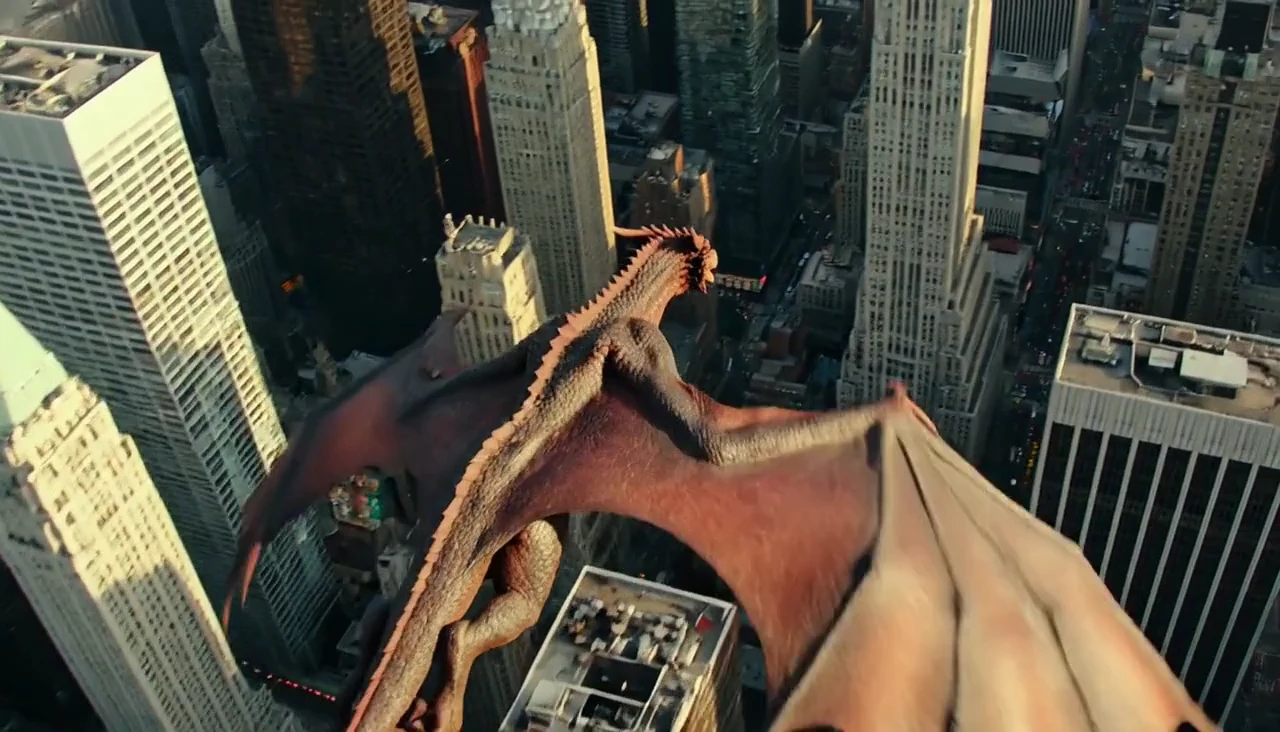
Build a scene from a text prompt
Choose text to video when you are inventing a scene. Describe one subject, one main action and a camera move the viewer can follow.


Write a scene, animate an image or build from visual references. Choose the starting point that gives your video the clearest direction.
An AI video generator creates a moving shot from a prompt or visual input. Choose the starting point that gives you control over the subject, composition and action you want to show.
Choose text to video when you are inventing a scene. Describe one subject, one main action and a camera move the viewer can follow.
Choose image to video when you already have the opening composition. Give the model a motion brief rather than repeating every visible detail.
Explore cinematic scale, animated characters and live-action motion before deciding what to make.
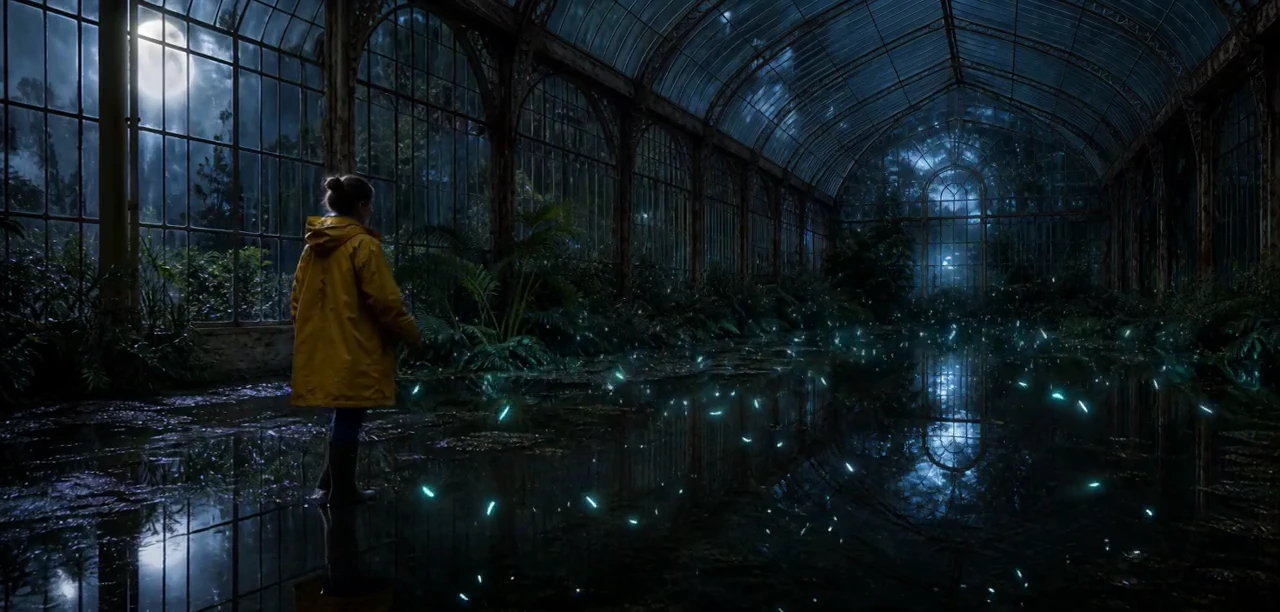
Guide the setting with concrete details: a rain-soaked conservatory, a yellow coat and small lights gathering in the dark. Give the scene one event to follow.
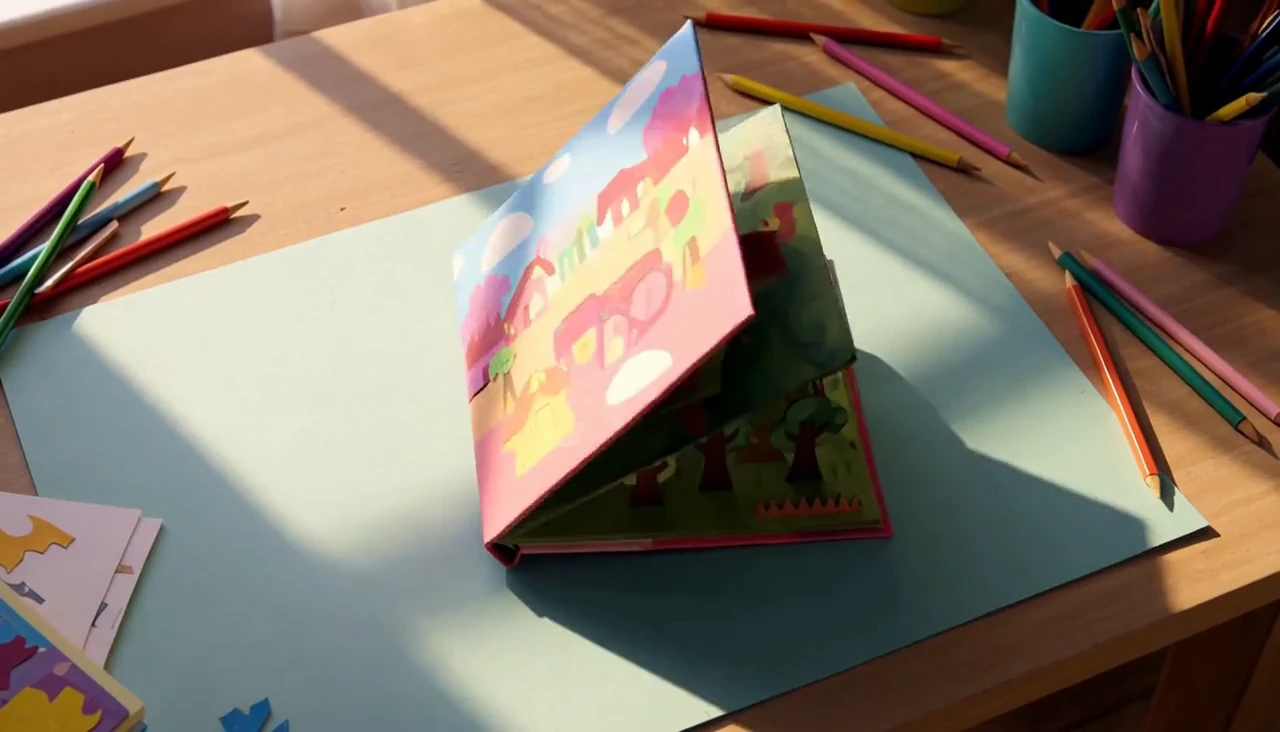
An illustrated object can carry the action. Start with a small paper world, then describe the dragon rising from the open book.
Surprise is easier to read when the action and response belong together. A growing loaf and a startled little baker make one connected animated moment.

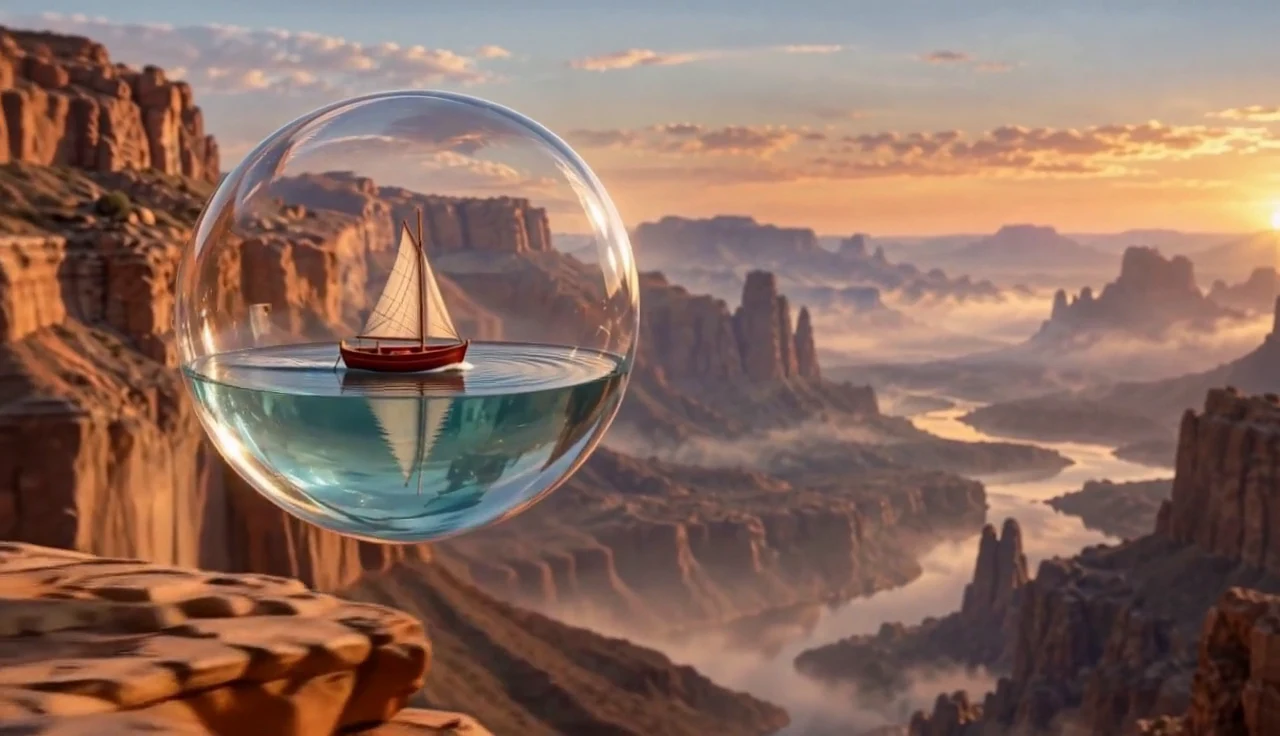
Describe the object, its material and its movement. A reflective sphere travelling through a wet street creates a visual idea with scale, texture and a clear camera direction.
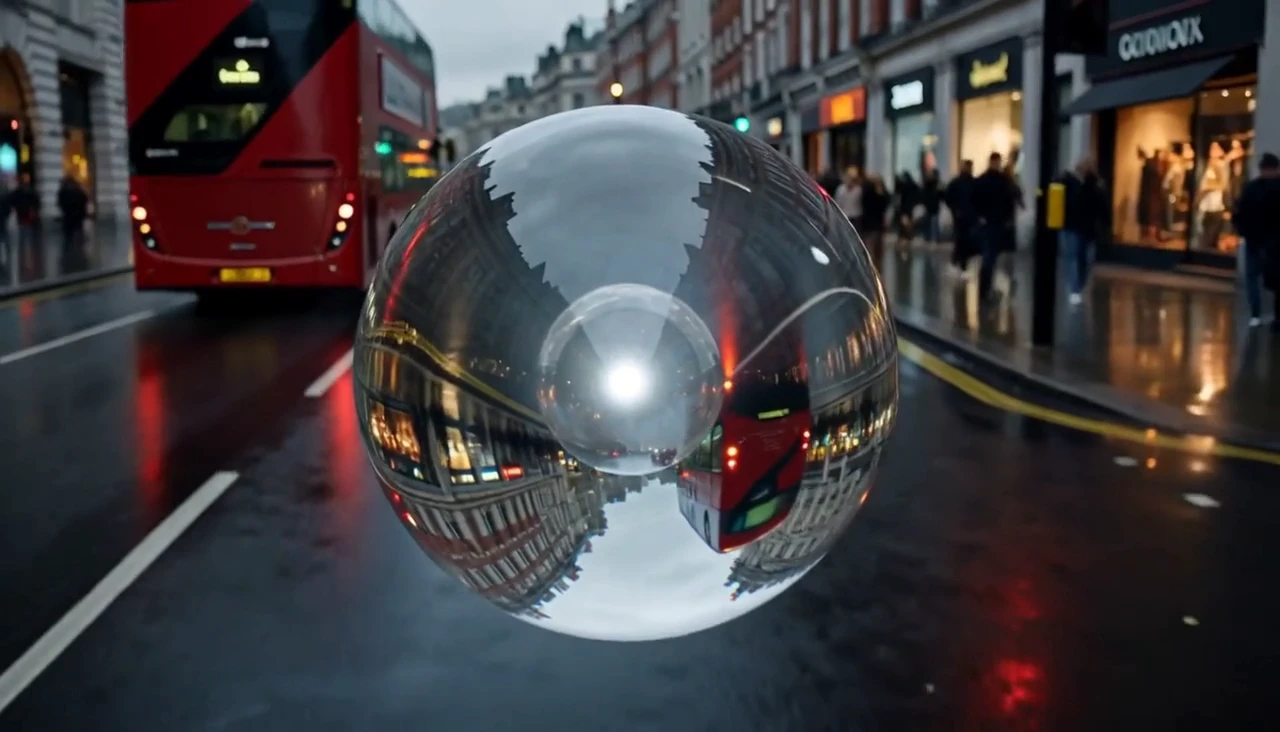
An idea needs words. A defined composition needs a starting image. Visual references need a compatible model. Choose that input first, then give one shot a subject, an action, a camera direction and an ending.
Use applies these words to the generator. Choose the matching input mode and model settings there before generating.
Choose from the video models available in the generator. Input modes, duration and output settings vary by model.

Give a product a visual event that supports its shape and material. Let the reveal follow from the product itself.

Build surprise from a small action, then leave room for the character to react.
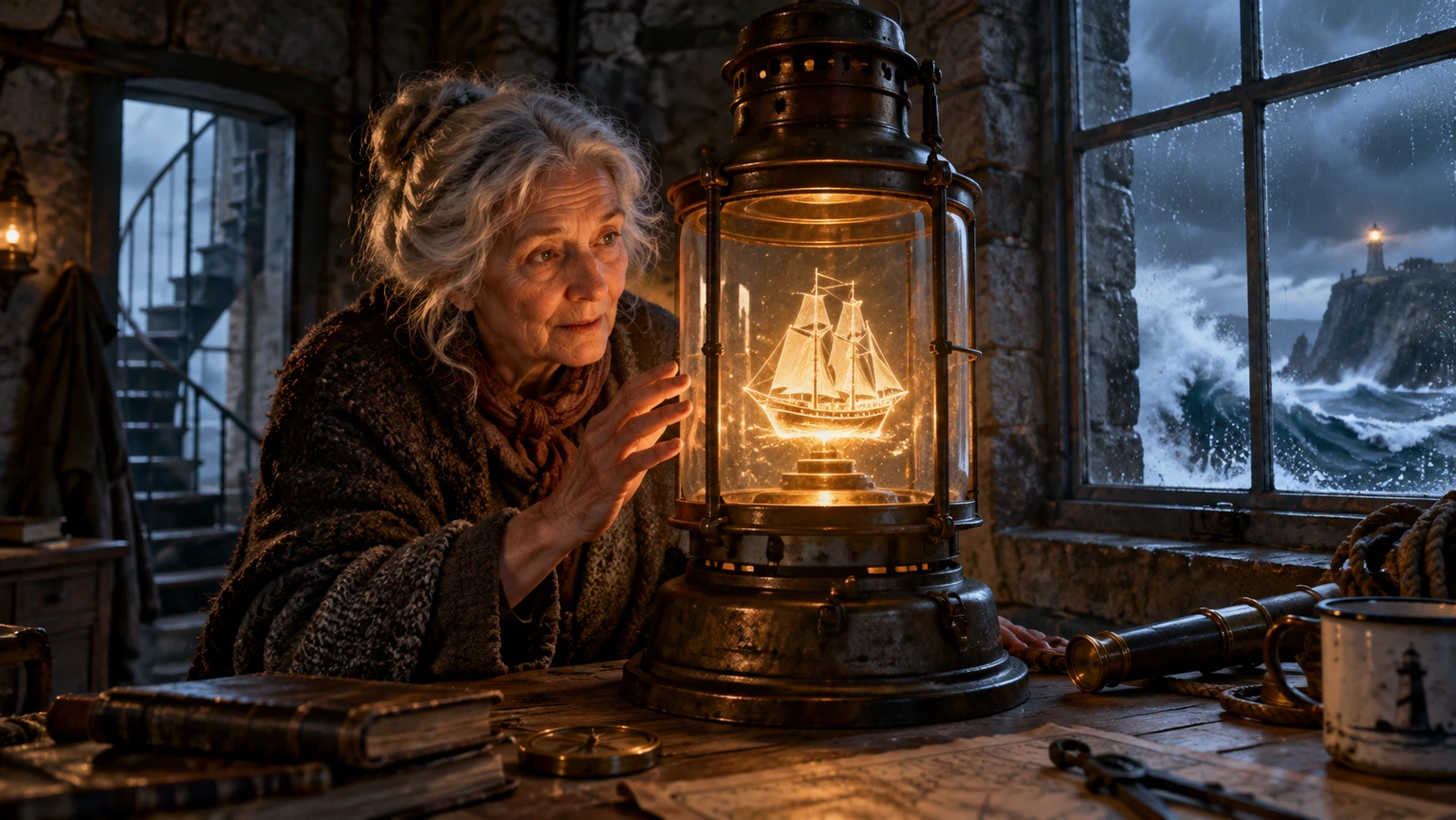
Build an idea into readable scenes for an early visual review.
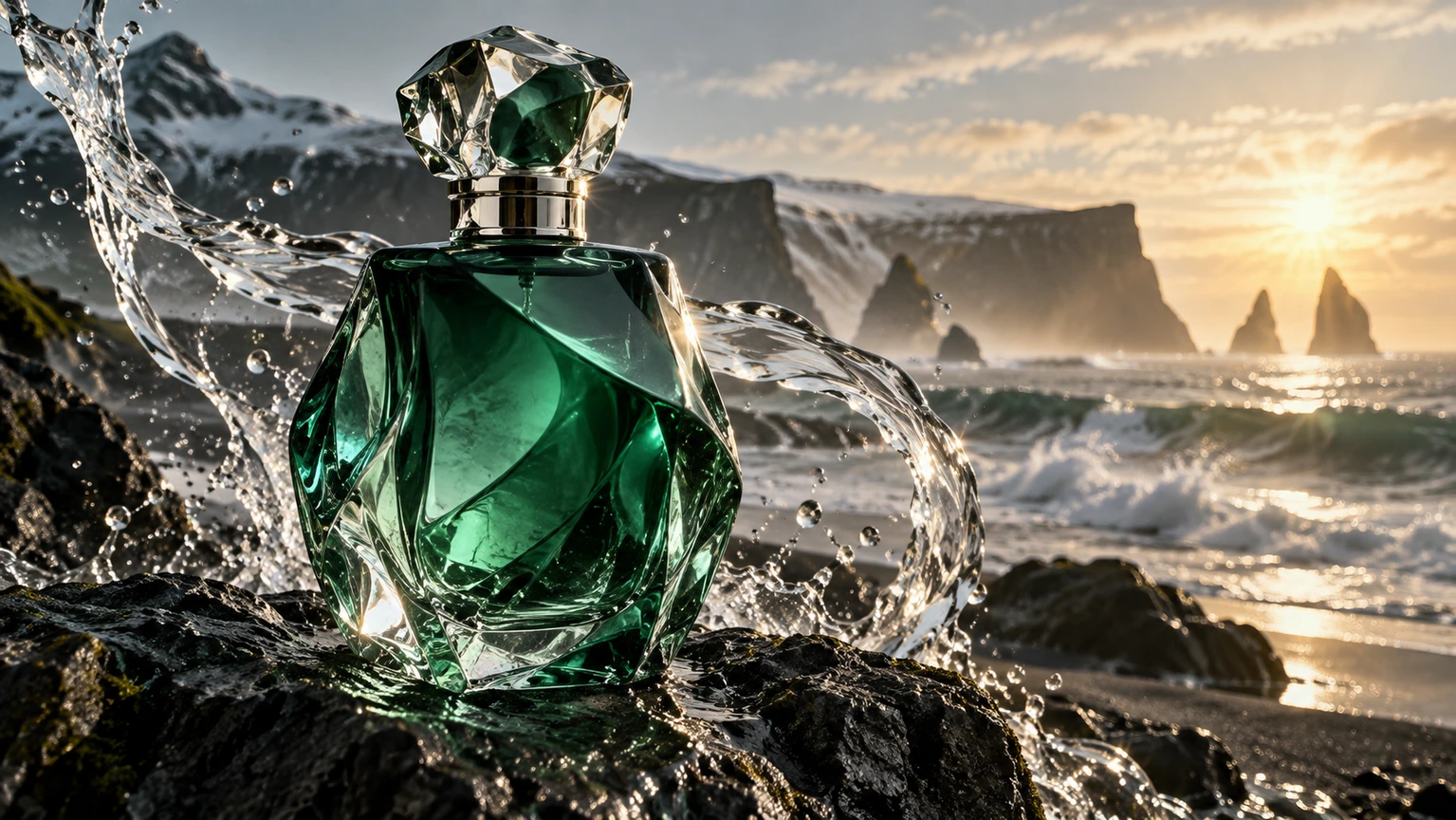
Explore a product, setting and visual event before choosing your next direction.

Give an expressive character an action and a response.
Move between the available image and video tools as your project develops.
Use text for a new scene, an image for a defined opening, or references for a visual subject and setting.
Compare the available modes, then choose supported duration, resolution and aspect ratio in the generator.
Describe the main action and camera. Review the result, then change the part that matters before making another request.
Use your plan credits for images and videos. Review the selected tool, settings and credit quote before each generation.
$9.99/ month
800 credits / month
Credits renew monthly and expire at the end of the billing period.
View plan$24.99/ month
2,500 credits / month
Credits renew monthly and expire at the end of the billing period.
View plan$59.99/ month
6,200 credits / month
Credits renew monthly and expire at the end of the billing period.
View planUse text when the scene is still an idea. Use an image when the composition, subject or product is already defined. Reference mode is useful when the selected model accepts visual guidance beyond a single opening frame.
Choose an input, describe what should happen and set the format for your video.
Start creating