
Image to Video Guide: Prepare a Photo and Describe Motion
Turn a photo into a short AI video. Prepare a clear starting image, describe one action and a camera move, then review the result with Jynno.

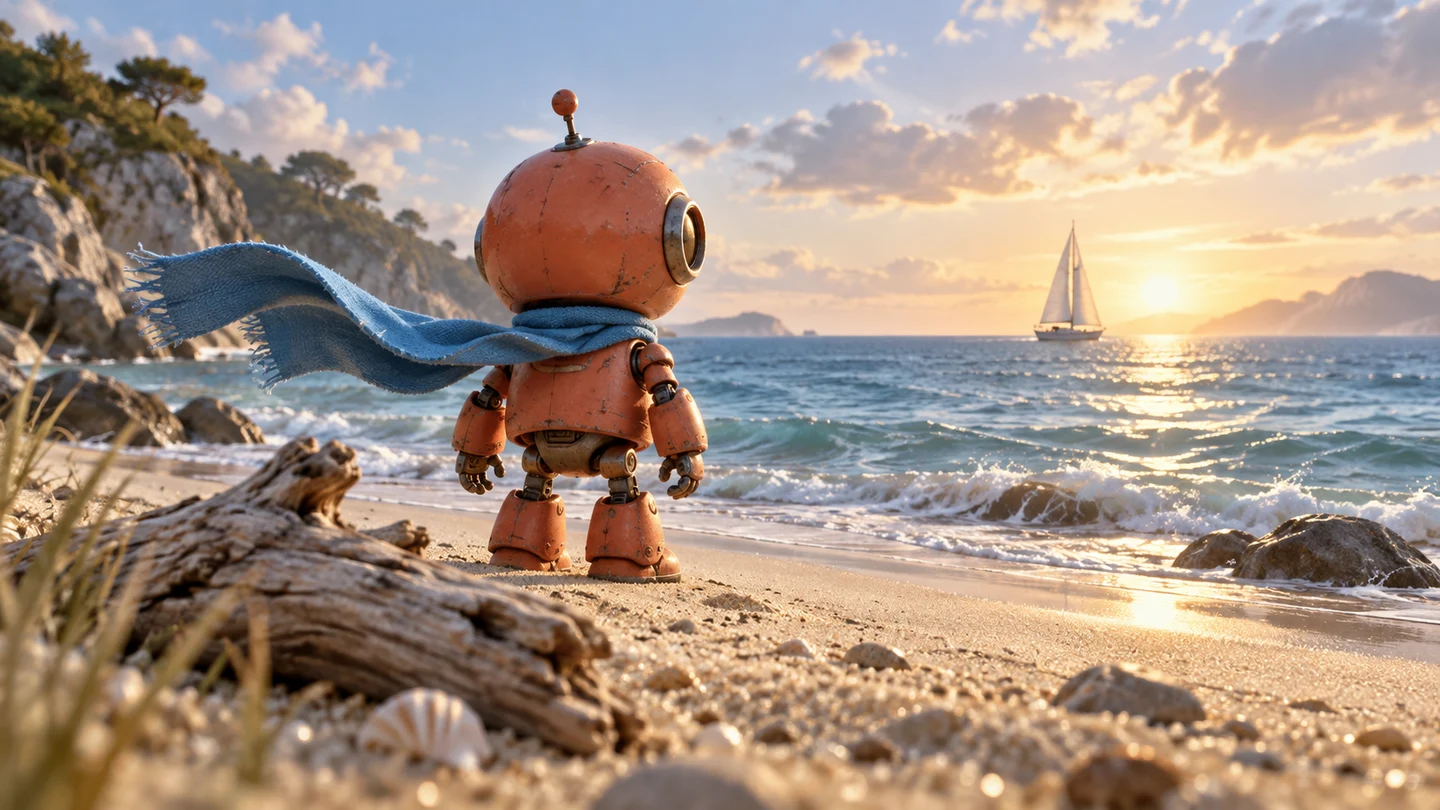
Image to video starts with a picture and describes what should happen next. A clear reference establishes the subject and setting; the prompt gives them movement. Use Image to Video when the opening image is central to your idea.
Choose an image that can carry the action
Pick a sharp picture with a readable subject and enough space for movement. For a person, keep the face and important limbs visible. For a product, use an image that shows the complete shape and the details you want to retain.
A heavily cropped subject is harder to describe moving through the frame. Small lettering, reflections and fine patterns also need careful review in the finished video. Keep the original image so you can compare it with the result.
Describe what moves
Start with one visible action: a character turns toward a window, a ribbon unfolds beside a bottle, or leaves move in a breeze. Name the subject and describe how the action begins and ends.
For example: “The person looks toward the window, turns their head gently and pauses. Keep the same clothing and room.” This gives a short clip a readable event and an end state.
If the reference must stay recognizable, name the important details. Instructions can guide consistency, but you still need to inspect the result.
Give the camera one clear instruction
Choose a fixed view, a gentle push toward the subject or a short sideways move. Use a camera move because it helps show the action. Several competing camera instructions can make a brief clip difficult to follow.
Product prompt: The amber perfume bottle stays on the stone surface. A soft reflection moves across the glass as the camera moves gently closer. Finish with the whole bottle visible and the movement settled.
Landscape prompt: The clouds drift across the mountain ridge and nearby grass moves lightly in the wind. Keep the camera fixed and preserve the original landscape.
Use your own image and adapt the action to what is visible in it.
Keep the task within the selected settings
Choose the duration and output resolution offered for the model. A short clip works best when its main action fits comfortably into that duration. Longer stories usually need several separately planned shots and editing afterward.
When multiple references are important, explore Reference to Video. If you want to start entirely from words, use Text to Video.
Review the credit cost before generating. After submission, follow the task in My Creations. If its status remains unclear, check the existing task or contact support with its ID before submitting it again.
Review movement before downloading
Watch the full clip. Check faces, hands, product shape, camera stability and the ending. For a loop, compare the last frame with the first and refine the action if the transition is abrupt.
Download the completed result when it fits the brief. Jynno's current creative tools focus on images and video; plan music, voice and final editing separately.