
Use your character image
Start with a clear character photo or illustration showing the body you want to animate.


Animate a character image with movement from a reference video using AI motion control.
Working…
Compare the dance source, character image and actual body-and-arm motion result. Clear references matter: obscured feet cannot show precise steps, and framing and output length can change.
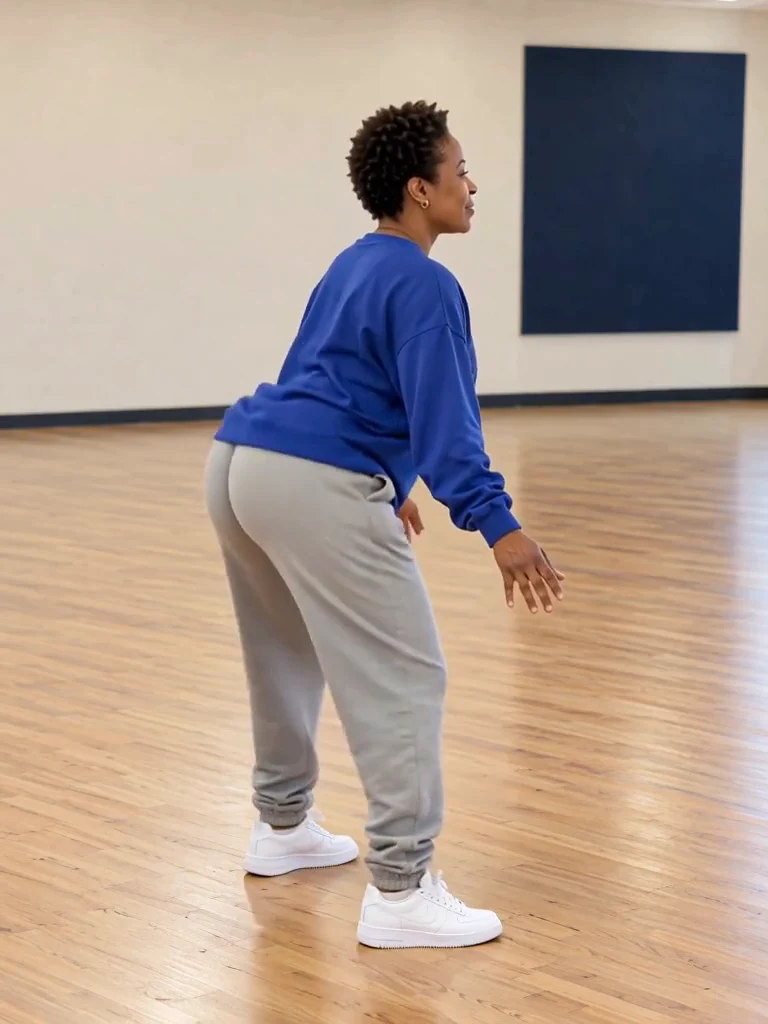
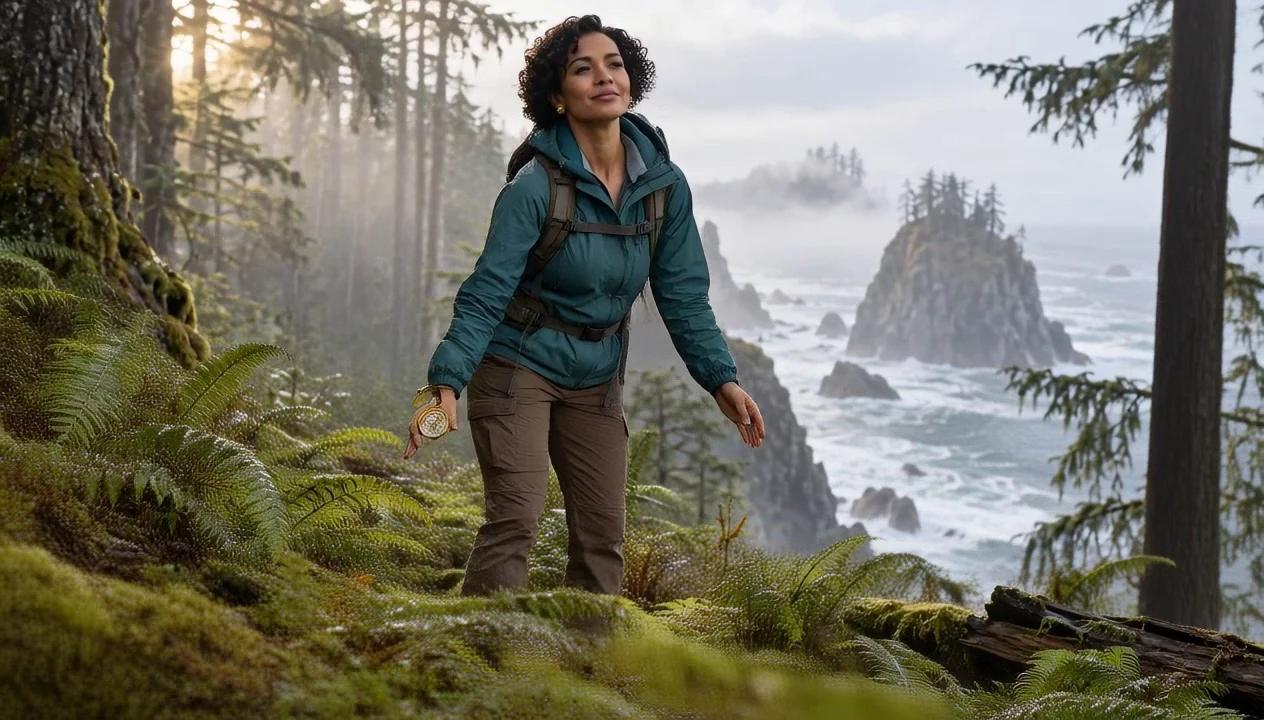
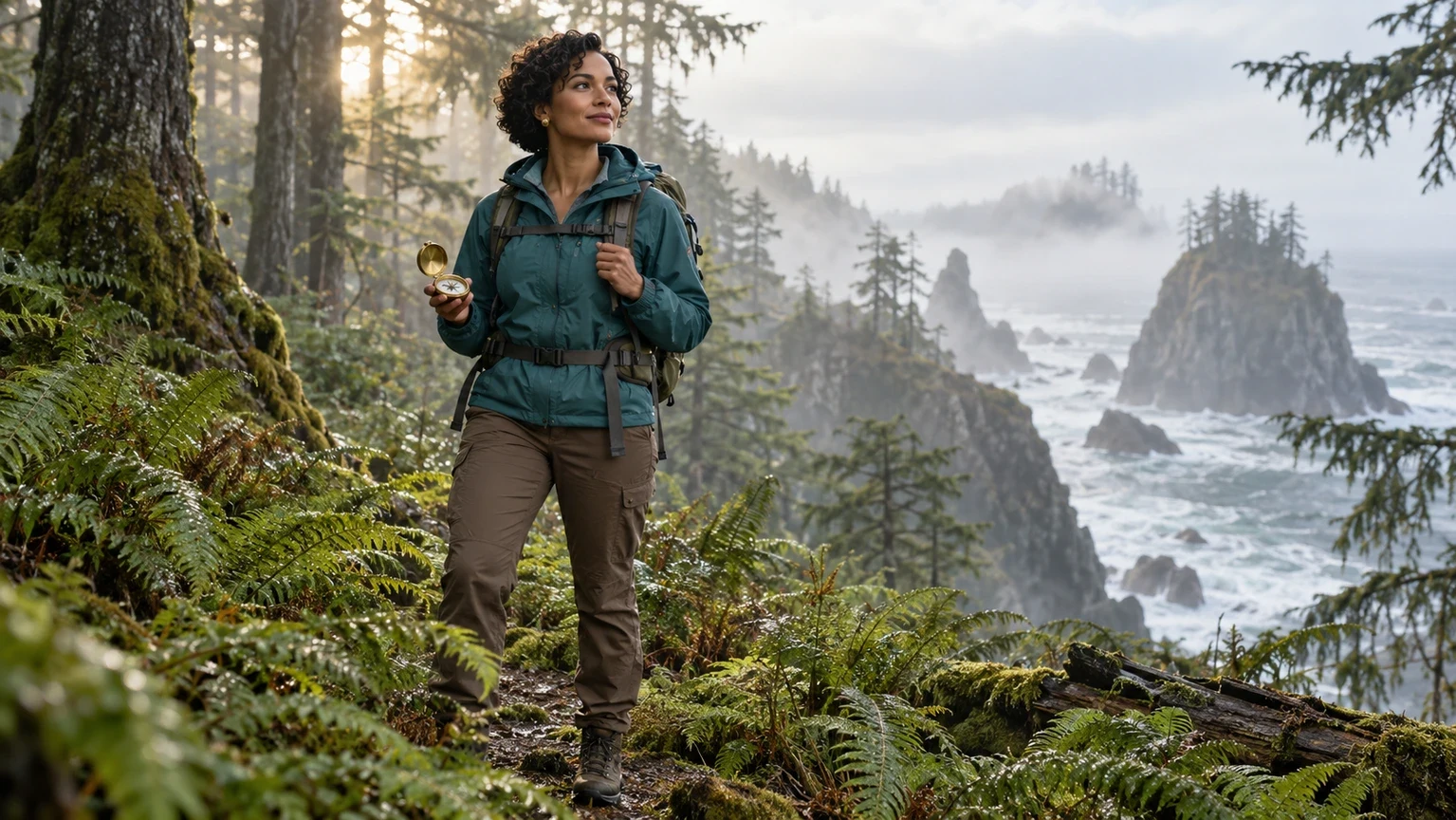
Start with a clear character photo or illustration showing the body you want to animate.
The video supplies the movement and timing rather than acting as a still image reference.
Image orientation and video orientation have separate source length limits.
Upload the source and the references this tool needs.
Choose the supported settings, then review the quoted credits.
Confirm generation, then open and download the result from My Creations.
Transfer a short rhythm while checking grounded feet and body proportions.
Guide a simple gesture with a matching full-body reference.
Explore an action before developing a longer sequence.
One character image, one MP4/MOV motion video and a short instruction.
Use your plan credits for images and videos. Review the selected tool, settings and credit quote before each generation.
$9.99/ month
800 credits / month
Credits renew monthly and expire at the end of the billing period.
View plan$24.99/ month
2,500 credits / month
Credits renew monthly and expire at the end of the billing period.
View plan$59.99/ month
6,200 credits / month
Credits renew monthly and expire at the end of the billing period.
View planUse a complete character image and a readable source action with visible hands and feet.
Open the tool