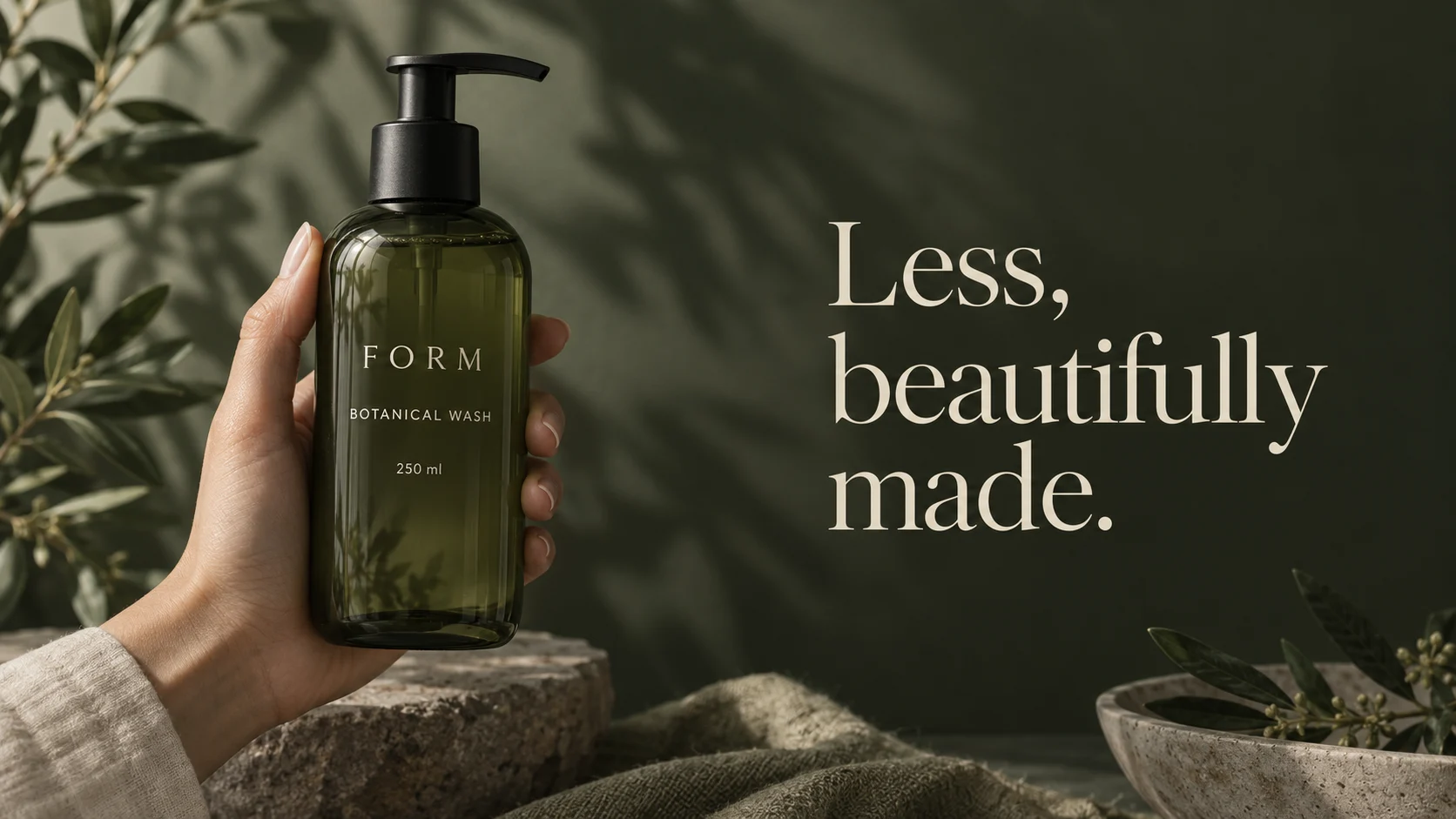
Turn a reference image into a prompt
Have a visual direction but cannot describe it yet? Analyze the image, edit the description and use it as the basis for a new prompt.


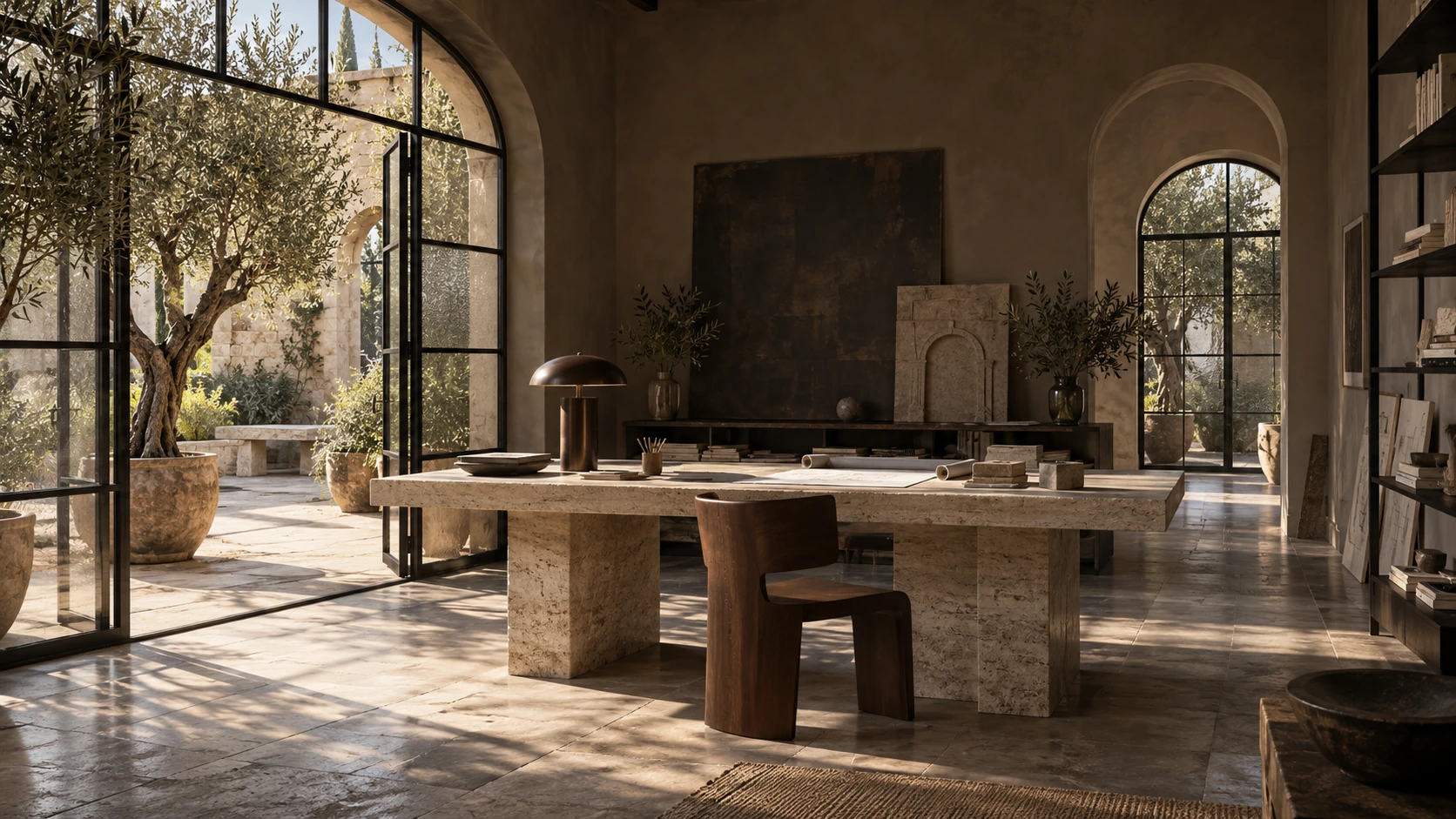
Turn a written idea into a new image. Explore portraits, product scenes, typography and character designs with the image models and settings available in Jynno.
Text to image AI creates a new visual from a written description. Start with one subject and a clear composition; include lighting and materials when they matter to the result.
Have a visual direction but cannot describe it yet? Analyze the image, edit the description and use it as the basis for a new prompt.
Use image to image when the source composition or subject matters. A text prompt alone does not lock the identity of a reference.
Explore lighting, composition and style, then describe the image you want to create.
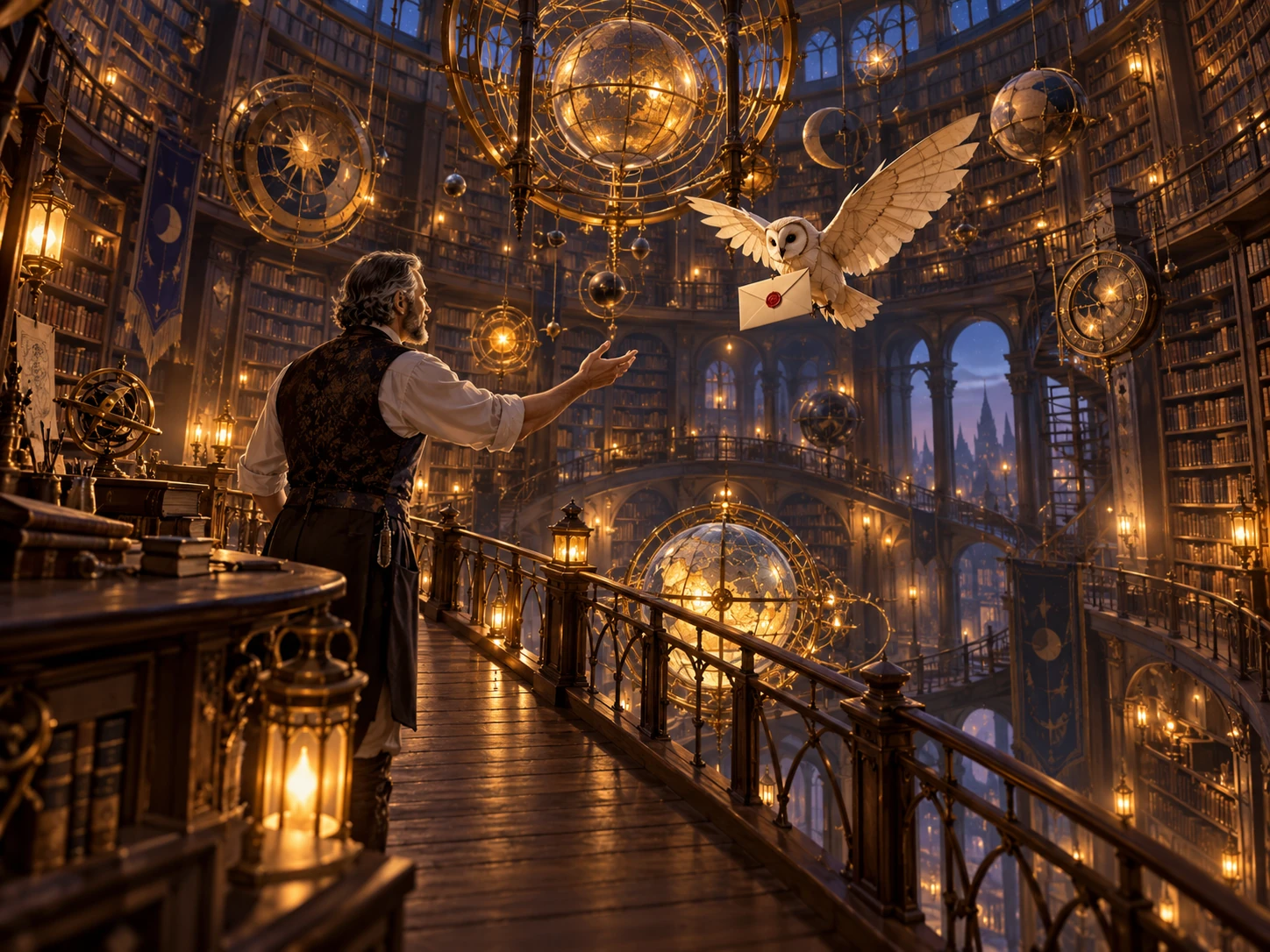
A red bakery bicycle beside a pale-yellow Copenhagen bakery with teal windows, red-striped awning, bread basket and pigeons, textured gouache illustration, warm afternoon light.
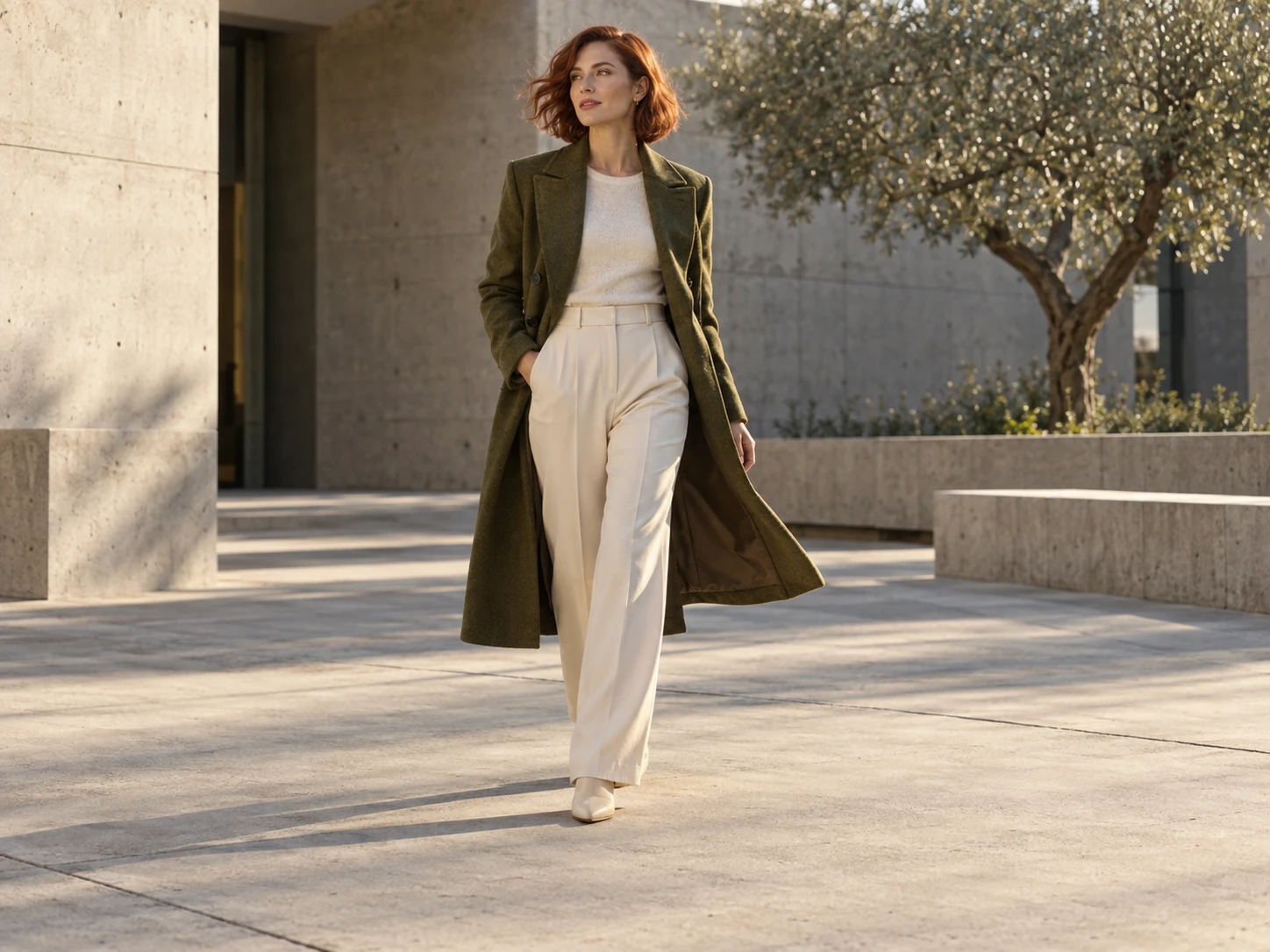
Describe fine skin texture, freckles and soft light to explore a lifelike portrait. Add camera distance and background color to give your subject a clear photographic direction.
Open the generator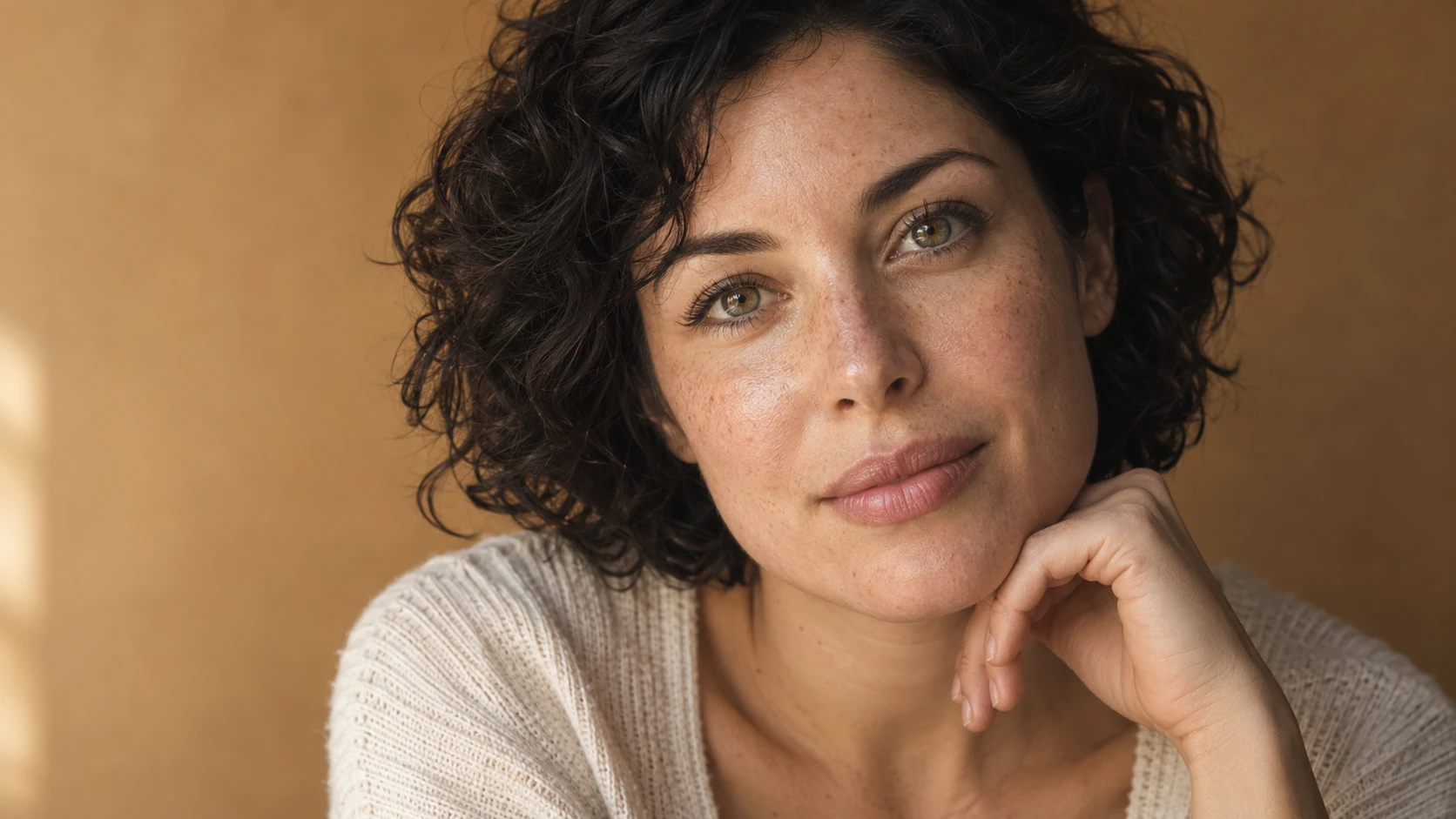
Include the exact words for your packaging, label or headline. Give the type size, placement and visual hierarchy a clear role in the prompt, then check the finished lettering.
Open the generator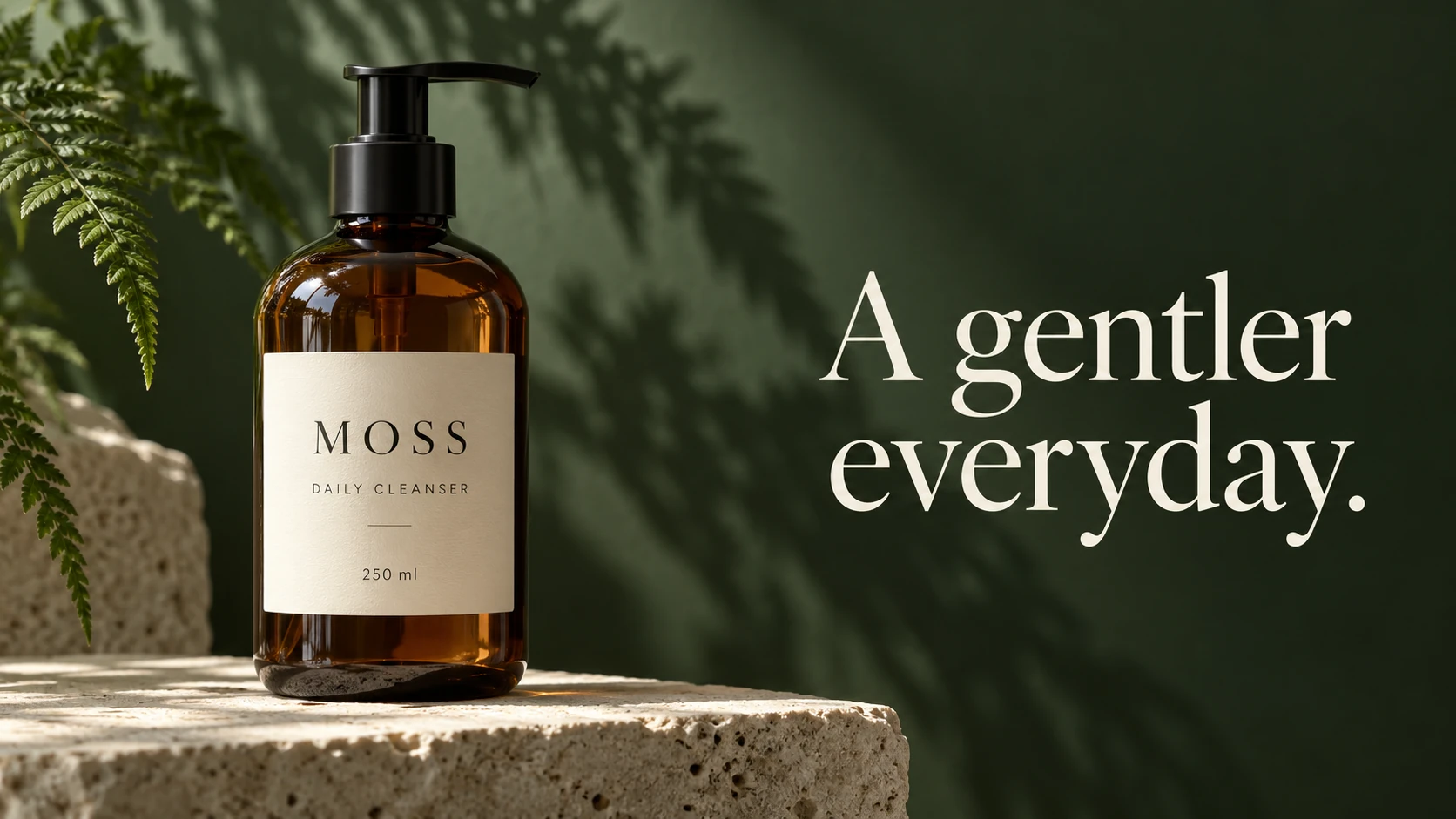
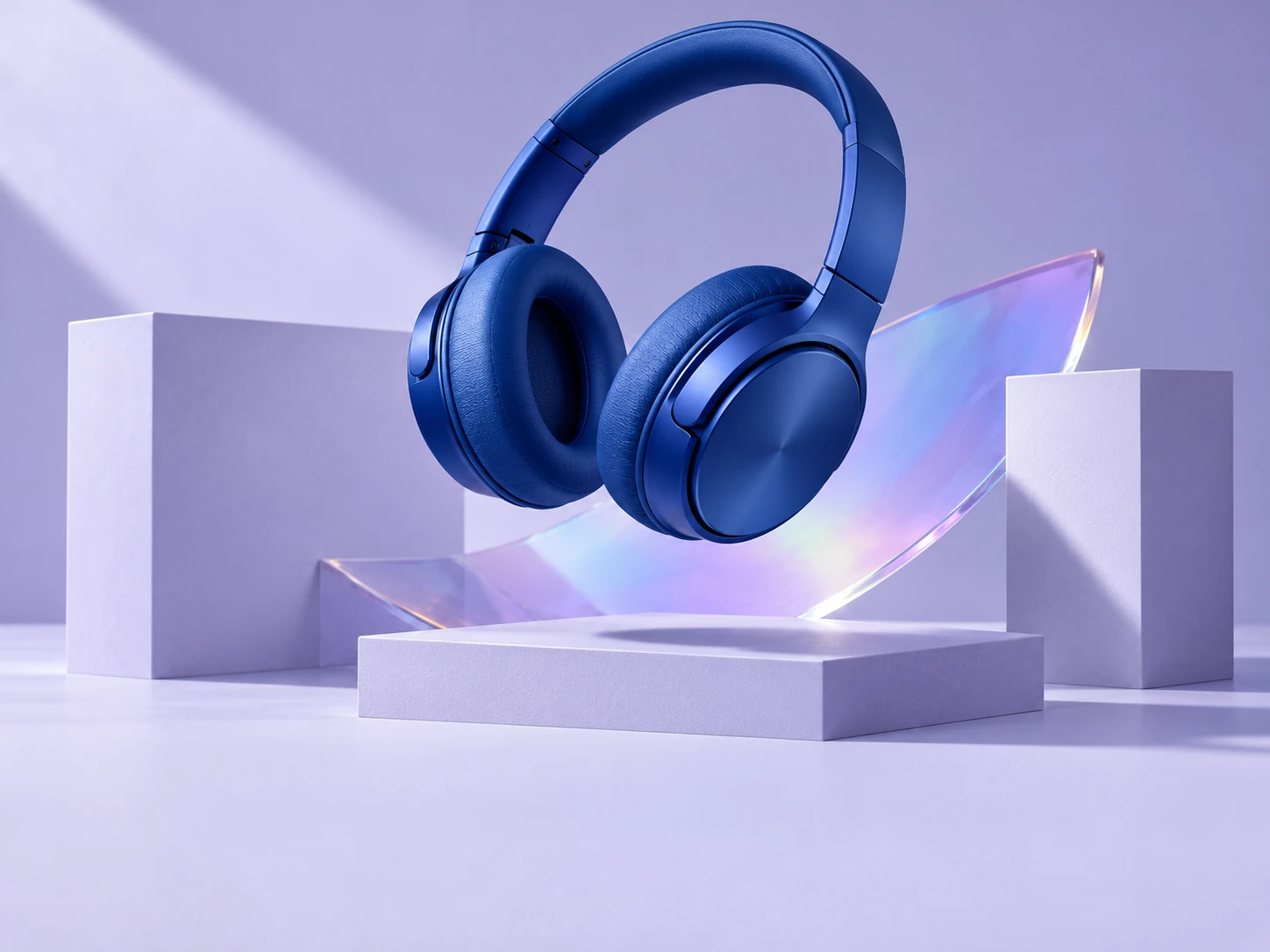
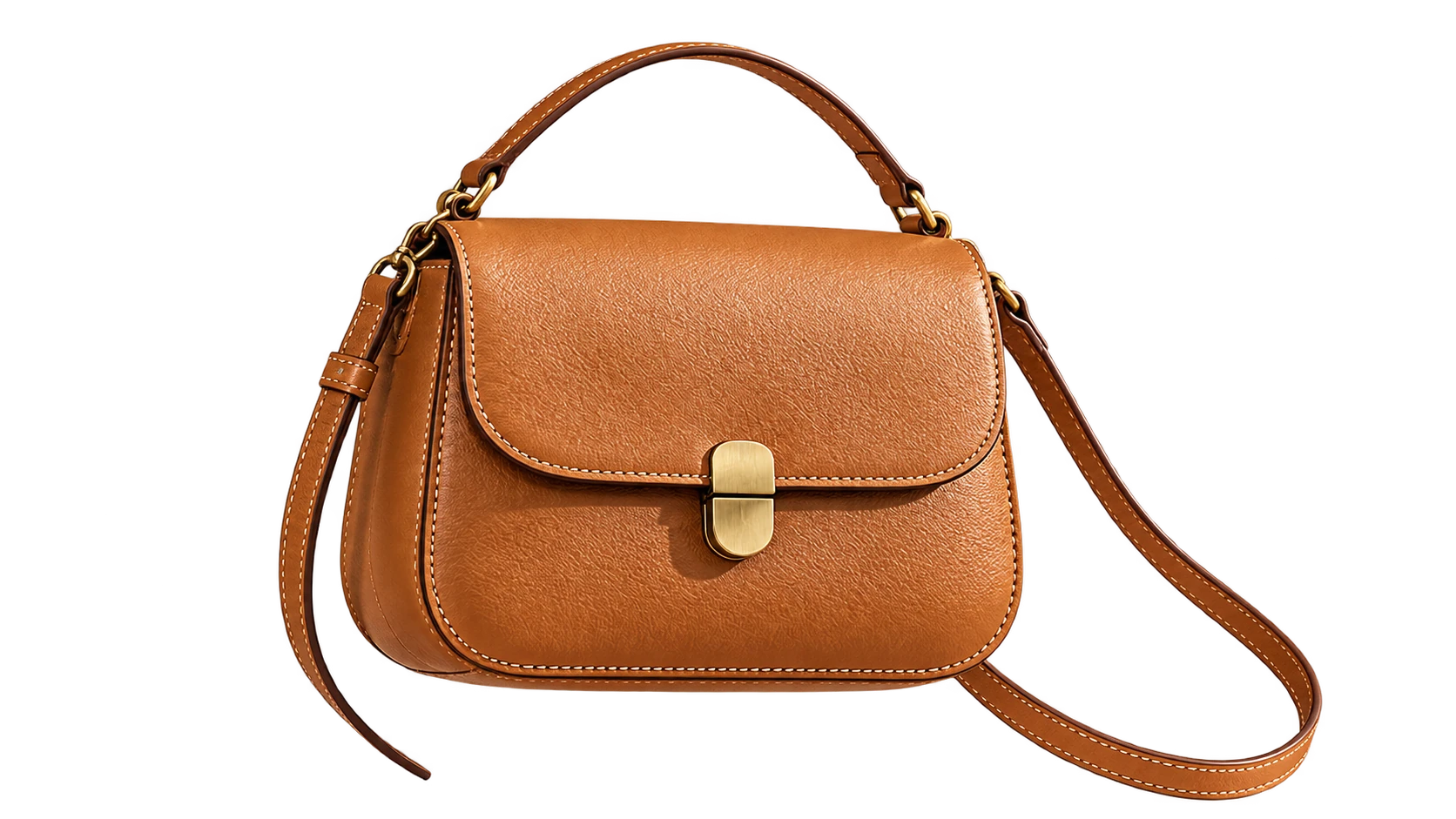
Define the product material, backdrop and light direction to build a campaign scene. A clear reference helps you describe the details you want to keep while exploring a new presentation.
Open the generator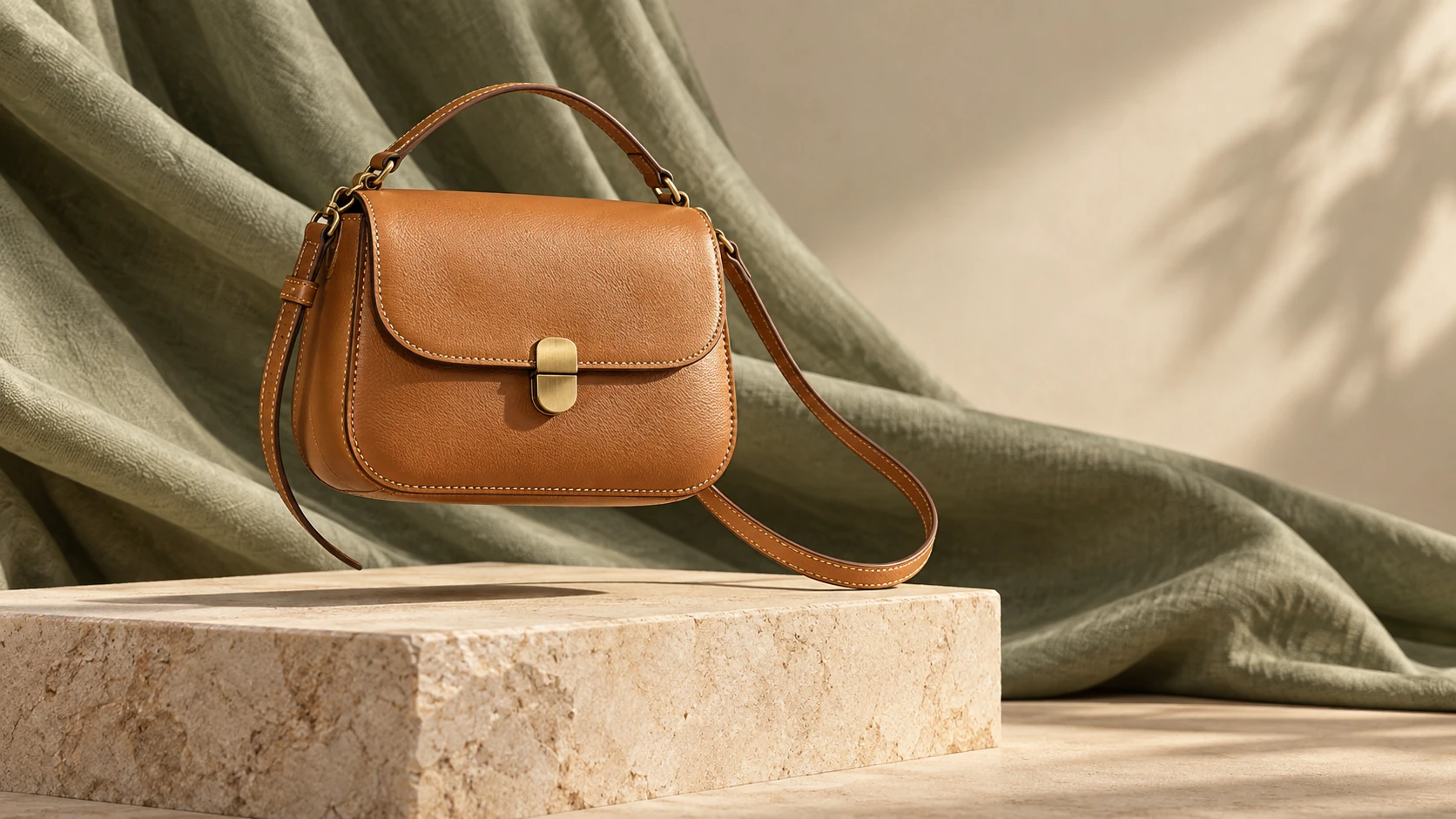
Build a character brief around the same face, hairstyle, wardrobe and accessories. Specify the poses and framing you need for a character sheet, then compare those details across the result.
Open the generator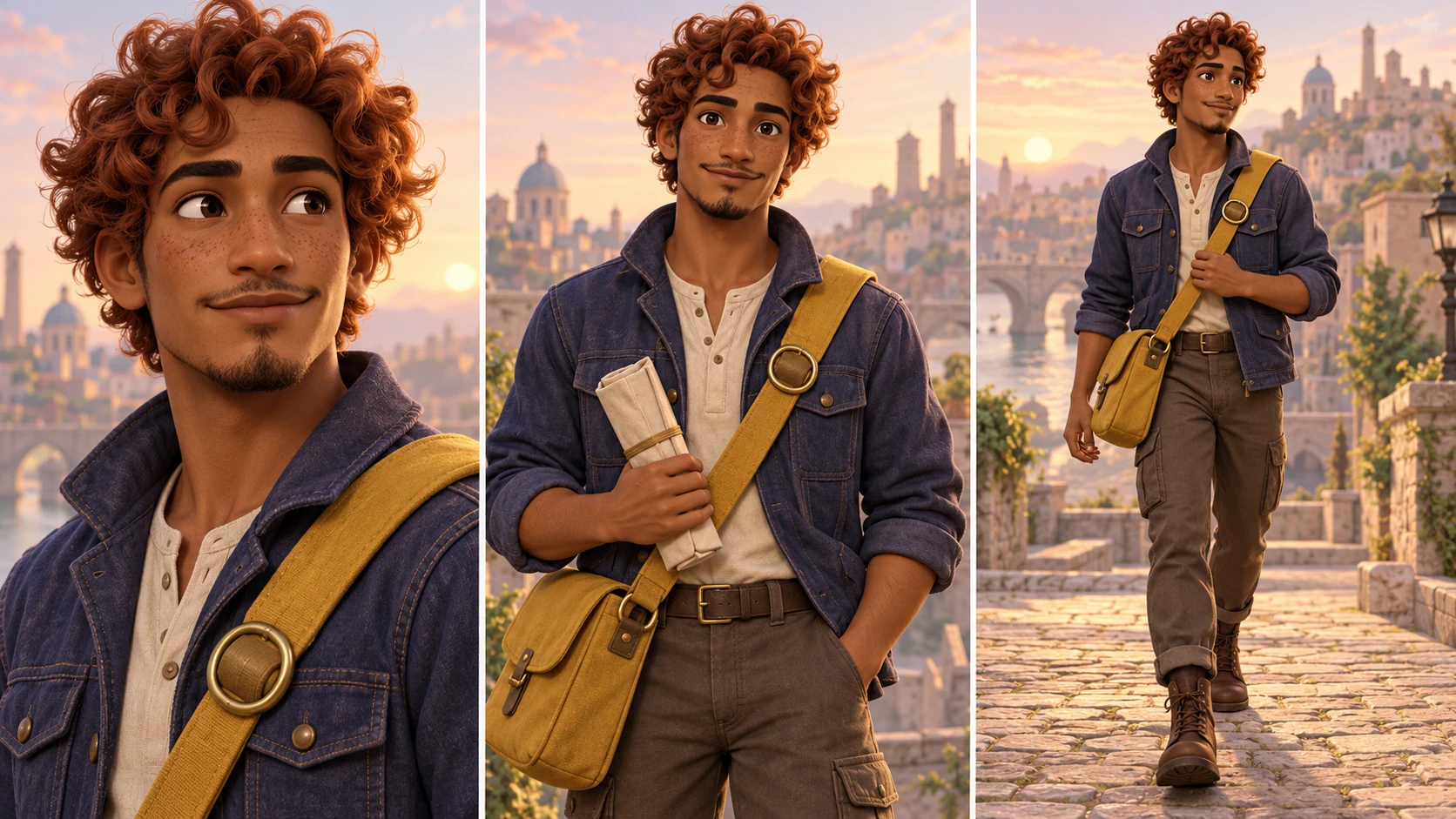
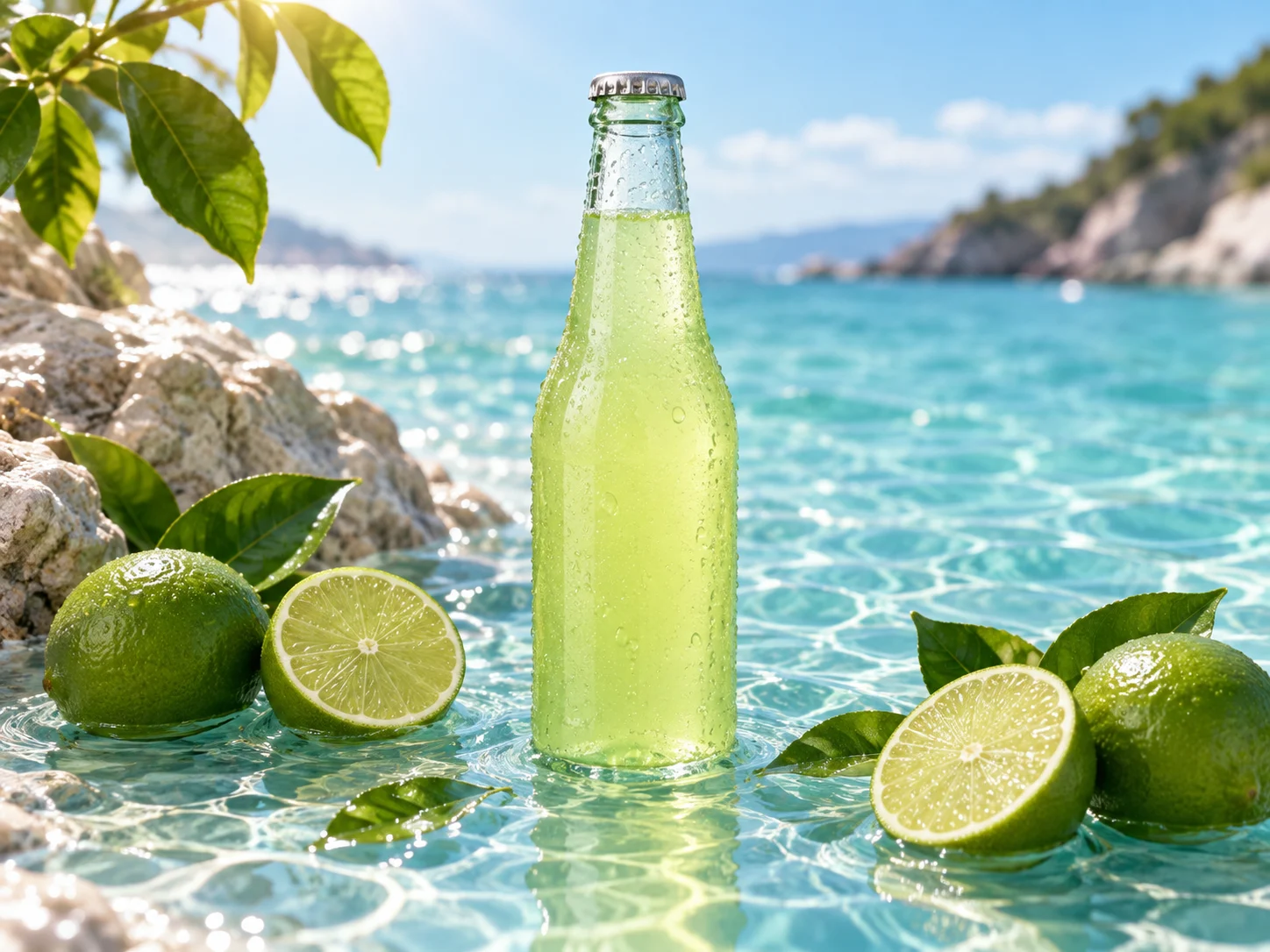
Describe the camera angle, focal point and depth of field. Preview landscape, square and portrait framing below, then choose the supported aspect ratio in the generator.
Open the generator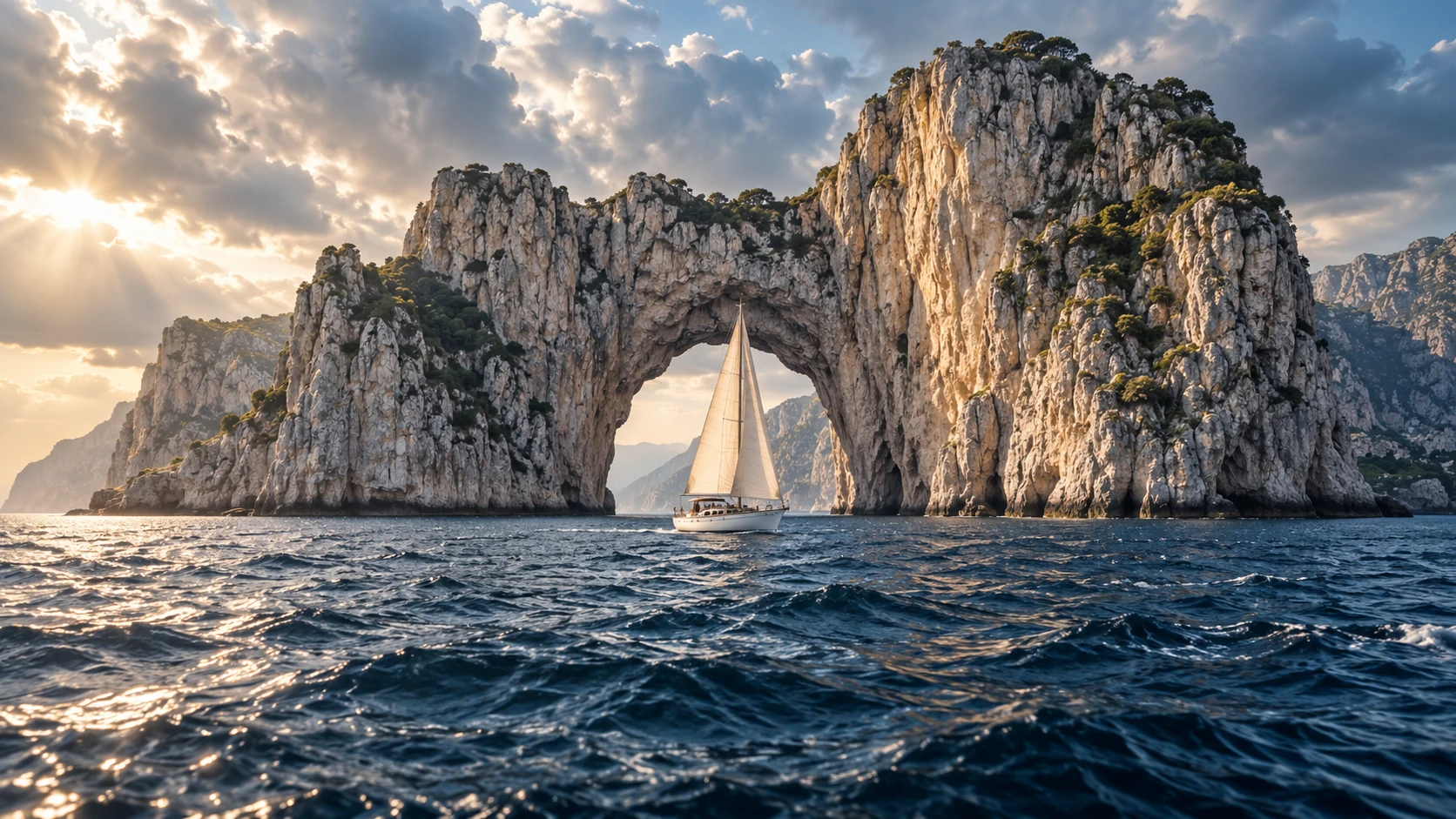
Create a new image or edit one you already have.
Open the selector and review the settings available for your selected option.
Describe the subject, composition, style and lighting. Start with one clear visual idea.
Check the displayed cost, submit when ready, then inspect and save your completed image.
Change the color or the setting. See the original and the edited result side by side.
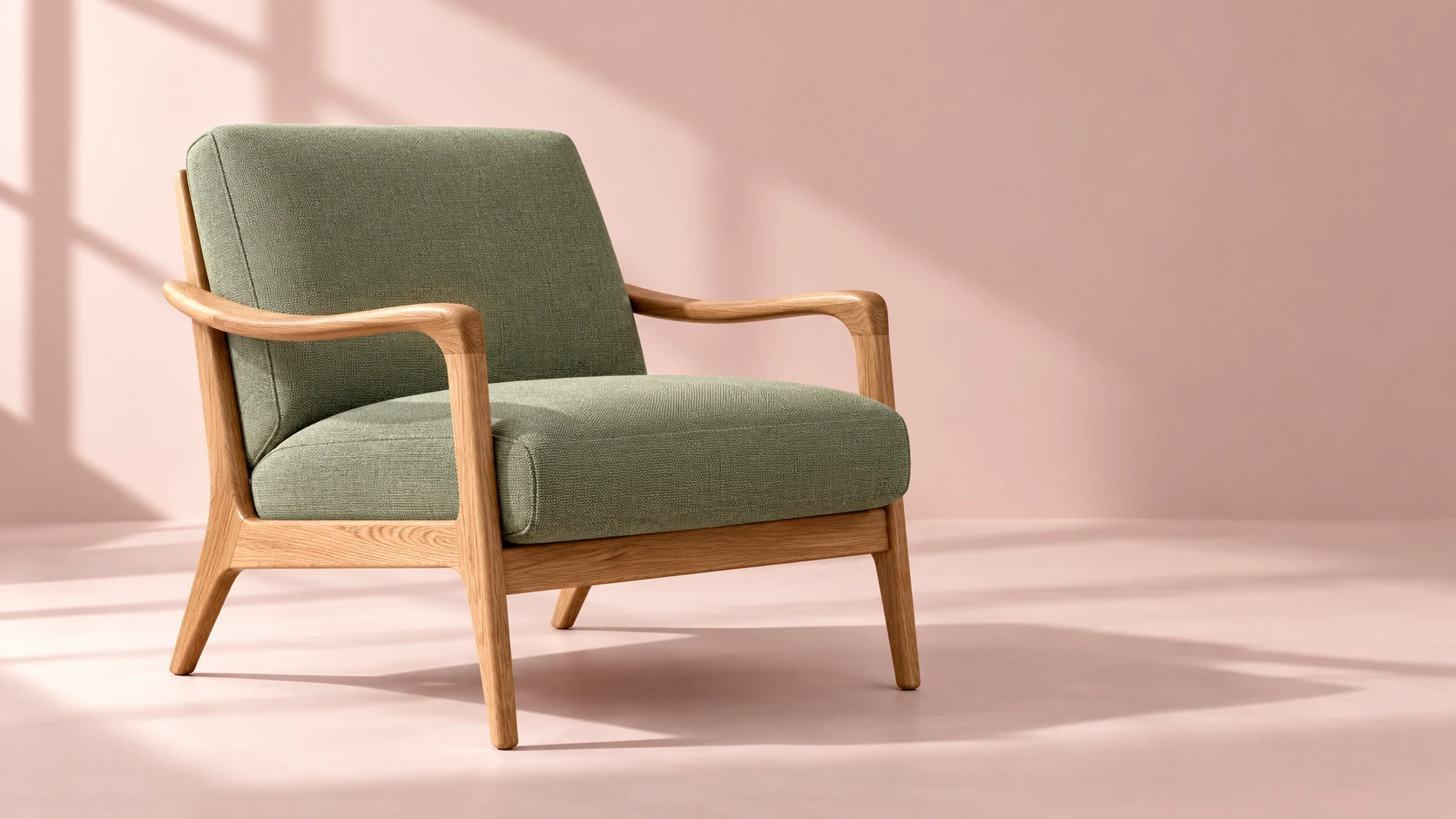
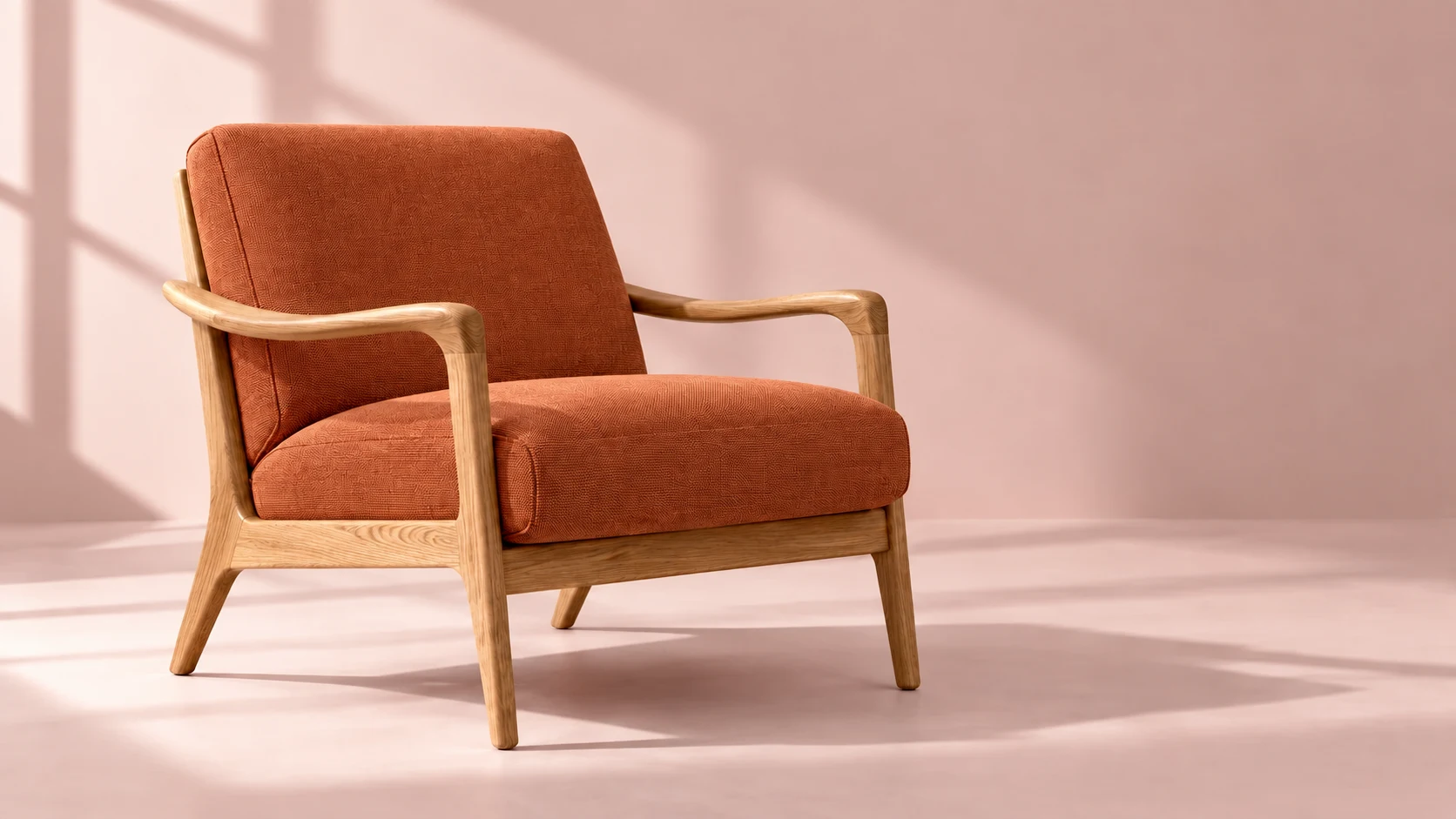
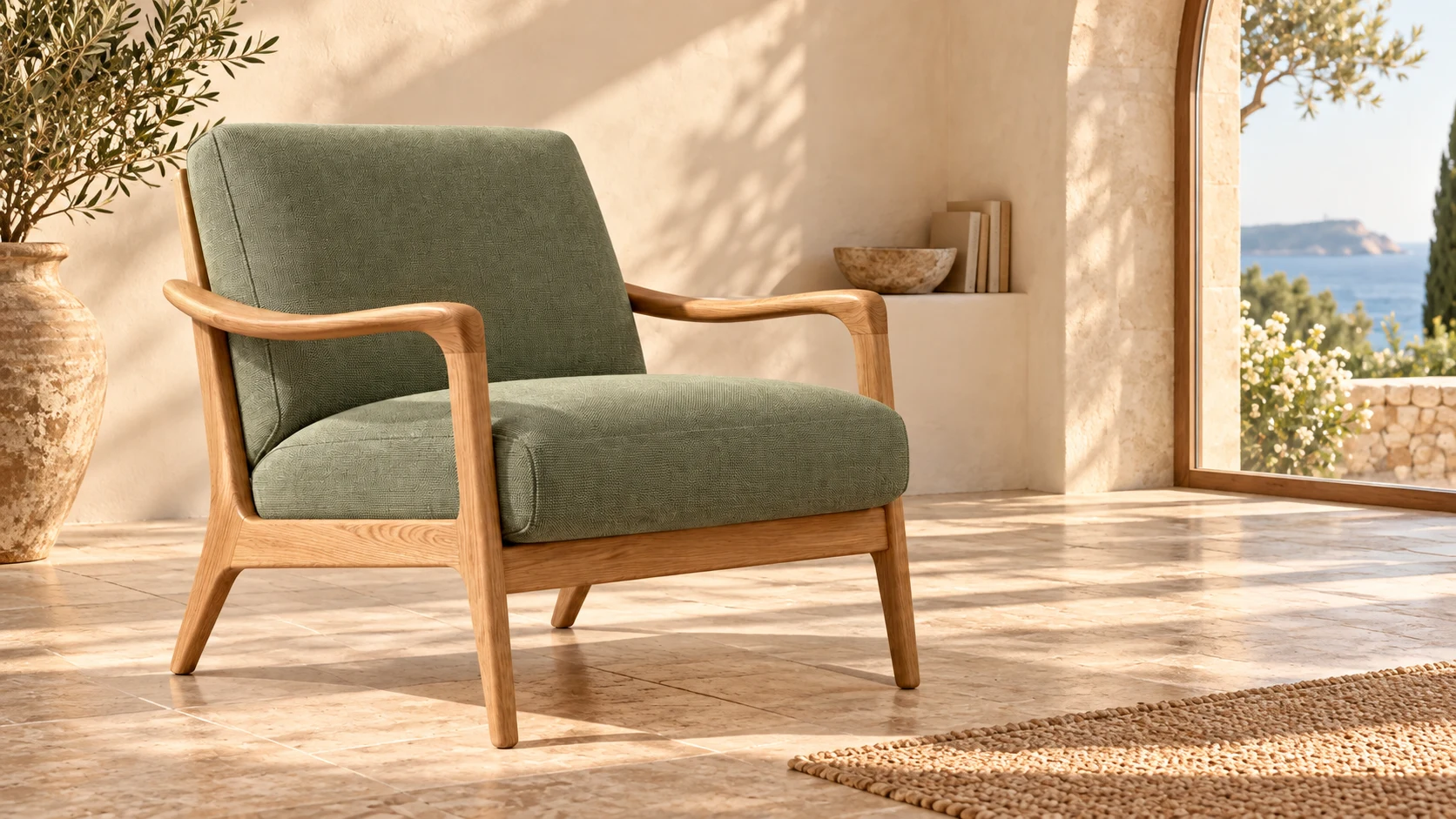 OriginalChange color
Turn a green chair terracotta, or place it in a coastal living room. Start with a reference image and describe what you want to change.
Open the generatorUse a small, deliberate iteration to decide whether an image fits your project before spending more credits.
Give the subject, composition, lighting and intended use a clear role in your prompt.
Check faces, hands, geometry, lettering and brand elements at the delivered size.
Adjust one part of your prompt at a time, then compare the versions.
Use your plan credits for images and videos. Review the selected tool, settings and credit quote before each generation.
$9.99/ month
800 credits / month
Credits renew monthly and expire at the end of the billing period.
View plan$24.99/ month
2,500 credits / month
Credits renew monthly and expire at the end of the billing period.
View plan$59.99/ month
6,200 credits / month
Credits renew monthly and expire at the end of the billing period.
View planText to image starts with a written description rather than a required source image. Jynno’s generator lets you describe a visual and choose the image settings shown for your task.
Describe the subject first, then add the setting, lighting, composition and visual style. State details that matter to your use case, and avoid several unrelated instructions in one request.
Use the generator’s selector and visible settings. Availability, aspect ratios and resolution options depend on the selected configuration; check the controls before submitting.
Image generation uses credits based on your model and settings. Review the cost before submitting, or compare subscriptions and credit packs on the pricing page.
No. Check lettering, hands, faces and geometry at the final size. Generated images can contain errors, and another iteration may be necessary.
Open Image to Image, upload your own reference and describe a change. Results depend on the selected option and the quality of your source image.
Choose your image settings and describe the visual you want to explore.
Open the generator