


From a single product to a cinematic world
Use text or a starting image to plan a story scene, a hands-on advertisement or a product close-up. Wan 3.0 on Jynno offers selectable duration and resolution, with the live form matching settings to the chosen channel.
Give your story a world to explore
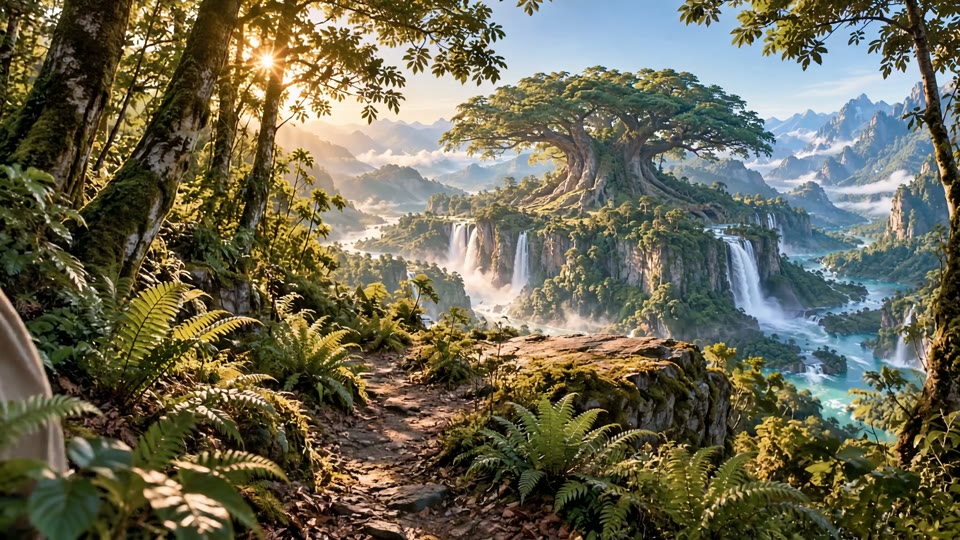
Connect a character, a small gesture and a wider landscape. Describe the light, setting and camera movement so that intimate details and the larger world share one visual direction.
A silver-haired elf walks through a sunlit forest and reaches toward the ferns. Reveal a vast ancient tree above a valley of waterfalls. Warm light, detailed foliage and gentle camera movement.
Let the demonstration tell the story
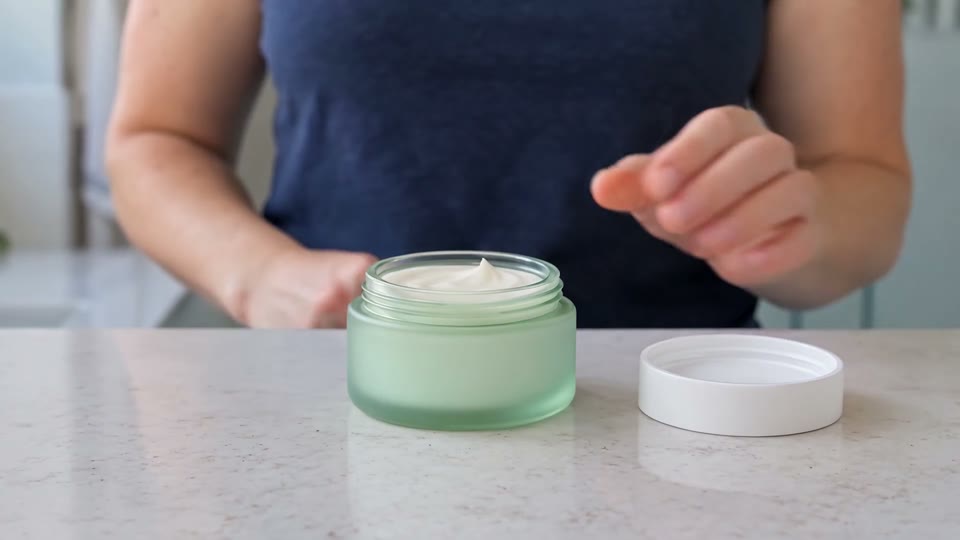
Build a clear sequence around the product: introduce it, open it, show the texture and demonstrate its use. Keep the person, packaging and setting in the same creative direction.
In a bright kitchen, a woman presents a pale green cream jar, opens the white lid, shows the cream texture and applies a small amount to her cheek. Natural gestures, soft daylight and a clean countertop.
Make the product the focus of every shot
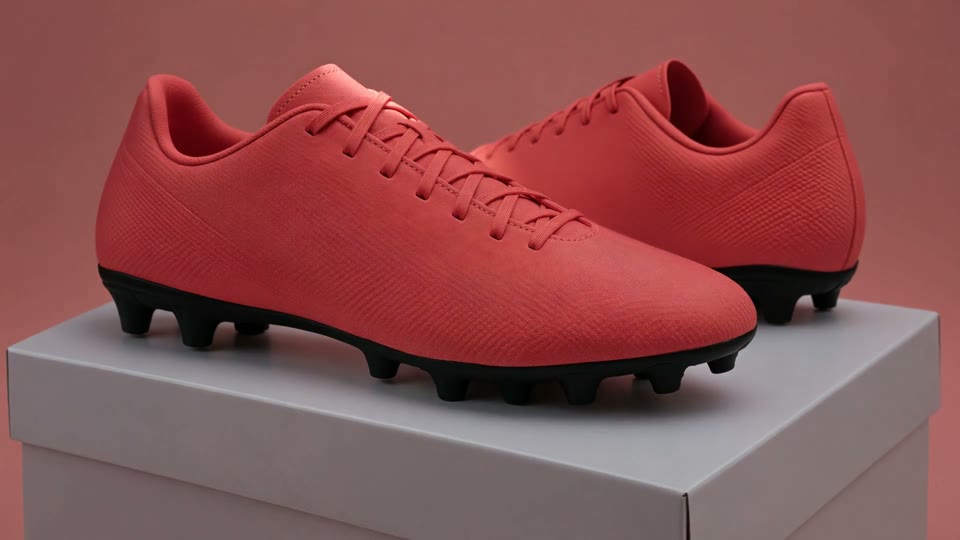
Move from the overall silhouette to the details that matter. Combine a studio view, a close-up of the sole and a grounded on-foot ending to keep attention on the shoes.
Coral football boots on a simple studio pedestal. Reveal the side profile and studded sole, then finish with the boots planted on grass beside a football. Keep the product central and the camera movement controlled.
Give every shot a clear direction
One readable event
Name the subject, its action and the moment the shot should end.
Describe the camera
Choose a framing and one purposeful camera move. Keep the action easy to follow.
Start with a clear image
Use a sharp, uncluttered image with room for the subject to move.
Set the delivery format
Pick the aspect ratio, duration and resolution for the channel you plan to publish on.
From useful details to visual stories
Product walkthroughs
Plan hands-on details, packaging and a clear product ending.
Product campaigns
Plan studio views, material details and a clear on-product ending.
Story worlds
Connect a character and a meaningful action to a distinctive setting.
From an idea to a video
- 1
Describe or upload
Write your scene, or add a first frame and describe what happens next.
- 2
Choose and confirm
Set the format and available channel, then review the credit quote.
- 3
Review and download
Review the completed video in your creations and download it for your project.
Available on Jynno
- Input
- Text or images; first and optional last frame.
- Output
- Standard: 2–30 seconds; 480P, 720P or 1080P.
- Access
- Available formats and member offers appear in the live form.
Questions before you create
What can I create with Wan 3.0 here?
Create a new video from a text prompt or animate an image. The image mode supports a first frame and an optional last frame. This form does not accept reference audio or provide local video editing.
Which durations and resolutions can I select?
The standard channel offers 2–30 seconds with 480P, 720P and 1080P settings. Member offers can have narrower limits, such as the 5-second 1080P image offer. The form shows the exact combination and quote.
Can the video include sound?
The standard Wan 3.0 channel supports its native sound setting where shown in the form. Some member offers are silent. Audio file upload and audio-driven performance are not available in this workflow.
How should I prepare a product image?
Use a sharp image with a clear product outline and room for movement. Keep the main packaging details visible, then describe the action, camera and ending. Review the generated product details before publishing.
How does the credit quote work?
Credits depend on the selected duration, resolution, channel and available sound setting. The form checks the current quote, account eligibility and balance before submission. It does not silently choose a different model.
Can I download the completed video?
Yes. Open the completed video in your creations to review and download it. Creations are private by default, with sharing available when you choose it.