
Choose an output size
Select 720p, 1080p, 2K or 4K according to where you plan to use the result.


Upscale an uploaded video to 720p, 1080p, 2K or 4K and compare the result with your original clip.
Working…
Compare the rotating speaker with its enlarged output, checking the grille and rotary knobs. The returned clip is slightly shorter than the source.
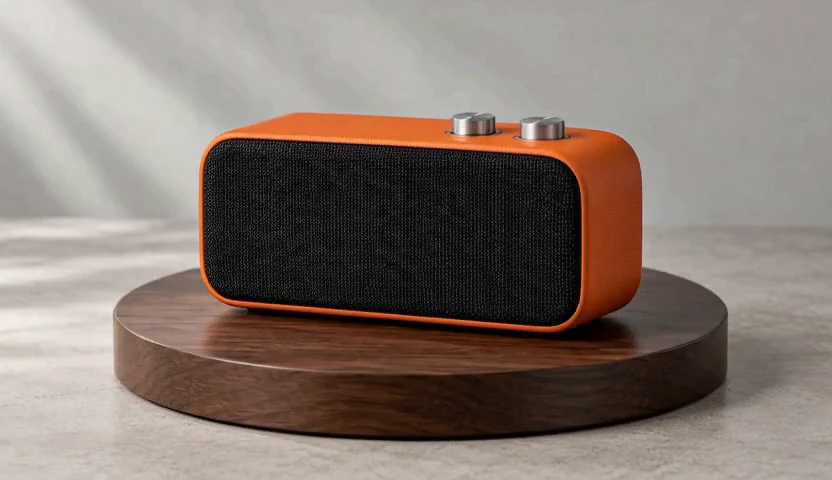
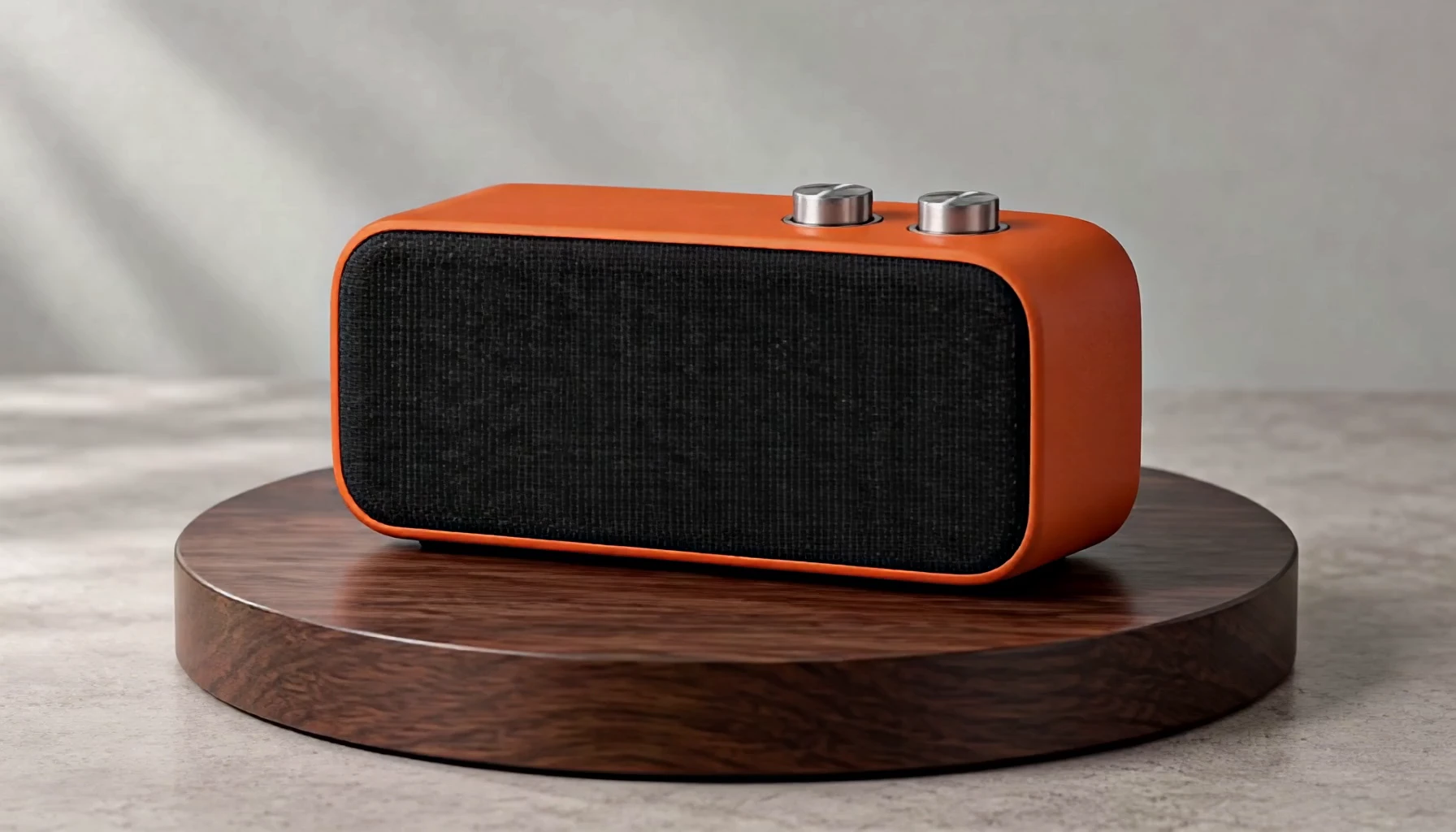
Select 720p, 1080p, 2K or 4K according to where you plan to use the result.
Choose the target resolution before generating, then compare the result against the original clip.
This workflow processes uploaded footage; it does not create a new scene from a prompt.
Upload the source and the references this tool needs.
Choose the supported settings, then review the quoted credits.
Confirm generation, then open and download the result from My Creations.
Make the shape and surface easier to inspect at the delivery size.
Prepare a small source for a larger layout while checking invented detail.
Review the final crop and clarity before publishing to a feed.
Yes. This workflow accepts an uploaded MP4, MOV or WebM rather than requiring a video from one generator.
Use your plan credits for images and videos. Review the selected tool, settings and credit quote before each generation.
$9.99/ month
800 credits / month
Credits renew monthly and expire at the end of the billing period.
View plan$24.99/ month
2,500 credits / month
Credits renew monthly and expire at the end of the billing period.
View plan$59.99/ month
6,200 credits / month
Credits renew monthly and expire at the end of the billing period.
View planView the source and the enlarged result, checking motion, texture and fine edges together.
Open the tool