
Clean an overlay with a precise selection
Choose the complete lettering or mark and inspect the reconstructed surface underneath.


Remove an overlay from your image and check the texture underneath.
No model is currently available for this feature.
Create an image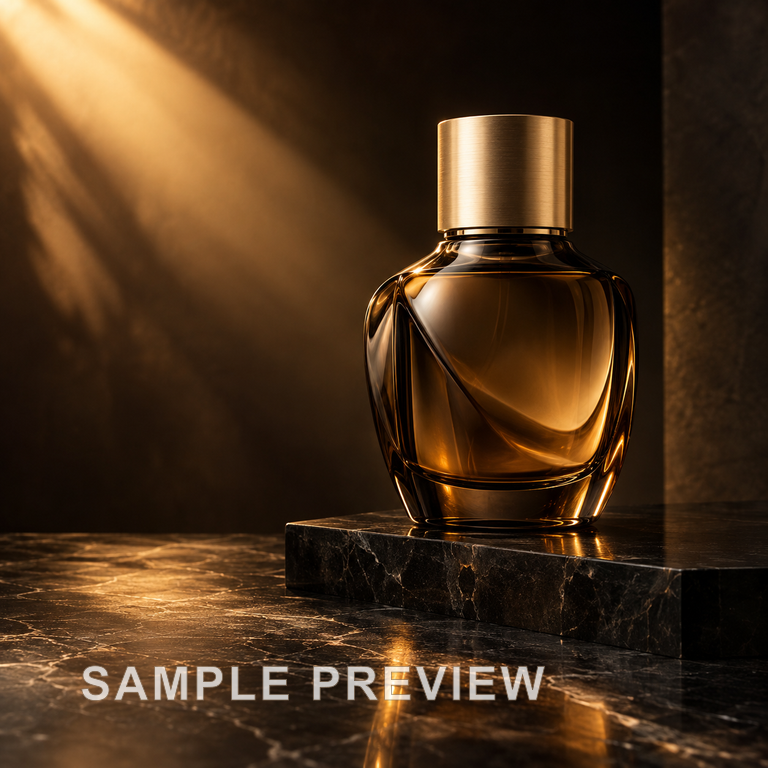

Choose the complete lettering or mark and inspect the reconstructed surface underneath.
Select the overlay without including unnecessary surroundings.
Compare texture at full size before sharing.
Remove the text overlay from an amber perfume photograph. Compare the stone texture and golden reflections below the bottle.
Use this tool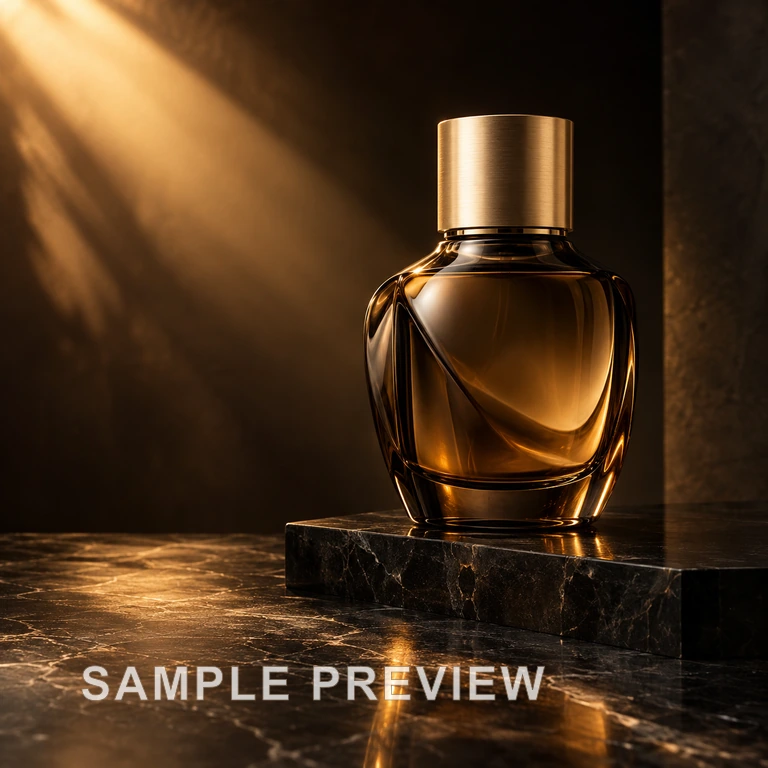

Choose the complete lettering or mark and inspect the reconstructed surface underneath.
Start creating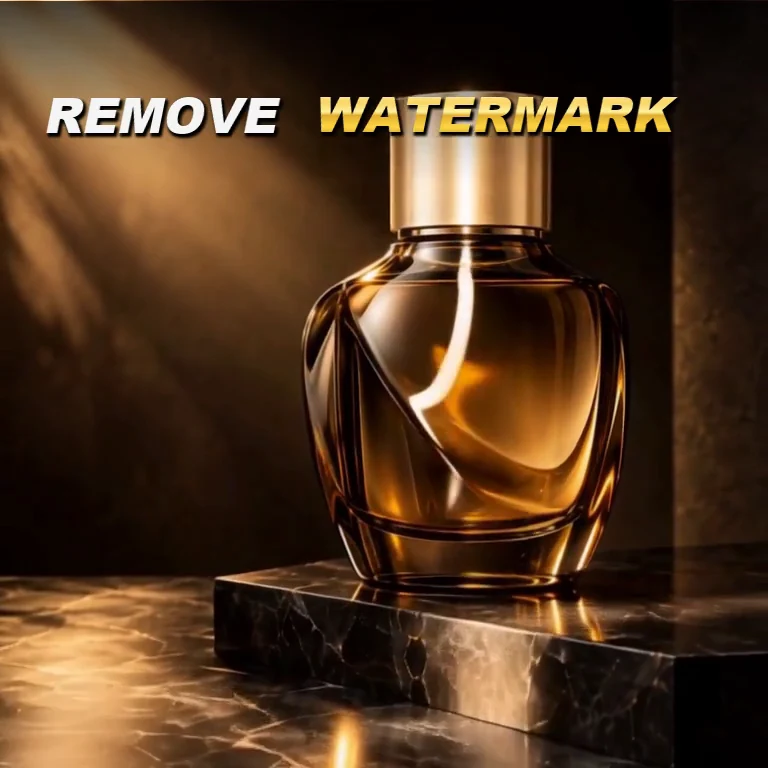
Clean an old preview overlay from an image you own.
Prepare a clean product photo from your permitted source.
Clear distracting lettering before placing your own design.
Select the complete overlay.
Check transparent lettering and faint edge remnants.
Compare texture at full size before sharing.
Upload an image you own or are allowed to edit.
Select the overlay without including unnecessary surroundings.
Generate and inspect the repaired texture.
Select the whole overlay, including faded edges. Reconstruction depends on how much underlying texture remains visible.
Use your plan credits for images and videos. Review the selected tool, settings and credit quote before each generation.
$9.99/ month
800 credits / month
Credits renew monthly and expire at the end of the billing period.
View plan$24.99/ month
2,500 credits / month
Credits renew monthly and expire at the end of the billing period.
View plan$59.99/ month
6,200 credits / month
Credits renew monthly and expire at the end of the billing period.
View planAfter removing the overlay, use Photo Editor to adjust color or lighting.
Photo Editor ↗