
The visible change
Two articulated golden wings emerge behind the shoulders and open into a broad luminous silhouette.


Unfold two luminous golden wings.
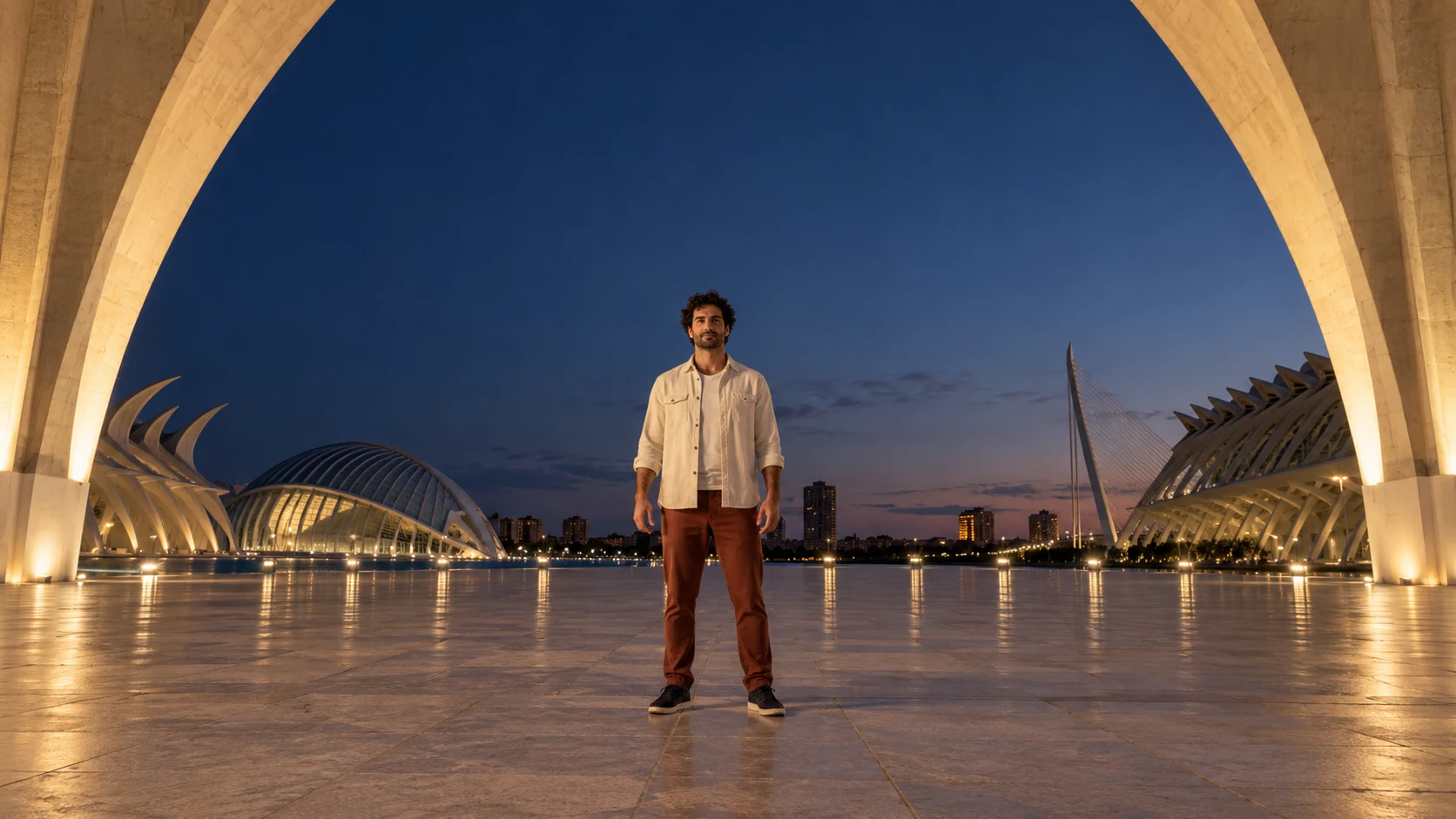

Two golden wings unfold behind the same person; face, clothes and surroundings stay intact.
Upload a clear photo and adjust the motion prompt to fit your scene. Check the settings and credit cost before generating.
Choose another effectTwo articulated golden wings emerge behind the shoulders and open into a broad luminous silhouette.
The same face, hair and ordinary clothes, with room on both sides of the body.
Keep the whole person in view and avoid walls or props directly behind the shoulders.
Unfold two golden wings behind the same person. Let their light catch the outfit and surroundings while the subject remains grounded.
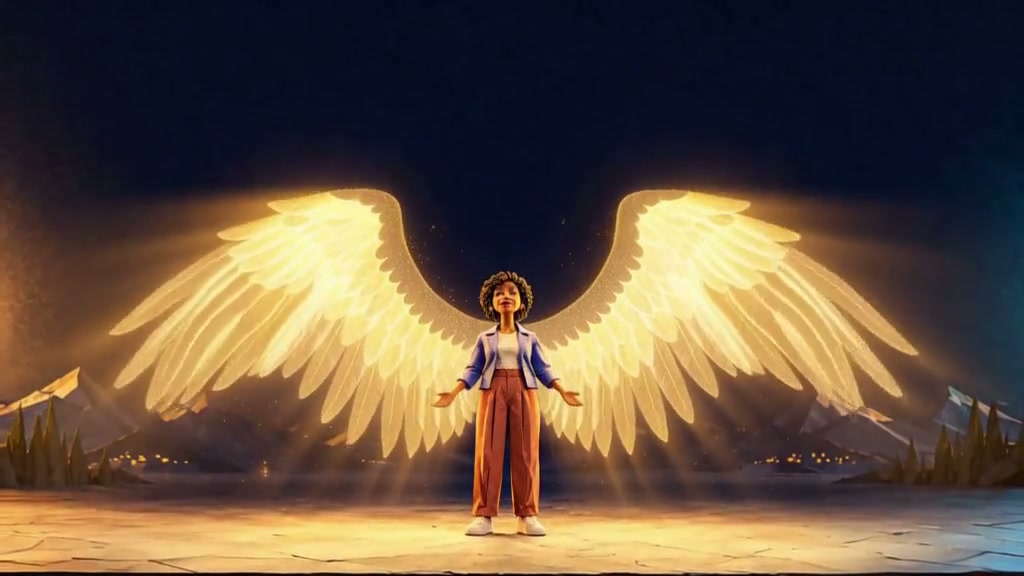
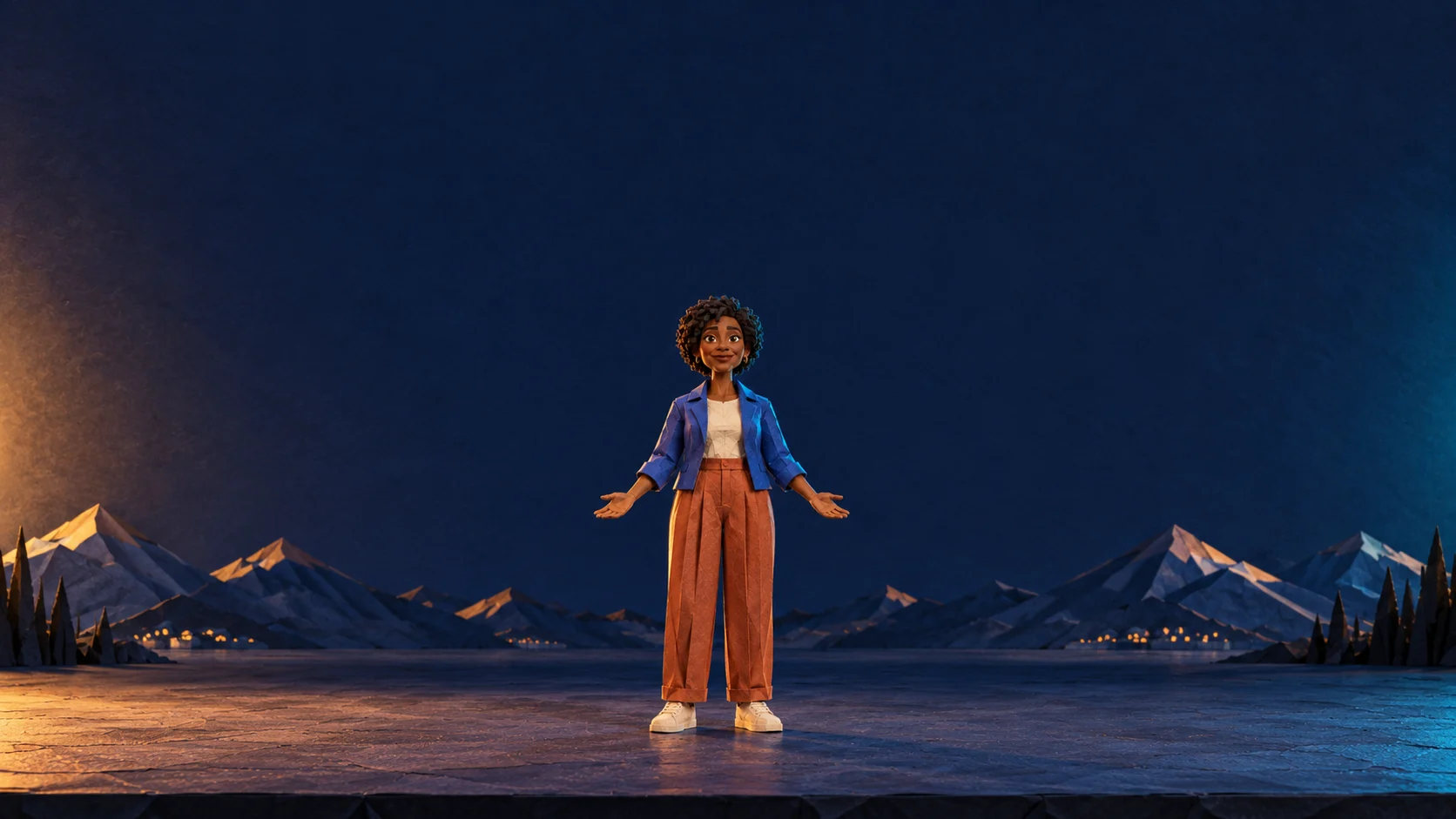
A folded-paper character opens luminous wings while keeping her original shape and stage.
Two articulated golden wings emerge behind the shoulders and open into a broad luminous silhouette.
Try this effectChoose a full-body pose with clear shoulder space and a background wide enough to show both wing tips.
Keep the whole person in view and avoid walls or props directly behind the shoulders.
Use one symmetrical reveal with warm golden feather shapes. Keep the face and outfit recognizable.
Look for two wings attached behind the shoulders, visible tips and a solid grounded body.
Unfold golden wings behind the shoulders while keeping the original face and outfit.
Show one power event through a complete wingspan and reflected light.
Leave space beside the person so both wing tips fit inside the frame.
Use your plan credits for images and videos. Review the selected tool, settings and credit quote before each generation.
$9.99/ month
800 credits / month
Credits renew monthly and expire at the end of the billing period.
View plan$24.99/ month
2,500 credits / month
Credits renew monthly and expire at the end of the billing period.
View plan$59.99/ month
6,200 credits / month
Credits renew monthly and expire at the end of the billing period.
View plan