
The visible change
The solid material disappears as it turns into travelling petals.


A solid shape becomes petals carried on the breeze.
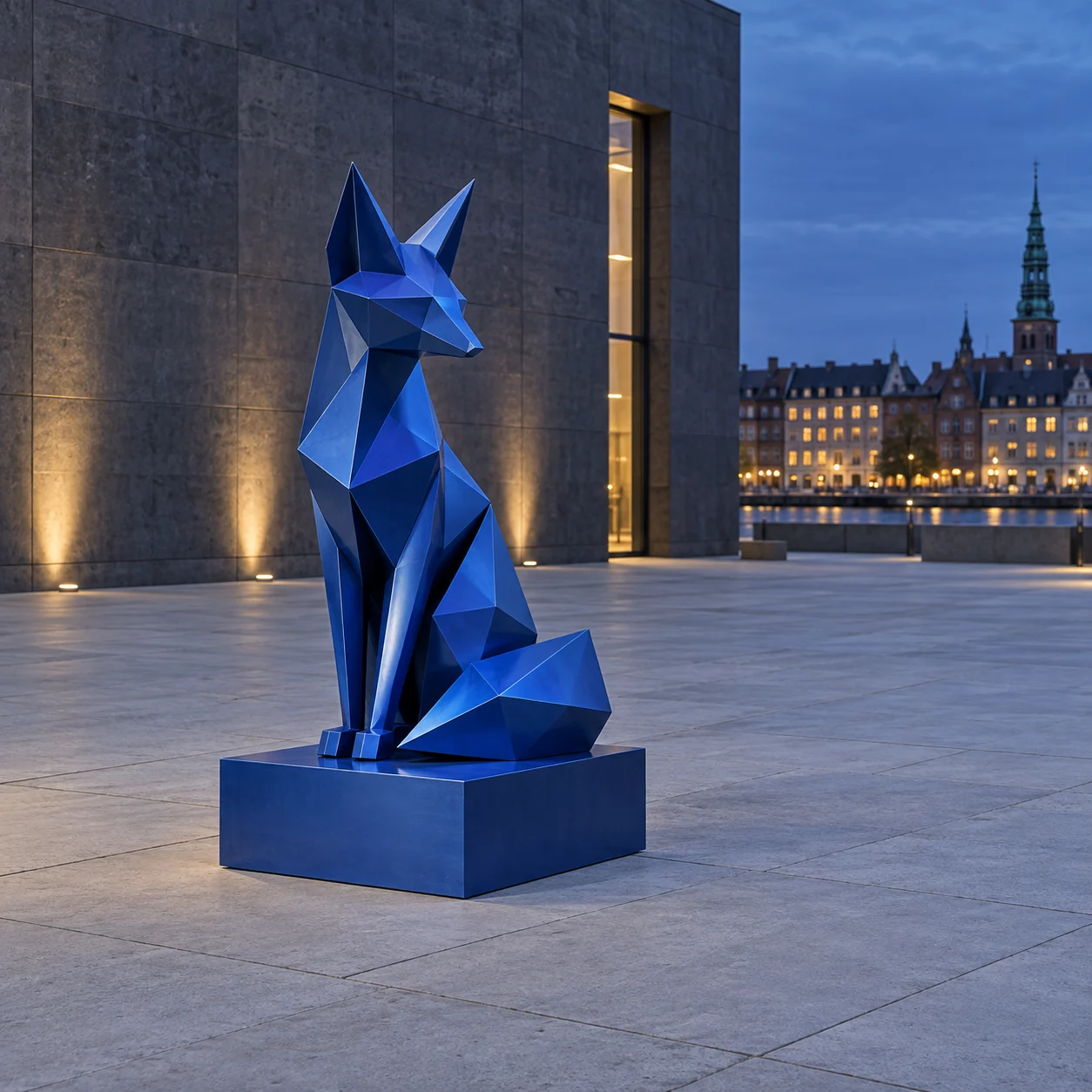

Petals originate at the surface and move in one direction. The statue gradually disappears while the background stays intact.
Upload a clear photo and adjust the motion prompt to fit your scene. Check the settings and credit cost before generating.
Choose another effectThe solid material disappears as it turns into travelling petals.
One complete sculpture, its base and an unobstructed view of the ground.
Show the entire sculpture and base. Leave enough space to one side for the petals to travel.
Let the sculpture progressively become petals carried in one direction. The finished motion should reveal the original background through the space it occupied.
The solid material disappears as it turns into travelling petals.
Try this effectChoose one freestanding object whose whole shape is readable. Give the transformation a clear direction and ending.
Show the entire sculpture and base. Leave enough space to one side for the petals to travel.
Name the object that becomes petals and one wind direction. Keep the original ground and surrounding scene as the reference.
Look for the original background where the sculpture stood. If petals only cover an intact object, simplify the scene and make the solid-to-petal change explicit.
Follow a solid form as it breaks into petals and leaves an empty space.
End on the empty scene after the subject dissolves, leaving room for your edit.
Explore a spring motif through pink petals against the original setting.
Use your plan credits for images and videos. Review the selected tool, settings and credit quote before each generation.
$9.99/ month
800 credits / month
Credits renew monthly and expire at the end of the billing period.
View plan$24.99/ month
2,500 credits / month
Credits renew monthly and expire at the end of the billing period.
View plan$59.99/ month
6,200 credits / month
Credits renew monthly and expire at the end of the billing period.
View plan