

A focused scene, a strong visual beat
Use Seedance 2.5 for a compact product reveal, a character entrance or a fashion moment. Jynno’s current direct offer is a 4-second, 1080P video from text or images, with eligible membership and a confirmed quote.
Write the action and the camera together
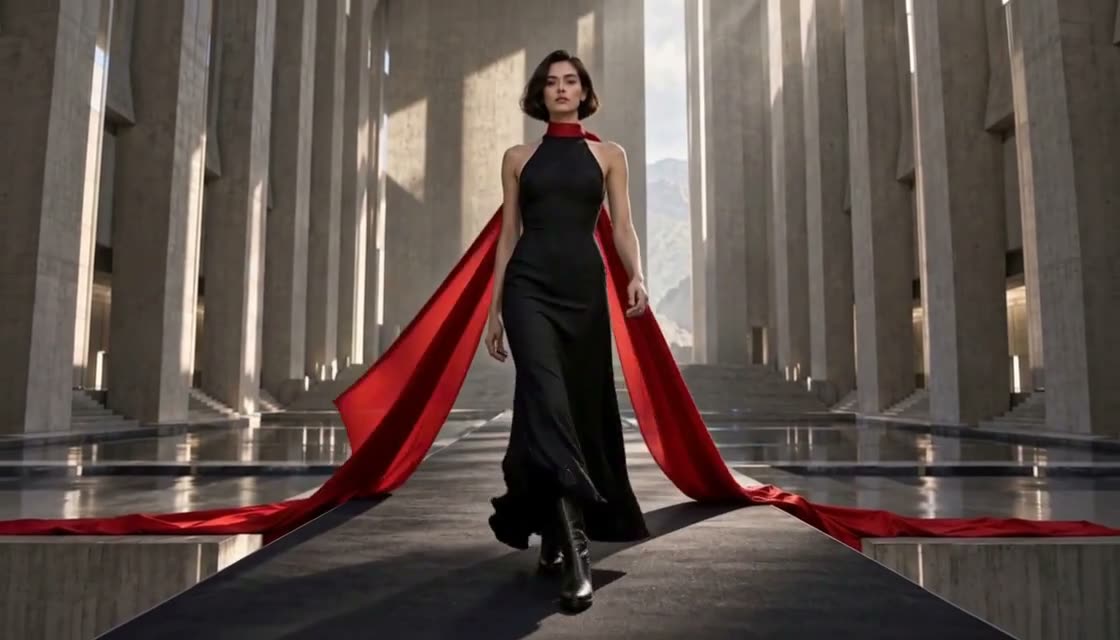
Give a fashion shot a clear movement: a step, a turn, then fabric crossing the frame. A concise sequence is easier to direct than a list of unrelated effects.
A model in a black dress turns on a stone runway. Her red silk cape sweeps across the foreground. Track backward at eye level; keep the same outfit and architecture.
Give an illustrated character a next move
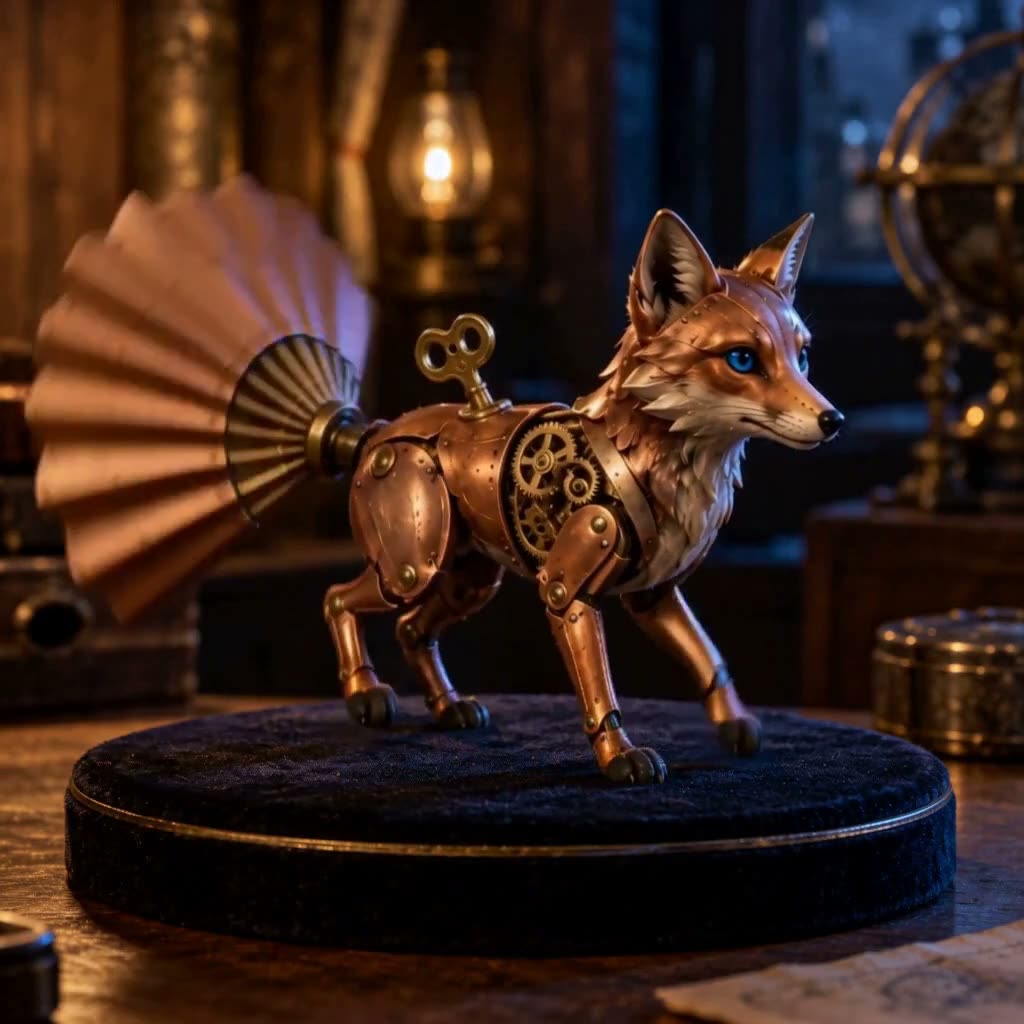
Start with a character image and describe a small, visible event. Keep the character’s materials and surroundings in the prompt while making the motion the main instruction.
A brass clockwork fox turns its head on a workshop turntable. Its paper fan tail opens once. Keep the intricate gears and warm lamplight.
Build a reveal around one hero product
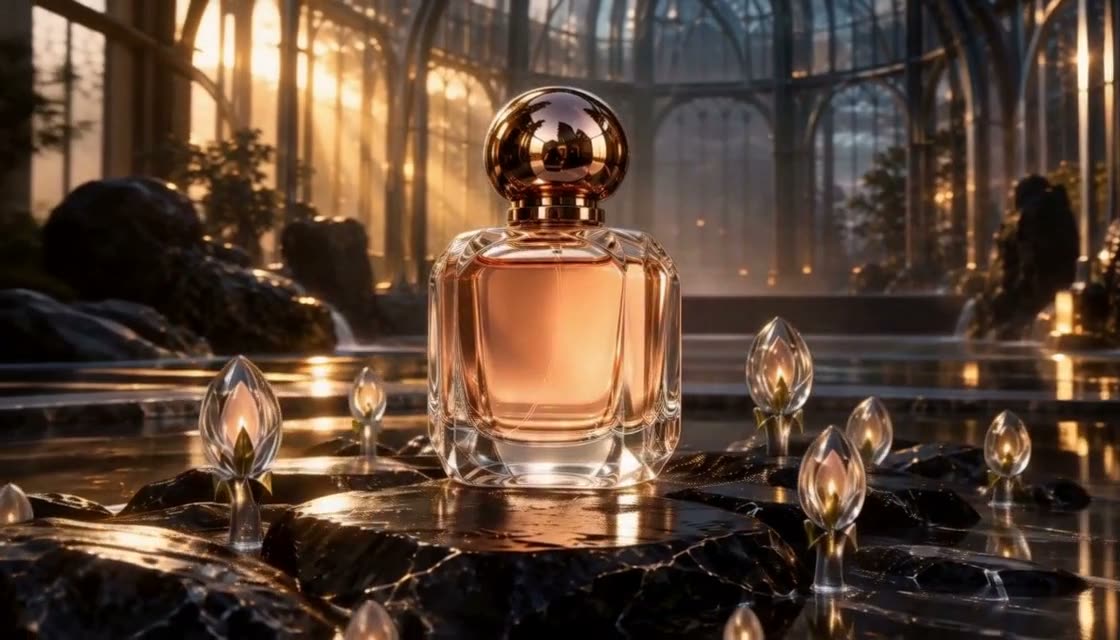
Anchor the shot to the product before adding a moving light, a rotating ring or a changing background. Keep the product design readable through the scene.
A midnight-blue watch stands inside a celestial observatory. A golden orbital ring rotates behind it. Push in gently; preserve the watch face and strap.

Give every shot a clear direction
One readable event
Name the subject, its action and the moment the shot should end.
Describe the camera
Choose a framing and one purposeful camera move. Keep the action easy to follow.
Start with a clear image
Use a sharp, uncluttered image with room for the subject to move.
Set the delivery format
Pick the aspect ratio, duration and resolution for the channel you plan to publish on.
Make the short format work
Fashion openings
Plan a single gesture, fabric movement or character entrance.
Product reveals
Keep one product central and give the reveal a clear ending.
Story inserts
Create a brief reaction or atmospheric detail for a larger edit.
From an idea to a video
- 1
Describe or upload
Write your scene, or add a first frame and describe what happens next.
- 2
Choose and confirm
Set the format and available channel, then review the credit quote.
- 3
Review and download
Review the completed video in your creations and download it for your project.
Available on Jynno
- Input
- Text or image; first and last frame slots in image mode.
- Output
- Current direct offer: 4 seconds, 1080P.
- Access
- Creator or higher for this member offer; current quote applies.
Questions before you create
Which Seedance 2.5 settings are available here?
The current direct member offer supports 4 seconds at 1080P, using text or images. It requires Creator membership or higher. The form shows the exact eligible settings and credit quote.
Can I start with a product image?
Yes. Choose Image to video and add a first frame. You can also add an optional last frame in the supported image slots. Describe the motion and keep important product details explicit.
Is the 30-second version the same offer?
No. The separate 720P, 30-second Seedance 2.5 offer is available through Agent for eligible Studio members. It has its own settings and quote; this direct form keeps the 4-second offer.
Does this page include local video editing or 4K?
This form creates a new video from text or images. It does not offer region-based video editing, clip extension or native 4K output. Use Jynno’s separate video tools for the workflows listed there.
How many credits does a video cost?
The form calculates credits for the selected offer and checks your membership and balance before submission. Confirm the current quote before generating; unavailable offers stop without changing the model or channel.
Where can I review and download my video?
Completed videos appear in your creations. Open the video to review it and use the download action. Your creation remains private unless you choose to share it.