
AI Image & Video Tools
Choose a tool for your next image or video. Start from text, a photo or an existing visual, then create, refine and animate.
Generate images
Start with an idea, a reference or a picture you want to understand.
AI Image Generator
Compare image models and choose how to create, edit or describe a visual.
Text promptText to Image AI
Turn a written scene into a portrait, product visual, illustration or concept.
Image + instructionsImage to Image AI
Change a photo’s background, lighting or style using a reference and instructions.
Reference imageImage to Prompt Generator
Describe a photo’s subject, composition, lighting and style as an editable prompt.
Image + cutout briefAI PNG Maker
Create a subject cutout and check transparent edges for products, portraits or stickers.
Edit photos
Make a targeted change to an image you already have.
AI Photo Editor
Describe a precise color, material or local photo edit.
Source imageMagic Eraser
Select an unwanted object and request a clean removal.
Source imageBackground Remover
Remove the background from a product image or portrait.
Source imageAI Image Upscaler
Enlarge an image and review the recovered edges and texture.
Source imageWatermark Remover
Remove marks from images you own or have permission to edit.
Create videos
Choose the visual starting point for a moving shot.
AI Video Generator
Choose text, an opening image or visual references for your next video.
Scene promptText to Video AI
Turn a written scene, subject and action into a short video.
Opening image + motionImage to Video AI
Animate a photo, product shot or illustration with a motion prompt.
References + scene promptReference to Video AI
Guide a character, product or scene with supported reference images.
Upload a video, choose a resolution and describe the object or scene to edit.AI Video Editor
Change outfits, recolor products, or refresh a scene in an existing video. Upload your clip and describe the edit.
Match the character and the movementMimic Motion
Animate a character image with movement from a reference video using AI motion control.
Choose the scene you want to restyleVideo to Video AI
Upload a 3–10 second MP4 or MOV and turn the whole scene into a comic-book clip. The source guides the movement and framing.
Upload the clip you want to enhanceVideo Upscaler
Upload a video and upscale it to 720p, 1080p, 2K or 4K. Preview the upscaled clip and download it for your next edit.
Choose a clearly visible subjectVideo Background Remover
Upload a clip with a clear foreground subject. Remove the background and use the transparent video in an editor that supports transparency.
Start from the ending you want to continueAI Video Extender
Continue the scene and motion in your video with a continuation prompt.
Animate photos with effects
Choose a clear photo and a movement you want to see.
AI Twerk Video Generator
Animate an adult character with a short dance movement.
Bigfoot character imageBigfoot Video Generator
Animate a Bigfoot character in a playful selfie-style scene.
Build a complete visual project
Use Creative Agent to develop an idea, organize a shot plan and work through image and video creation.
Practical creation guides
Explore more with Jynno
From photo edits to video effects. Find your next creative move.
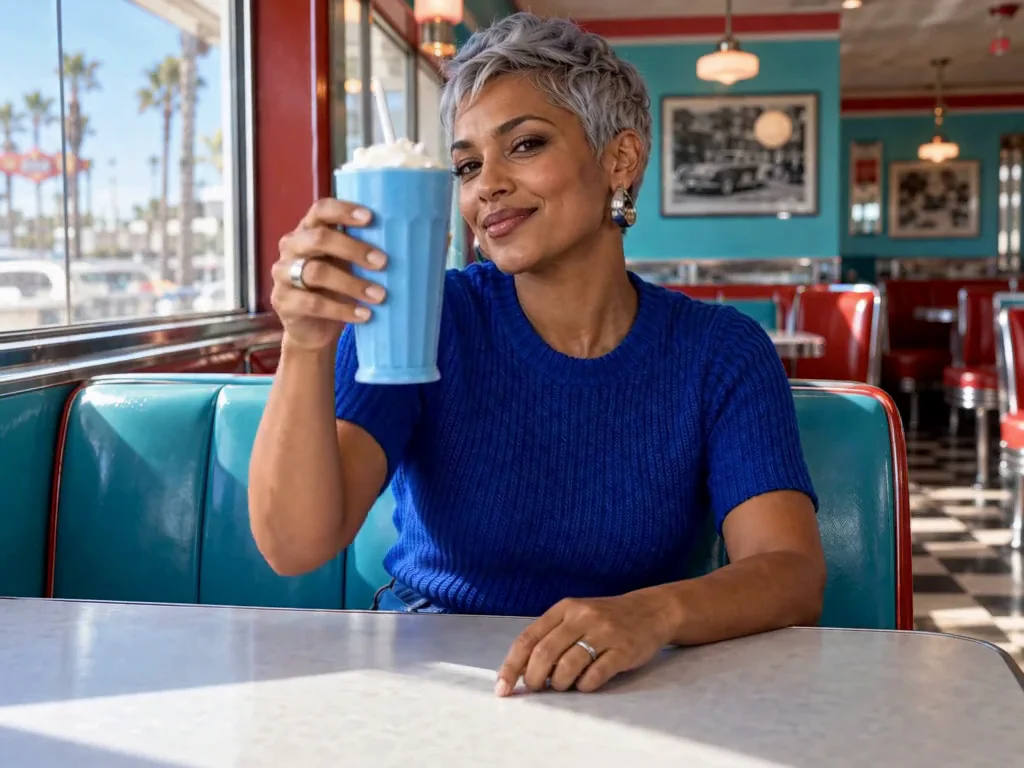
Photo editing
Jynno Image Edit
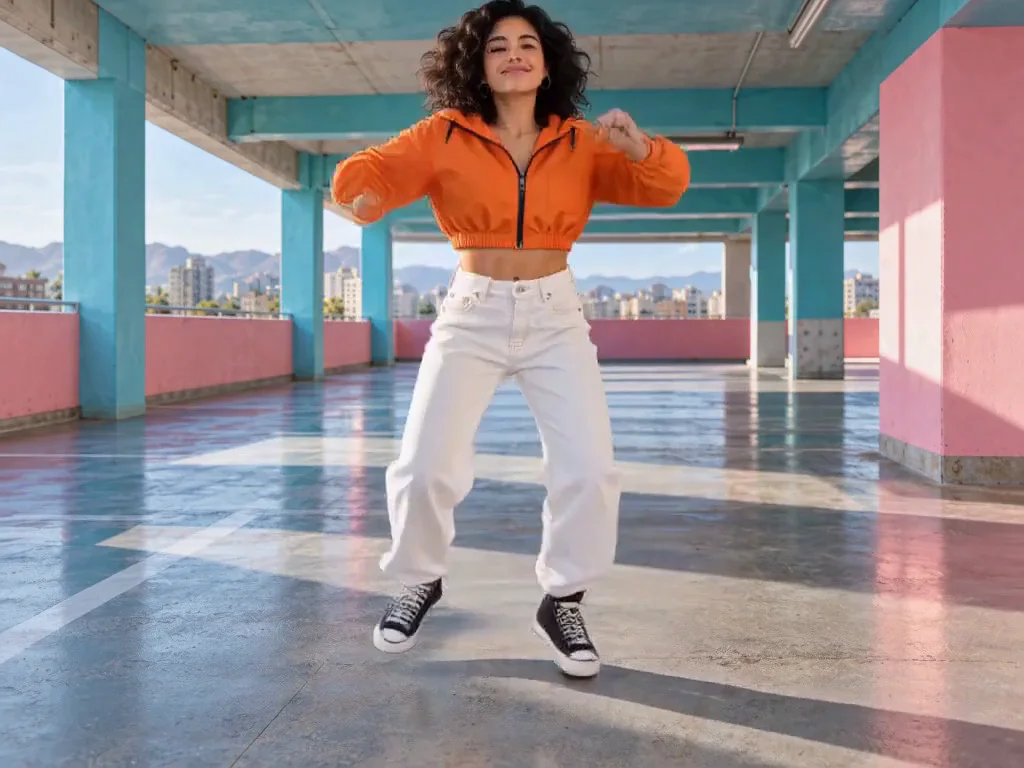
Video restyling
Jynno Restyle
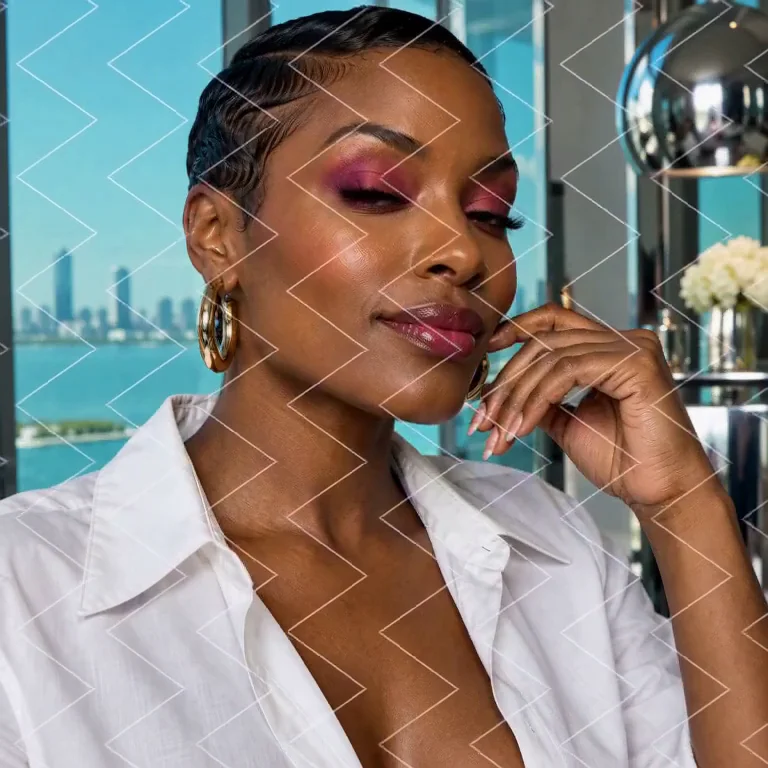
Watermark removal
Jynno Erase
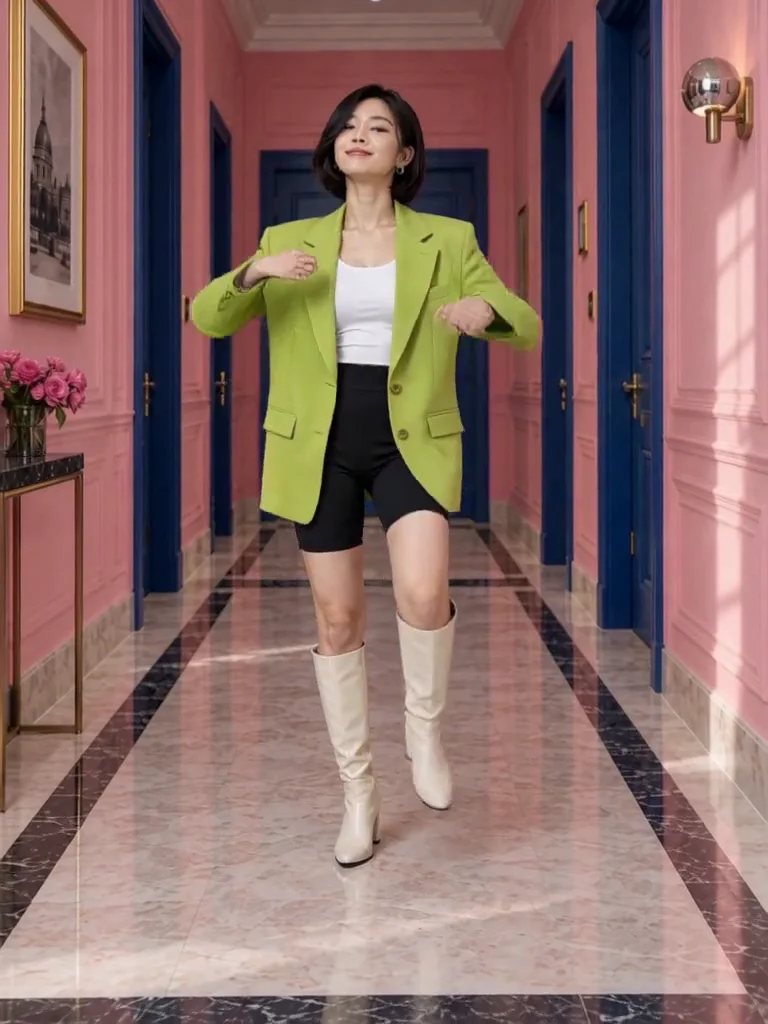
Video clothing & color editing
Jynno Video Edit
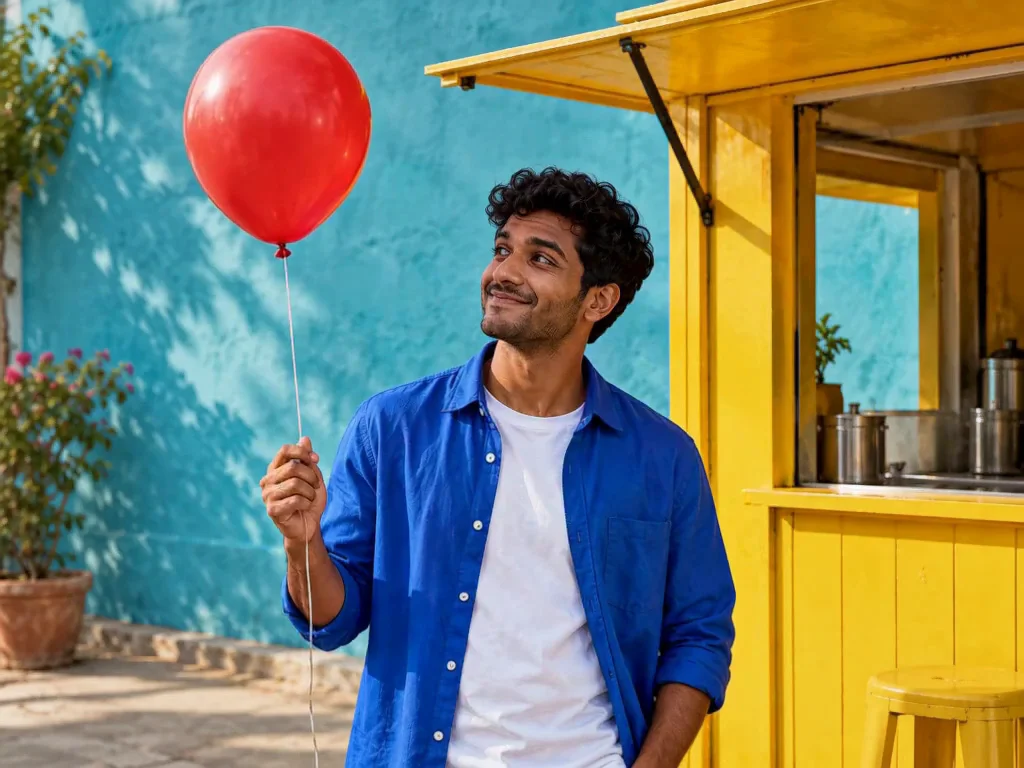
Magic Eraser
Jynno Erase
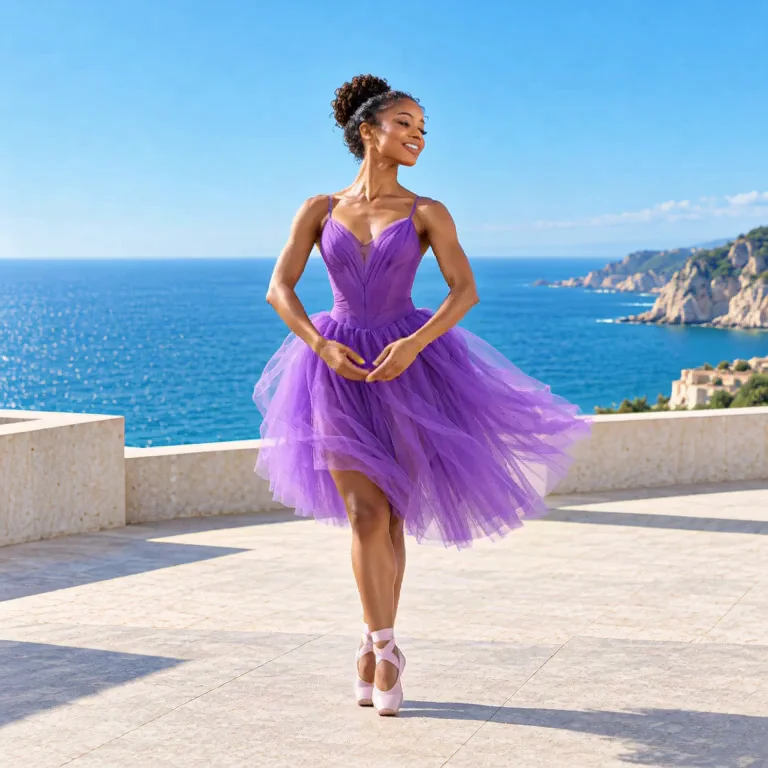
Image background removal
Jynno Cutout
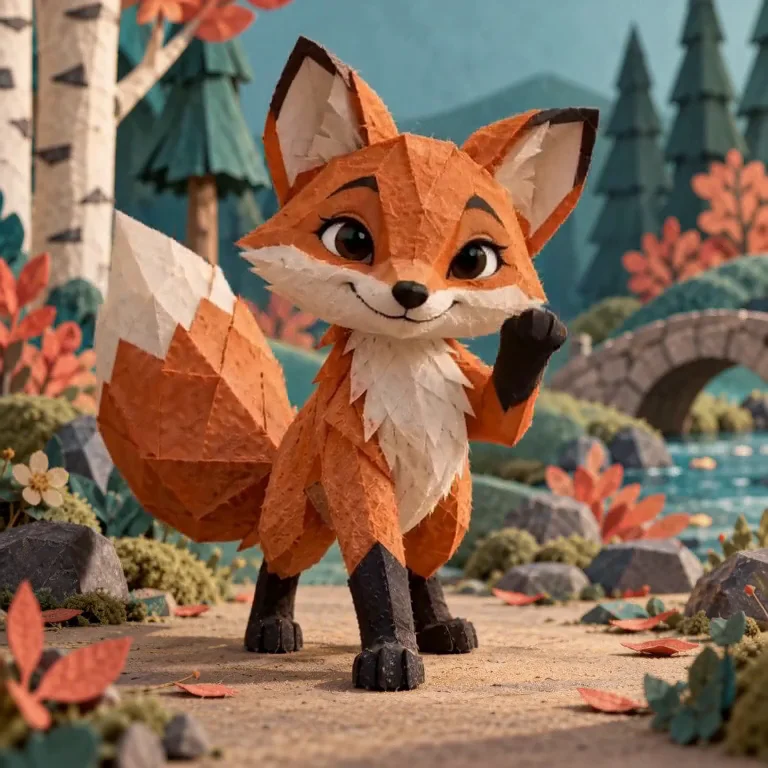
Transparent PNG
Jynno Cutout
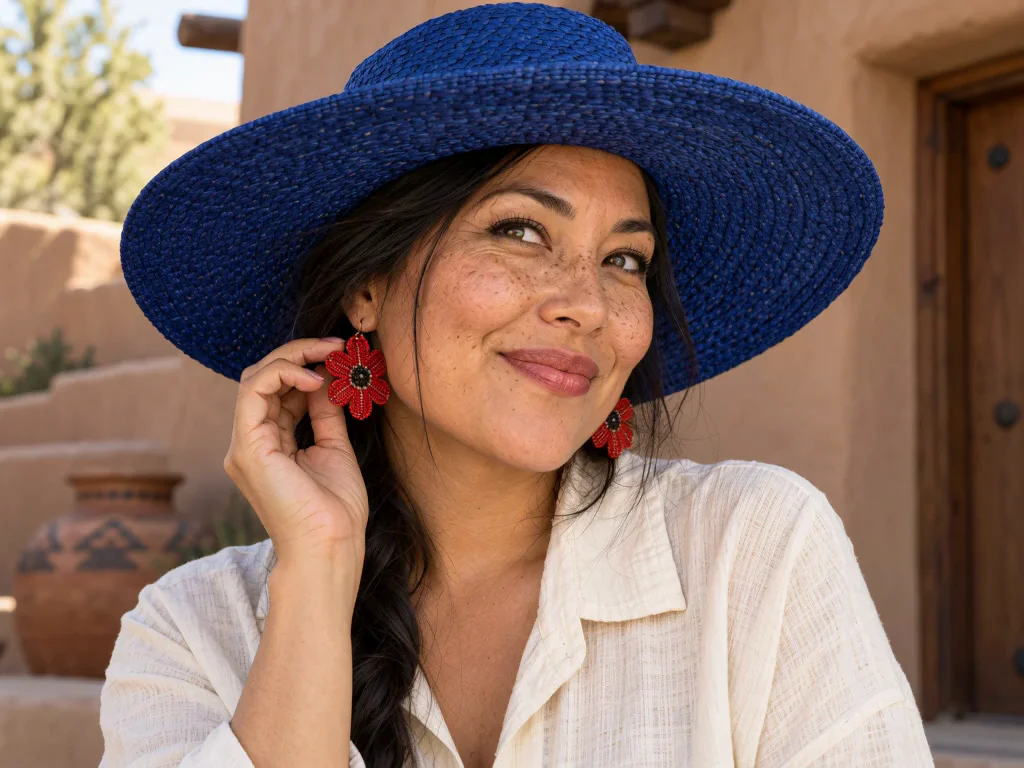
Image Upscaler
Jynno Upscale
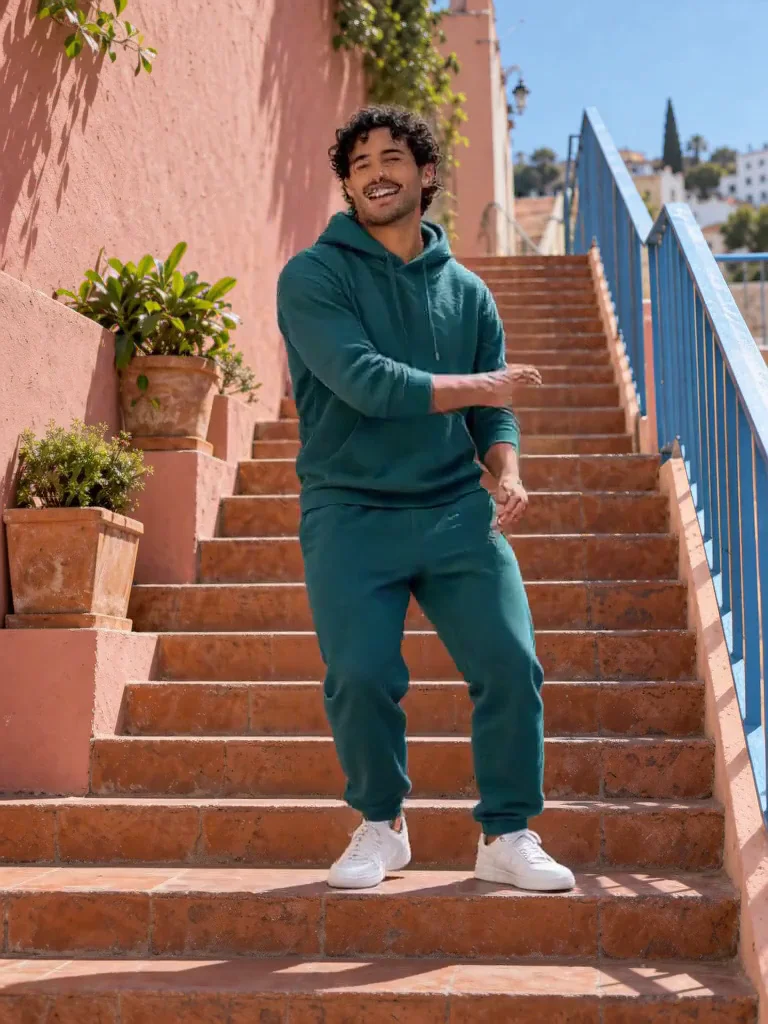
Video Effects
Jynno Effects
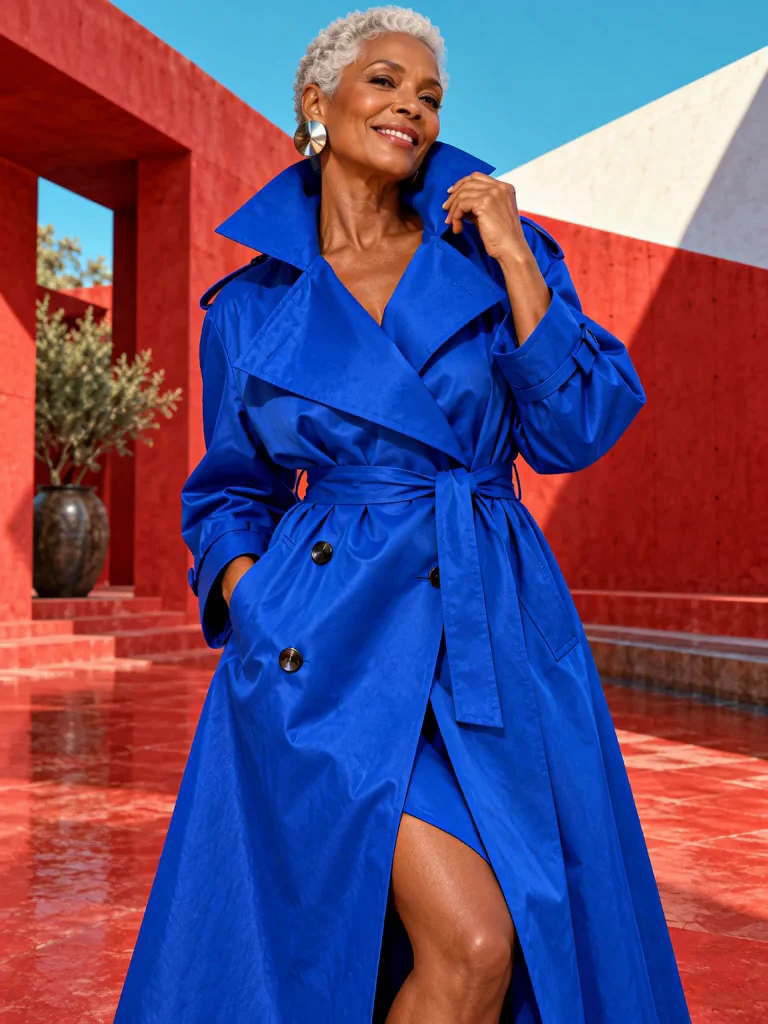
Image to Prompt
Jynno Vision
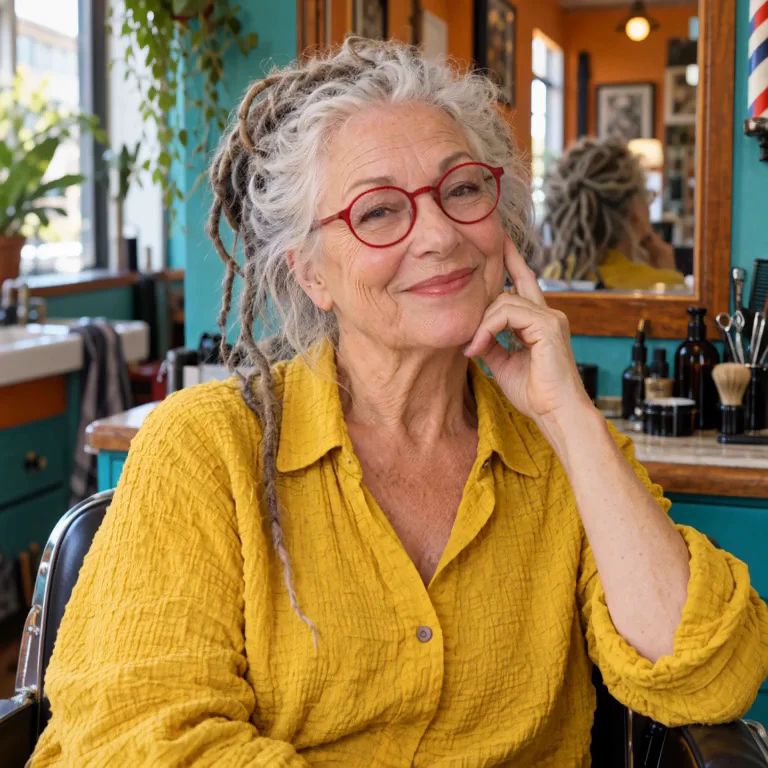
Video Upscaler
Jynno Upscale
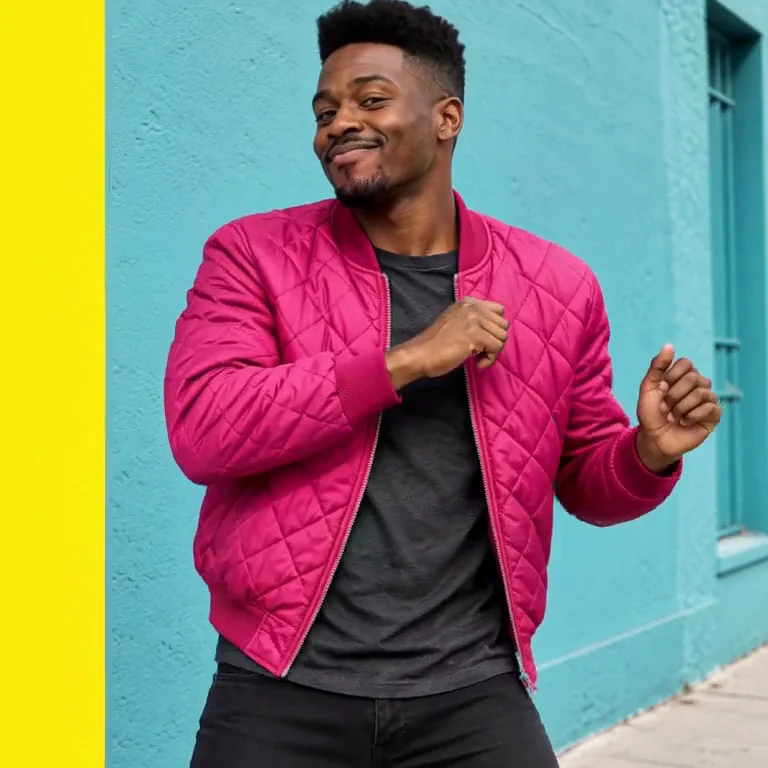
Video background removal
Jynno Cutout