
Plan a product-led ad for the sunglasses in my photo. Establish the whole pair, show the frame and hinge details, then an adult naturally puts them on before walking outside. Use short connected shots and a clear final product view. Preserve the frame shape, lens color and character continuity. Do not invent UV protection claims. Plan first; wait for approval before generation.
AI Ad Video Creator
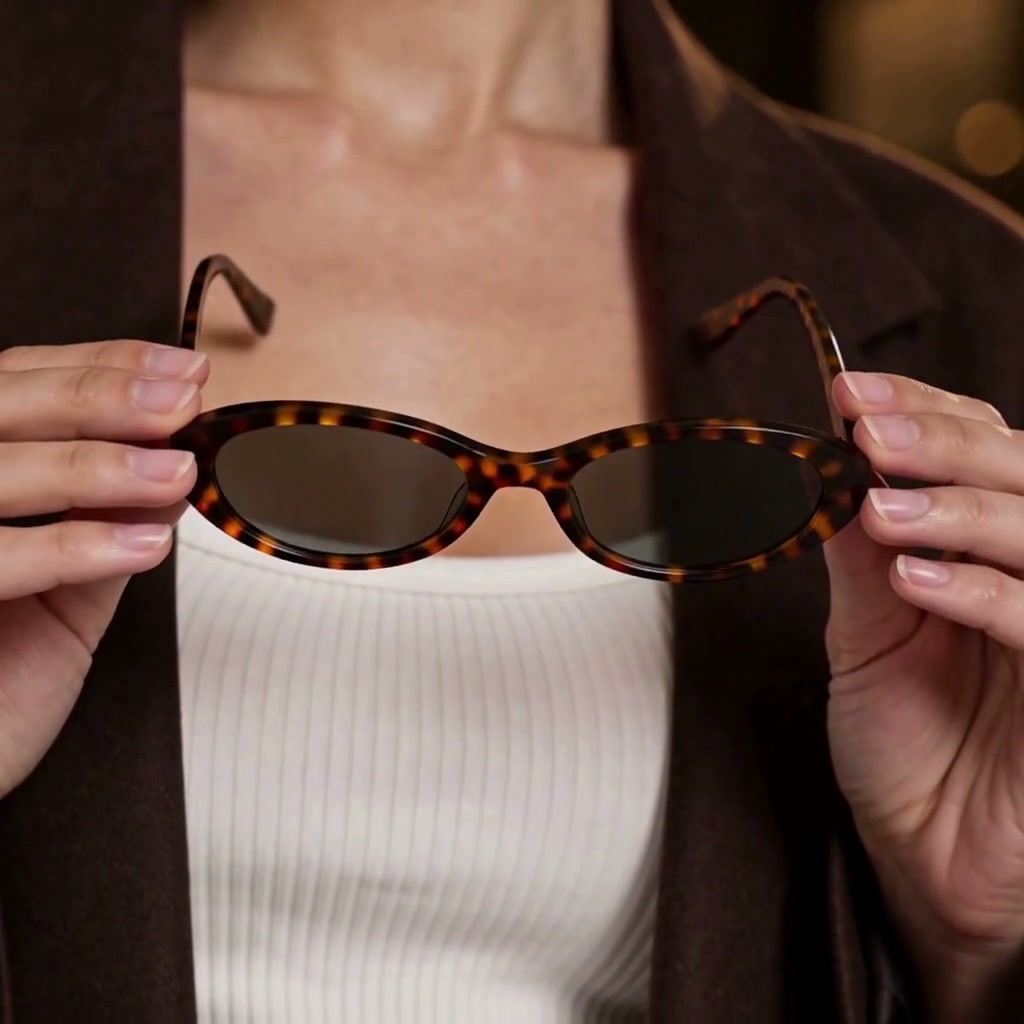
Build an ad around the product people should remember. Show the sunglasses clearly, move from frame details to a natural try-on, then finish with the same pair in a sunny outdoor setting.
Product ad examples
Product photo
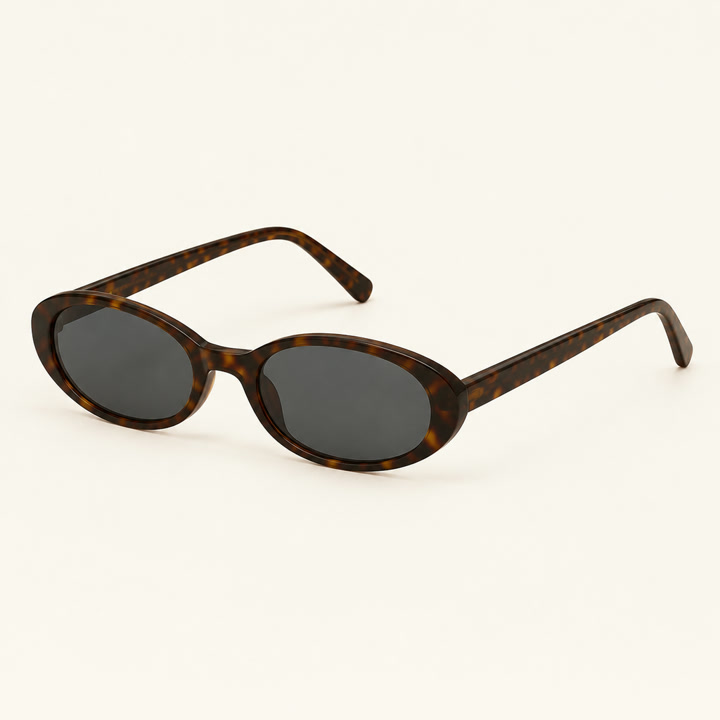

Product photo
Make your product the reason to watch.
Sunglasses, from a close-up to a day outside
Build an ad around the product people should remember. Show the sunglasses clearly, move from frame details to a natural try-on, then finish with the same pair in a sunny outdoor setting.
Make your visual idea specific
Keep the product recognisable
Use a clear reference for its shape, color, parts and supplied branding. Check those details in each result.
Show one reason to choose it
Use a visible action or material detail. Keep confirmed features separate from creative atmosphere.
Connect the actions
Carry the same people, props and product state between shots. Give each action a readable beginning and ending.
From a brief to assets for your edit
Add your product and brief
Upload a complete product photo and describe the audience, intended use and one benefit to show.
Choose the shot plan
Review the opening, action and product ending. Approve references before generating the selected clips.
Review and edit the clips
Check the product and actions, download the approved clips and finish the edit in your own editor.
Frequently asked questions
Use a sharp image showing the complete product and its identifying details. Add another view when an important part is hidden.
Choose your next creative direction
Put your idea to work
Campaign teasers
Introduce the whole product, then show one memorable event.
Product launches
Connect a clear product view with a visible detail and final reveal.
Creative pitches
Compare two concepts before choosing the assets to make.
Plans for your next creation
Use your plan credits for images and videos. Review the selected tool, settings and credit quote before each generation.
Starter
$9.99/ month
800 credits / month
Credits renew monthly and expire at the end of the billing period.
View planCreator
$24.99/ month
2,500 credits / month
Credits renew monthly and expire at the end of the billing period.
View planPro
$59.99/ month
6,200 credits / month
Credits renew monthly and expire at the end of the billing period.
View planStart your ad video creator
Build an ad around the product people should remember. Show the sunglasses clearly, move from frame details to a natural try-on, then finish with the same pair in a sunny outdoor setting.
Start creating