• Workspace
Creation
  • AI Video
  • AI Image
Features
  • AI Video Effects
  • Text to Video
  • Image to Video
  • Reference to Video
  • AI Video Editor
  • Mimic Motion
  • Video to Video AI
  • Video Upscaler
  • Face Swap Video
  • Video Background Remover
  • AI Video Extender
  • Text to Image
  • Image to Image
  • Image to Prompt
  • PNG Maker
  • Pricing
Workspace
All creationsAd VideoStory VideoMV Visuals
Story VideoAnime VideoKids Story VideoHorror Video

AI Story Video Creator

7 credits
7 credits

Build a short story around a goal, a difficult choice and an ending that feels earned. Keep characters and props consistent across scenes.

Make one choice change the ending.
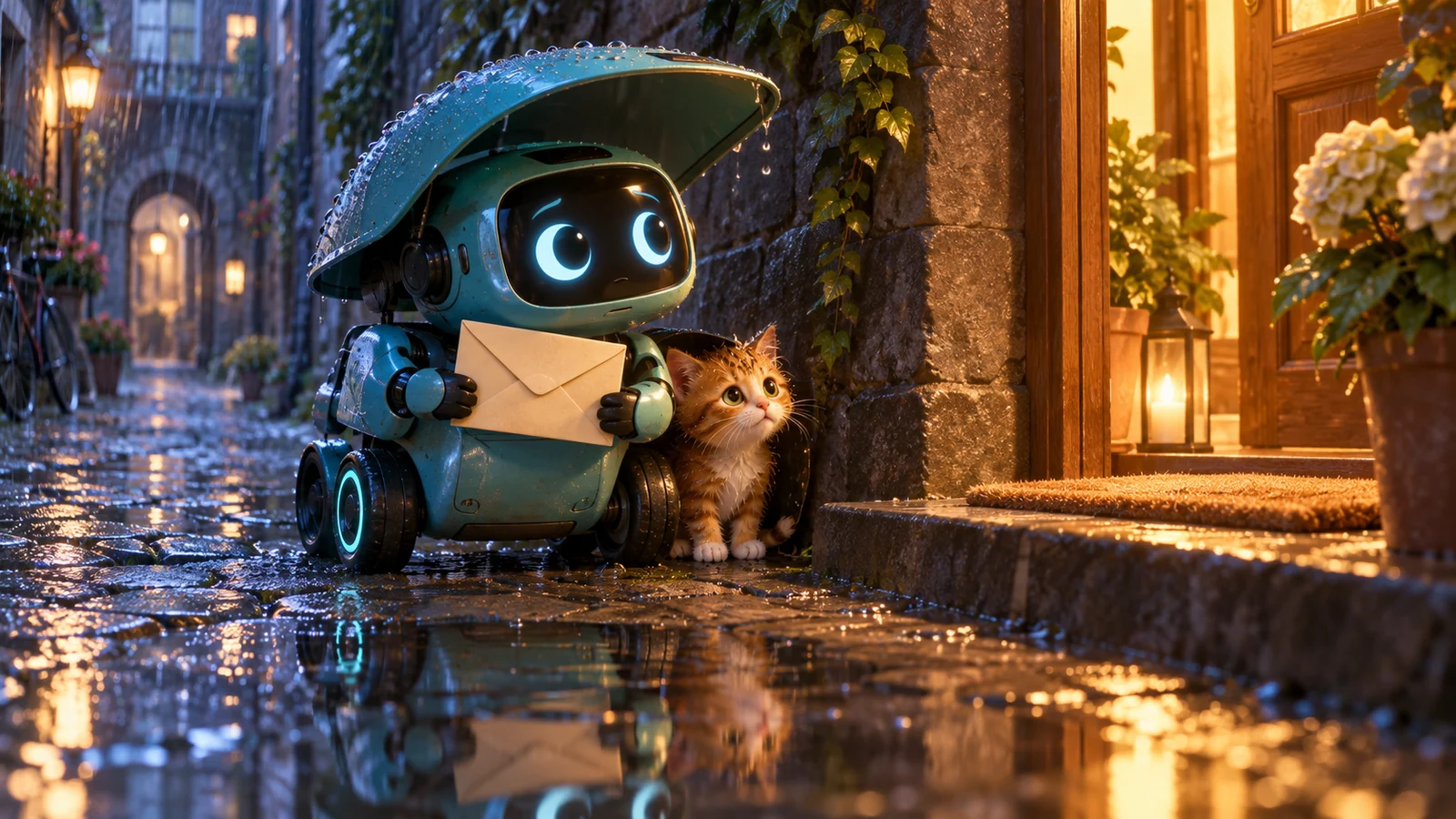
A delivery robot helping a small kitten during a rainy city journey

A rain-soaked delivery and a kitten to rescue

A short story becomes easier to follow when the character wants something, meets an obstacle and makes a choice. Build the robot’s journey around the kitten, then carry the envelope and the consequences of that choice into the next shot.

Plan a three-shot story about a small delivery robot carrying one envelope through a rainstorm. It finds a kitten without shelter and must choose between protecting the delivery and helping it. Keep the same robot, envelope and kitten across the shots. Show the choice clearly and make it affect the ending. Give the beginning and ending state, one main action and the camera framing for each shot. Plan first and ask which reference image I want to create.

Make your visual idea specific

01

Give the character a goal

A delivery establishes a destination and a reason to keep moving. State what the robot carries and who the delivery is for.

02

Make the obstacle matter

The kitten should change what the robot can do next. Keep the decision visible instead of relying on an explanation outside the frame.

03

Carry the consequences forward

Track the envelope, shelter and travel direction. The next shot should begin from the state reached by the previous one.

From a brief to assets for your edit

  1. 1

    Define the character and choice

    Describe the robot, its delivery and the kitten. Add the mood and the ending you want the choice to create.

  2. 2

    Review cause and effect

    Check the proposed story and shot plan. Make sure the obstacle changes the action and that each transition has a clear start and end.

  3. 3

    Build the references and clips

    Create the character and scene references you need, then individual shots. Review identity, prop ownership and spatial continuity before editing them together.

Frequently asked questions

No. Start with a character, a goal and one obstacle. A short planning request can develop these into a beginning, a choice and an ending. Review the proposed cause and effect before asking for reference images or clips.

Use a clear character reference and name the shape, markings and scale that matter. Reuse those references, and carry the envelope and previous ending state into each new request. Check the generated frames rather than assuming consistency.

Start with one main action per shot. A choice, a rescue and a new destination usually need separate shots to remain readable. The available duration and input settings depend on the selected generation workflow.

Approve the story and references, request individual clips and review their beginnings and endings. Download the clips and arrange them in your editor, adding the timing, titles and sound you want.

Choose your next creative direction

Ad Video

Start with your product and the reason someone would choose it. Develop a concept, storyboard and matching visual clips.

Start creating

Story Video

Build a short story around a goal, a difficult choice and an ending that feels earned. Keep characters and props consistent across scenes.

Start creating

Anime Video

Develop original animated scenes with consistent character design, readable action and a visual payoff that follows the story.

Start creating

Kids Story Video

Create a clear, friendly story for your chosen age group, with expressive characters, gentle stakes and a reassuring ending.

Start creating

Horror Video

Build suspense through a specific setting, an unsettling clue and a reveal driven by the character’s decision.

Start creating

MV Visuals

Plan visual clips around a mood, a recurring character or motif and changing energy. Take the generated clips into your own edit.

Start creating

Stories in motion

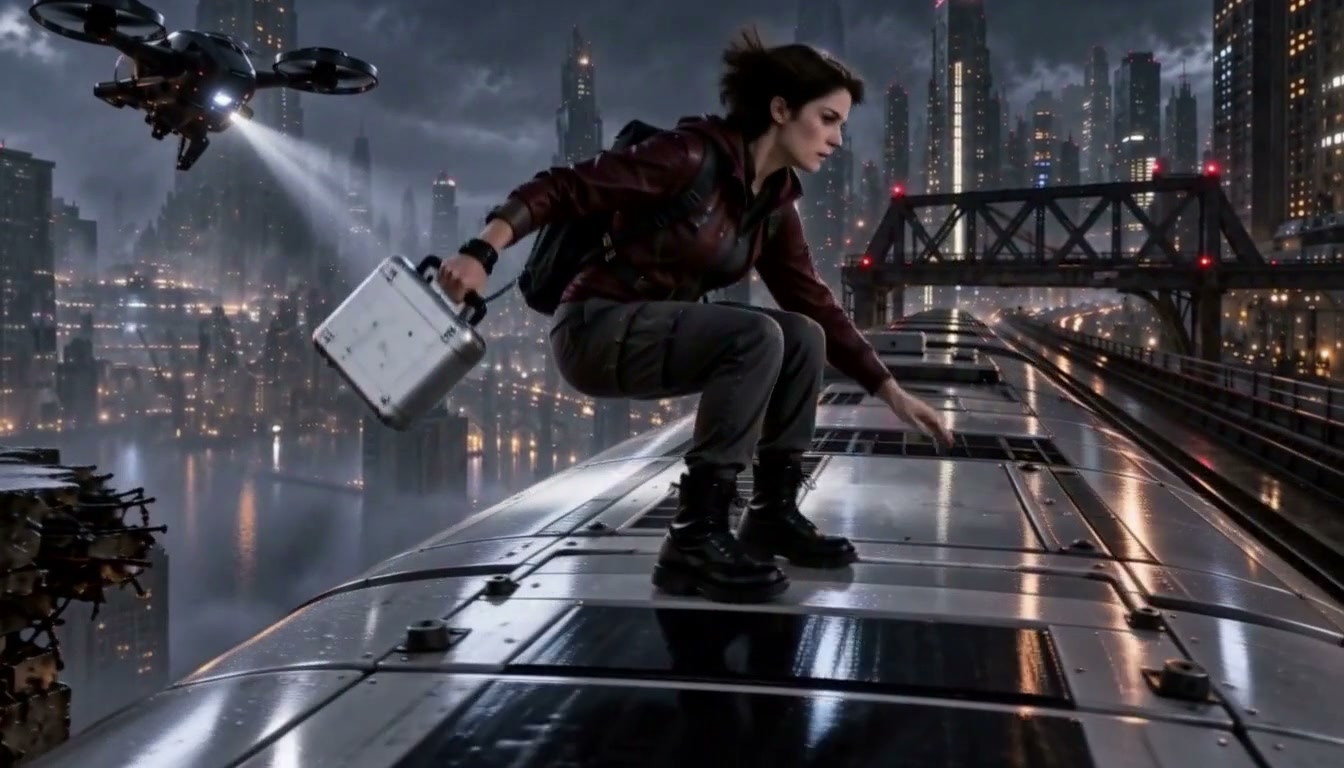
The Last Train
The Last Train
Turn the Light On
Turn the Light On
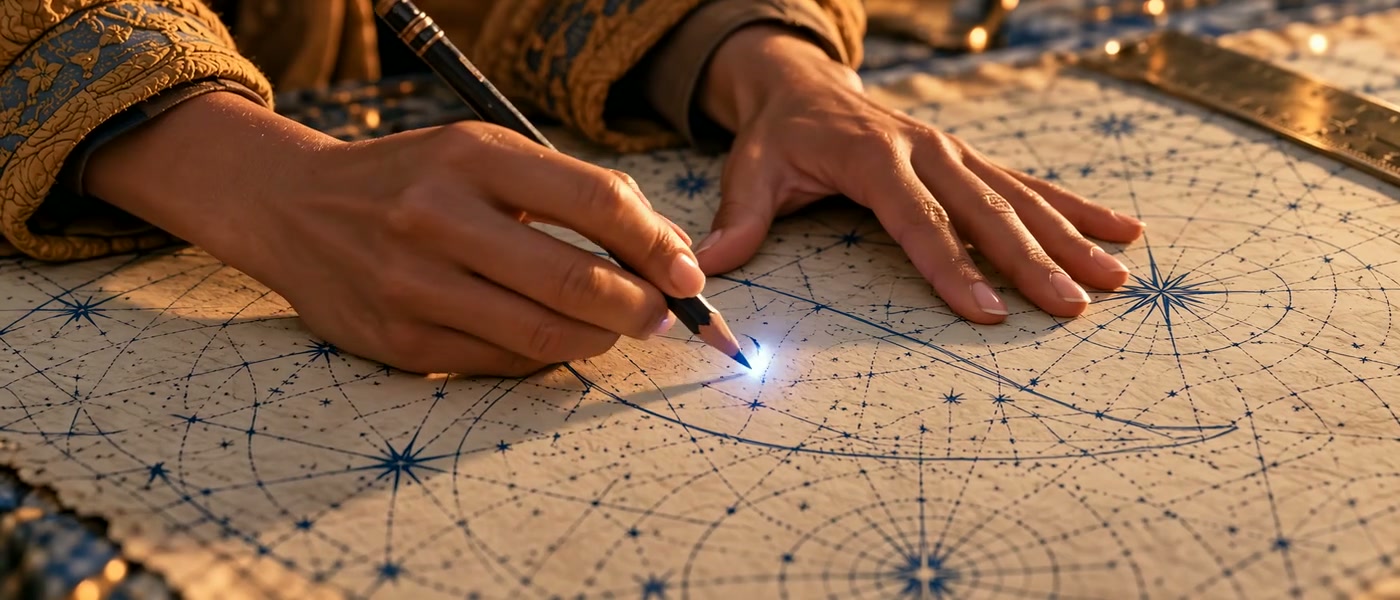
The Cartographer’s Whale
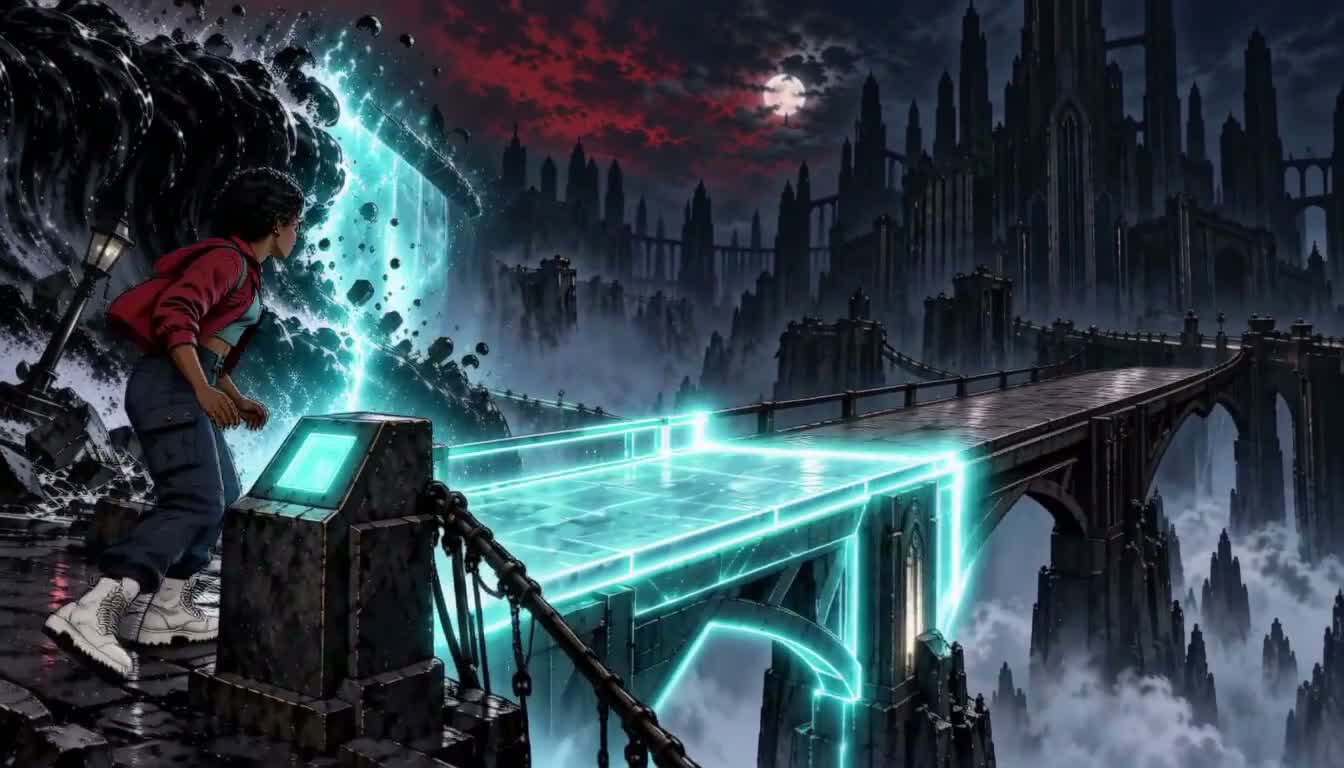
The Bridge Is Gone
The Bridge Is Gone

Put your idea to work

Short character stories

Build a goal, obstacle and choice around your original character.

Pitch scenes

Develop a readable scene before expanding it into a sequence.

Visual storyboards

Explore the beginning, turning point and ending as separate shots.

Plans for your next creation

Use your plan credits for images and videos. Review the selected tool, settings and credit quote before each generation.

Starter

$9.99/ month

800 credits / month

Credits renew monthly and expire at the end of the billing period.

View plan

Creator

$24.99/ month

2,500 credits / month

Credits renew monthly and expire at the end of the billing period.

View plan

Pro

$59.99/ month

6,200 credits / month

Credits renew monthly and expire at the end of the billing period.

View plan
See all plans and credit packs

Guides for your next creation

Plan a video from a product photo

↗

Prepare an image and describe motion

↗

Choose your Jynno creative workflow

↗

Start your story video creator

Build a short story around a goal, a difficult choice and an ending that feels earned. Keep characters and props consistent across scenes.

Start creating

AI Image

  • AI Image Generator
  • Image to Image AI
  • AI Photo Editor
  • Watermark Remover
  • Magic Eraser
  • Image Upscaler
  • Background Remover
  • Face Swap Photo
  • Chat to Image

AI Video

  • AI Video
  • Text to Video
  • Image to Video
  • Reference to Video

AI Video Effects

  • AI Video Effects
  • AI Kiss Video Generator
  • AI Hug Video Generator
  • City flight
  • Everything blooms
  • Giant pet
  • Step out of the frame
  • Petal drift
  • Doodle to life
  • City folding
  • Vanish
  • Street Colossus
  • High Flip
  • Thunder Strike
  • Portal Reveal
  • Energy Wings
  • AI Twerk Video Generator
  • Bigfoot Video Generator

Product

  • Jynno
  • All AI Tools
  • Agent
  • Pricing

Resources

  • Creative guides
  • Privacy Policy
  • Terms of Service
© 2026 Jynno. All rights reserved.