
The visible change
The drawn character lifts like a thin cutout, moves on the sheet and casts a small shadow.


A little sketch lifts off the page.
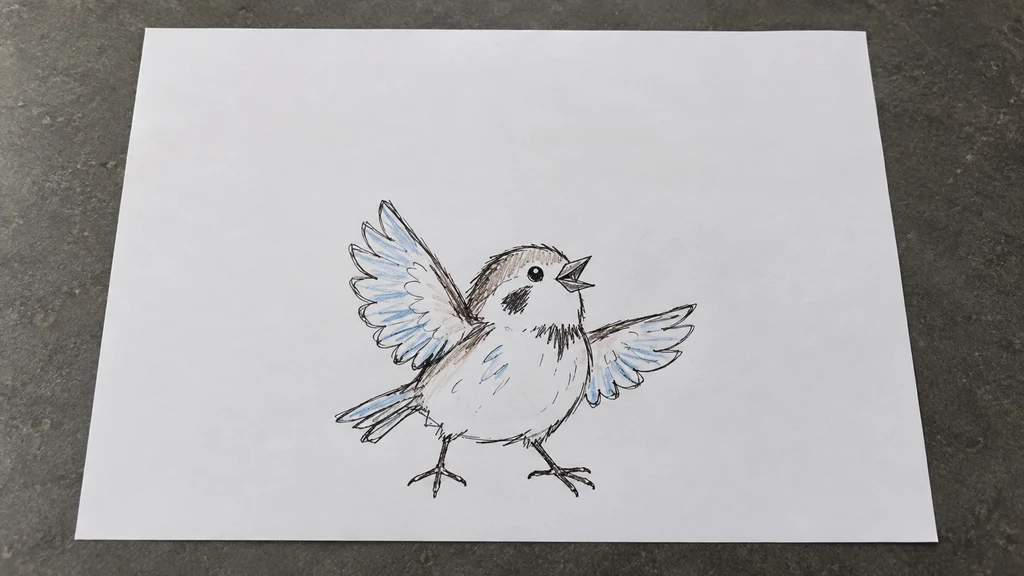
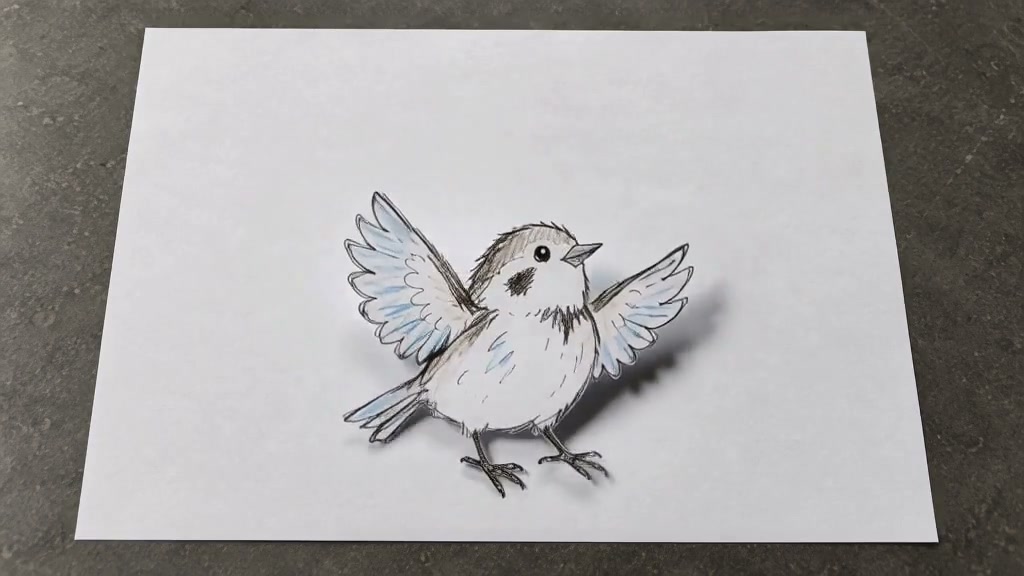
The drawing moves, rises off the paper and casts a moving shadow. It retains its drawn strokes and the desk stays unchanged.
Upload a clear photo and adjust the motion prompt to fit your scene. Check the settings and credit cost before generating.
Choose another effectThe drawn character lifts like a thin cutout, moves on the sheet and casts a small shadow.
One clear sketch, its recognizable outline, pencil strokes and the real sheet of paper.
Show the complete drawing and the paper edges. Use a bird, simple creature or robot with readable arms, wings or legs.
Give a pencil character a little motion: a blink, a wave and a few steps across the paper. Keep the hand-drawn texture at the centre of the scene.
The drawn character lifts like a thin cutout, moves on the sheet and casts a small shadow.
Try this effectPhotograph one complete character on a flat, well-lit sheet. Leave white space around its limbs so the motion has somewhere to go.
Show the complete drawing and the paper edges. Use a bird, simple creature or robot with readable arms, wings or legs.
Choose a blink and a wave or two short steps. Keep the pencil appearance and the original tabletop.
Check that the figure still resembles your sketch and that the paper stays steady. Simplify very fine linework if it changes too much.
Bring your own pencil character to life with a blink, wave or tiny paper-surface step.
Keep the paper and drawing tools visible as the character begins to move.
Explore a short motion idea using a clearly outlined single-character sketch.
Use your plan credits for images and videos. Review the selected tool, settings and credit quote before each generation.
$9.99/ month
800 credits / month
Credits renew monthly and expire at the end of the billing period.
View plan$24.99/ month
2,500 credits / month
Credits renew monthly and expire at the end of the billing period.
View plan$59.99/ month
6,200 credits / month
Credits renew monthly and expire at the end of the billing period.
View plan