
The visible change
A violet rim opens into an upright forest portal and lights the nearby ground and clothing.


Open a portal into a moonlit forest.

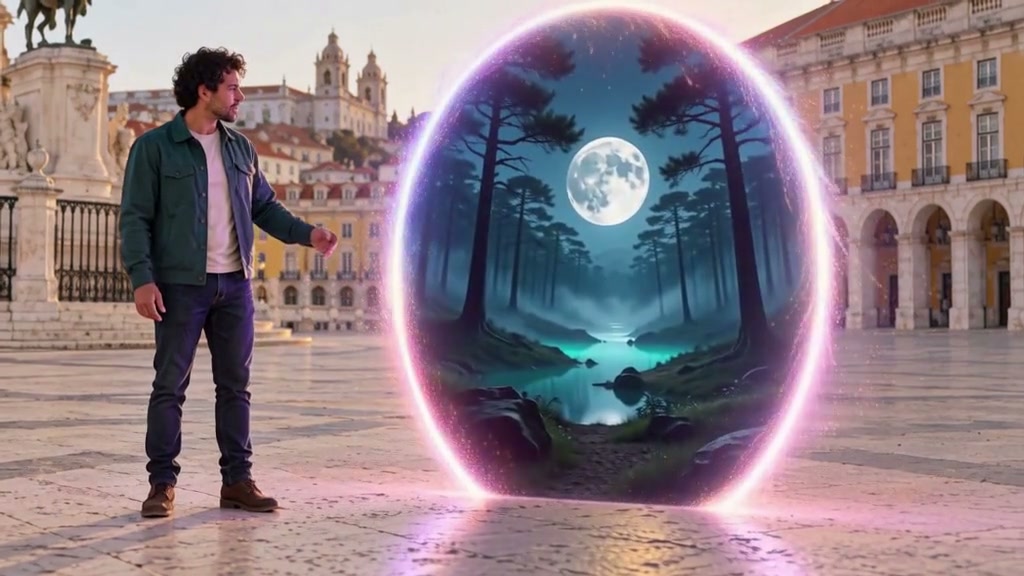
The city remains visible outside the ring; a moonlit forest appears only inside it.
Upload a clear photo and adjust the motion prompt to fit your scene. Check the settings and credit cost before generating.
Choose another effectA violet rim opens into an upright forest portal and lights the nearby ground and clothing.
One full-body person on the left, the existing paving and clear empty space to the right.
Place the complete subject on the left and keep the right side open. The portal needs its own ground space.
Open a luminous oval beside your subject and reveal a moonlit forest through it. Keep the original street visible outside the rim.
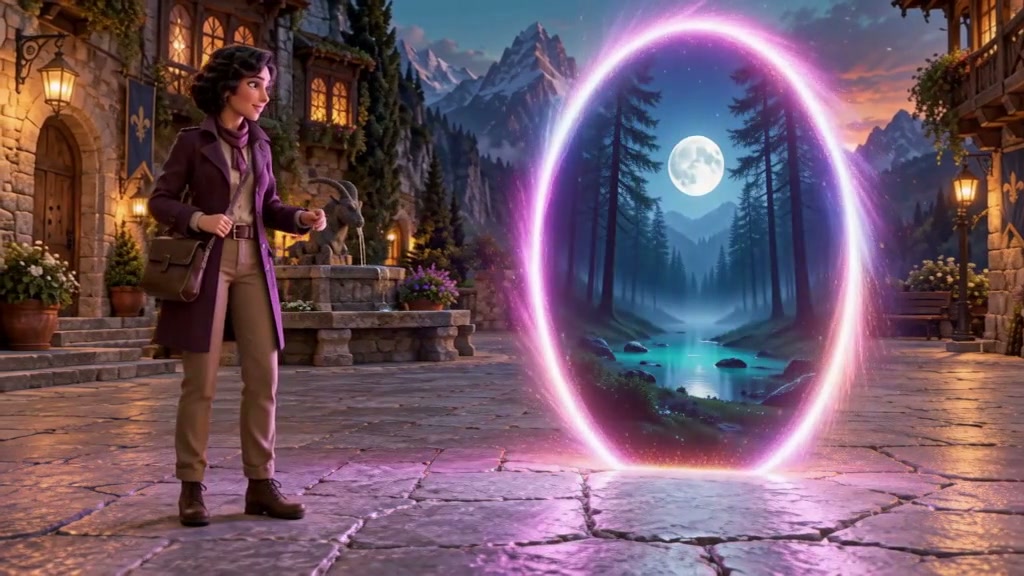
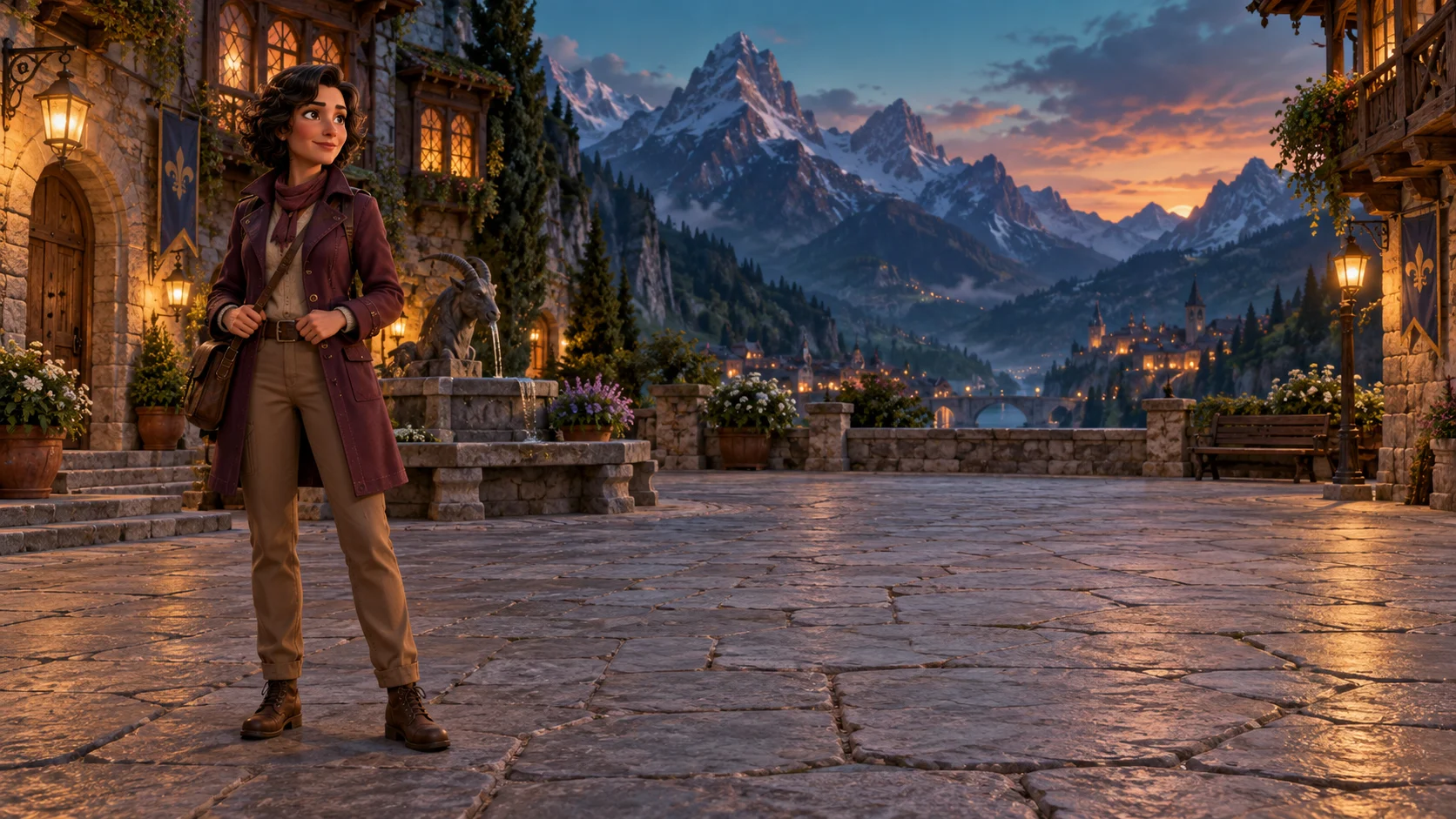
A stylized mountain square opens a doorway into a moonlit forest.
A violet rim opens into an upright forest portal and lights the nearby ground and clothing.
Try this effectChoose a wide outdoor photo with the person to one side. Leave enough empty paving for the entire portal.
Place the complete subject on the left and keep the right side open. The portal needs its own ground space.
Describe the violet rim and the forest inside it. Keep the street outside the ring unchanged.
Look for a complete upright oval, an open view into the forest and light that reaches the real paving.
Reveal an open doorway to another setting beside the character.
Keep the other world inside the portal and the original street visible outside it.
Begin an exploration scene with the character looking into the portal.
Use your plan credits for images and videos. Review the selected tool, settings and credit quote before each generation.
$9.99/ month
800 credits / month
Credits renew monthly and expire at the end of the billing period.
View plan$24.99/ month
2,500 credits / month
Credits renew monthly and expire at the end of the billing period.
View plan$59.99/ month
6,200 credits / month
Credits renew monthly and expire at the end of the billing period.
View plan