

Plan visual clips for an energetic electronic track. An original runner follows cyan light through a rain-soaked city that opens into a large maze of light. Keep the same runner and a recurring cyan motif. Alternate a close reaction, a continuous running action and a wide reveal. Give separate clip prompts, with the visual event, camera move and end state for each. I will supply the track and finish the timing in my own editor. Plan first; do not generate audio or assume automatic beat syncing.
AI Music Video Visuals Creator
Plan visual clips around a mood, a recurring character or motif and changing energy. Take the generated clips into your own edit.
Build a visual motif that can return.
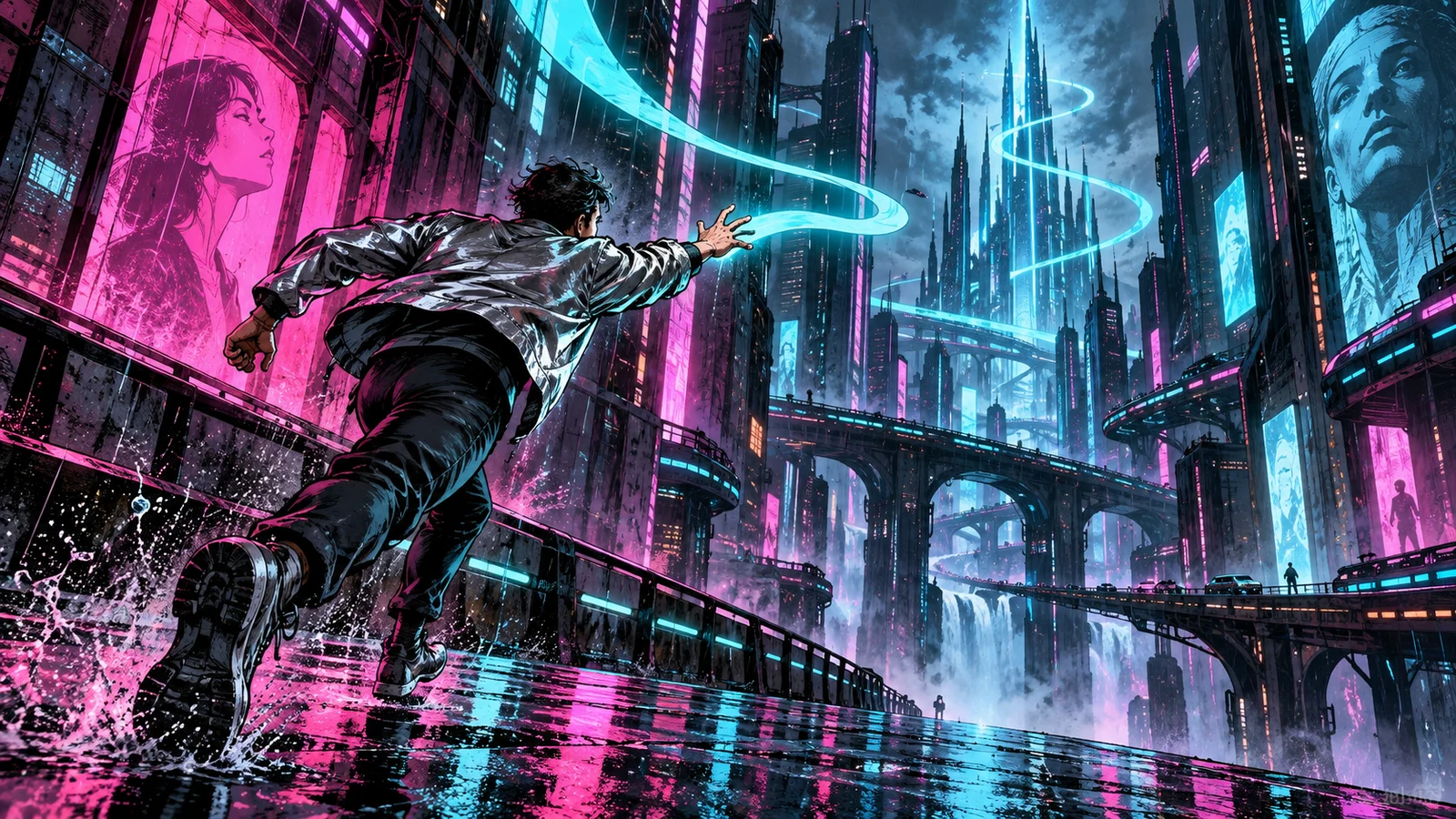
A runner follows cyan light through the city
A music-video visual plan can connect its shots through a recurring subject, colour and direction of movement. Use the runner and cyan light as anchors, then vary the energy and scale of the scenes. Describe the track’s mood and pace to guide the visual plan.
Make your visual idea specific
Choose a recurring anchor
Use one performer, object or visual motif across the plan. Specify the runner’s silhouette and the cyan light so each shot has something recognisable to return to.
Vary visual energy deliberately
A close reaction, a travelling shot and a wide reveal can serve different parts of your edit. Name where the energy should rise and where it should settle.
Leave timing to the edit
Plan clear beginnings and endings for individual clips. Select the moments you want to cut against your track after reviewing the generated visuals.
From a brief to assets for your edit
Describe mood, motif and pace
Explain the music’s energy in words and choose a recurring visual subject. Add the setting, colour treatment and intended changes in scale.
Plan individual visual clips
Review the proposed shots and their start/end states. Choose the references and the clip you want to create next.
Create visuals for your timeline
Generate and inspect the individual assets, then bring them into your editing tool with your own track. Arrange cuts, duration and transitions there.
Frequently asked questions
This workflow is for visual planning and individual image/video assets. Describe the track’s mood and pace to guide the visuals, then supply your own audio in your editing workflow.
Choose your next creative direction
Stories in motion
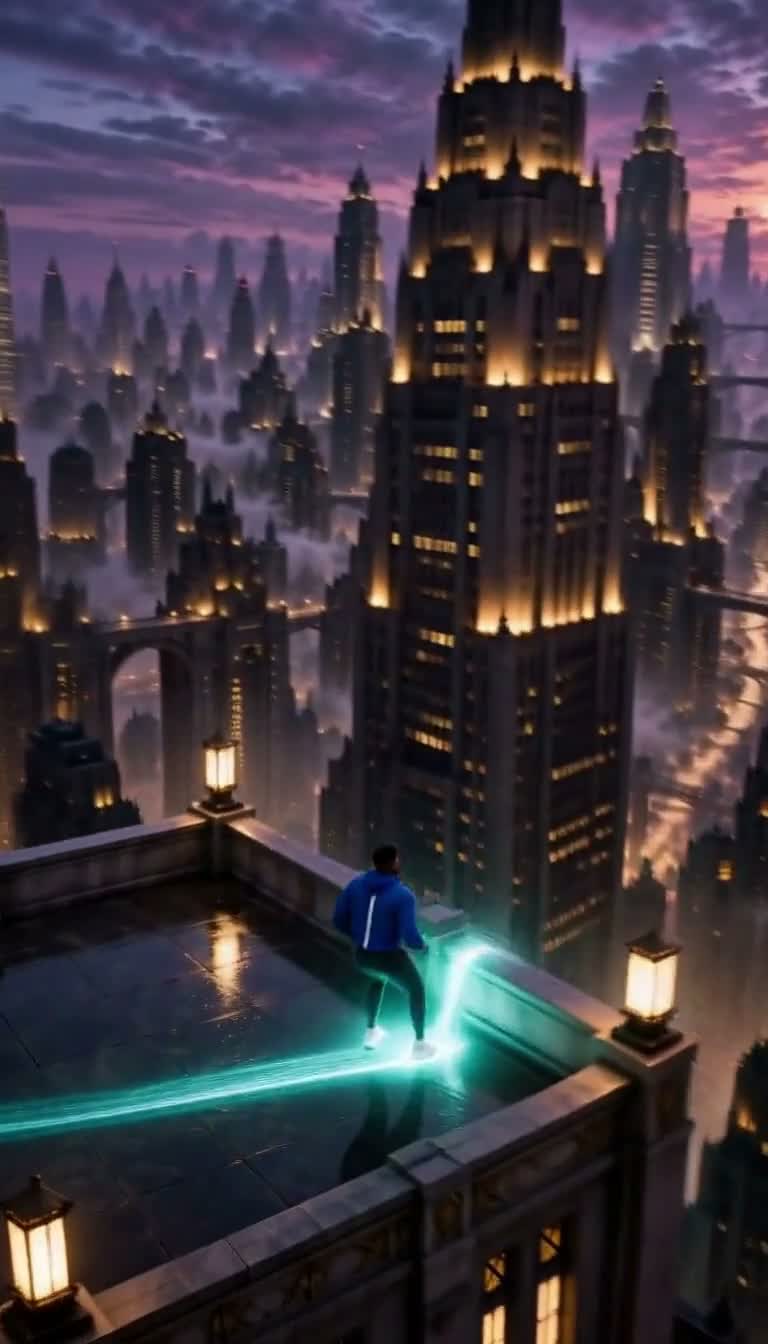

Put your idea to work
Motif-based visuals
Carry the same character or object through several visual clips.
Energy variations
Plan changing visual intensity for your own edit.
Visual world concepts
Define the color, setting and recurring shapes before making shots.
Plans for your next creation
Use your plan credits for images and videos. Review the selected tool, settings and credit quote before each generation.
Starter
$9.99/ month
800 credits / month
Credits renew monthly and expire at the end of the billing period.
View planCreator
$24.99/ month
2,500 credits / month
Credits renew monthly and expire at the end of the billing period.
View planPro
$59.99/ month
6,200 credits / month
Credits renew monthly and expire at the end of the billing period.
View planStart your music video visuals creator
Plan visual clips around a mood, a recurring character or motif and changing energy. Take the generated clips into your own edit.
Start creating