
Plan an original anime sequence: a young courier with a glowing parcel reaches a broken sky bridge as a storm approaches. The parcel awakens a mechanical bird that helps the courier cross. Keep the courier’s outfit, parcel and bird design consistent. Use clear cel-shaded shapes and readable action poses. Split the discovery, awakening and crossing into separate shots, with one action and one camera move each. Start with the storyboard and references needed; wait for my choice before generating.
AI Anime Video Creator
Develop original animated scenes with consistent character design, readable action and a visual payoff that follows the story.
Give the reveal a reason to happen.
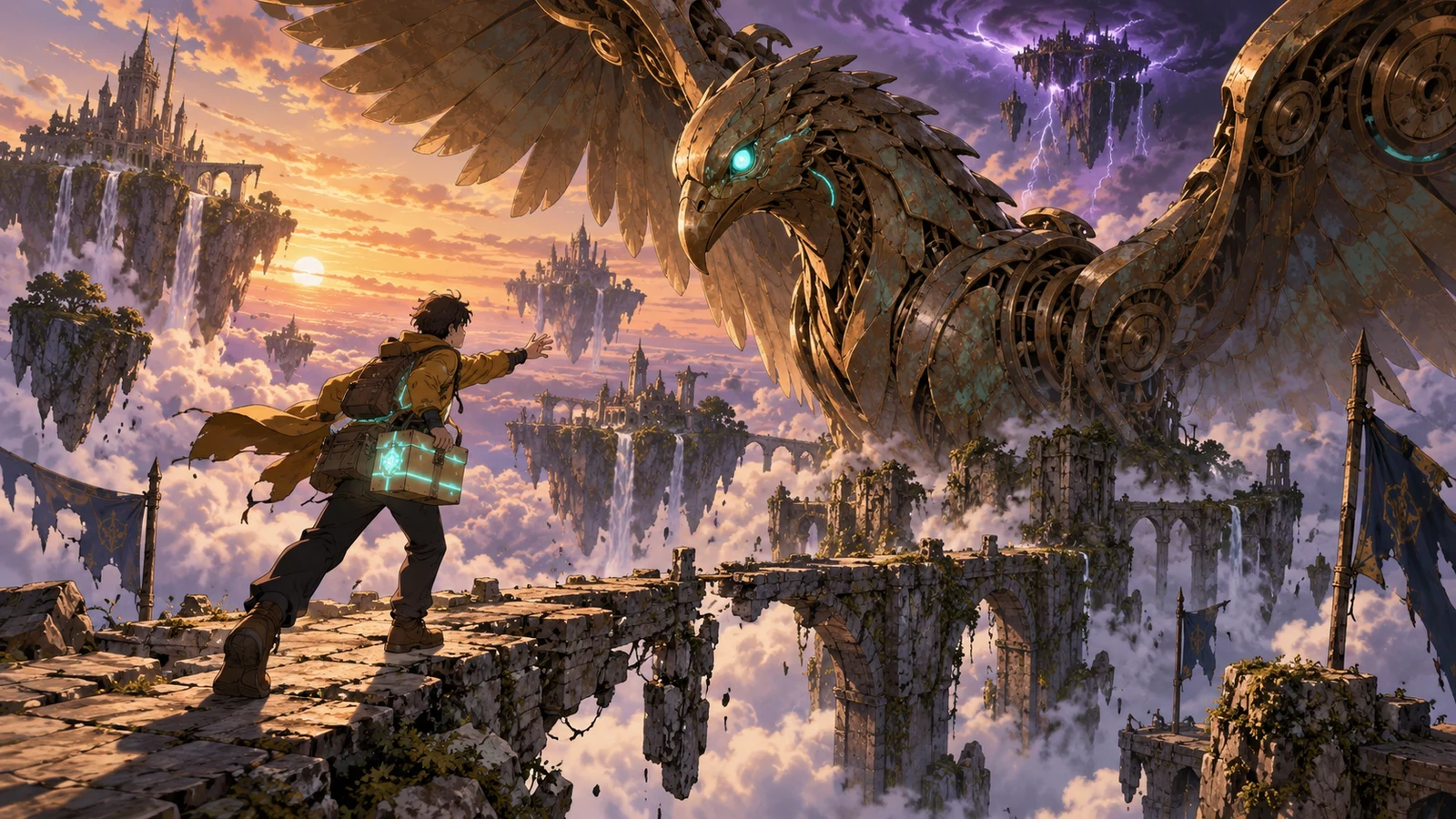
A courier, a broken bridge and a mechanical bird
An anime scene needs more than an impressive pose. Connect the courier’s parcel to the sleeping mechanical bird so the flight answers a problem already visible in the scene. Plan the action around a consistent character silhouette and a readable bridge layout.
Make your visual idea specific
Lock the identifying shapes
Name the courier’s outfit, hair silhouette and parcel. For the bird, specify the head, wing shape and mechanical details that should remain recognisable.
Stage the cause before the reveal
Show the parcel and the sleeping bird before the awakening. The flight has a purpose when viewers can see why it becomes possible.
Keep the action readable
Use a clear take-off point and destination. Plan movement across the bridge in one direction so the crossing does not become a disconnected pose change.
From a brief to assets for your edit
Describe the character and world
Provide your character reference or describe an original design. Add the bridge, storm and role of the parcel.
Choose the story beats
Review the discovery, awakening and crossing. Refine the pose and start/end state for each shot before developing scene references.
Create and check separate shots
Use the chosen references for each visual asset. Check character design, hand contact, wing shape and travel direction before assembling the edit.
Frequently asked questions
Yes. Attach a clear character reference and explain its important features. Include a full-body view when the shot depends on clothing, posture or travel. Keep a separate setting reference when the environment also needs to continue.
Choose your next creative direction
Stories in motion
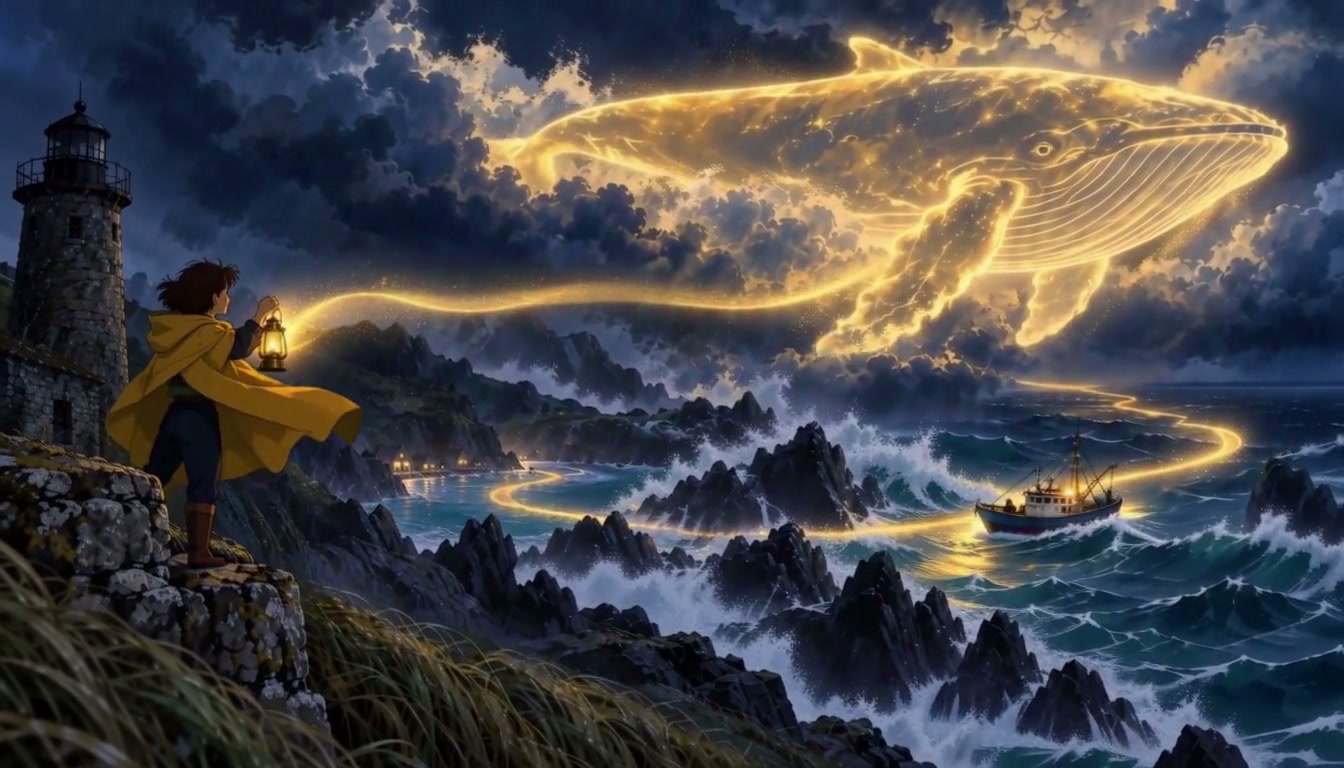
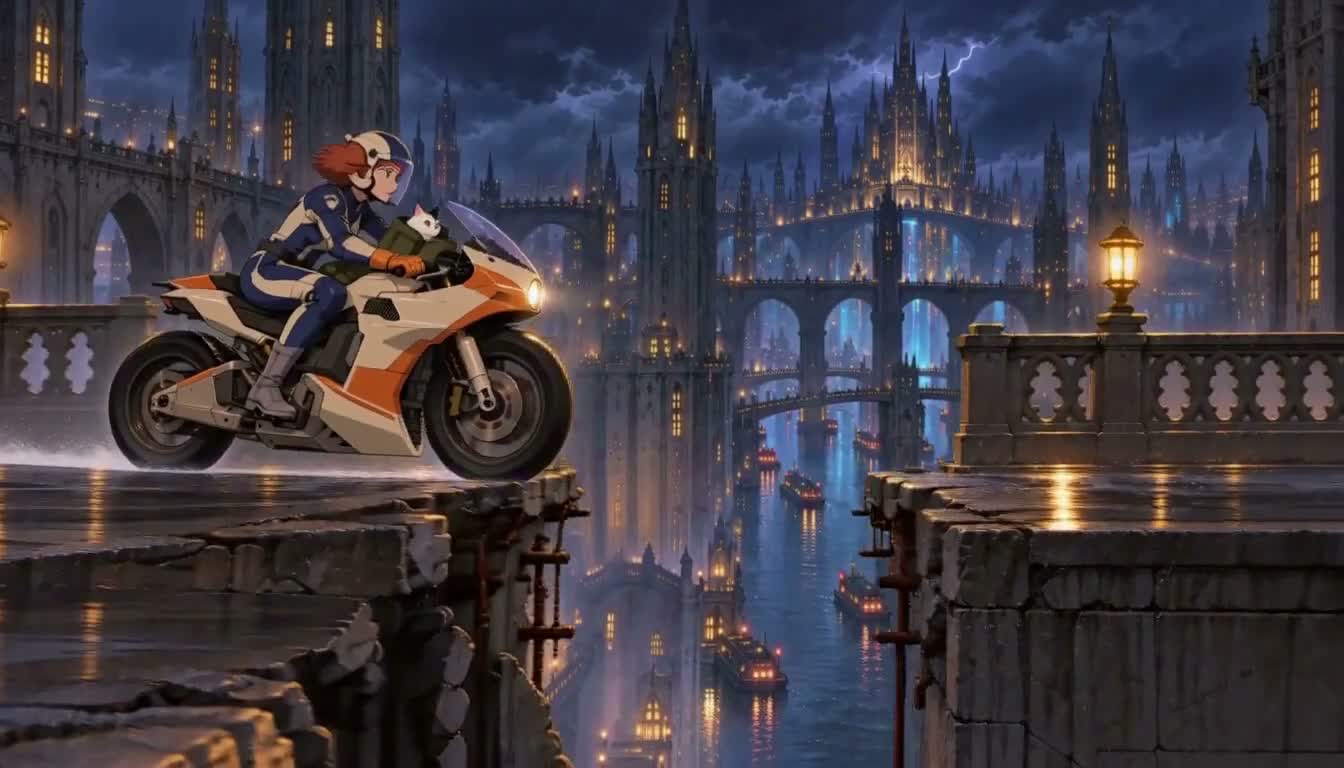
Put your idea to work
Original character scenes
Plan a readable action around your own character design.
Animated world concepts
Choose a consistent line, shading and color treatment for the setting.
Storyboard pitches
Show the cause and payoff of an animated reveal.
Plans for your next creation
Use your plan credits for images and videos. Review the selected tool, settings and credit quote before each generation.
Starter
$9.99/ month
800 credits / month
Credits renew monthly and expire at the end of the billing period.
View planCreator
$24.99/ month
2,500 credits / month
Credits renew monthly and expire at the end of the billing period.
View planPro
$59.99/ month
6,200 credits / month
Credits renew monthly and expire at the end of the billing period.
View planStart your anime video creator
Develop original animated scenes with consistent character design, readable action and a visual payoff that follows the story.
Start creating