
Read my travel mug product URL. Let me confirm the exact variant and product image first. The audience is commuters and the priority is the compact shape, not an unverified temperature claim. Plan a 15-second vertical ad: a quick opening detail, an outdoor use moment and a clear closing product view. Keep the lid, handle, colour and supplied branding consistent. Give two concepts before writing the shot list. Generate only the individual assets I confirm.
Product URL to Video Ad
Turn a product link into an ad concept, storyboard and video clips. Confirm the product images, variant and key benefit before generating.
Products in motion
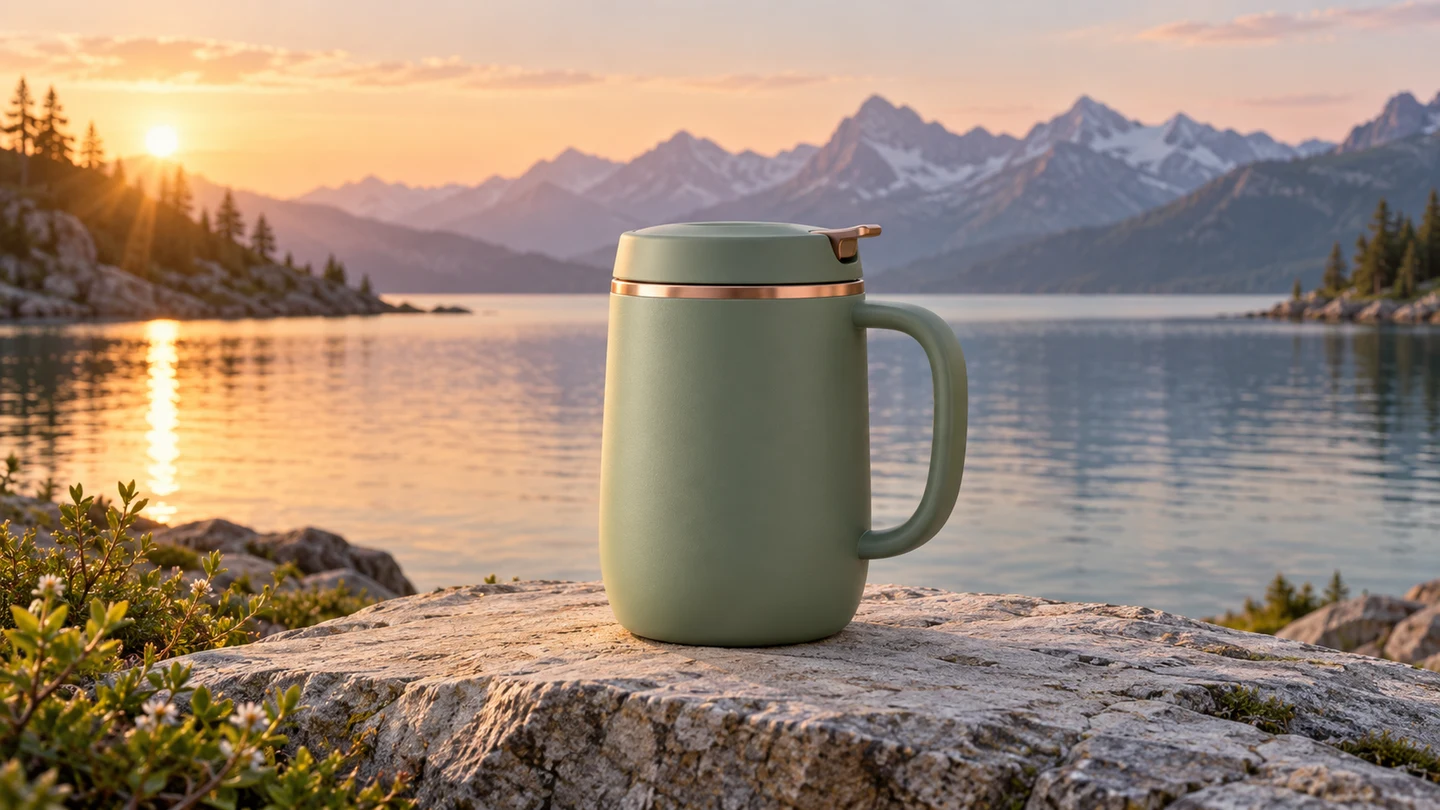
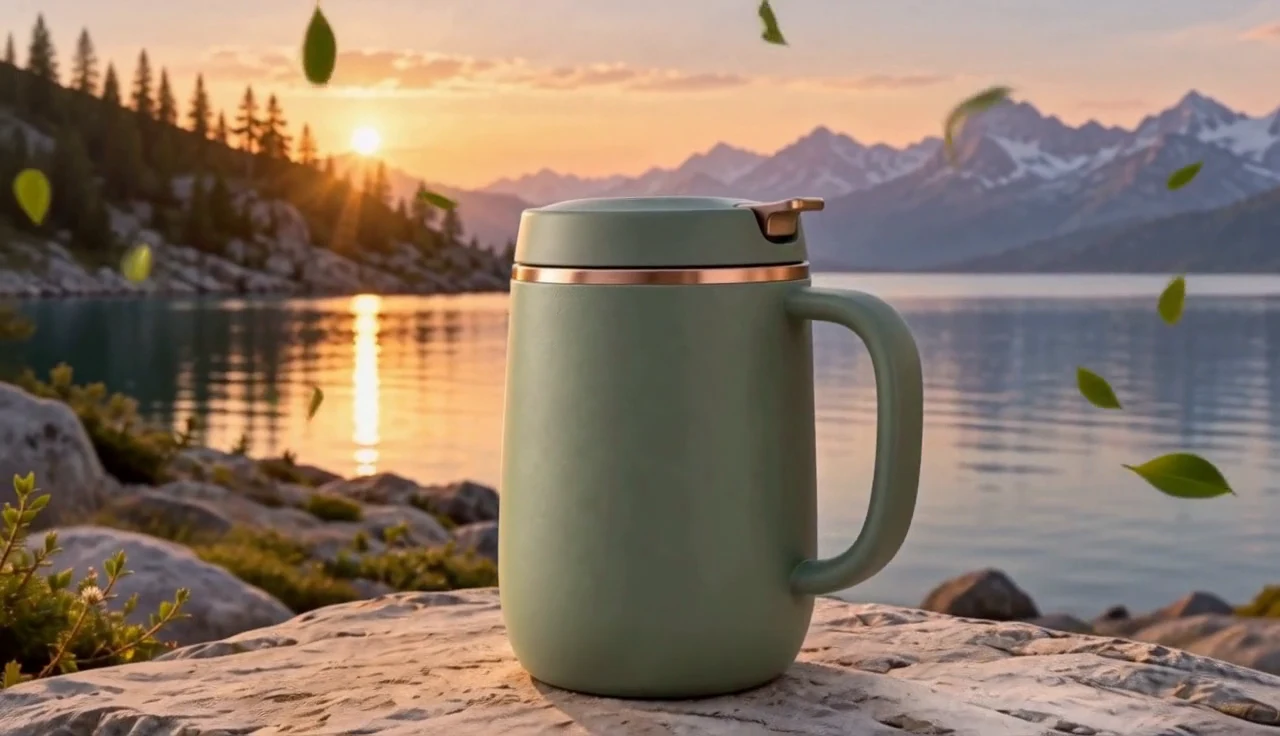
Give your product page a story worth watching.
A travel mug, from product detail to an outdoor moment
Start with your product link and choose the exact colour or variant to show. Review the extracted images and decide what buyers should remember. A travel mug might be introduced through its shape and a simple moment of use; an insulation claim belongs in the brief only when you have confirmed it.
Make your visual idea specific
Choose the product you actually sell
Select the intended image and variant before planning. A listing can contain several colours, bundles or accessories that should not appear together.
Pick one reason to buy
Supply your main selling point, or ask for suggestions based on the confirmed product facts. Choose the benefit before the visual effects.
Match the scene to the benefit
Plan a use moment that makes the chosen detail readable. Keep unsupported performance promises out of the script and generation prompts.
From a brief to assets for your edit
Paste a product link
Review the product name and available images. If the store cannot be read, upload your own product image and provide the details.
Confirm the product and concept
Choose the variant, audience, priority benefit and intended total duration. Review the opening, action and product reveal in the storyboard.
Generate the assets you choose
Approve reference images and individual video requests with their quoted settings and cost. Download the clips for your own edit.
Frequently asked questions
Some shops block automated access, require a login or do not expose usable product images. If a link cannot be read, upload a product photo and enter the name, variant and selling point to continue.
Choose your next creative direction
Put your idea to work
Listing-to-ad concepts
Choose the exact variant from a product page before planning.
Benefit demonstrations
Match a confirmed selling point to one visual action.
Store campaigns
Build references around the selected product image and audience.
Plans for your next creation
Use your plan credits for images and videos. Review the selected tool, settings and credit quote before each generation.
Starter
$9.99/ month
800 credits / month
Credits renew monthly and expire at the end of the billing period.
View planCreator
$24.99/ month
2,500 credits / month
Credits renew monthly and expire at the end of the billing period.
View planPro
$59.99/ month
6,200 credits / month
Credits renew monthly and expire at the end of the billing period.
View planStart your product url to video ad
Start with your product link and choose the exact colour or variant to show. Review the extracted images and decide what buyers should remember. A travel mug might be introduced through its shape and a simple moment of use; an insulation claim belongs in the brief only when you have confirmed it.
Start creatingExplore more with Jynno
From photo edits to video effects. Find your next creative move.

Photo editing
Jynno Image Edit
Video restyling
Jynno Restyle
Watermark removal
Jynno Erase
Video clothing & color editing
Jynno Video Edit

Magic Eraser
Jynno Erase

Image background removal
Jynno Cutout

Transparent PNG
Jynno Cutout

Image Upscaler
Jynno Upscale

Video Effects
Jynno Effects
Image to Prompt
Jynno Vision

Video Upscaler
Jynno Upscale
Video background removal
Jynno Cutout