
Image to Prompt Guide: Turn a Photo into a Useful AI Prompt
Learn how to describe an image as an AI prompt. Separate subject, composition, light and style, then edit the description for a new image in Jynno.

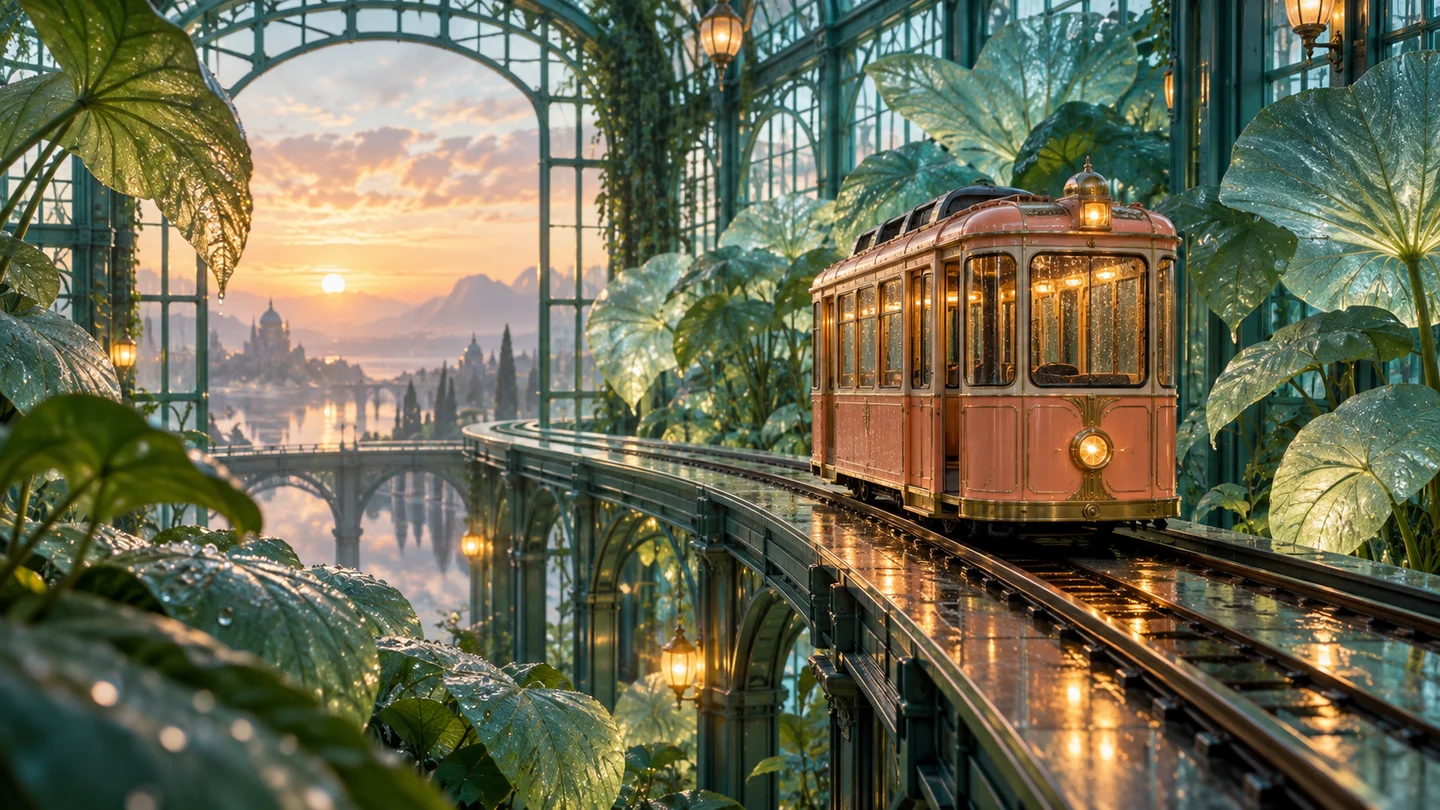
An image to prompt generator describes what is visible in a picture so you can write a new image brief. It is useful when you know the look you want but struggle to put it into words. Start with Jynno’s Image to Prompt Generator, then edit the description before using it elsewhere.
What an image to prompt tool can tell you
A useful description covers the subject, composition, lighting, materials and visual style. These are observable ingredients you can reuse. The tool cannot know the original artist’s exact prompt, random seed or hidden settings from the finished picture.
That distinction matters. A detailed description can help you create a similar visual direction, but it will not reproduce the source pixel for pixel. If you need to preserve a particular photographed object or layout, use Image to Image AI with the actual image as a reference.
Choose a reference with a clear visual idea
Use one image that shows the feature you want to learn from. A full photograph is useful for composition. A closer view may be better for materials or lighting. Remove unrelated collage panels from your reference before analyzing it, so the description stays focused.
For a product, keep its shape, surface and light readable. For a portrait, choose a clear view of the face, pose and background. Be specific about which qualities you want to carry into your next image.
How is an image describer different from an image to prompt generator?
An image describer explains what a person can see. An image to prompt generator turns those observations into instructions for creating another image. “A woman stands in a desert” identifies a scene; a reusable prompt also describes her placement, the light direction, reflections and visual style.
Use a description for understanding the picture. Use a generation prompt when you need an editable visual brief. Neither output establishes hidden camera settings or the original generation instructions. Midjourney similarly describes its Describe tool as a source of prompt suggestions that will not precisely copy an image.
Read the description in four parts
Subject: What is actually in the picture? Name the visible object or person, pose and important materials. Avoid adding a brand, location or identity that the image does not establish.
Composition: Where is the subject, and how close is the camera? Look for a centered object, empty space, a close crop or a wide environment.
Lighting: Notice the direction and softness of the light, the background brightness and any reflections. “Soft side light” is more useful than “beautiful lighting.”
Style: Describe visible qualities such as a studio photograph, a watercolor illustration or a cinematic color palette. Keep style terms subordinate to the subject you actually need.
Turn the analysis into a prompt you can change
Reuse the light and composition from Jynno’s example
Open the sample in Image to Prompt. The reference shows a woman in a golden dress facing a mirrored sphere in a sunset desert. Jynno’s saved analysis separates these useful details:
| Part | Detail to review | Decision for a new picture | | ----------- | -------------------------------------------------------------------- | --------------------------------------------------- | | Subject | Woman, golden dress and mirrored sphere | Replace the woman with the subject you want | | Composition | Subject toward the lower right; sphere dominates the left and center | Keep or rewrite the placement explicitly | | Lighting | Warm sunset light from the right, with reflections on the sphere | Keep the direction, color and reflective quality | | Style | Photorealistic surreal landscape with a cinematic look | Keep this visual direction or choose another medium |
For example, if you want a perfume concept instead of a person, you could rewrite the brief as:
A glass perfume bottle stands on rippled desert sand in the lower right of a wide composition. A colossal mirrored metallic sphere dominates the left and center, reflecting pink and orange sunset clouds. Warm light comes from the right horizon, catching the glass and metal surfaces. A lavender sky, deep focus and photorealistic surreal landscape style.
This is an edited brief for a new scene. Check that references to the woman, her hair and her dress have been removed. The original image’s lighting and composition can guide your wording, but the generated result still depends on the model and settings you choose.
Change one ingredient at a time
A visual brief for a terrarium might read:
A round glass terrarium containing green moss, small ferns, rocks and a miniature stream, placed on rough dark stone. Soft window light comes from the left, with glass reflections, blurred green plants behind it and a close photographic composition.
To create a new direction, change one ingredient at a time. Replace the stone surface with a wooden table, make the background cooler, or ask for a wider composition. Keep the other ingredients stable so you can understand what changed.
Copy your edited description into Text to Image AI. Choose a model and review the settings shown in the generator before submitting the request. If you use another image tool, adapt the wording to its controls rather than assuming one prompt format works identically everywhere.
Review the prompt before generating
Remove details that were guessed rather than visible. Check names, numbers and small text against the source. Replace vague praise with concrete visual instructions, and shorten conflicting descriptions.
If the result misses the idea, compare the image and prompt by the same four parts. Adjust the most important mismatch first instead of adding a long list of unrelated adjectives.
Analyze an image · Read the image prompt guide · Browse AI tools