


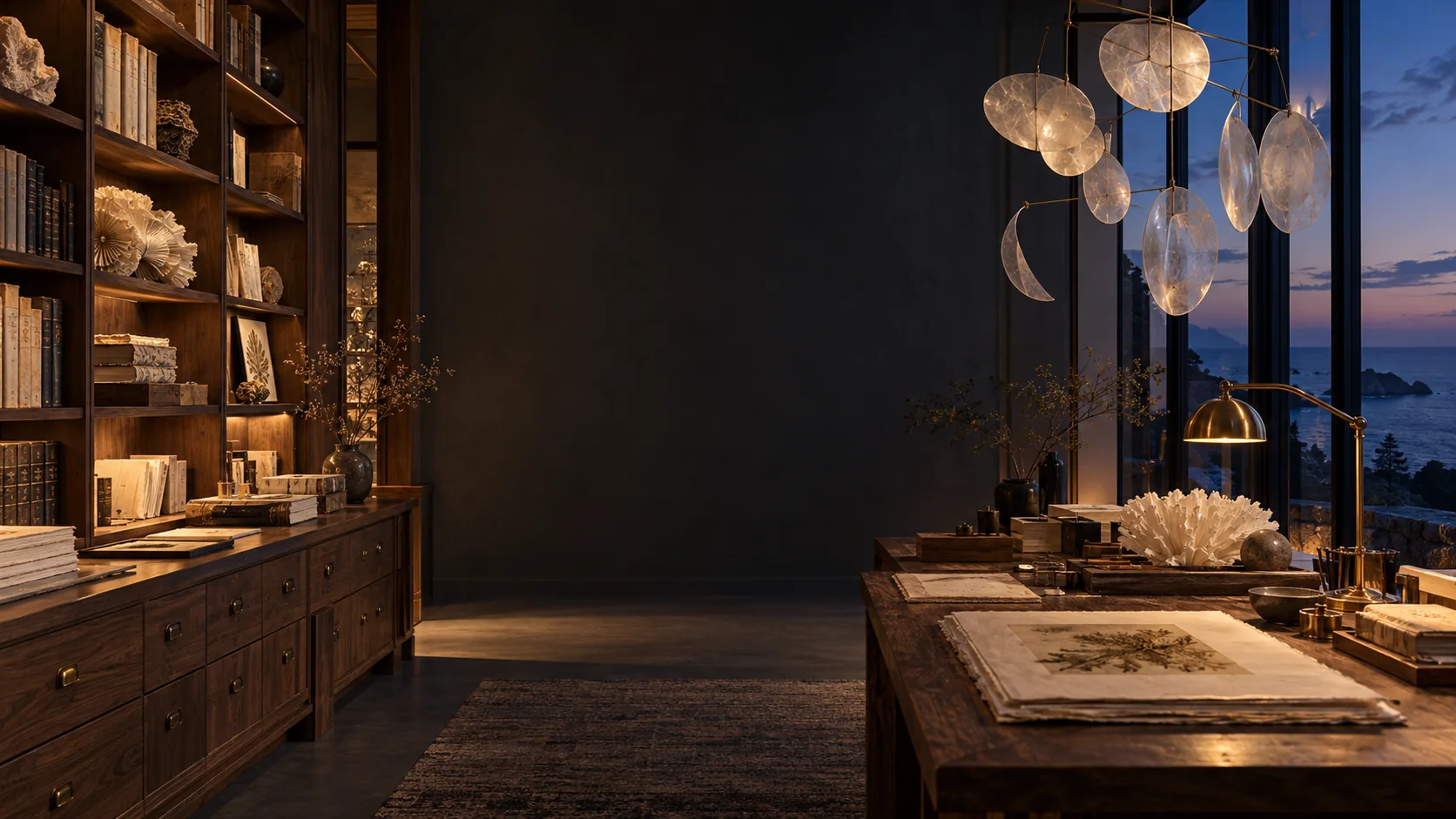
What is GPT Image 2.5?
GPT Image 2.5 is OpenAI’s image creation and editing family. Flare serves everyday work; Sunburst focuses on fine detail. This page’s generator uses Sunburst for 1K square text-to-image creation.
Information-rich visual layouts
Create visual compositions in which text and imagery share a clear hierarchy. Specify headings, groups and reading order for an event poster or editorial graphic. Generated wording and factual content still need checking; a polished layout does not guarantee accurate information.
Useful for: event posters and editorial graphics
Group the headline, date and three program sections. Keep the reading order clear.
Natural lighting and fine material detail
OpenAI highlights improvements in lighting, texture and detail. Describe the material and how it should be lit, then inspect a full-size crop. Sunburst is positioned for precision-focused visual work, but the selected output size and route still matter.
Useful for: product photography and tactile materials
Use warm side light to reveal linen fibers, paper edges and brushed brass.
Reference-subject preservation
The 2.5 family is designed to better preserve subjects from reference photographs. Tell the model which reference defines the person or product and which provides the setting or style. Check recognizable features in the result rather than assuming every detail is preserved. Reference input is not available on this page.
Useful for: reference-led compositions on supported routes
Assign a subject, scene or style role to each reference. This page does not offer reference input.
Focused edits and multi-turn consistency
Describe one change and the features that must remain. OpenAI reports more reliable editing across successive turns, so earlier choices can be carried into later revisions. This does not imply an automatic editing history or mask brush on Jynno; those are separate product features. Editing is not available on this page.
Useful for: planned revisions on supported editing routes
Change one material; preserve camera and subject. Editing is not offered by this page.
Style-aware creative direction
Pair the requested style with composition, palette and lighting. OpenAI describes improved style handling, while fal demonstrates applications from editorial graphics to natural photography. A coherent campaign still requires review across individual outputs.
Useful for: photographic and illustrated creative directions
Specify a restrained indigo palette, editorial framing and soft side light.
Transparent assets when the route supports them
Transparent assets require an explicitly supported provider and output setting. This page does not offer transparent output. A white background is not an alpha channel.
Useful for: cutouts on routes that explicitly support alpha
A real alpha file must be checked on light and dark surfaces. Transparency is not offered here.
Flare or Sunburst?
| Option | What it means here |
|---|---|
| Sunburst | Precision-focused work. Available here as 1K square text-to-image. |
| Flare | Everyday creation and editing in the model family. Not selectable on this page. |
| Ext routes | Separate provider routes with their own options. Not offered by this entry. |
The model name alone does not determine the available controls or credit quote.
Build a clearer brief
Name the subject
Describe what belongs in the image before adding style.
Plan the composition
Specify camera angle, focal point and breathing room.
Give exact wording
Quote any short headline and review every letter.
Inspect at full size
Check geometry, edges and textures before publishing.
Creative directions
Explore composition, materials and lighting for your next image brief.
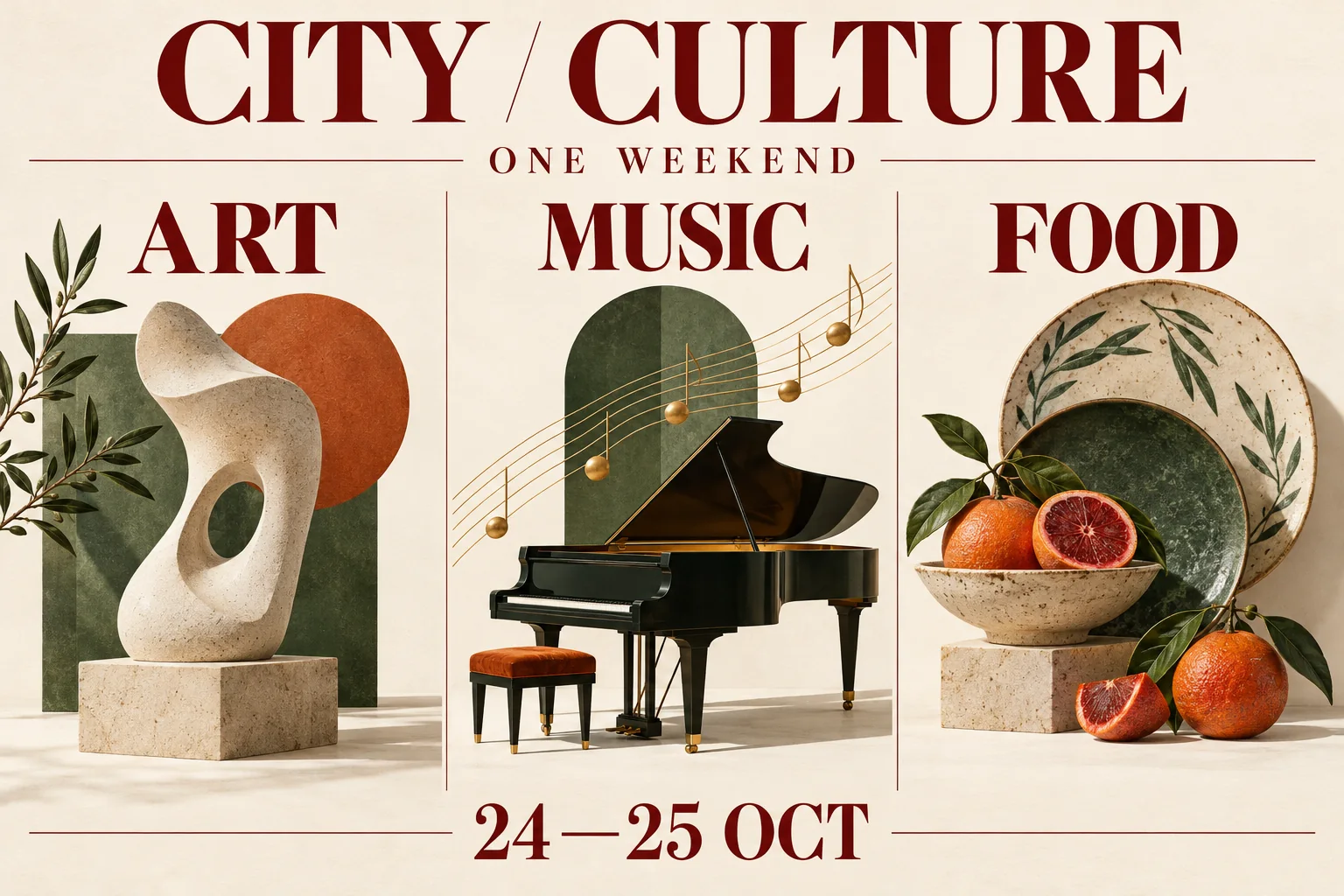
Information design
A clear reading route through a culture-weekend poster.
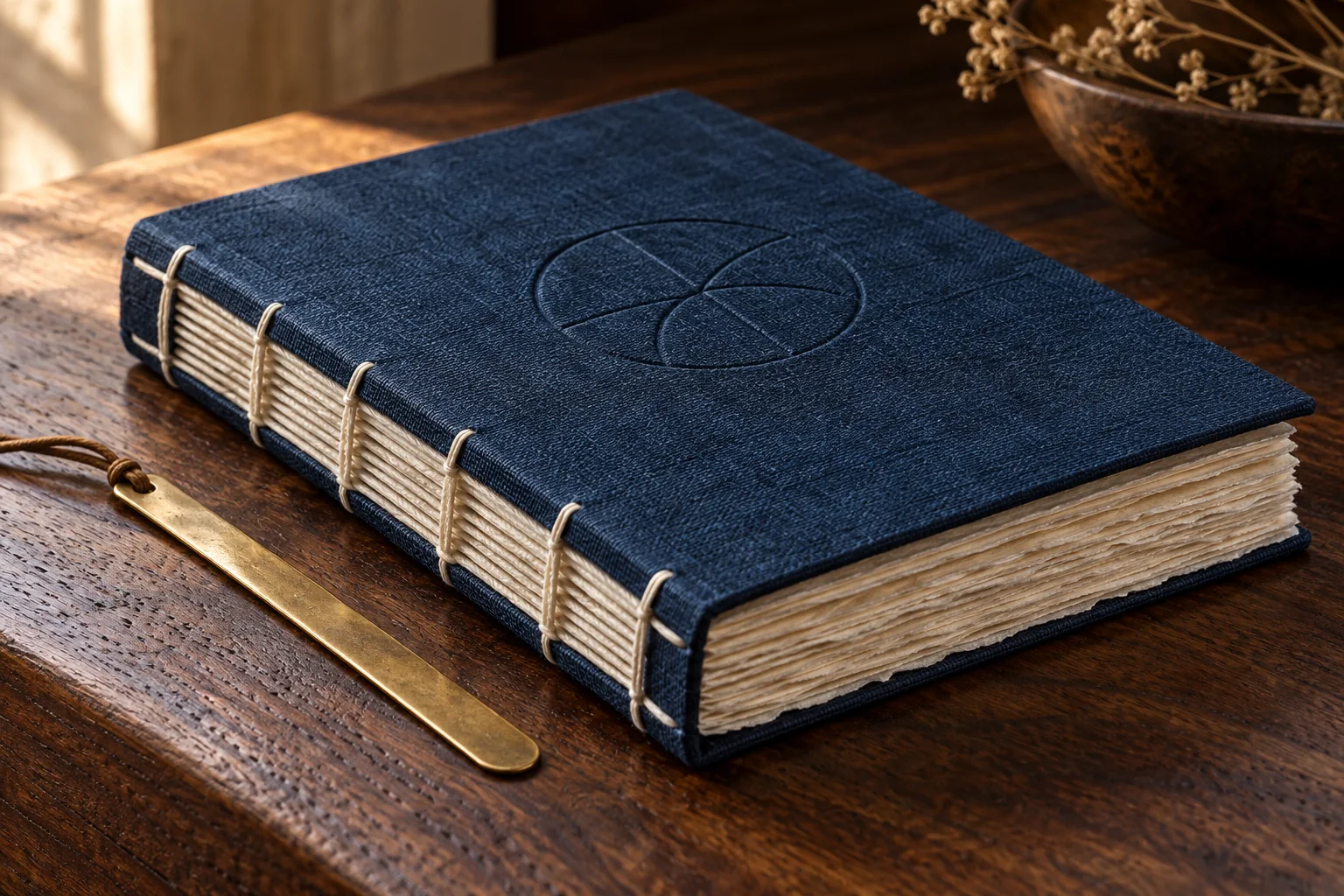
Craft and product detail
Texture, light and framing tell a quieter product story.
How to get started
- 1
Check the selection
Use Sunburst, 1K, 1:1 and review the current credit quote.
- 2
Write your brief
Describe the subject, composition, material and light.
- 3
Review and save
Inspect the completed image and download it from your task or history.
Your available settings
Sunburst · Text to image · 1K · 1:1. Image editing, other sizes and other variants are not offered by this page.
One precise entry
Original Sunburst · 1K square
Check the live quote
Your current credit cost appears before submission.
Questions, answered
Is this GPT Image 2 or 2.5?
This page uses the exact GPT Image 2.5 Sunburst model. GPT Image 2 is a different model.
Which size can I use here?
This entry offers text-to-image at 1K, 1:1. Other sizes are not offered by this page.
Can I edit or upload references here?
No. The model family has editing capabilities, but this page offers only text-to-image.
Can I choose Flare or an Ext variant?
This entry uses original Sunburst. Flare and Ext variants are not selectable here.
Does this entry create transparent files?
There is no transparent-output control here. Do not treat a white background as transparency.
How can I use these creative directions?
Choose a layout, material or lighting direction, then adapt it to your own subject. Write a specific prompt and review the generated image at full size.
Is generation free or unlimited?
No free credits or unlimited use are promised. Review the current credit quote before submitting.
Can I use images commercially?
Review the applicable terms and rights to your inputs. Check generated text, trademarks and likenesses before publishing.