


AI Image Humanizer — make AI images look natural
Give an overly polished image a more natural finish. Upload your image, choose your settings, and see the result for yourself.
Upload an image and start generating
AI image humanizer examples
Explore natural-looking edits across portraits, families, food, pets and stylized characters.
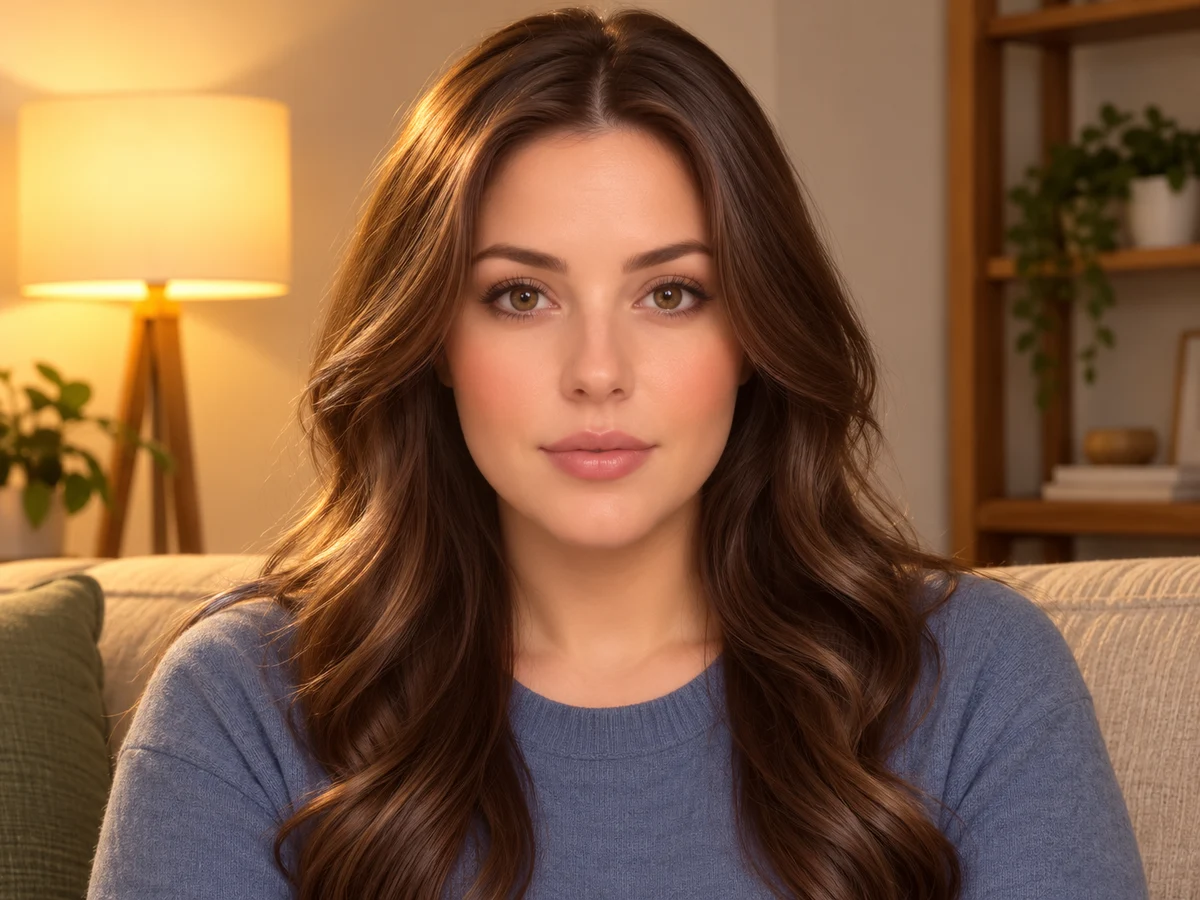
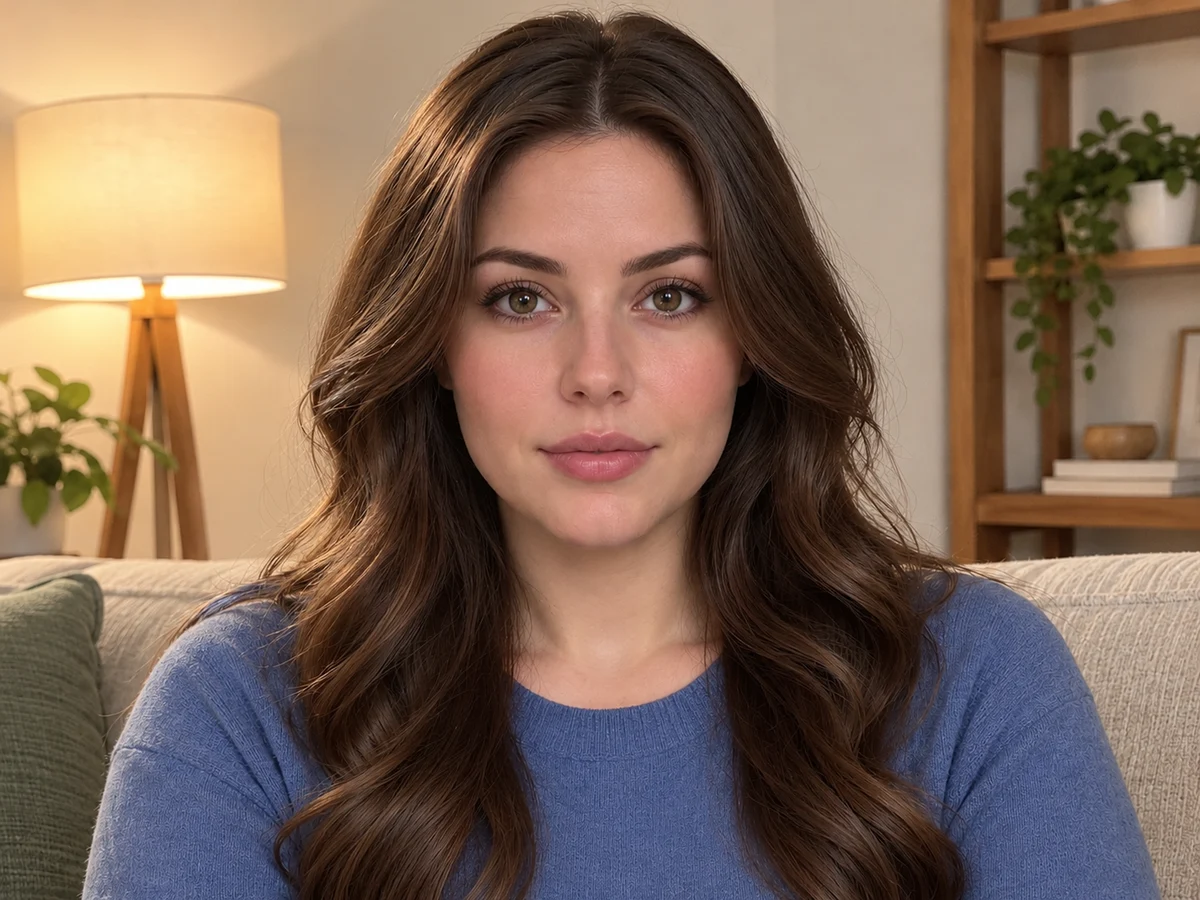
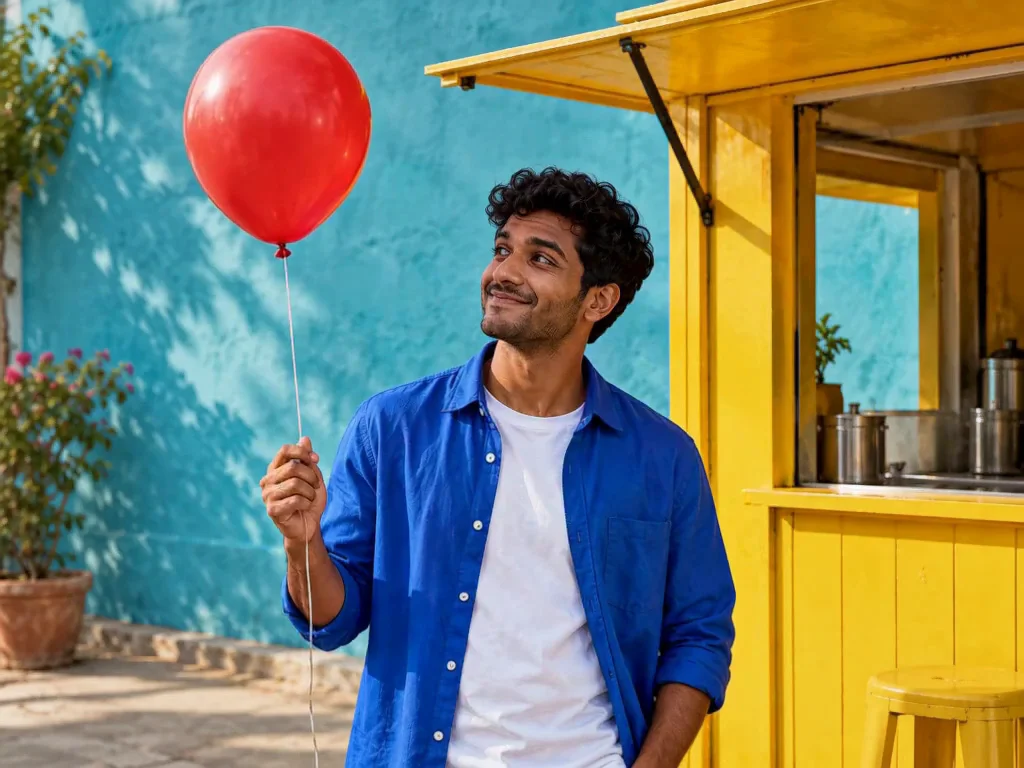
A softer, more natural portrait
An over-polished portrait becomes a little more relaxed, with softer color and a more natural-looking finish. Compare the details in the face, hair and background.
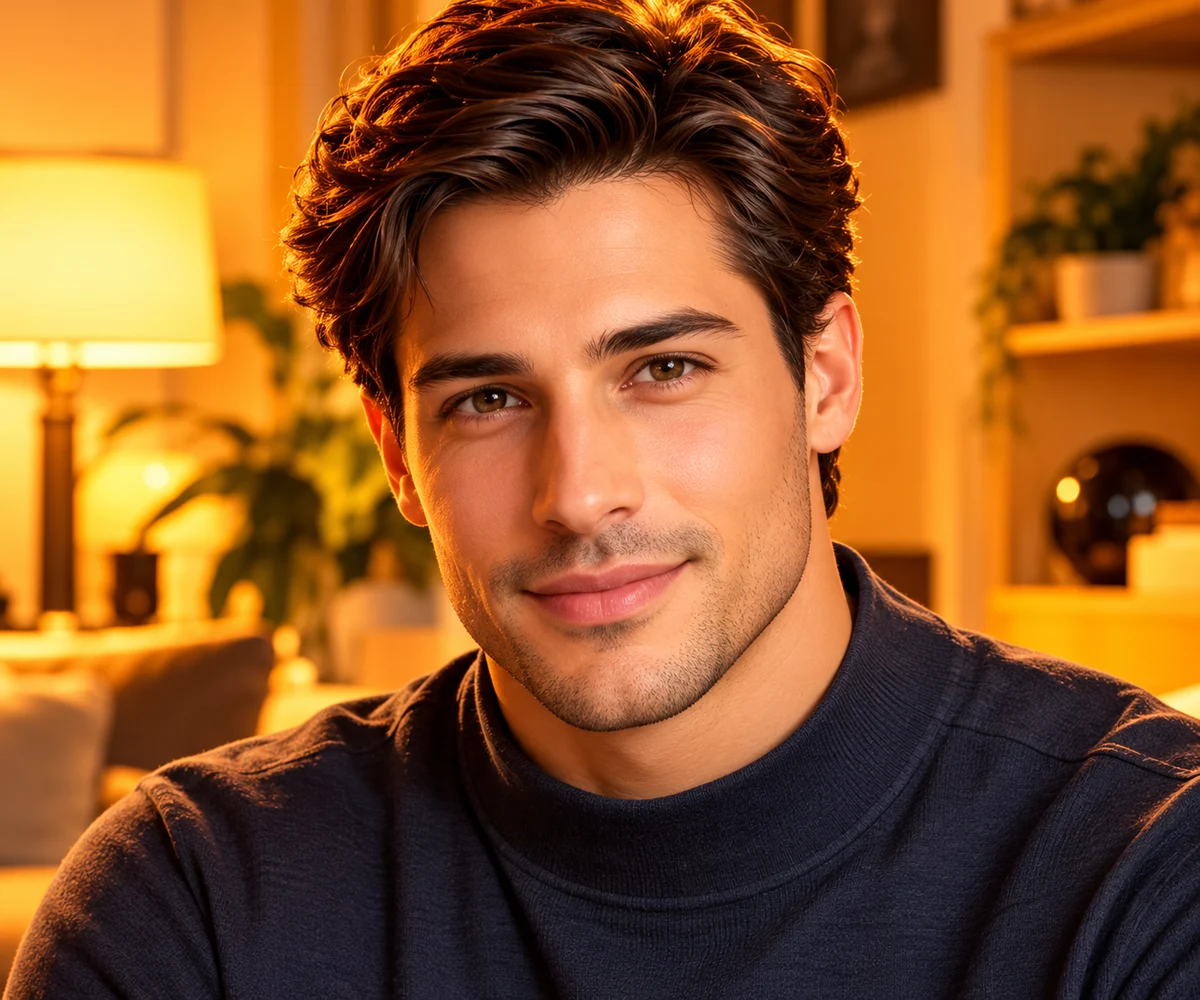
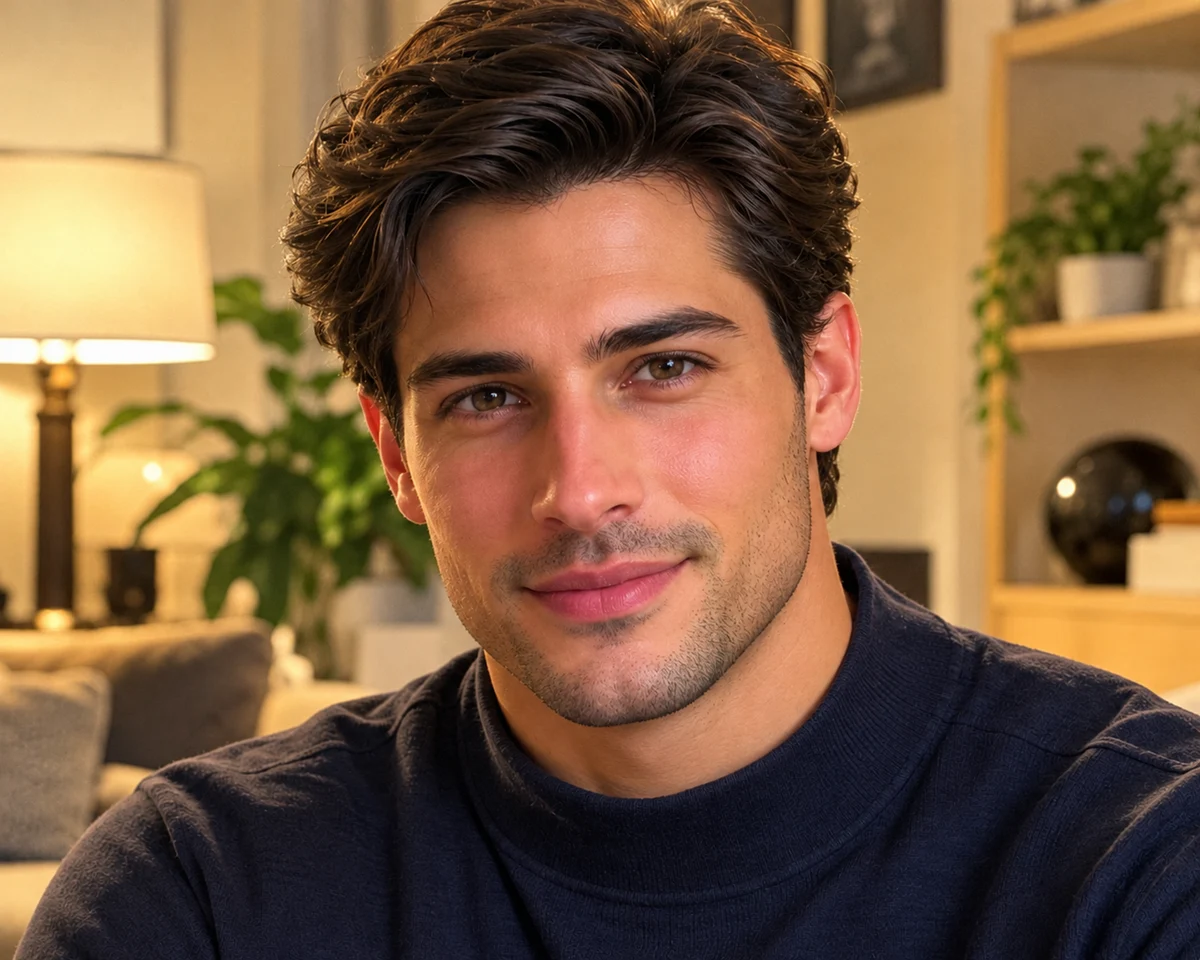
A more natural-looking portrait
The edit softens the polished finish and brings more visible texture to the face while keeping the portrait and setting recognizable.
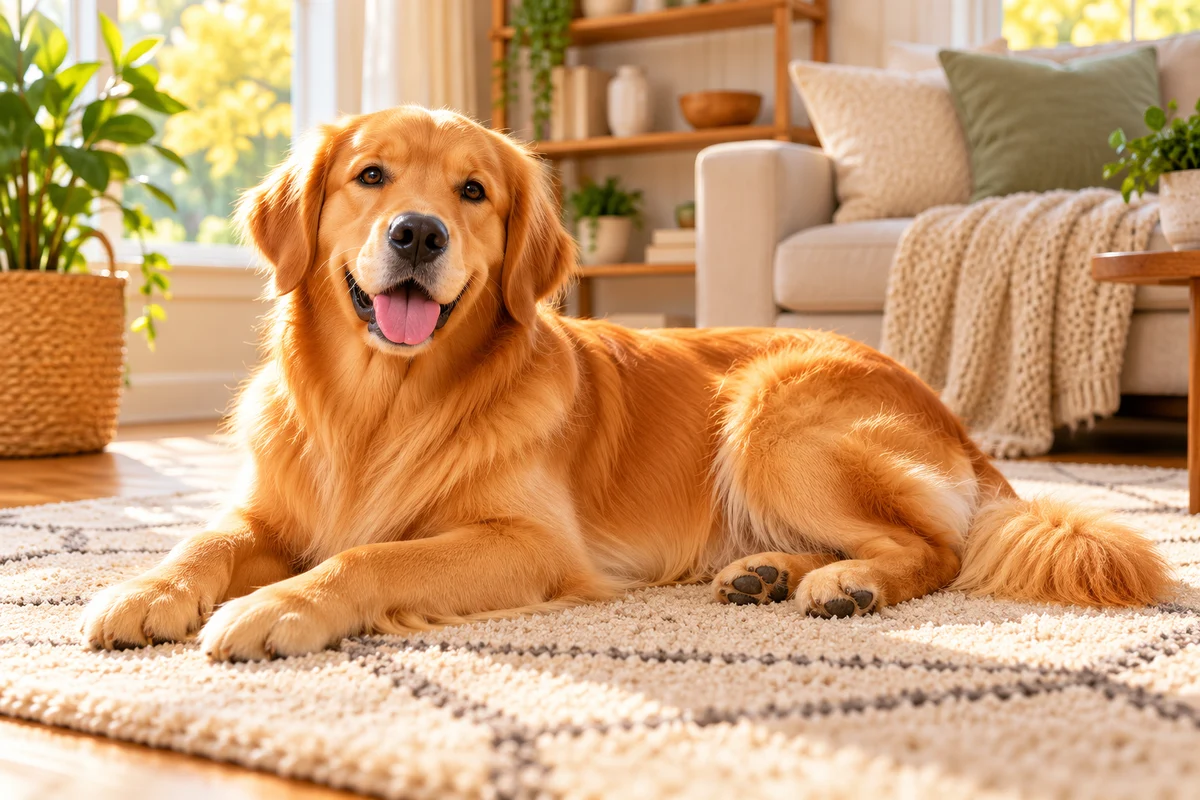
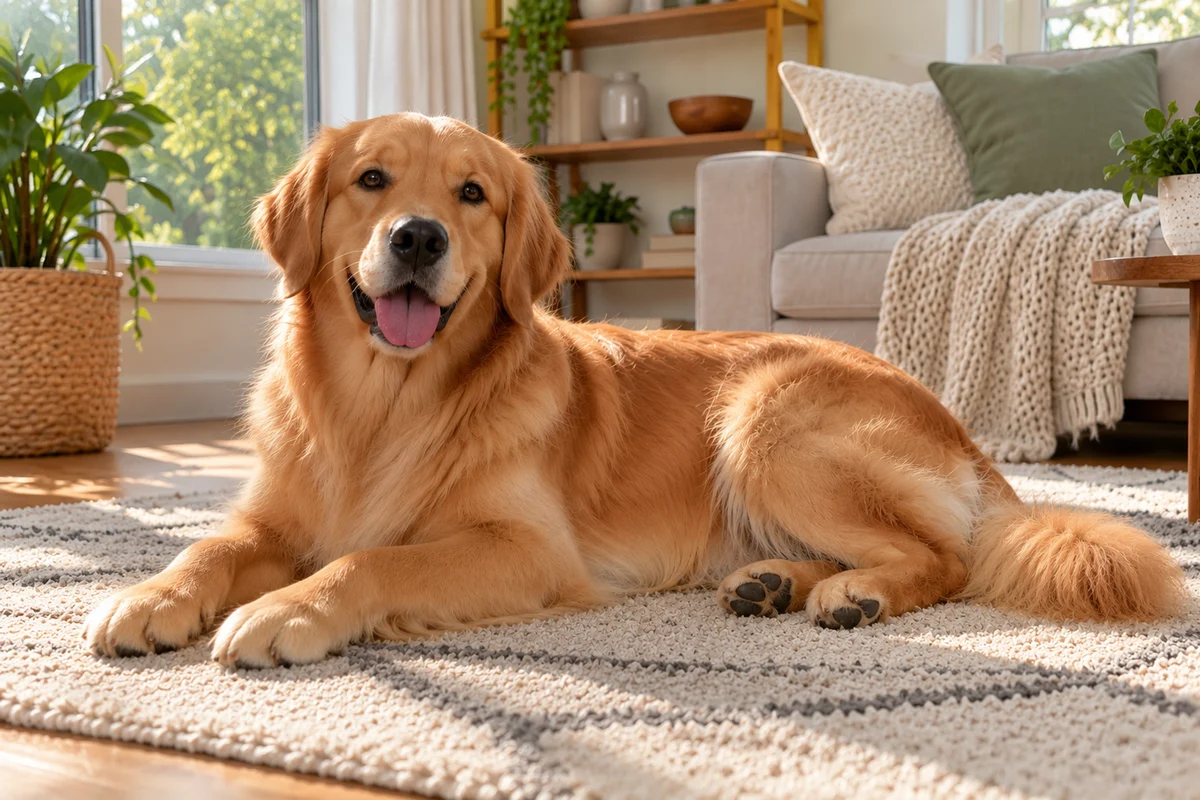
A more natural pet photo
The edit softens the bright, glossy finish while keeping the golden retriever and the living-room scene recognizable.
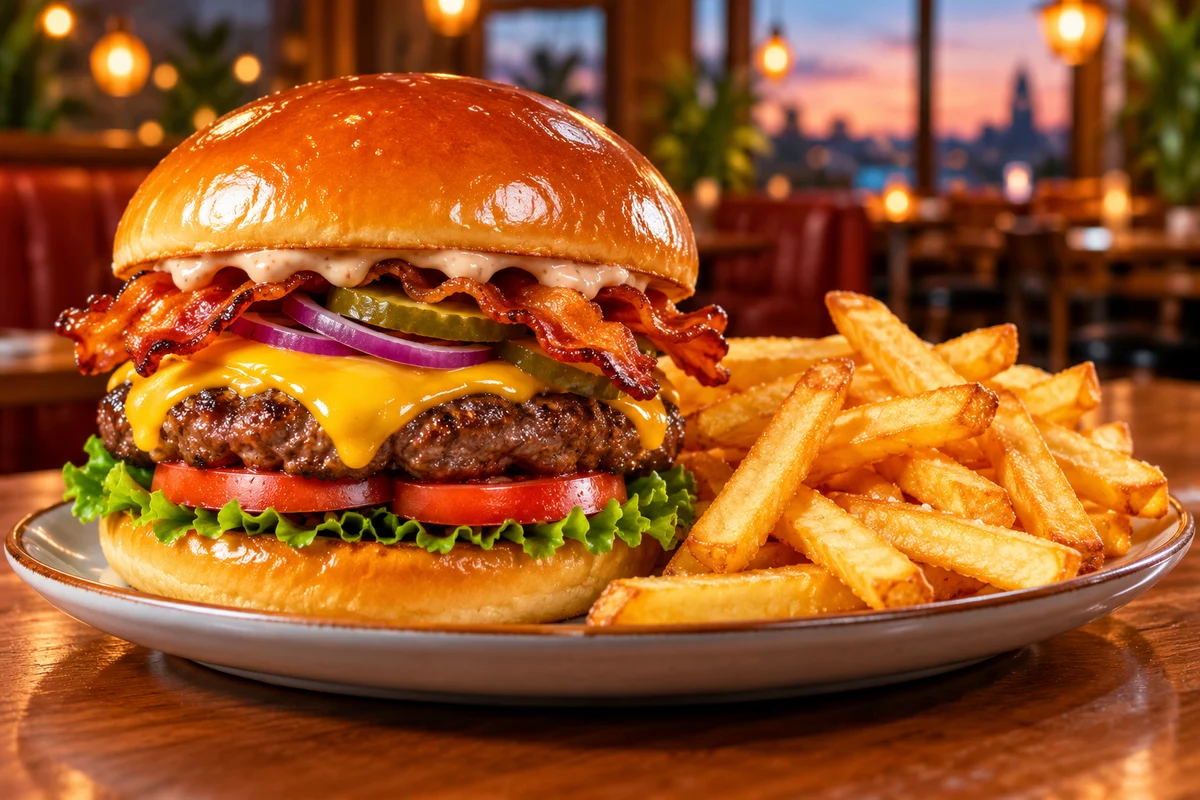
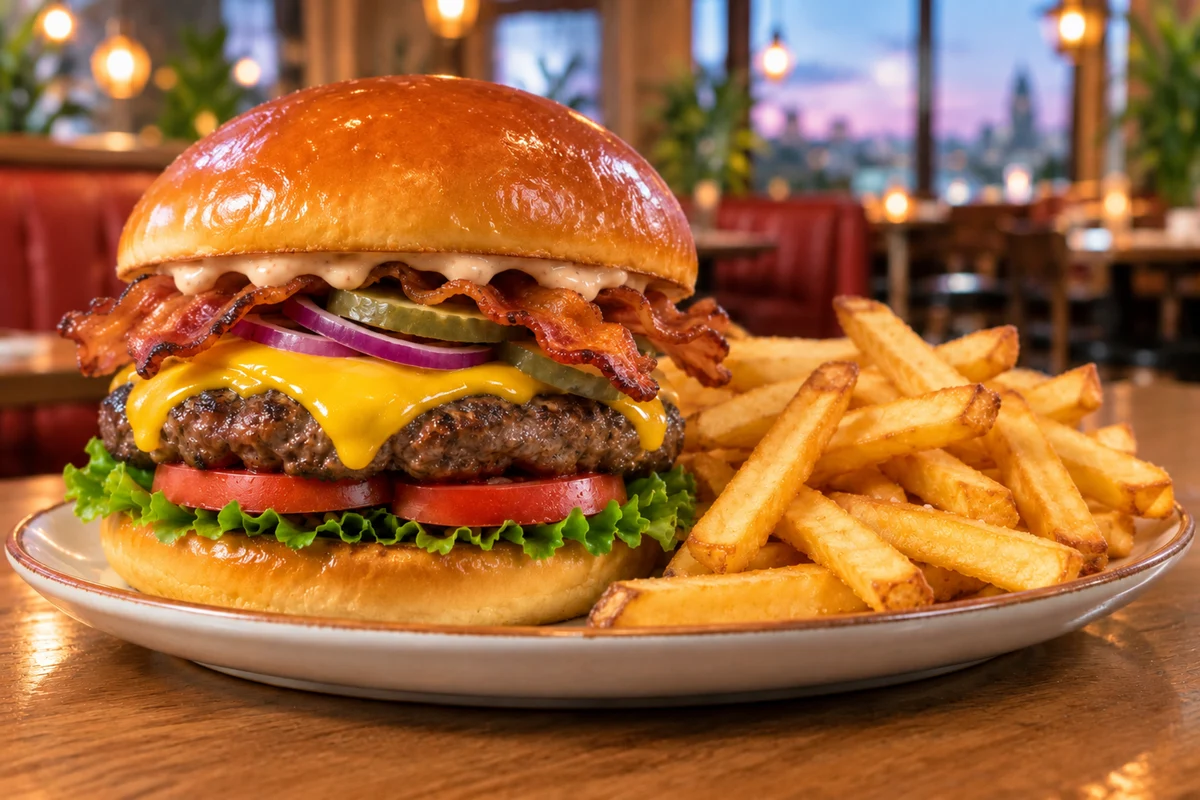
A food image with a subtle edit
This pass makes a subtle change to the light and detail while keeping the burger and fries recognizable. Results can be more or less pronounced depending on the image.
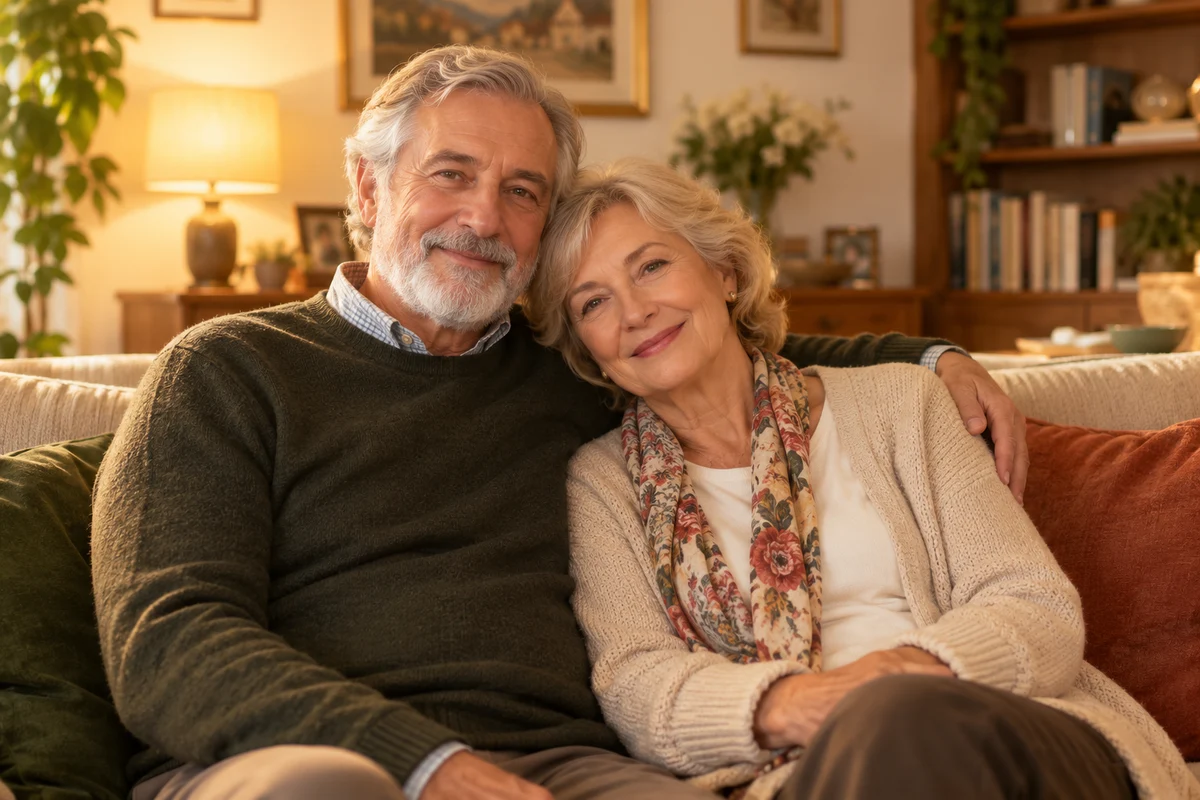
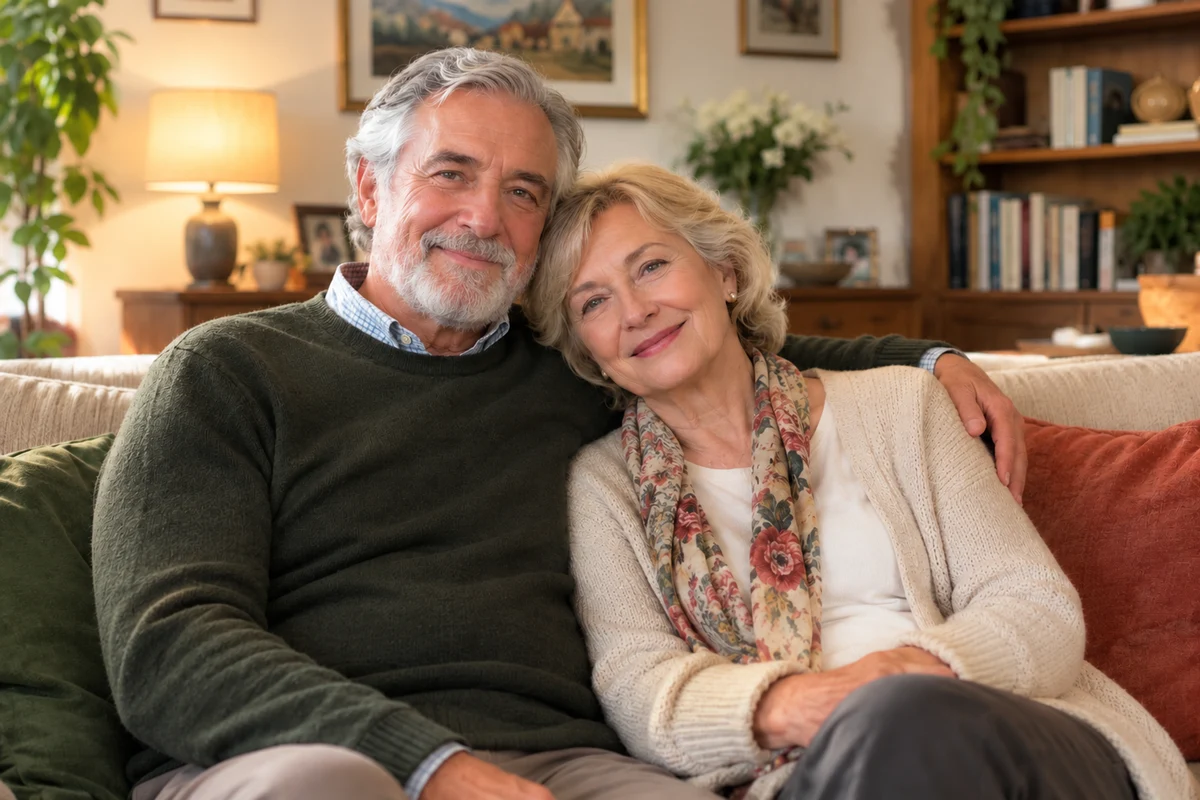
A family portrait in softer light
The warm glow is softened while the couple, their clothing and the room remain recognizable. Compare the changes in the faces and light.
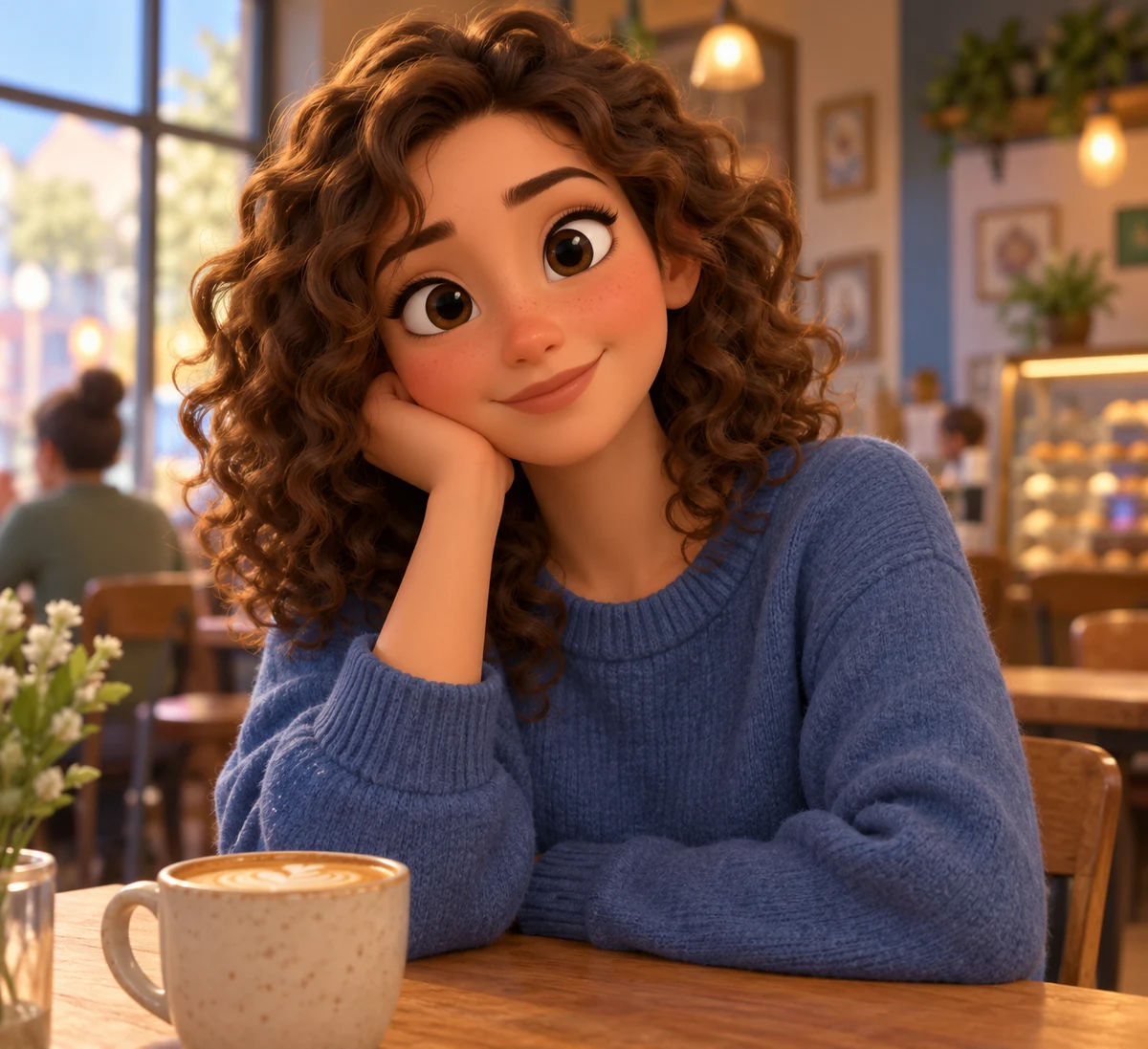
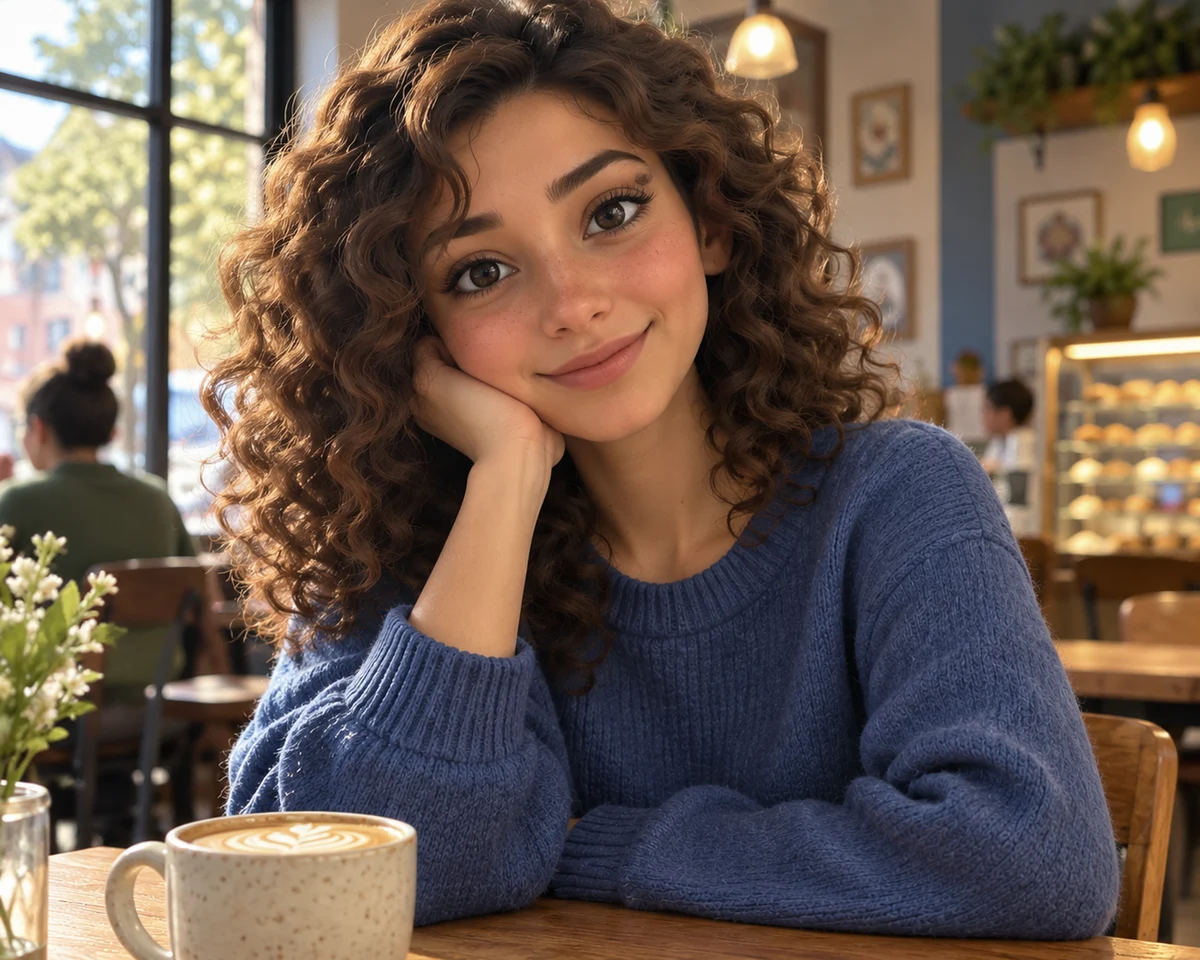
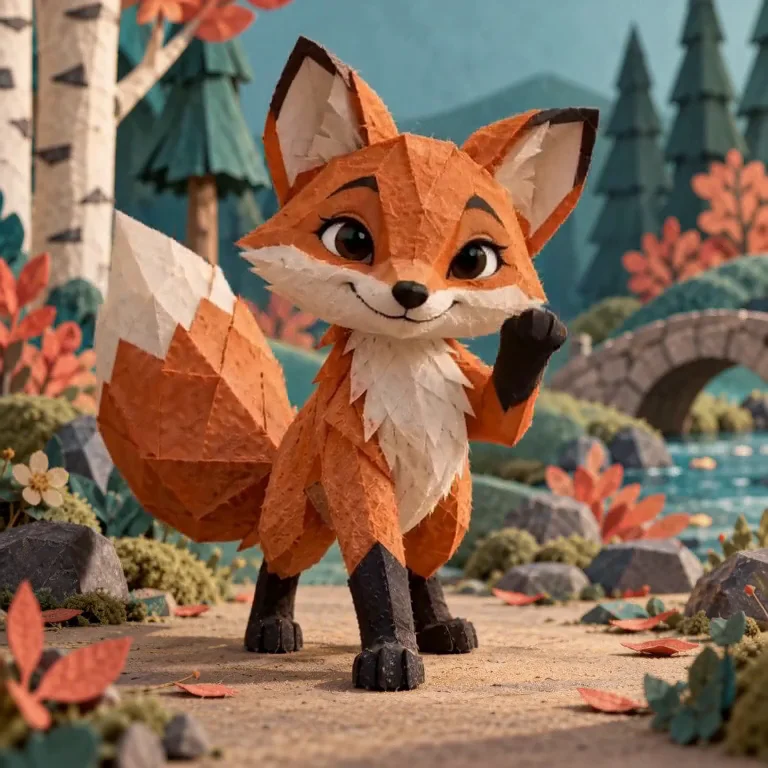
A new finish for a cartoon portrait
The same edit adds lifelike detail to a stylized character. The result keeps the scene recognizable, while the face becomes more realistic.
What is an AI image humanizer?
An AI image humanizer edits an existing image to soften an overly artificial appearance while aiming to respect its original style. It can refine the look of skin, lighting, color and other details. The model interprets the whole image, so identity, composition and style may change. Review each result before using it.
Details that can make an image feel artificial
Small changes in texture, light and color can make an image feel more familiar.
Smooth skin
Skin can look more natural with subtle variation and texture.
Even lighting
Light and shadow help give a scene depth.
Perfect details
Small irregularities can make hair and clothing feel less polished.
Intense color
Softer color can change the mood of an image.
Background detail
Check the scene for shapes or objects that look unclear.
A rendered finish
A more relaxed finish can make a scene feel less synthetic.
How to humanize an AI image
Upload an image
Choose an AI image or an over-processed photo to refine.
Choose your settings
Select a model and settings, then review the credit quote.
Compare and download
Check faces, text and important details against your original before downloading.
Different ways to refine an image
Choose the approach that fits the result you need.
| Generate again | Manual editing | AI image humanizer | |
|---|---|---|---|
| Starting point | A new generation | Existing image | Existing image |
| Control | Describe a new image | Edit details yourself | Upload and generate |
| What to check | A new composition | Each edited detail | Identity, style and details |
Ways to use an image humanizer
Explore a natural finish across different kinds of images.
Profile portraits
Refine an overly polished portrait.
Creative images
Explore a softer look for an AI visual.
Product scenes
Try a more natural finish for a product image.
Illustrated characters
Experiment with texture in a stylized character.
Filtered photos
Revisit the appearance of a heavily filtered photo.
Pet images
Explore changes in fur, color and lighting.
Frequently asked questions
Can I use it on portraits and other images?
Yes. Try portraits, pets, product images or scenes. Results depend on the source image and selected model.
Will it preserve the original face and composition?
The edit aims to preserve them, but generative edits can change details. Compare the result carefully.
How much does it cost?
The credit quote depends on your chosen model and settings. Review the displayed quote before confirming generation.
Will this bypass AI detectors?
No detection outcome is guaranteed. This tool changes visual appearance; follow the disclosure rules of the platform where you share it.
See your image with a natural finish
Upload an image and explore the result.
Humanize my imageExplore more with Jynno
From photo edits to video effects. Find your next creative move.
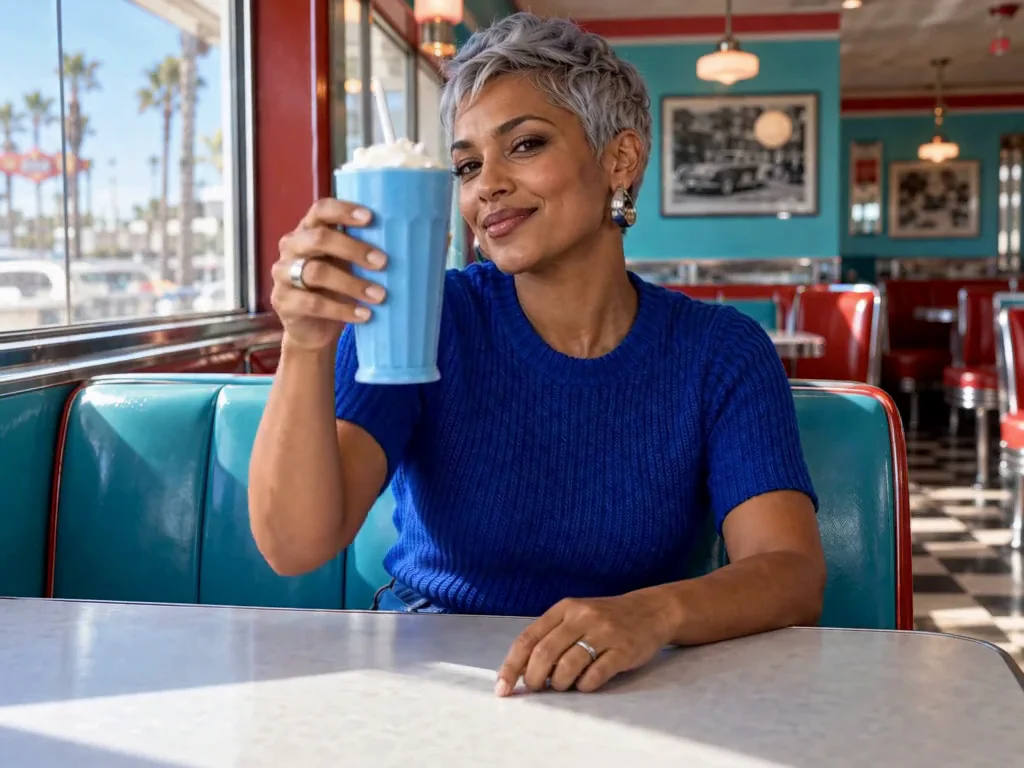
Photo editing
Jynno Image Edit
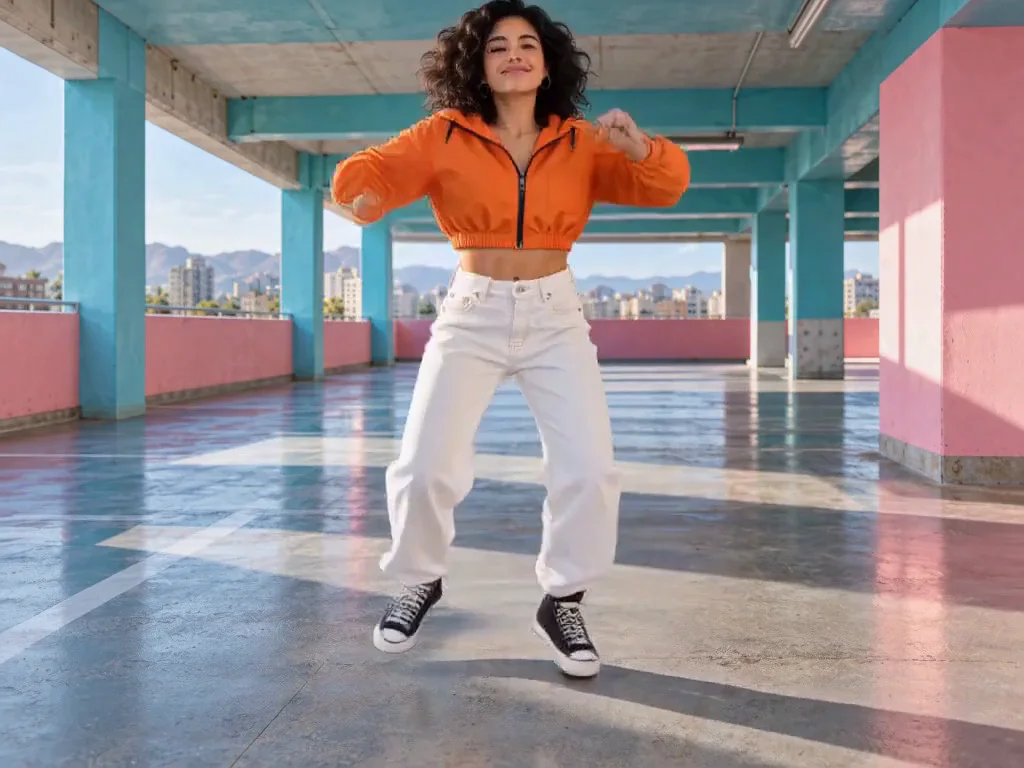
Video restyling
Jynno Restyle
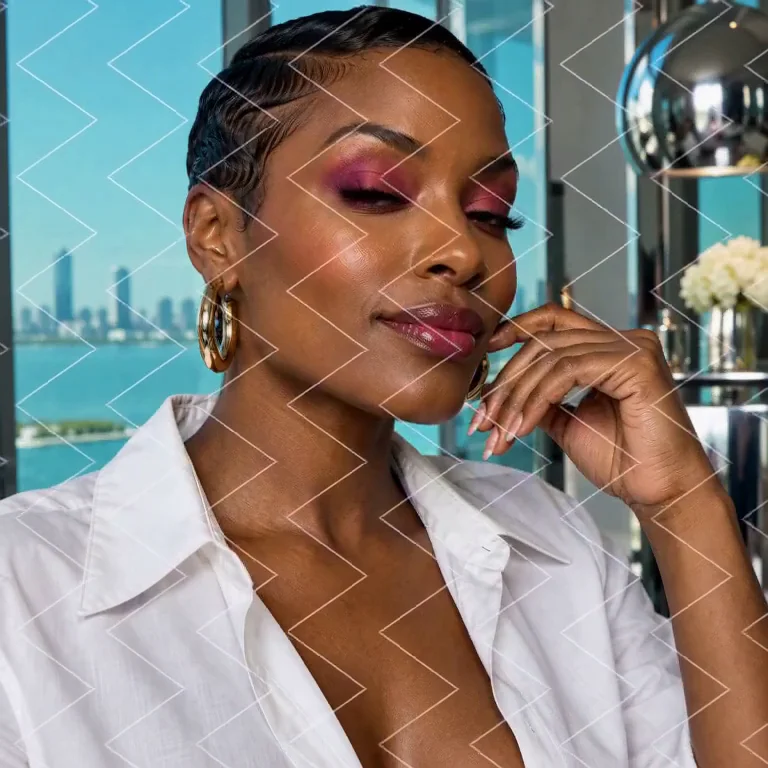
Watermark removal
Jynno Erase
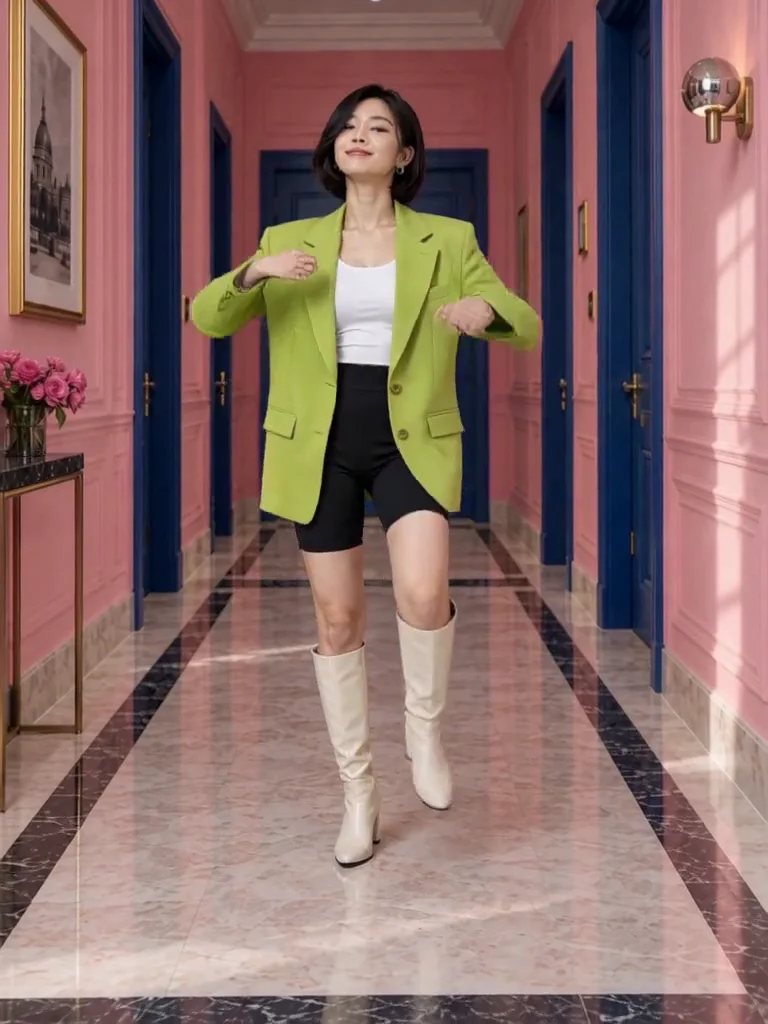
Video clothing & color editing
Jynno Video Edit
Magic Eraser
Jynno Erase
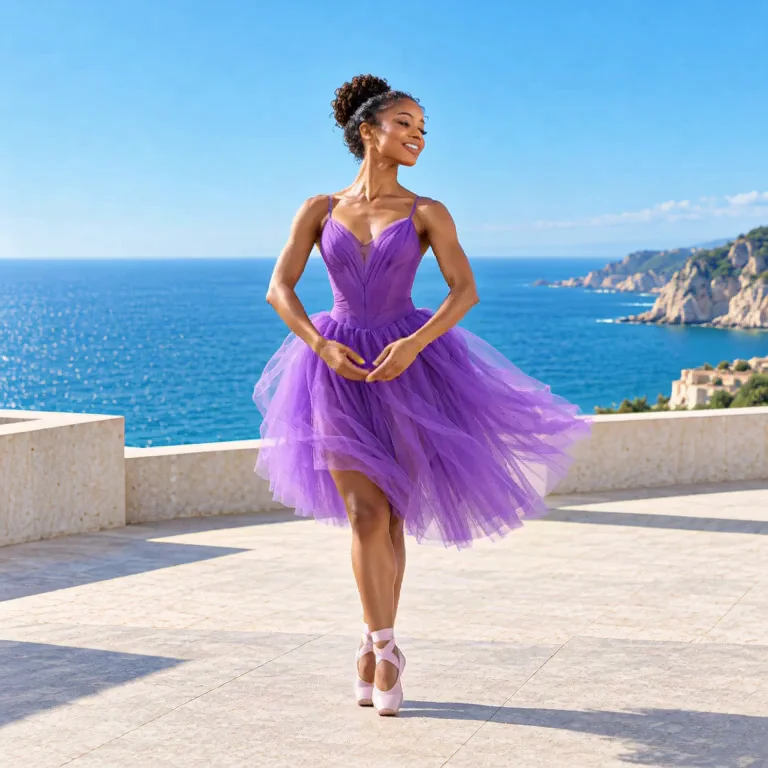
Image background removal
Jynno Cutout
Transparent PNG
Jynno Cutout
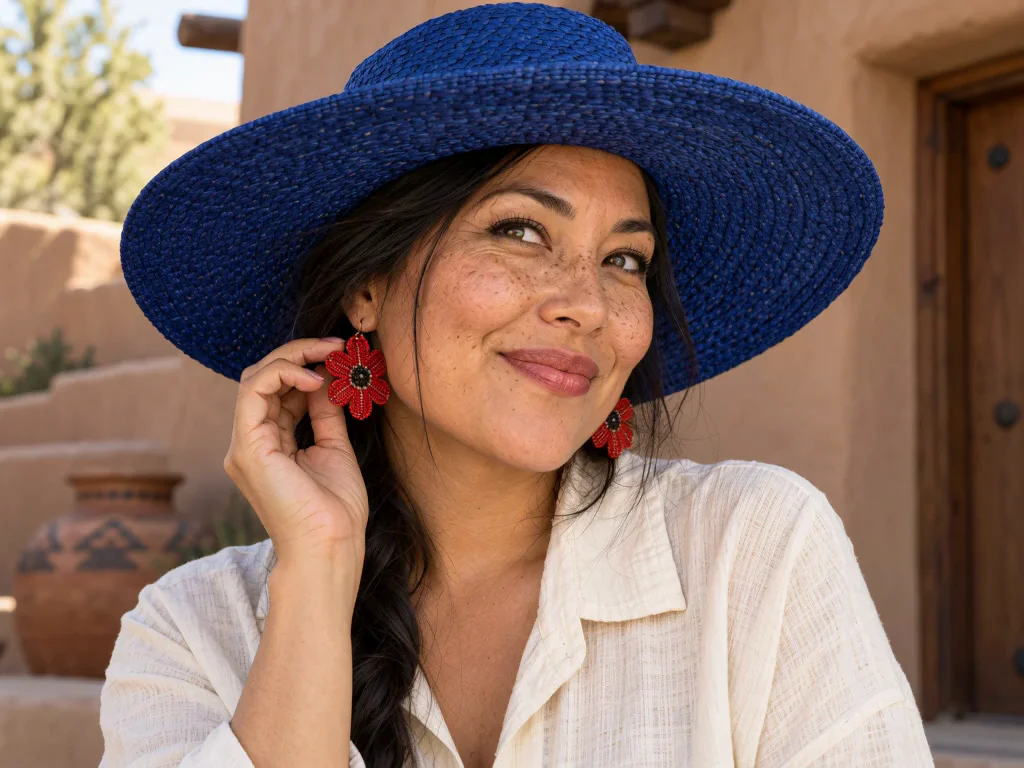
Image Upscaler
Jynno Upscale
Video Effects
Jynno Effects
Image to Prompt
Jynno Vision
Video Upscaler
Jynno Upscale
Video background removal
Jynno Cutout