
Combine the person in reference 1 with the rust-orange utility jacket in reference 2. Preserve her face, dark ponytail, build, black trousers and boots. Preserve the cream collar, four pockets, stitching and one central row of six snaps. Use a neutral studio and show the complete body with space beneath the feet. Review the static outfit first, then animate a small hand-to-waist gesture and return. Keep the camera fixed; no turn, zoom, crop or cut.
Virtual Try-On Video
Create clothing try-on clips from person and garment photos. Review the outfit image first, then animate a pose or simple movement.
Products in motion
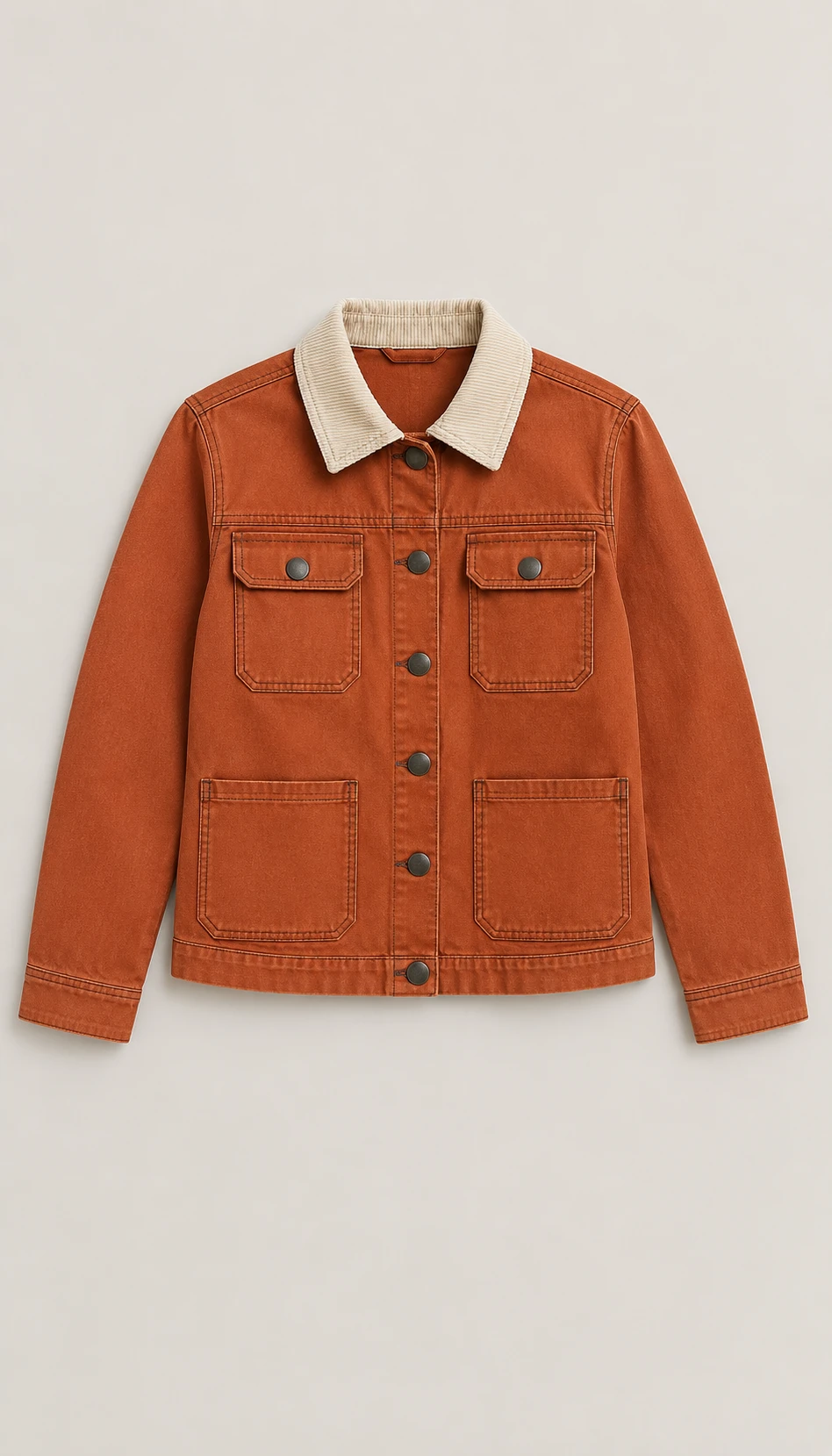
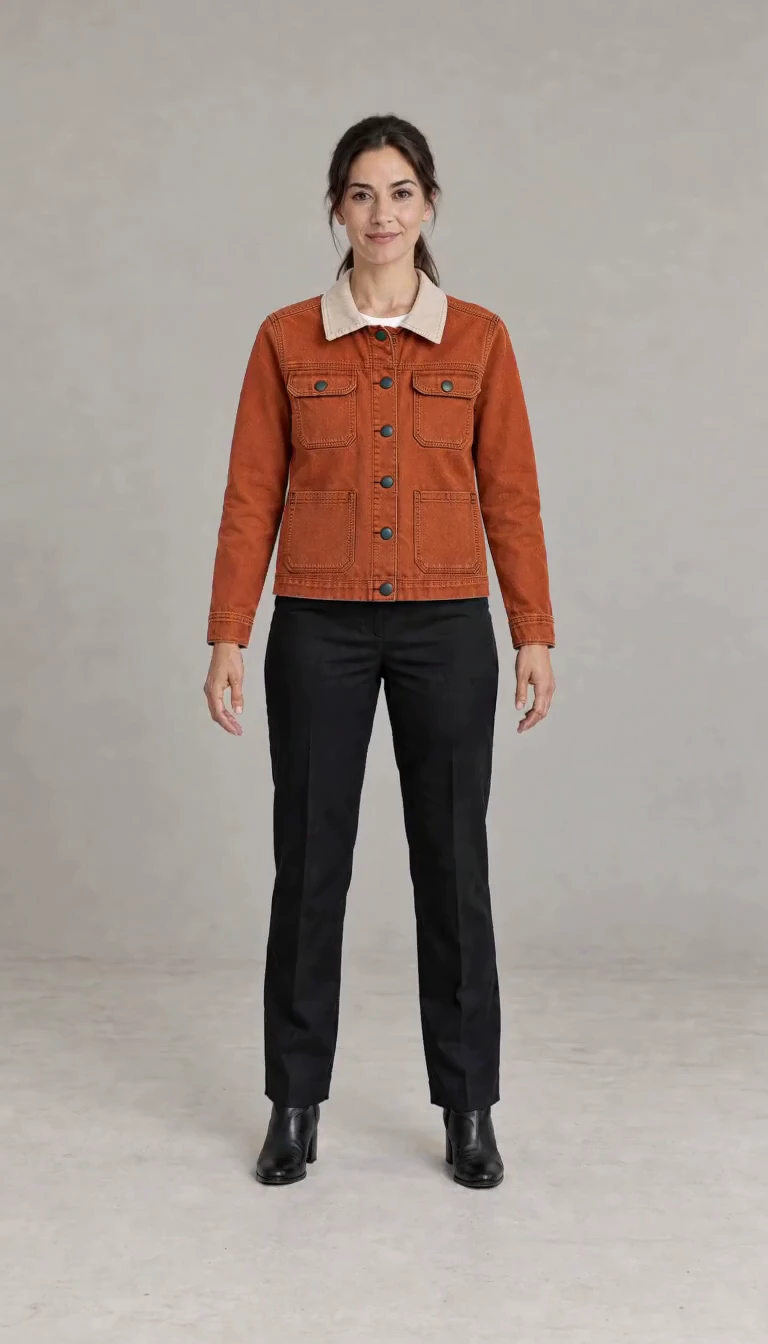
See the outfit on your model, then bring it into motion.
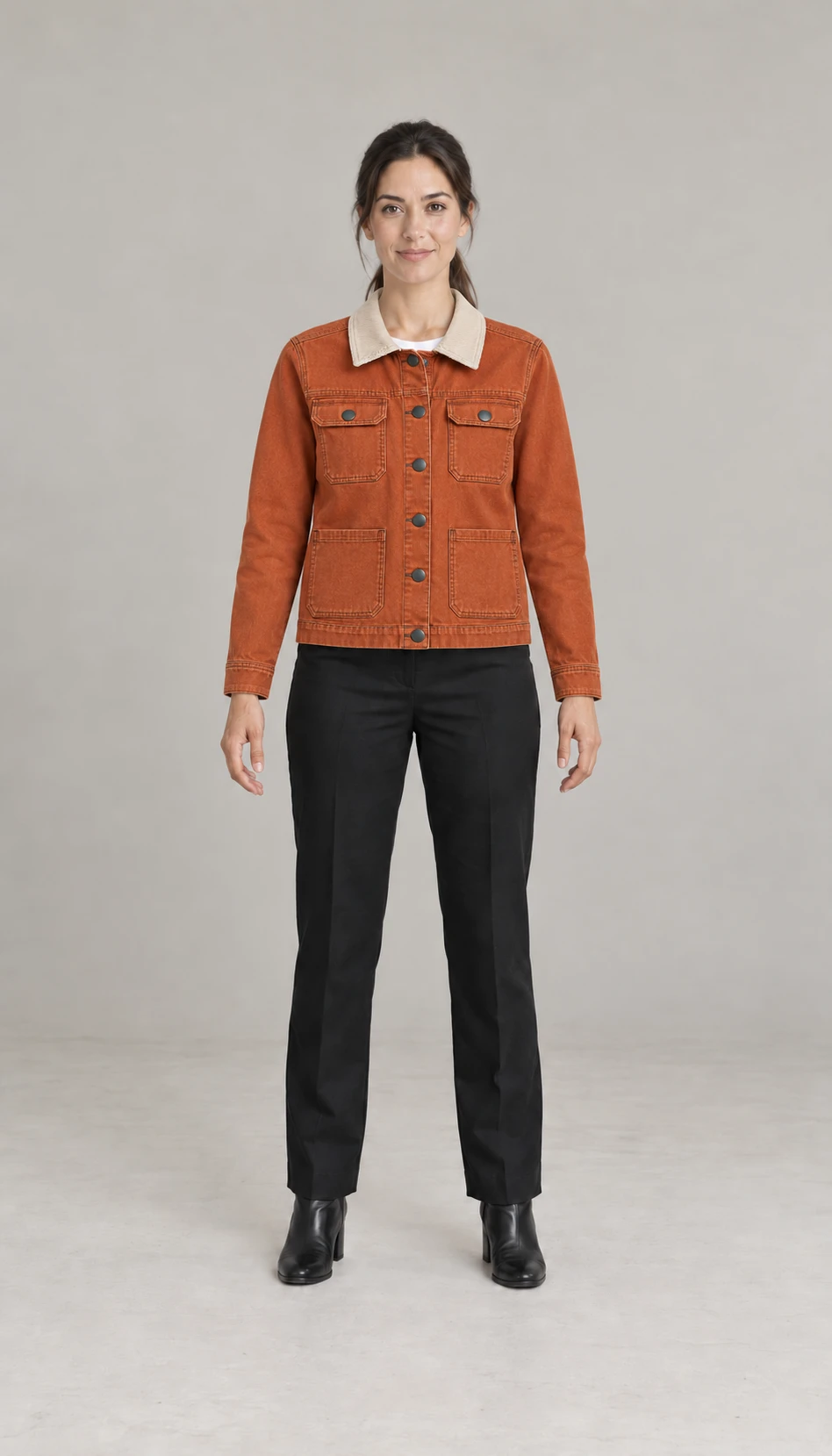
A rust-orange jacket, with clear person and garment references
Provide a clear person photo and a separate garment image. Review the outfit before animation, checking the face, hair, colour, collar, pockets and fastening. In this example the model wears the supplied rust-orange jacket and makes a small hand-to-waist gesture in a fixed full-body view.
Make your visual idea specific
Give both references a clear role
The person photo defines the face and build. The garment photo defines the item to wear. A mood image should not replace either reference.
Check the outfit before motion
Approve the static composition before generating a video. Correct changed hair, zips, seams or branding against the original references first.
Choose movement that shows the clothing
A small turn, step or sleeve gesture keeps the garment visible. Match the camera and action to the detail you want the viewer to see.
From a brief to assets for your edit
Upload a person and a garment
Use well-lit photos with the relevant body area and garment visible. Explain the intended pose, background and clothing details to preserve.
Approve the outfit image
Review the face, hairstyle, garment construction and markings in the combined image. Request changes before moving on to video.
Animate the approved composition
Choose a simple action and supported video settings. Review the resulting clothing clip and download it for your own layout or edit.
Frequently asked questions
Provide a clear person photo and a separate garment image showing its shape and important details. Avoid heavy occlusion and competing outfits. Additional detail images can help clarify fastenings or markings.
Choose your next creative direction
Put your idea to work
Outfit previews
Review the person and garment together before animation.
Clothing details
Choose a modest pose or gesture that keeps the item visible.
Fashion layouts
Prepare a clean clothing clip for your own product composition.
Plans for your next creation
Use your plan credits for images and videos. Review the selected tool, settings and credit quote before each generation.
Starter
$9.99/ month
800 credits / month
Credits renew monthly and expire at the end of the billing period.
View planCreator
$24.99/ month
2,500 credits / month
Credits renew monthly and expire at the end of the billing period.
View planPro
$59.99/ month
6,200 credits / month
Credits renew monthly and expire at the end of the billing period.
View planStart your virtual try-on video
Provide a clear person photo and a separate garment image. Review the outfit before animation, checking the face, hair, colour, collar, pockets and fastening. In this example the model wears the supplied rust-orange jacket and makes a small hand-to-waist gesture in a fixed full-body view.
Start creatingExplore more with Jynno
From photo edits to video effects. Find your next creative move.
Photo editing
Jynno Image Edit
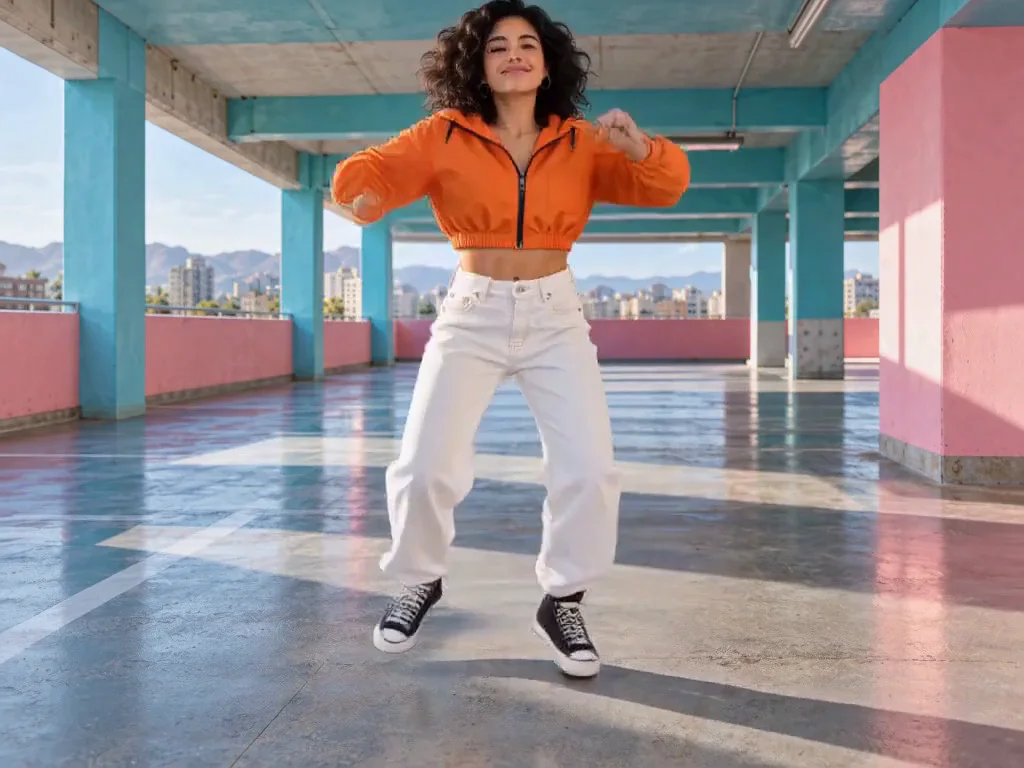
Video restyling
Jynno Restyle
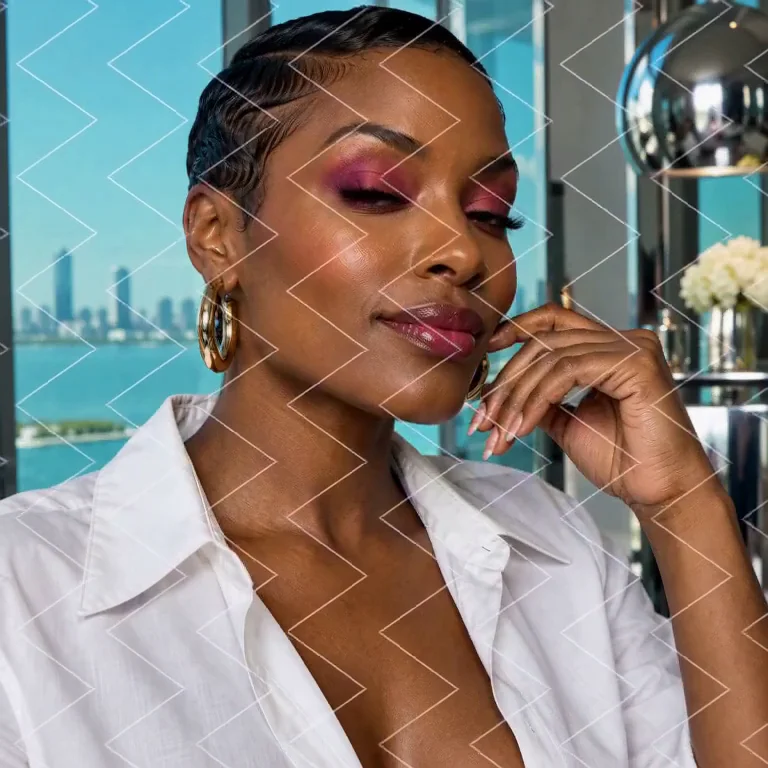
Watermark removal
Jynno Erase
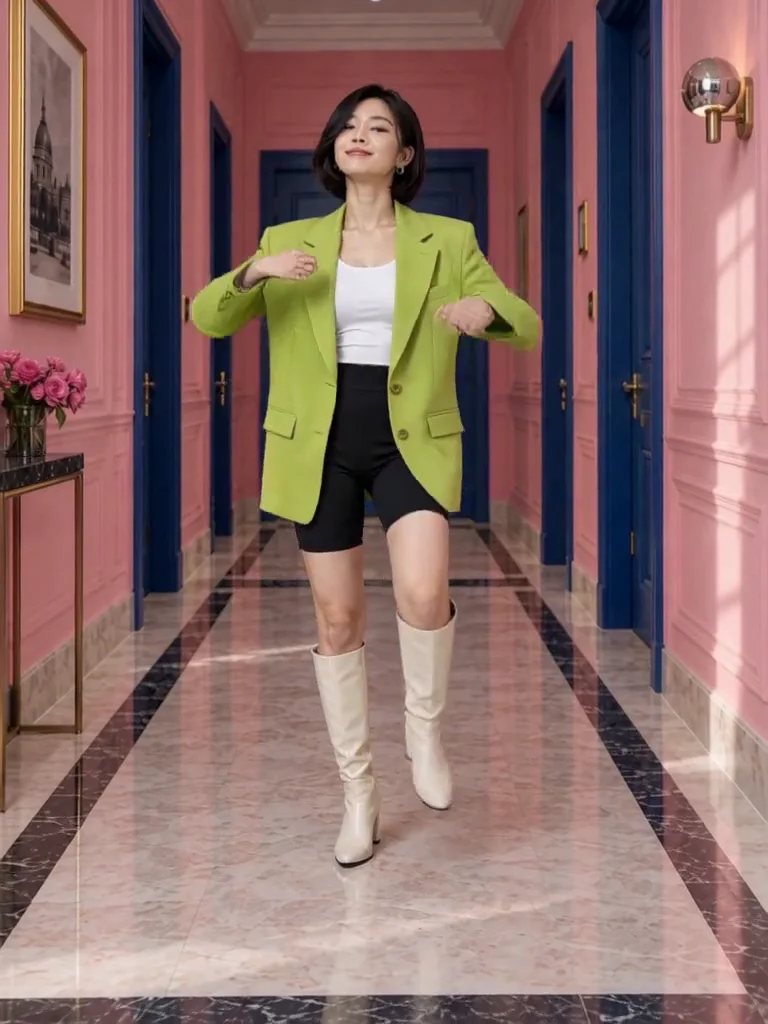
Video clothing & color editing
Jynno Video Edit

Magic Eraser
Jynno Erase
Image background removal
Jynno Cutout
Transparent PNG
Jynno Cutout
Image Upscaler
Jynno Upscale

Video Effects
Jynno Effects
Image to Prompt
Jynno Vision
Video Upscaler
Jynno Upscale
Video background removal
Jynno Cutout