
Choose a clear photo
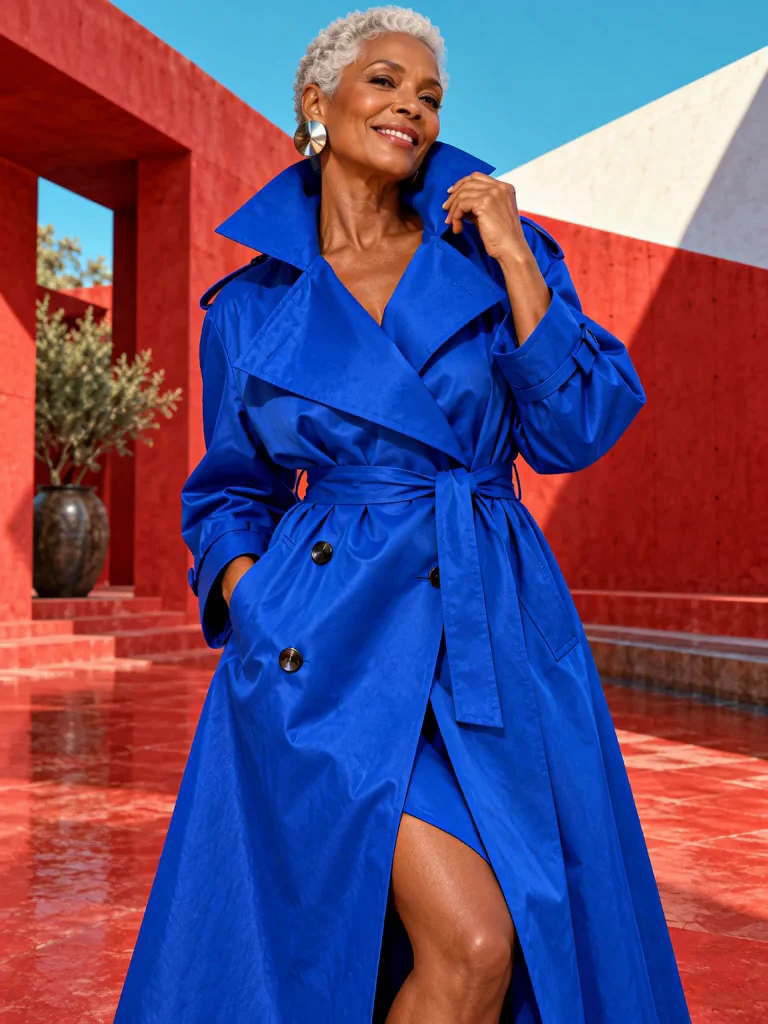
A front-facing product image can show the garment’s shape, colors and distinctive details.


Use a clothing photo to guide an outfit change in a short video. Compare a real example and review the quote before creating.
Checking available settings…
A front-facing product image can show the garment’s shape, colors and distinctive details.
Tell the editor which item in the photo to use and what should remain unchanged.
Check sleeves, fasteners, fabric and movement; the generated outfit may not match exactly.
Select one short video and one PNG, JPG or WebP reference image.
Point to the garment in your image and name what to preserve in the video.
Choose the resolution and review the quote before generation.
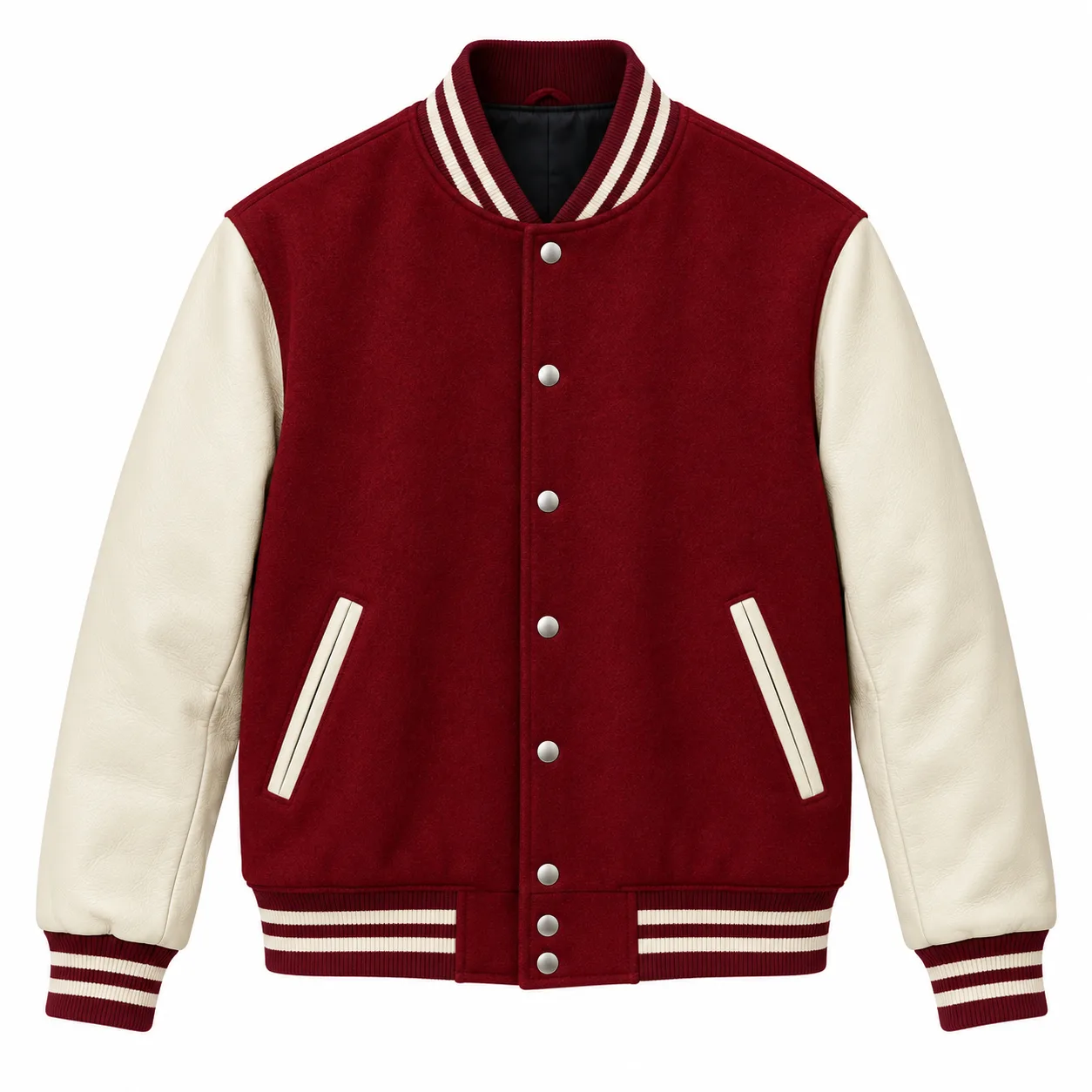
A garment photo guides a new jacket on the dancer. The original blue top remains underneath; compare the garment details and movement across the clip.
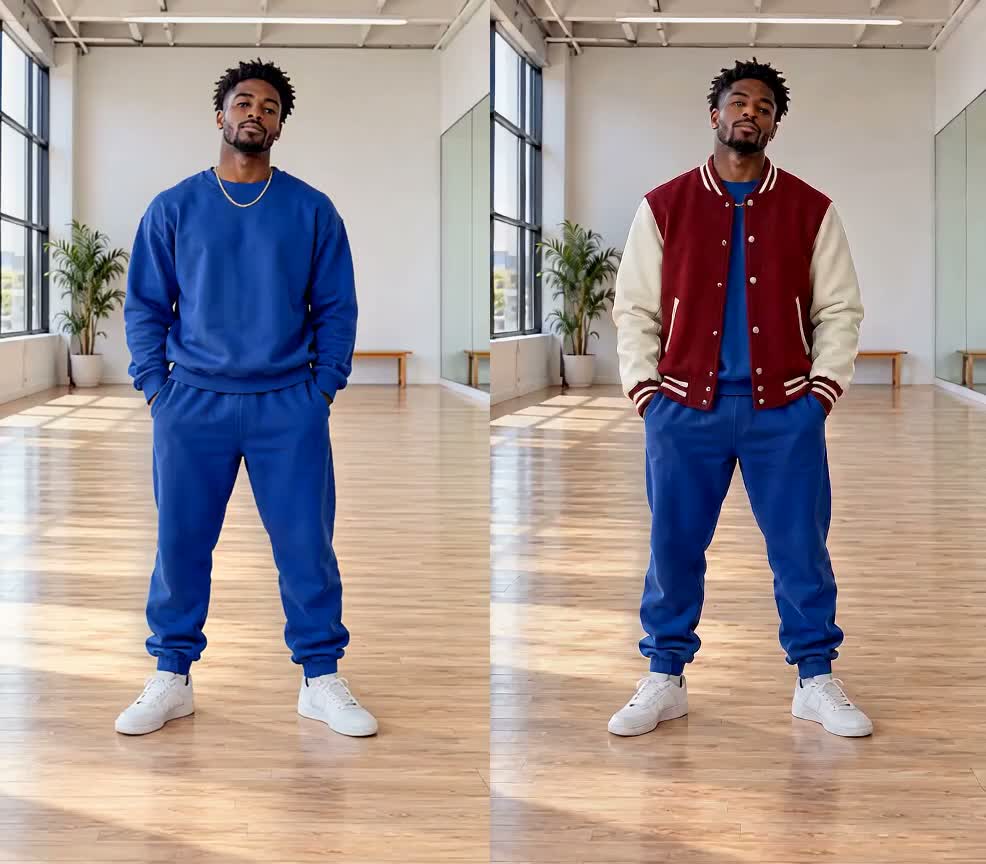
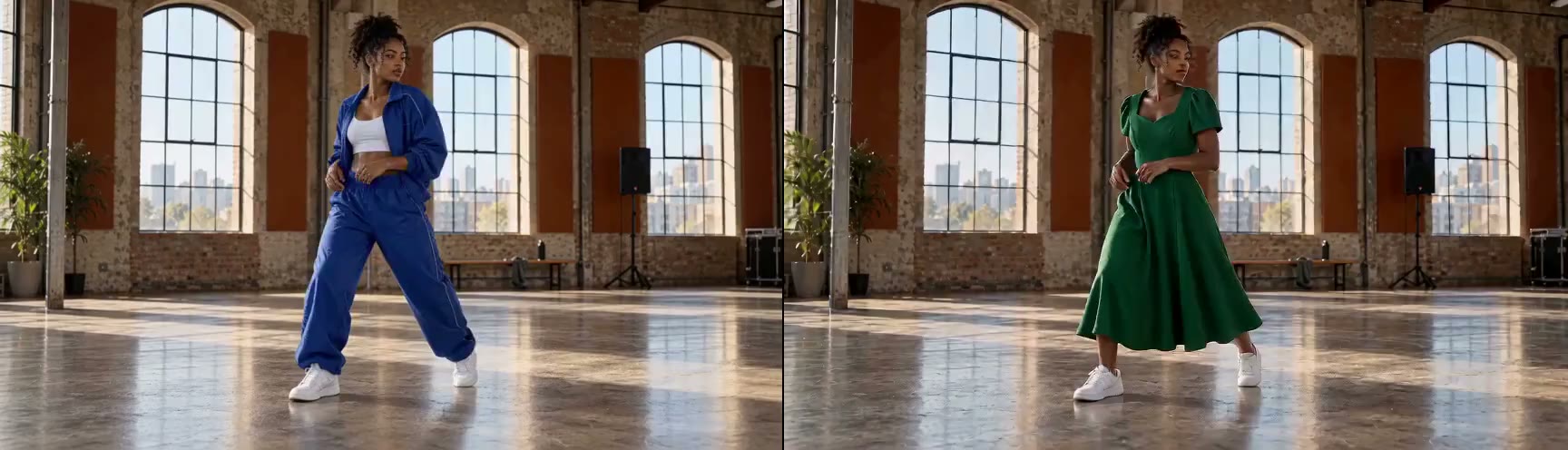
A dress photo guides the dancer’s change from a casual outfit to a green dress. Compare the result through the movement and turn.
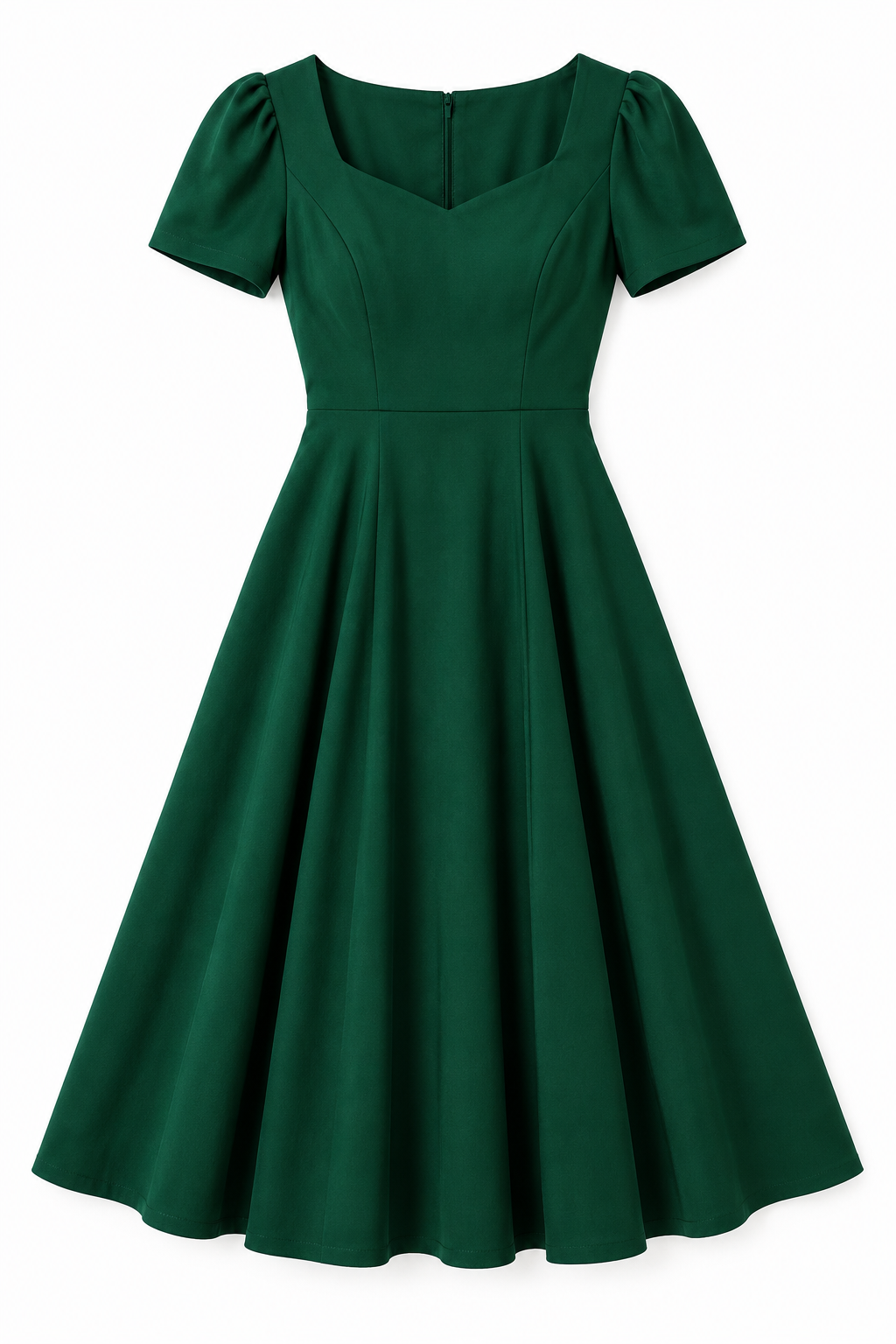
Use a clear shopping photo or flat lay to show the garment you have in mind. Choose an image that shows the color, shape and details clearly.
Add one PNG, JPG or WebP image up to 5 MB with your video. The generated garment may differ in fit, details or layering.
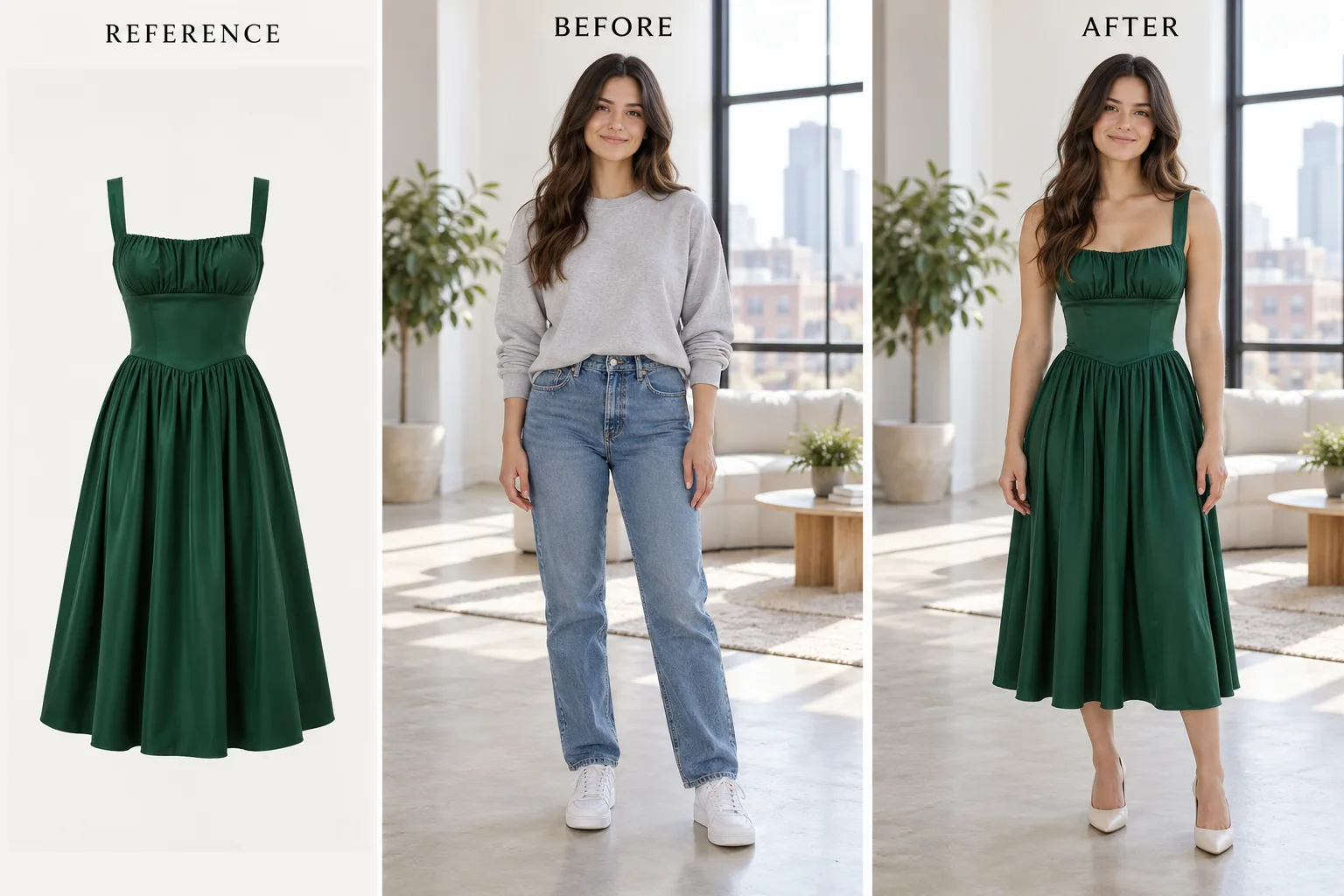
Tell the editor which item from the image to use and what should stay, such as the person, the rest of the outfit and the background.
Reference images guide the look rather than guarantee an exact product match. Review the colors, sleeves, fasteners and fit throughout your clip.
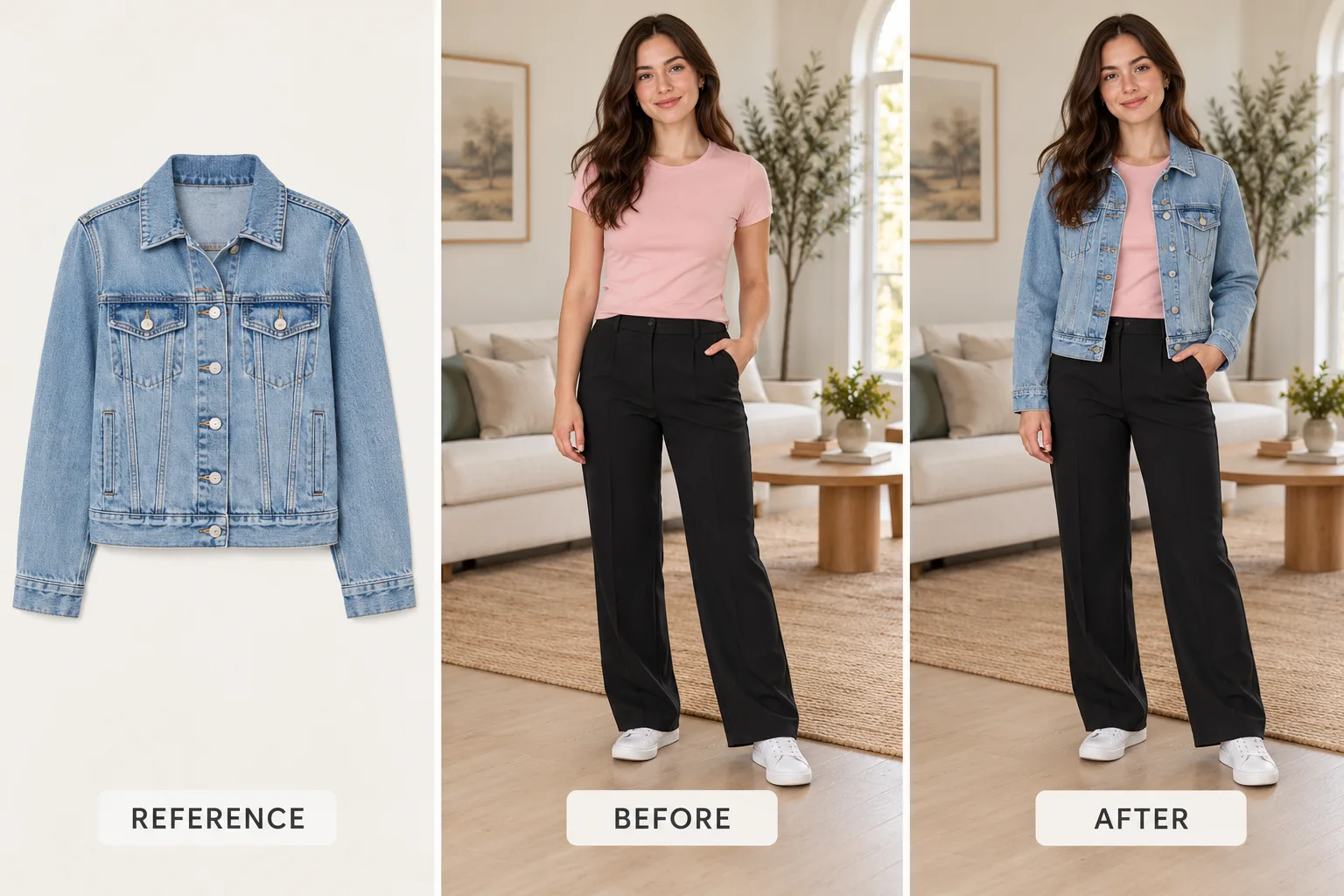
A clear product photo, flat lay or a person wearing the garment can help; make the intended item easy to identify.
One-time purchase. Credits are valid for 365 days.
The final credit quote appears before generation; applicable taxes are additional.
Use a clothing photo to guide an outfit change in a short video. Compare a real example and review the quote before creating.
Open the toolFrom photo edits to video effects. Find your next creative move.
Jynno Image Edit
Jynno Restyle
Jynno Erase
Jynno Video Edit

Jynno Erase
Jynno Cutout
Jynno Cutout

Jynno Upscale

Jynno Effects
Jynno Vision
Jynno Upscale
Jynno Cutout