


Halloween Photo Editor
Edit Halloween makeup, lighting and backgrounds from a reference photo. Keep the changes focused with ready-to-edit photo prompts.
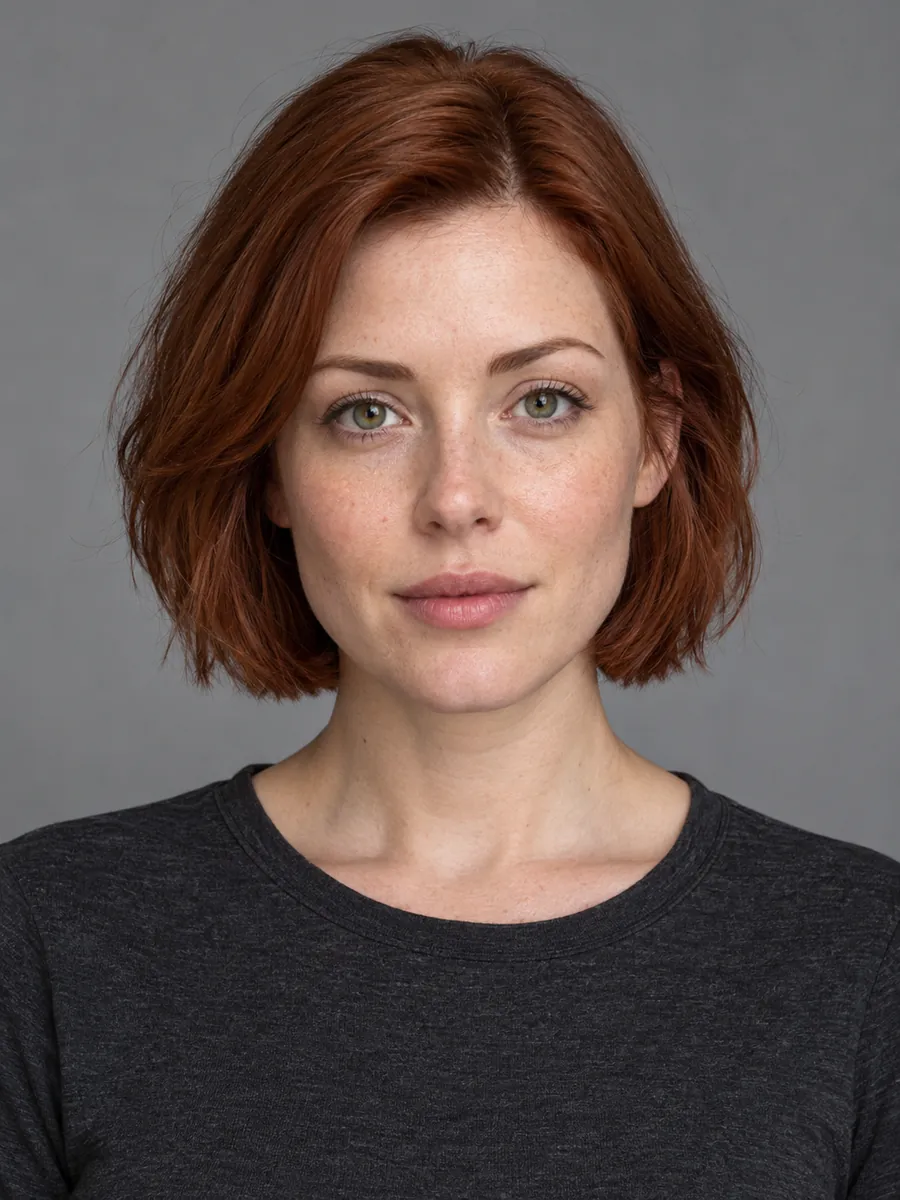 Original photo
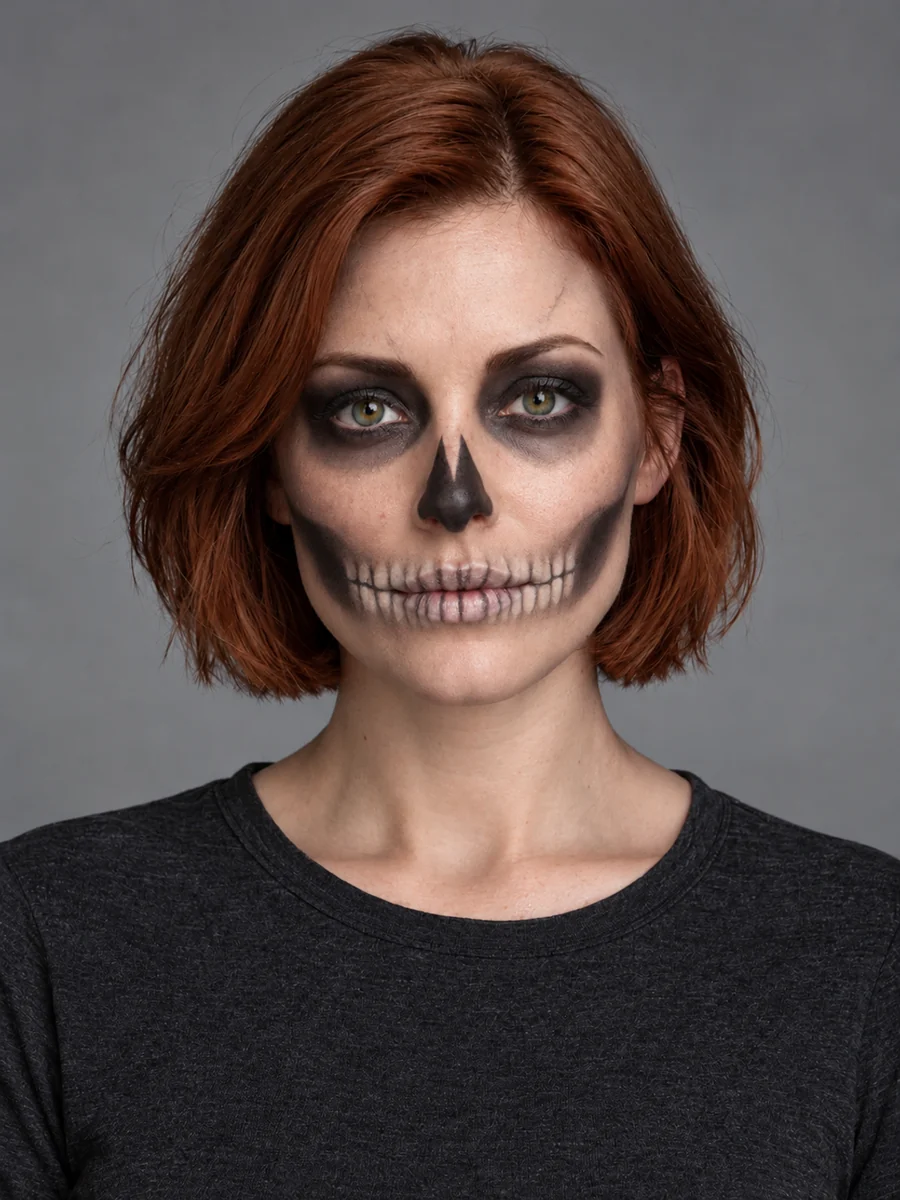 Halloween look
Compare looks and choose a direction
Choose a look to update the prompt while keeping your current reference and model.
Your idea, in three steps
- 01
Choose clear references
Keep the subject visible and follow the photo guide below.
- 02
Set the look and model
Choose a recipe, edit the prompt and check the supported settings.
- 03
Review and create
Check the quoted credits, generate, then inspect your result before saving.
Change one part, keep the rest clear
Jynno’s Halloween photo editor uses a reference image and a focused prompt to request makeup, lighting or background changes. Skeleton makeup asks to keep the clothes, hair and original background; Pumpkin studio asks for a new setting while keeping the subject and outfit. The result is an AI-edited image. Details outside the requested change can drift, so compare the whole image with your original before saving.
Give your idea a clear starting point
A stronger starting point
- A close, sharp face for makeup details.
- Clear hair and shoulder edges for a new background.
Worth checking first
- Existing face paint hiding facial features.
- Contradictory instructions for a makeup-only edit.
Halloween Photo Editor FAQ
Can I change makeup without changing my clothes?
Skeleton makeup requests face paint and lighting changes only, preserving clothes, hair and background. Small details can still drift.
How do I add a Halloween background?
Choose Pumpkin studio. Keep the subject and outfit while adding a pumpkin-and-lantern setting, or edit that scene before generating.
What should I inspect after editing?
Check hair edges, face geometry, clothing boundaries, paint and shadows. A clear reference and a focused request help keep the edit understandable.
Create at your own pace
Choose a credit pack for occasional projects, or compare subscriptions for ongoing work. Tool and model access still applies.
Explore more with Jynno
From photo edits to video effects. Find your next creative move.
Photo editing
Jynno Image Edit
Video restyling
Jynno Restyle
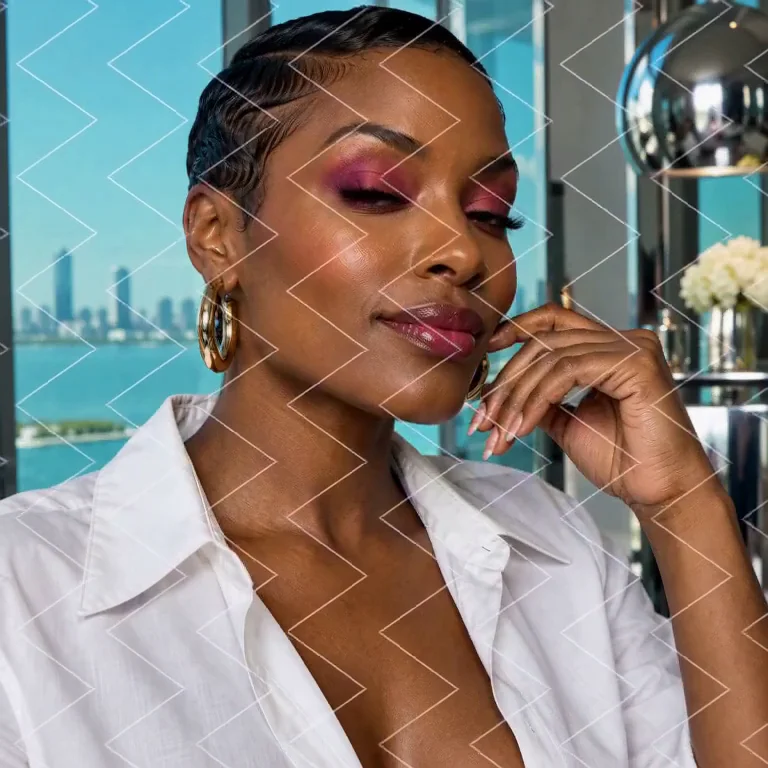
Watermark removal
Jynno Erase
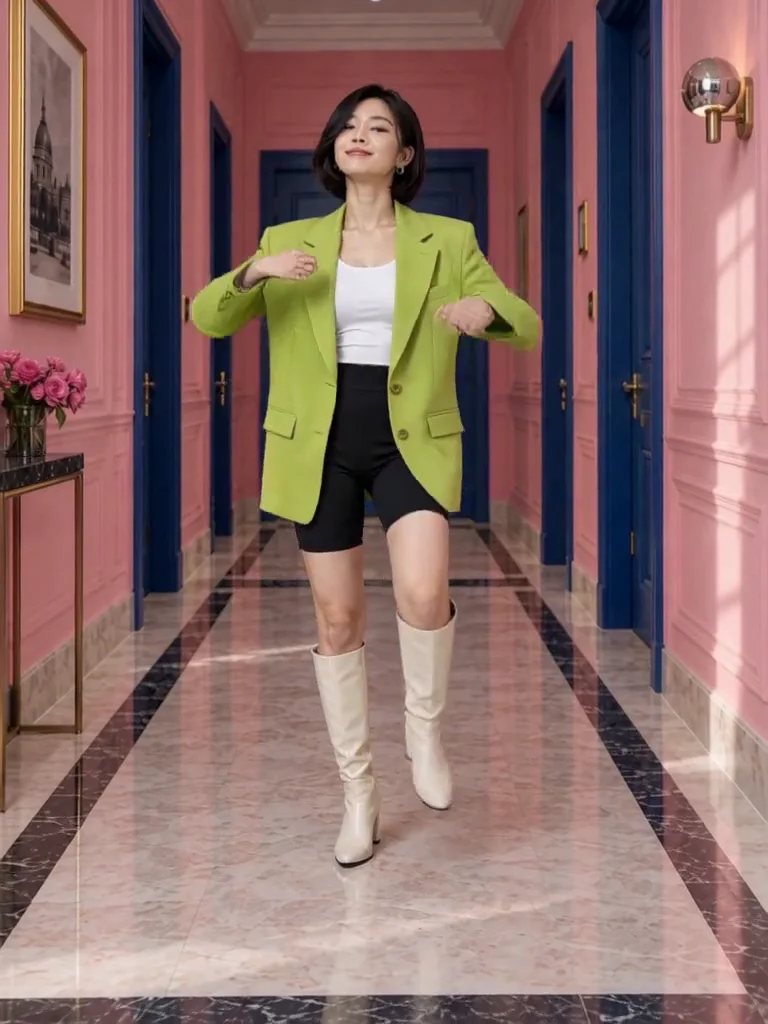
Video clothing & color editing
Jynno Video Edit

Magic Eraser
Jynno Erase
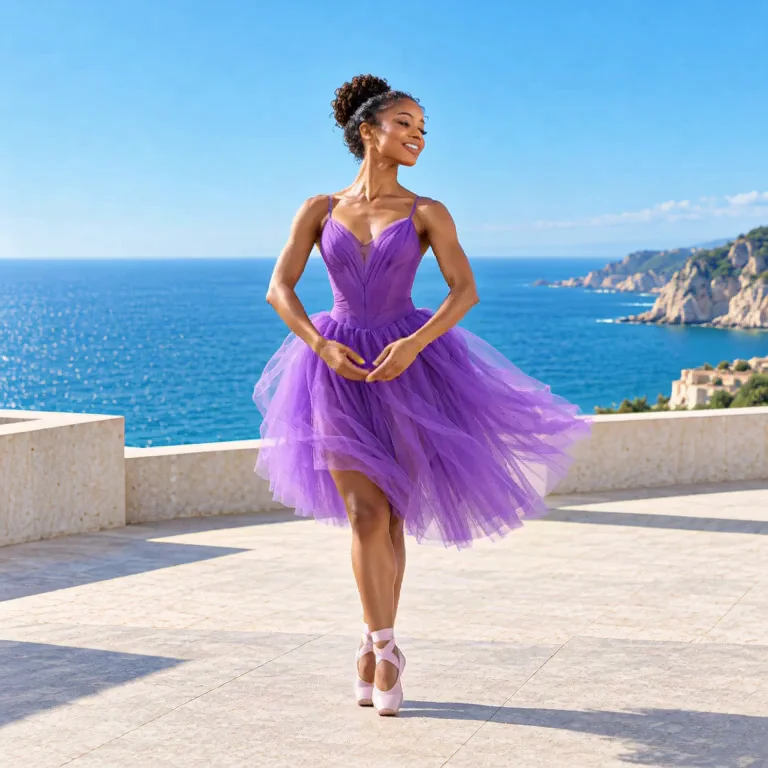
Image background removal
Jynno Cutout
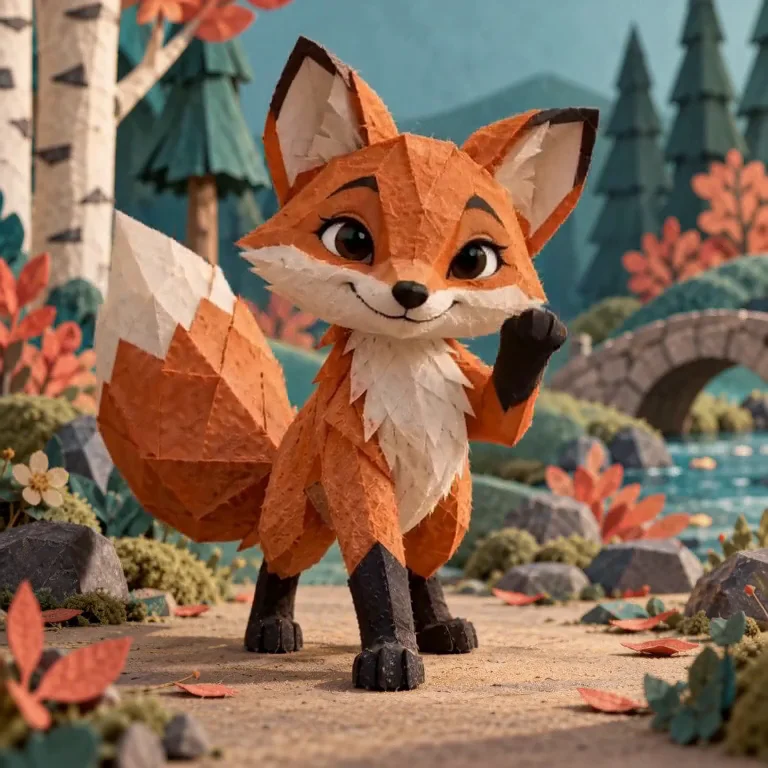
Transparent PNG
Jynno Cutout
Image Upscaler
Jynno Upscale

Video Effects
Jynno Effects
Image to Prompt
Jynno Vision
Video Upscaler
Jynno Upscale
Video background removal
Jynno Cutout