


AI Zombie Video Generator
Turn two portrait photos into a 15-second zombie love story: a tearful choice, a frightening rush and a warm embrace.
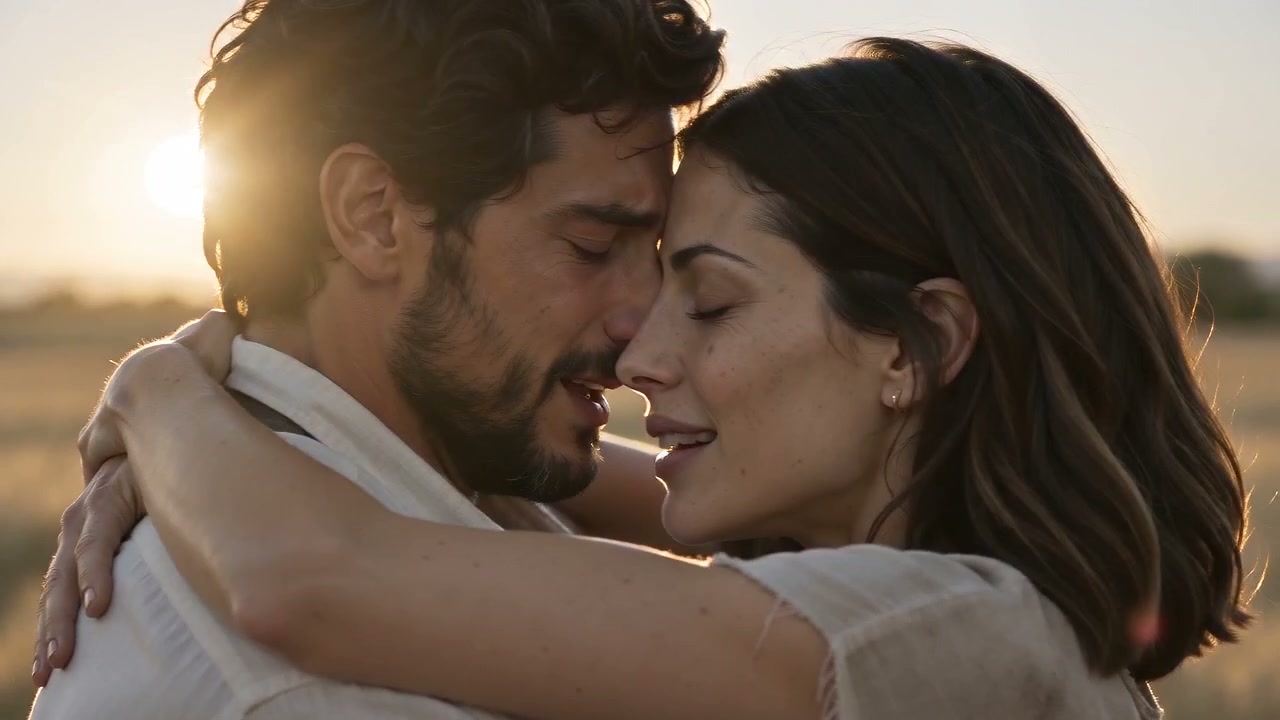
A tearful survivor lowers the gun as an infected loved one rushes forward. Just before contact, the scene cuts to their healthy embrace in a warm memory.

Choose the credits you need
One-time purchase. Credits are valid for 365 days.
Bonus credits cannot be used for effects. The final credit quote appears before generation; applicable taxes are additional.
What is Jynno’s AI zombie video generator?
Jynno’s AI zombie video generator turns two portrait photos into a 15-second zombie love story. One person becomes the tearful survivor; the other appears as an infected loved one. A frightening confrontation leads to a dropped gun, open arms and a sudden rush, before the film cuts into a warm memory of an embrace.
The appeal is the contrast between what seems about to happen and what the embrace reveals. The cold scene holds the danger, while the warm scene recalls the same two people healthy and close. Use ordinary portraits for both roles; you do not need a separate zombie reference image, a filmed performance or a written prompt.
From a frightening choice to a warm embrace
A tearful survivor lowers the gun as an infected loved one rushes forward. Just before contact, the scene cuts to their healthy embrace in a warm memory.
A choice that hurts
The survivor cries with a pistol raised. Across the room, the infected loved one approaches with pale, cracked skin, sunken eyes and a hostile snarl. The close-ups make the hesitation personal.
Open arms in the face of danger
The survivor lowers the pistol, drops it and opens both arms. The infected character charges across the gap. Fear stays in the scene right up to the moment before contact.
A rush becomes an embrace
At near contact, the film cuts to a warm memory of both characters healthy. The arriving movement carries into one embrace, then settles into a quiet, affectionate ending.
Which photos work best for a zombie love story?
Choose clear, natural portraits
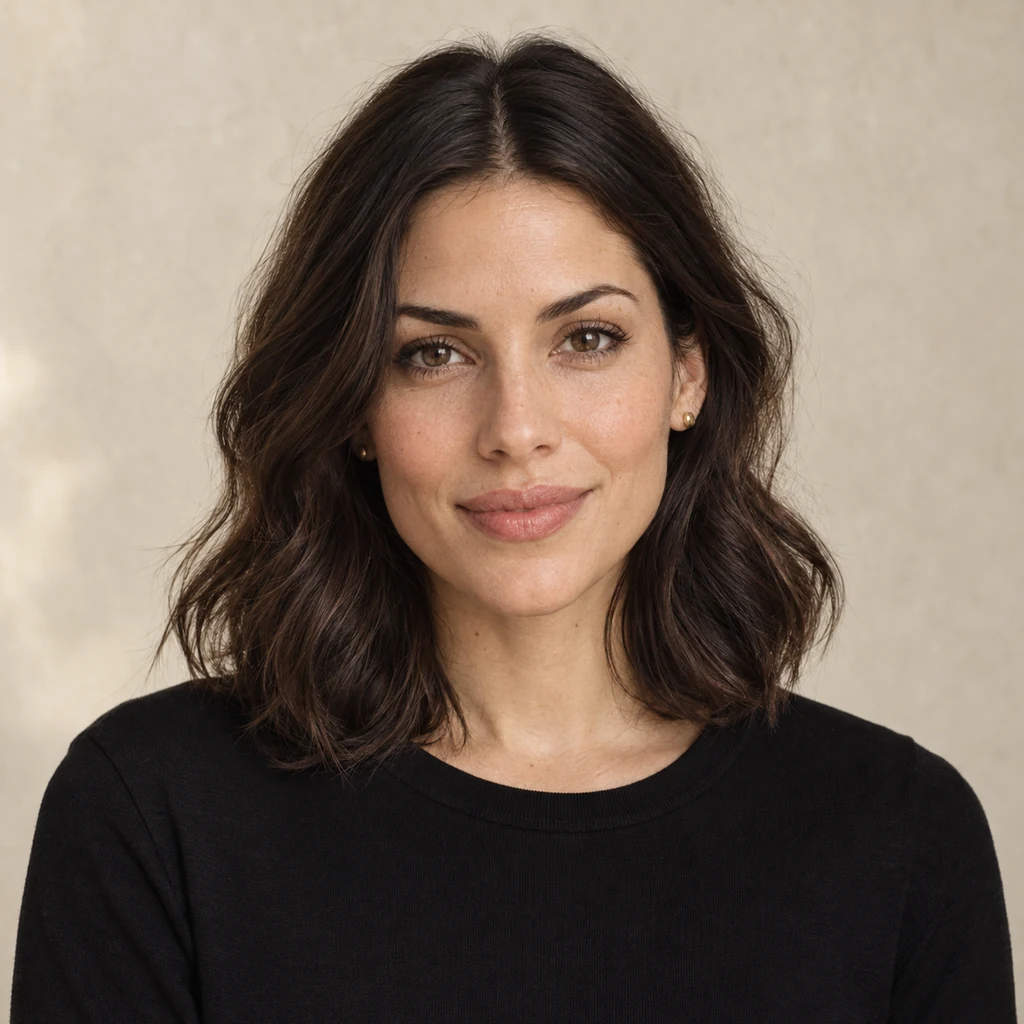
- Use one adult per photo, with a clear face and visible hair and clothing.
- Choose a front-facing or slight three-quarter portrait with even lighting.
- Start with healthy faces for both roles; the effect creates the zombie makeup.
- Use photos you have permission to upload and decide the two roles first.
Avoid faces that are hard to read
- Group photos, tiny faces or heavy compression.
- Sunglasses, masks, hands or hair hiding facial features.
- Extreme side profiles, deep shadows or strong beauty filters.
- Pre-edited zombie faces that obscure the person’s natural appearance.
How to make an AI zombie video from two photos
- 01
Choose the survivor and the loved one
Upload one clear adult portrait for each role. Photo 1 is the survivor who cannot pull the trigger. Photo 2 is the loved one shown with a frightening zombie face.
- 02
Choose 480P or 720P
Both options create a 15-second landscape video with generated sound. Choose your quality and review the credits before confirming. The story is already arranged, so you do not need to write a prompt.
- 03
Watch the full story and download
When the video is ready, watch the confrontation, the rush and the warm ending together. Download it from the result area, or reopen it later in your private creation history.
Zombie video format and credit cost
Choose 480P for a lower credit cost, or 720P for a higher-resolution video. The story, duration and landscape format are the same in both options.
| Option | Details |
|---|---|
| Photos | 2 adult portraits: survivor first, infected loved one second |
| Length and format | 15s · 16:9 |
| 480P | 400 credits per video |
| 720P | 800 credits per video |
| Sound | Generated sound included |
| Story | Confrontation → rush → warm-memory embrace |
| Save your video | Private history and video download |
Watching the example is free. Confirm the displayed credits before generating. View credit packs →
A short story with a horror-to-romance reveal
Halloween story edits
Create a frightening encounter with an emotional ending. The zombie face and hesitation set up the reveal, without a bite or graphic injury.
Couple and character stories
Cast two people in a brief love story about refusing to let go. Choose the roles to match the characters you want to portray.
Horror-romance scene openers
Use the complete 15-second landscape clip as a scene in a longer edit. Let the warm ending finish before moving into your next scene.
Your characters, with room for AI variation
The photos guide each character’s appearance. Strong zombie makeup, fast motion and the change of setting can affect likeness, hands, clothing and the timing of the embrace. Watch the complete example to judge the style before creating your own.
This page follows one zombie love story for two adult humans. If you need a different plot, custom camera movement or another aspect ratio, describe your scene with Image to Video. Explore Image to Video →
AI zombie video generator FAQ
What is the AI zombie love story trend?
It is a short horror-romance story about choosing love in the face of infection. One person cannot shoot their infected loved one, drops the gun and waits with open arms. A frightening rush cuts into a healthy embrace in a warm memory.
How many photos do I need, and who becomes the zombie?
Use two separate photos with one adult in each. Photo 1 supplies the survivor; photo 2 supplies the infected loved one. Decide the roles first, then upload them in that order.
Do I need a zombie face photo?
No. Use a normal portrait for the infected character. The effect adds zombie makeup to the face while using the photo to guide the person’s appearance. The body remains human, with a worn, dirty look to the clothing.
Why is the loved one healthy at the end?
The warm ending recalls the two people healthy and close. The scene changes from the threatening charge into a memory of their embrace, carrying the arriving movement across the cut. It is a shift in time and feeling, rather than a cure shown in the cold scene.
Will the characters and outfits match my photos exactly?
Your photos guide the characters’ faces, hair and clothing. Zombie makeup, quick movement and the change of scene can alter facial details, hands and outfits. The example shows the storytelling style; your result will vary.
How much does the zombie video cost?
480P: 400 credits · 720P: 800 credits. Both are for one 15-second video with two character photos and generated sound. Watching the example is free. Review the displayed quote before confirming generation.
Which video format and resolutions are available?
This effect creates a 15-second, 16:9 landscape video in 480P or 720P. Choose 480P for a lower credit cost or 720P for a higher-resolution export. 1080P and portrait output are not available on this page.
Can I change the story or write my own prompt?
This effect follows the confrontation, dropped gun, rush and warm-memory embrace. You choose the two people and output quality. For a different plot or camera direction, use Jynno’s Image to Video tool.
Does the finished video include sound?
Yes. Generated sound is included in the video. The public example starts muted; you can hear the audio in your result player or downloaded video. This effect does not accept a separate music upload.
Can I use pets or a group photo?
Use separate portraits of two adult humans. This story is intended for human expressions, a pistol confrontation and a standing embrace. Pet photos and group shots are not suitable inputs for this effect.
Are my photos and video public?
Your uploaded photos and generated result use private account access. The video remains available in your creation history for playback and download. The example shown on this page is public.
More Jynno effects
View all effects →


Turn two photos into your zombie love story
Choose your survivor and loved one, then bring the story to life.
Explore more with Jynno
From photo edits to video effects. Find your next creative move.
Photo editing
Jynno Image Edit
Video restyling
Jynno Restyle
Watermark removal
Jynno Erase
Video clothing & color editing
Jynno Video Edit

Magic Eraser
Jynno Erase
Image background removal
Jynno Cutout
Transparent PNG
Jynno Cutout
Image Upscaler
Jynno Upscale

Video Effects
Jynno Effects
Image to Prompt
Jynno Vision
Video Upscaler
Jynno Upscale
Video background removal
Jynno Cutout