
Use a clear face reference
Choose a well-lit photo with an unobstructed face for the replacement image.


Replace a clearly visible, unobstructed face in a video using a reference face image.
Working…
Compare the same unobstructed face before and after replacement. Check expression and the transition to the hair, ears and neck.
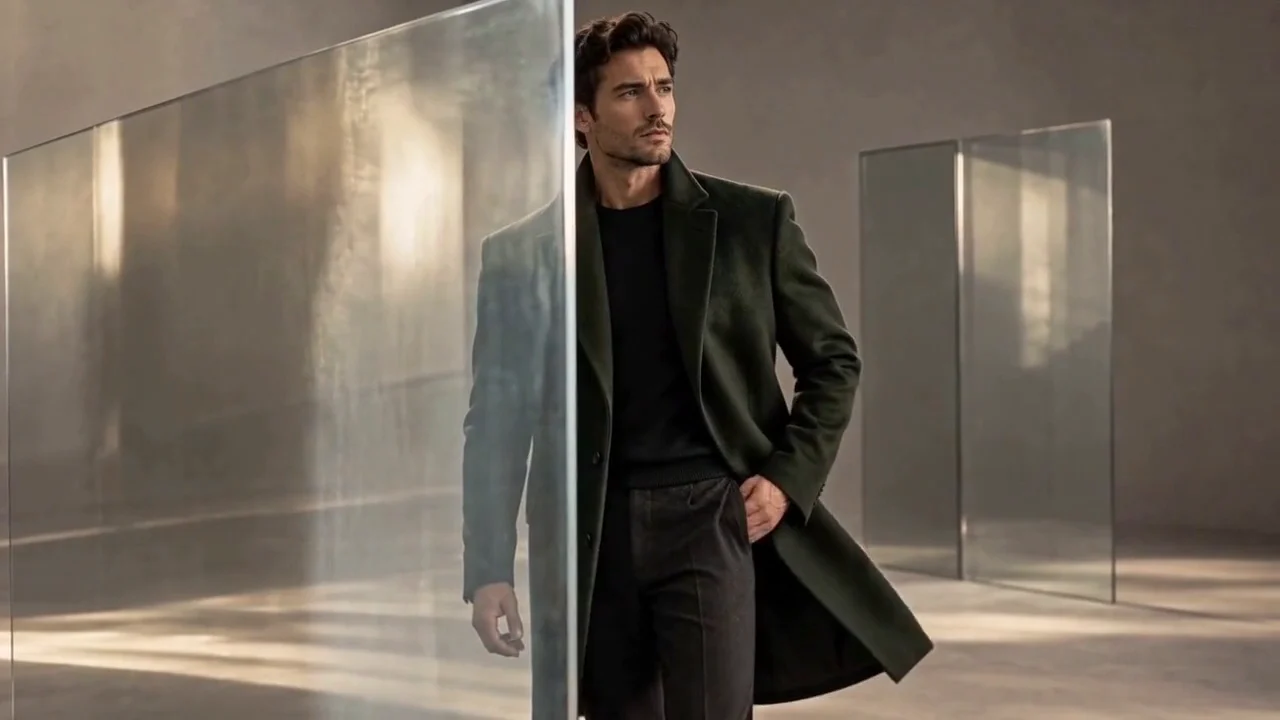
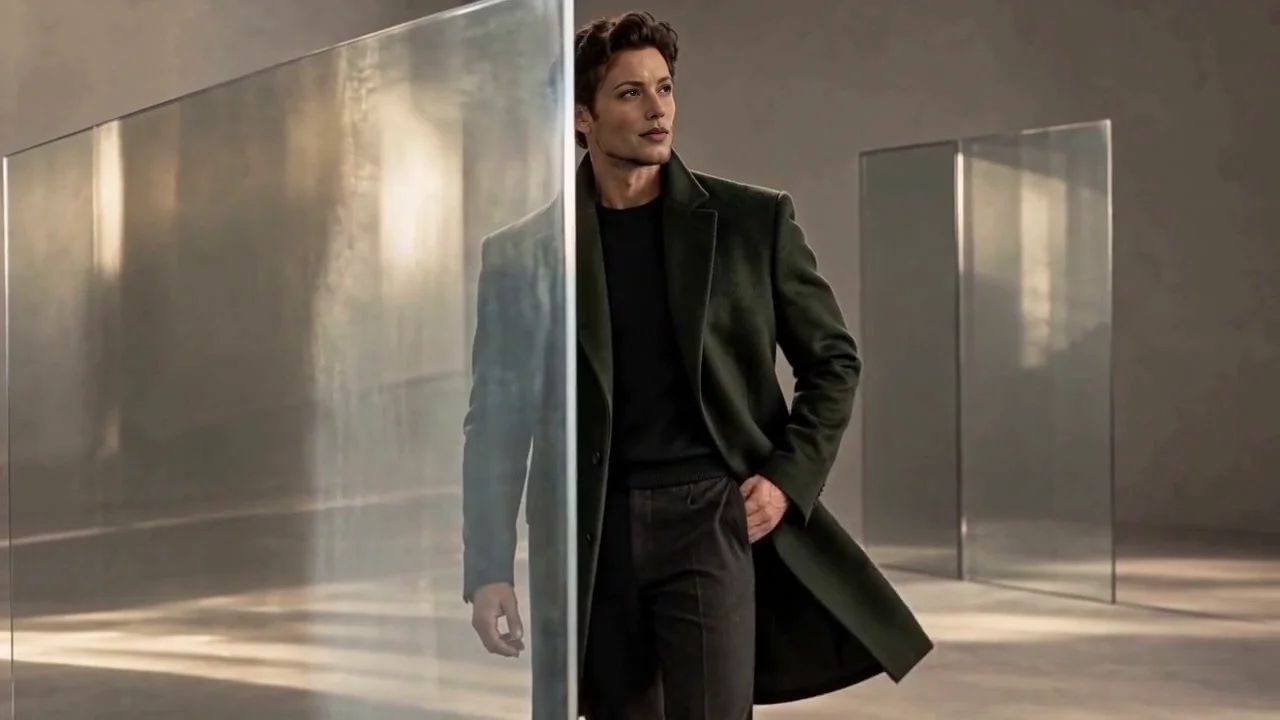

Choose a well-lit photo with an unobstructed face for the replacement image.
Index 0 selects the largest face, with additional indices for other faces in the clip.
Choose footage where the target face stays clear of hands, hair and glass throughout the clip.
Upload the source and the references this tool needs.
Choose the supported settings, then review the quoted credits.
Confirm generation, then open and download the result from My Creations.
Use a permitted reference for a simple moving portrait.
Explore a face variation within the existing outfit and scene.
Check the same face through modest turns and expressions.
The tool uses the largest detected face. Choose a video with one clear face to avoid ambiguity.
Use your plan credits for images and videos. Review the selected tool, settings and credit quote before each generation.
$9.99/ month
800 credits / month
Credits renew monthly and expire at the end of the billing period.
View plan$24.99/ month
2,500 credits / month
Credits renew monthly and expire at the end of the billing period.
View plan$59.99/ month
6,200 credits / month
Credits renew monthly and expire at the end of the billing period.
View planStart with one unobstructed face under steady light, then inspect the replacement through the clip.
Open the tool