
Define the face and the photograph separately
Use a face reference and a selected area to guide the replacement; inspect pose and lighting afterward.


Use a target photo and a face reference. Match the pose and light.
No model is currently available for this feature.
Create an image


Use a face reference and a selected area to guide the replacement; inspect pose and lighting afterward.
Select the face to replace in the target.
Inspect eyes, jawline and matching light direction.
Use a clear front-facing reference to change the face identity while keeping the brown hair, charcoal polo and studio backdrop.
Use this tool

Use a face reference and a selected area to guide the replacement; inspect pose and lighting afterward.
Start creating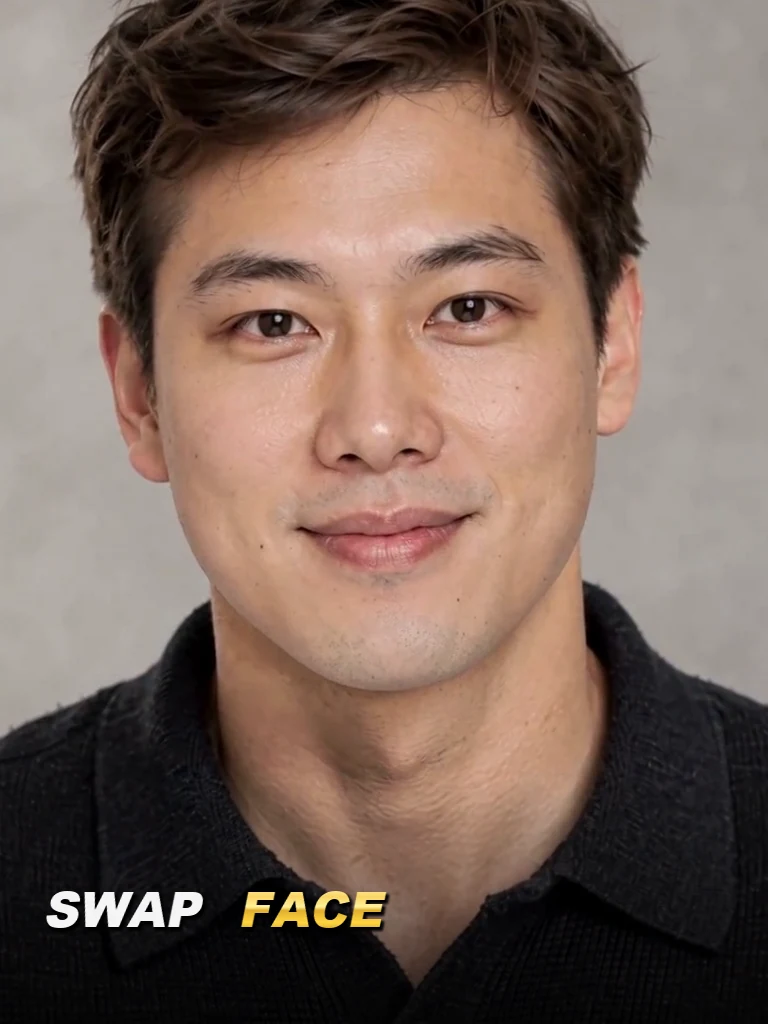
Explore a new face within a defined costume and setting.
Compare a permitted face reference with the target pose.
Develop a portrait composition while keeping the surrounding scene readable.
Choose a clear face reference at a similar angle.
Select the target face rather than the entire head.
Inspect eyes, jawline and matching light direction.
Upload the target photo and a face reference.
Select the face to replace in the target.
Generate and compare identity, pose and light.
The target supplies the scene, pose and clothing. The second image supplies the face identity.
Use your plan credits for images and videos. Review the selected tool, settings and credit quote before each generation.
$9.99/ month
800 credits / month
Credits renew monthly and expire at the end of the billing period.
View plan$24.99/ month
2,500 credits / month
Credits renew monthly and expire at the end of the billing period.
View plan$59.99/ month
6,200 credits / month
Credits renew monthly and expire at the end of the billing period.
View planNeed a color or lighting adjustment after the swap? Open Photo Editor.
Photo Editor ↗