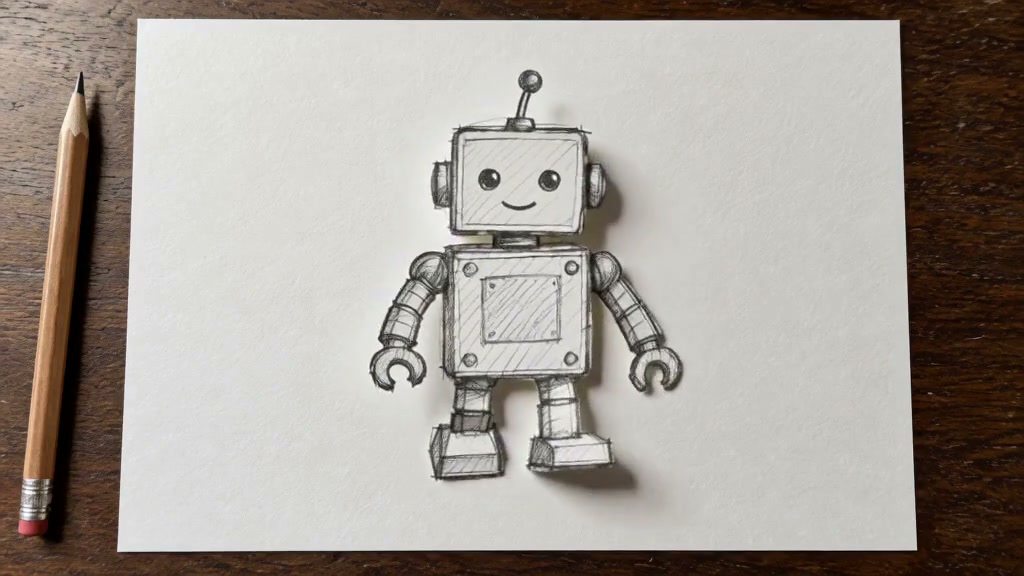
Tiny Desk AI Video Generator
Put your people in the band and make a concert moment together.
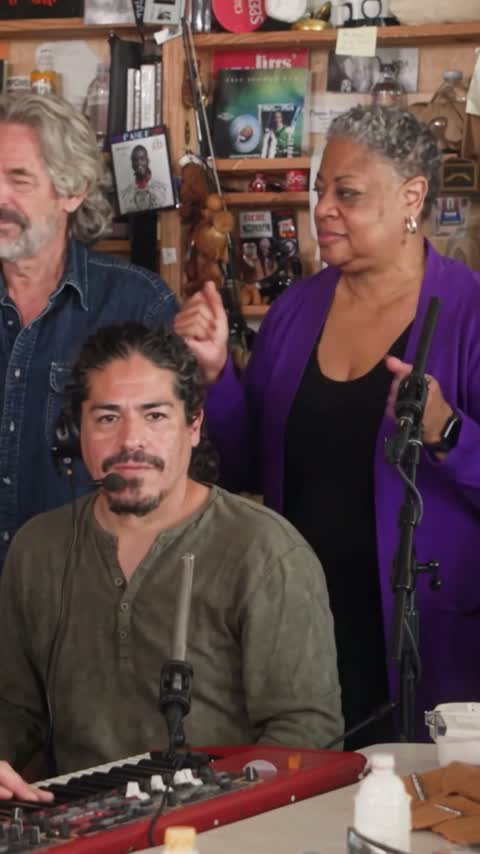
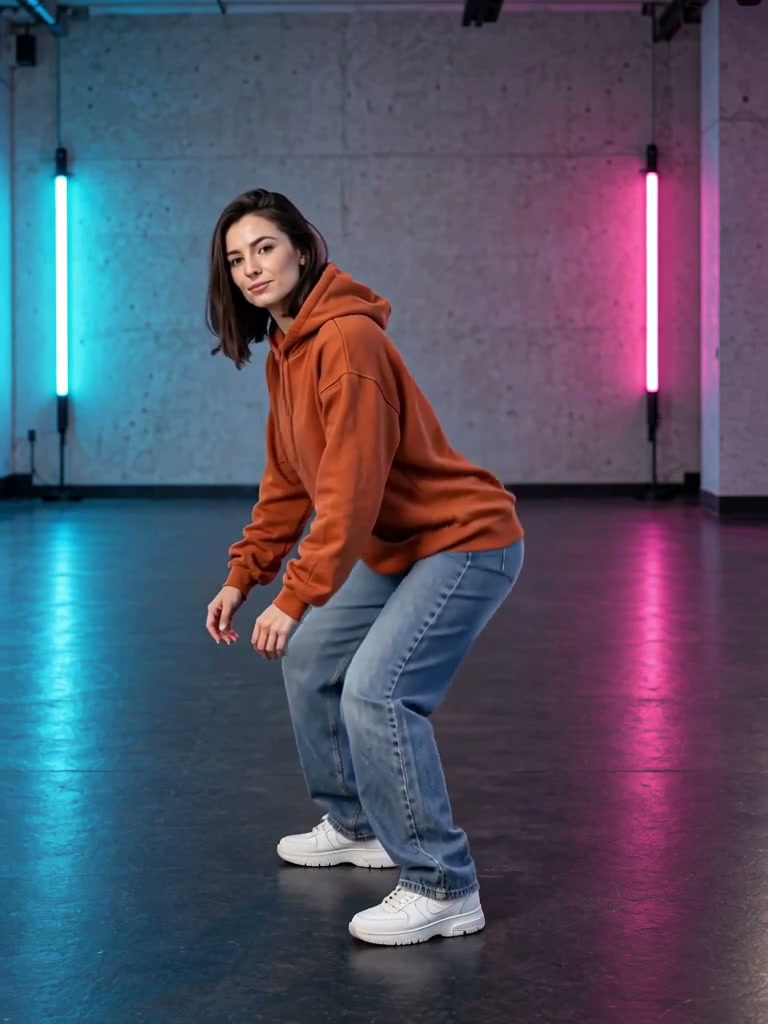
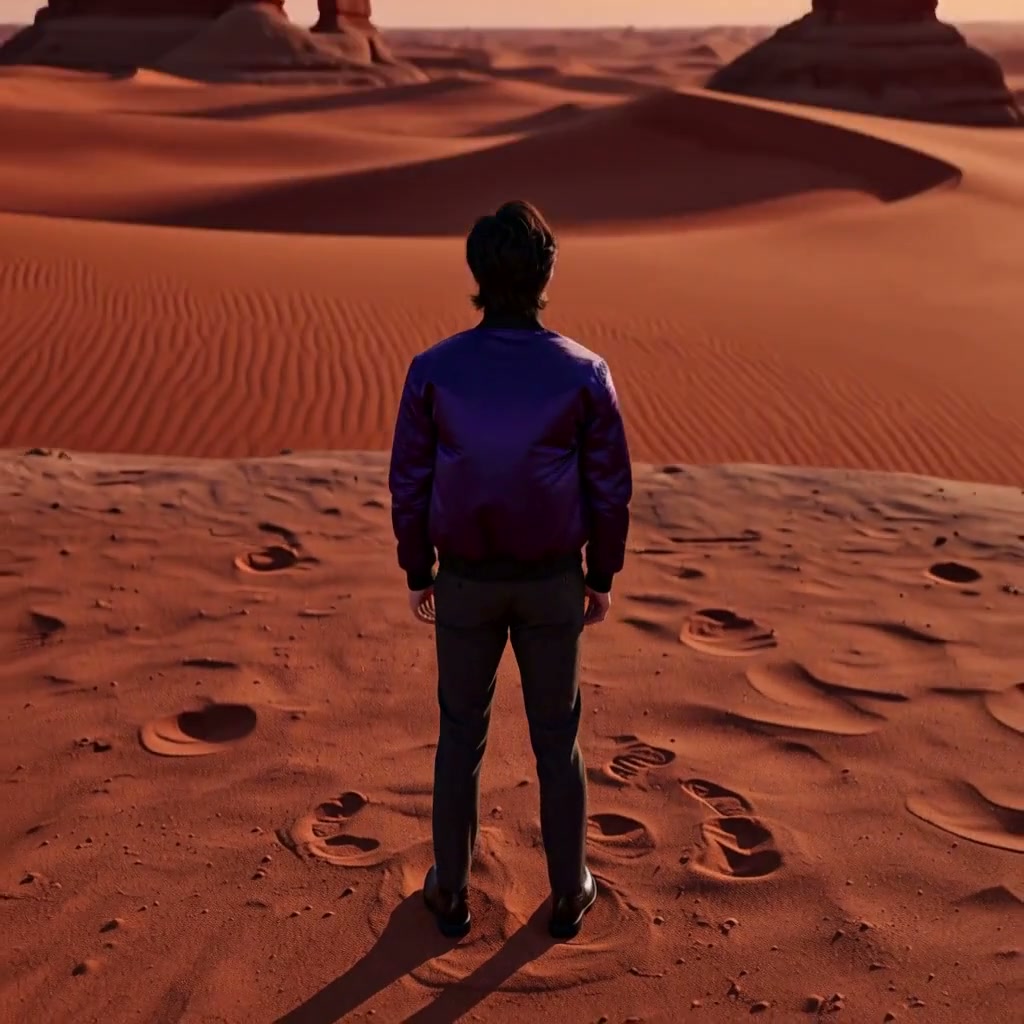
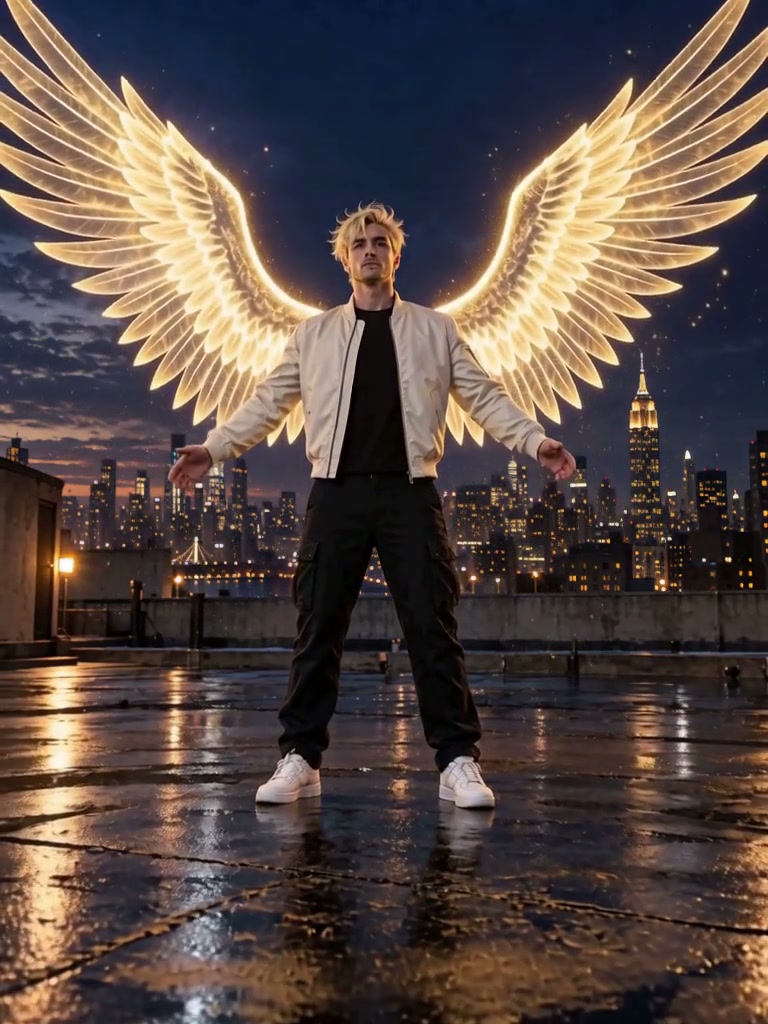
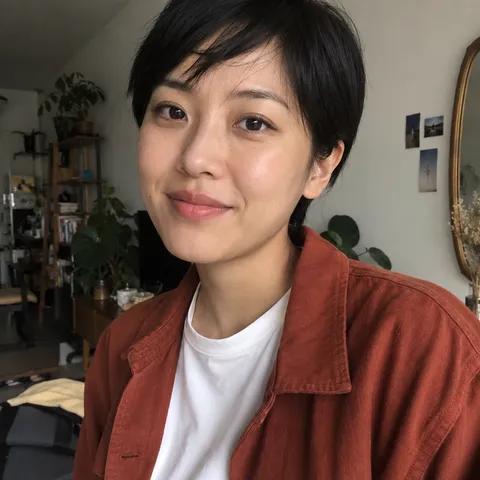
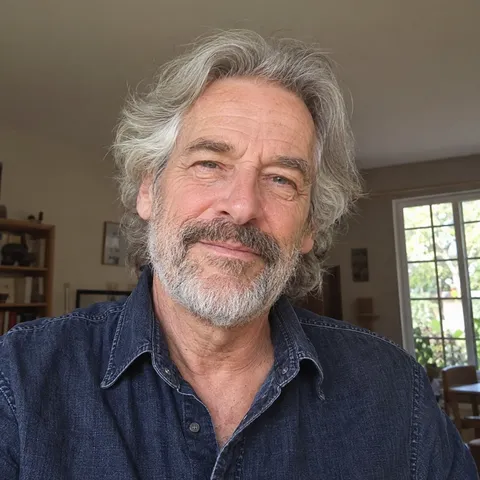
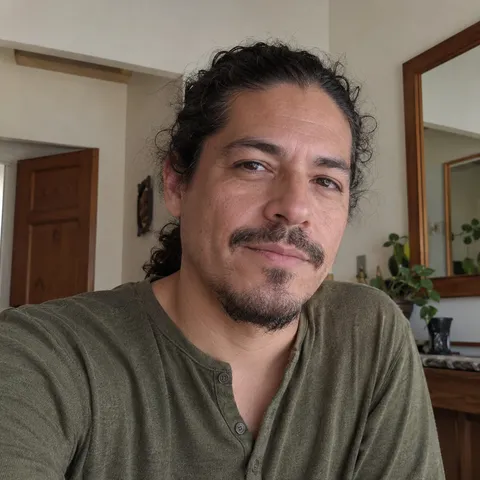
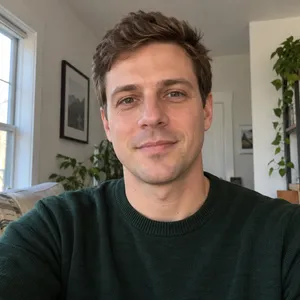
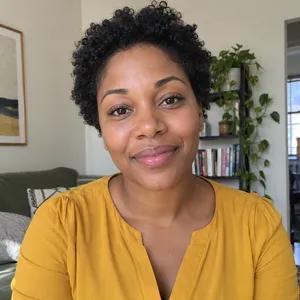
Photos used in this example


What is the Tiny Desk AI trend?
Jynno’s Tiny Desk AI generator turns five individual portraits into a roughly 19-second, 9:16 desk-concert video inspired by the viral “Outstanding” Tiny Desk AI trend. Assign a lead singer, two backing singers, a keyboard player and a saxophone player. The trend draws on Charlie Wilson’s Tiny Desk performance; faces and clothing may vary between shots.
From photos to the stage
See how different portraits look in short scenes and a full performance.
Two friends, one chorus
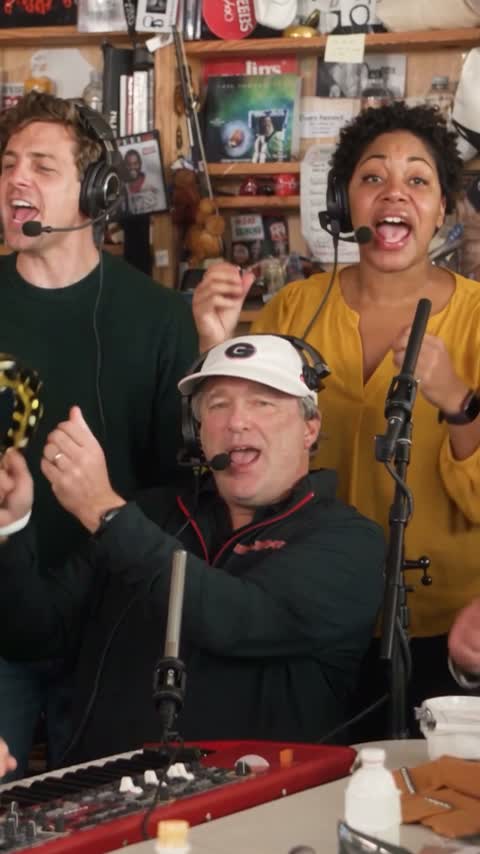
Two individual photos take the left and right backing-vocal roles in this short group scene.
Take the lead
See a portrait take the lead in this five-second close-up.
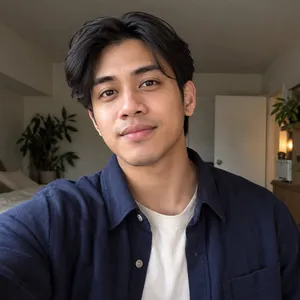
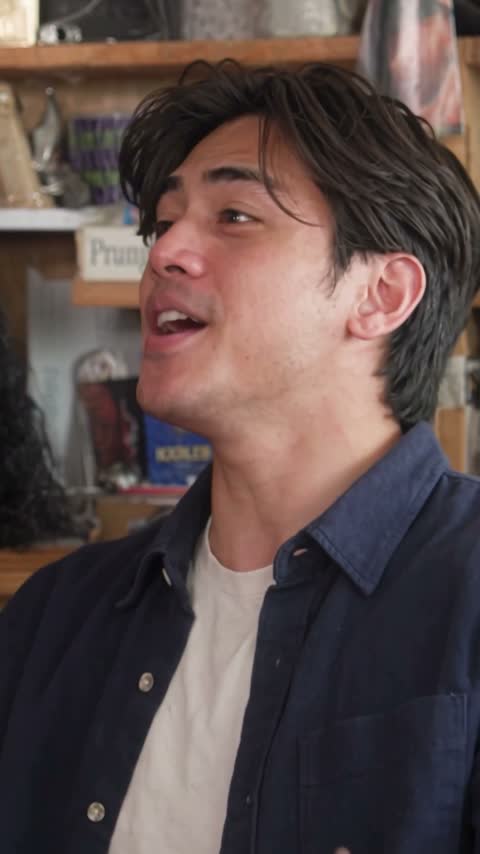
A new cast takes the stage
See a new cast in the sax solo and closing chorus. Faces and outfits can vary between shots.
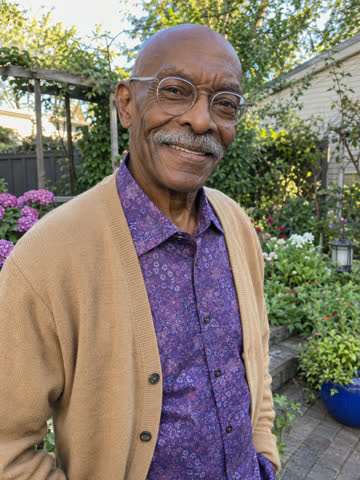


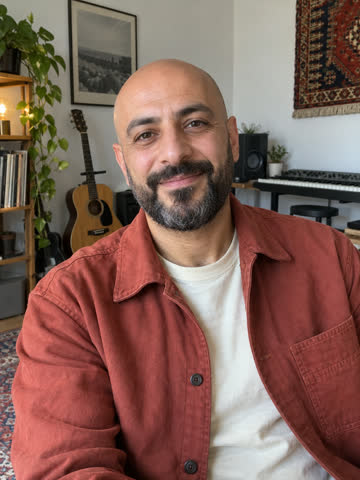
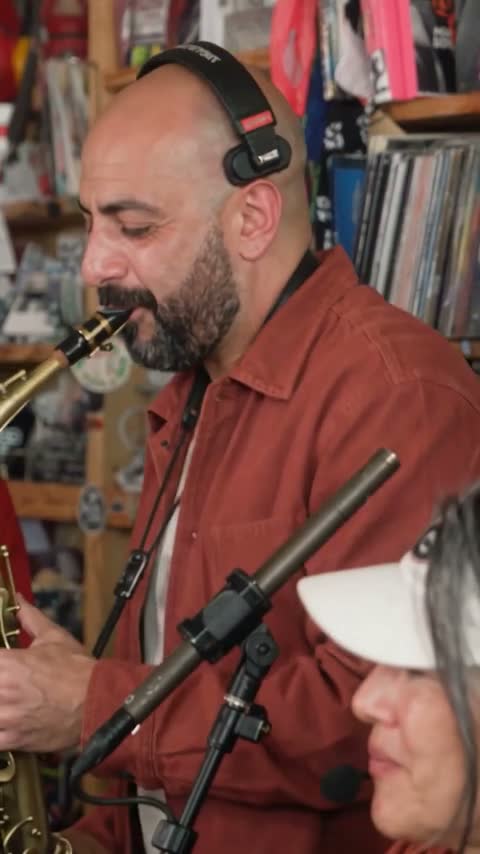
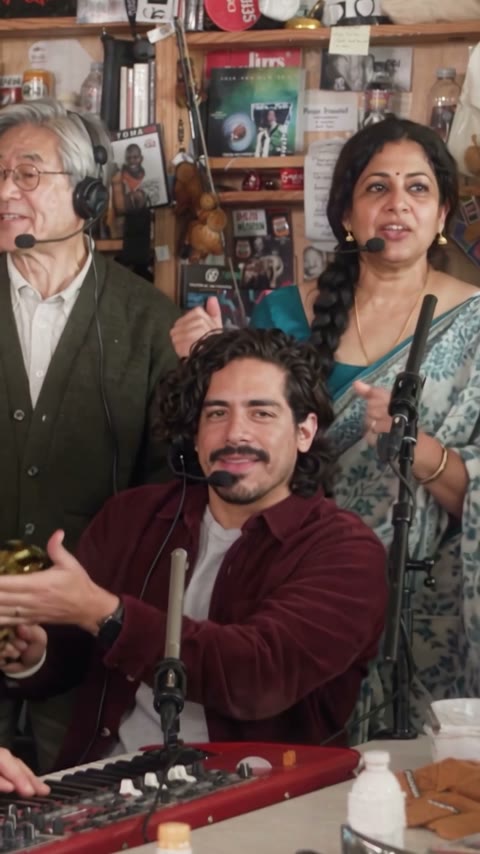
Five photos, one performance
Five portraits become the lead singer, backing singers, keyboardist and saxophonist in a full performance. Outfits and details can change between shots.
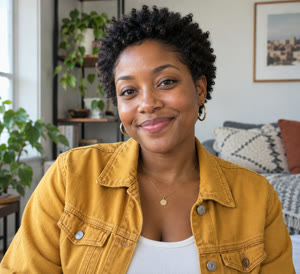



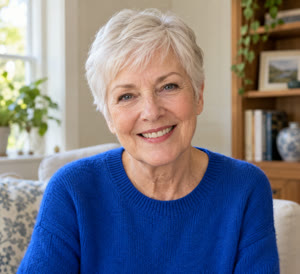
Tiny Desk AI: what to expect
- Cast
- Five portraits: lead singer, two backing singers, keyboard and saxophone.
- Video
- A roughly 19-second, 9:16 vertical performance with a lead, group scene and sax solo.
- Quality
- 480P and 720P. The 720P option is awaiting testing.
- Audio
- The example includes a continuous soundtrack. Listen to your finished video before sharing.
- AI results
- Faces, outfits and details may vary between shots and generations.
How to make a Tiny Desk AI video
- 01
Choose five portraits
Use one clear, well-lit portrait for each role. Make sure you have permission to use the photos.
- 02
Cast the band
Choose who plays the lead, the two backing singers, the keyboard player and the saxophone player.
- 03
Choose quality and create
Choose a quality option and review the price before creating your video.
- 04
Watch your performance
Watch the full performance and check the faces, clothing and sound before sharing.
A better portrait makes a clearer cast
The face should be easy to see, with natural light and enough detail. If you want the model to reference a particular outfit, include it visibly in the photo. Clothing may still vary in the final video.
- One person per photo
- Clear face and good light
- No sunglasses or heavy filters
- Permission from the people pictured
Choose the credits you need
One-time purchase. Credits are valid for 365 days.
Bonus credits cannot be used for effects. The final credit quote appears before generation; applicable taxes are additional.
Tiny Desk AI FAQ
What is a Tiny Desk AI video?
It is a short desk-concert style video that places people from photos into the roles of a small band. The performance moves between lead vocals, the band and a saxophone solo.
How many photos do I need?
This version is designed around five individual portraits, one for each band role.
Which photo goes with each role?
Assign one portrait to the lead singer, left backing singer, right backing singer, keyboard player and saxophone player. Left and right are from the viewer’s perspective.
What makes a good reference photo?
Choose one person per photo, with a visible face and good lighting. Avoid blurry images, sunglasses, heavy filters and faces that are very small in the frame.
Will the face and clothes match in every shot?
Results vary. A performer may not be replaced in every shot, and faces, clothing or other details can change between shots. Review the result before sharing.
Do I need to write a prompt or upload a video?
The page is designed around a built-in performance template and role photos, so you do not need to write a prompt or prepare a video.
How many credits does a Tiny Desk AI video cost?
A roughly 19-second video costs 400 credits at 480P or 800 credits at 720P. One-time credit packs are available without a subscription. Review the final quote before generating.
Which quality should I choose?
Choose 480P for 400 credits or 720P for 800 credits. The 720P workflow has not yet been tested.