

Bulin 47 AI Video Generator
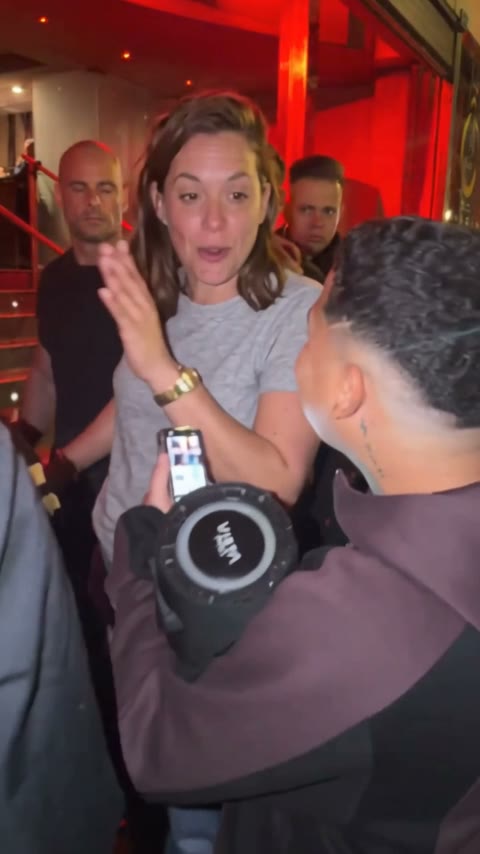
Put yourself in the red-lit Bulin 47 freestyle with one photo and the original soundtrack.
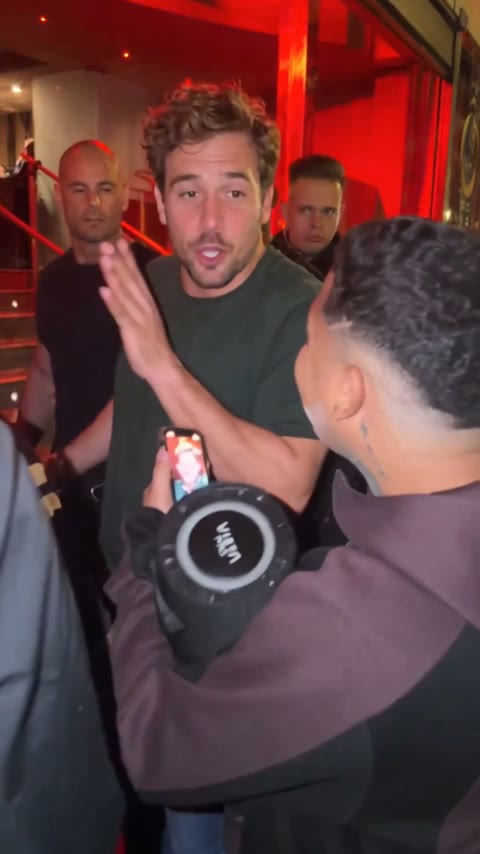
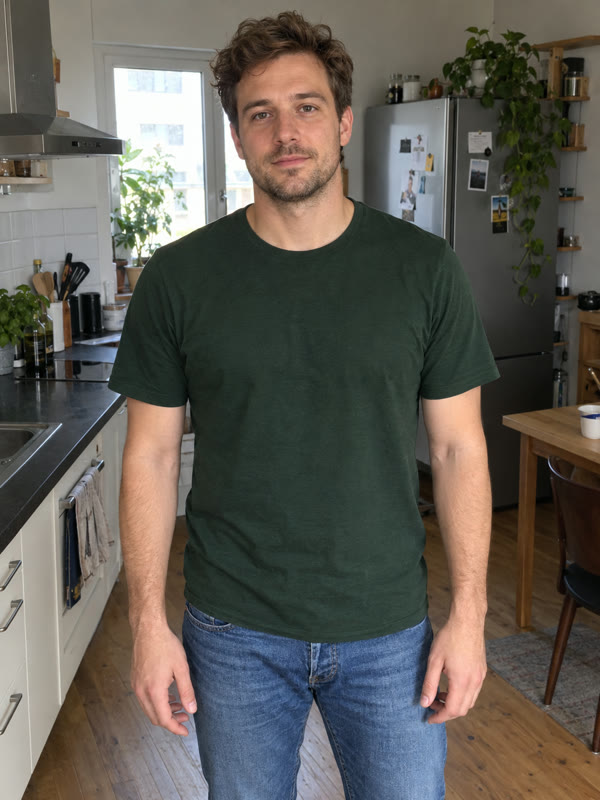
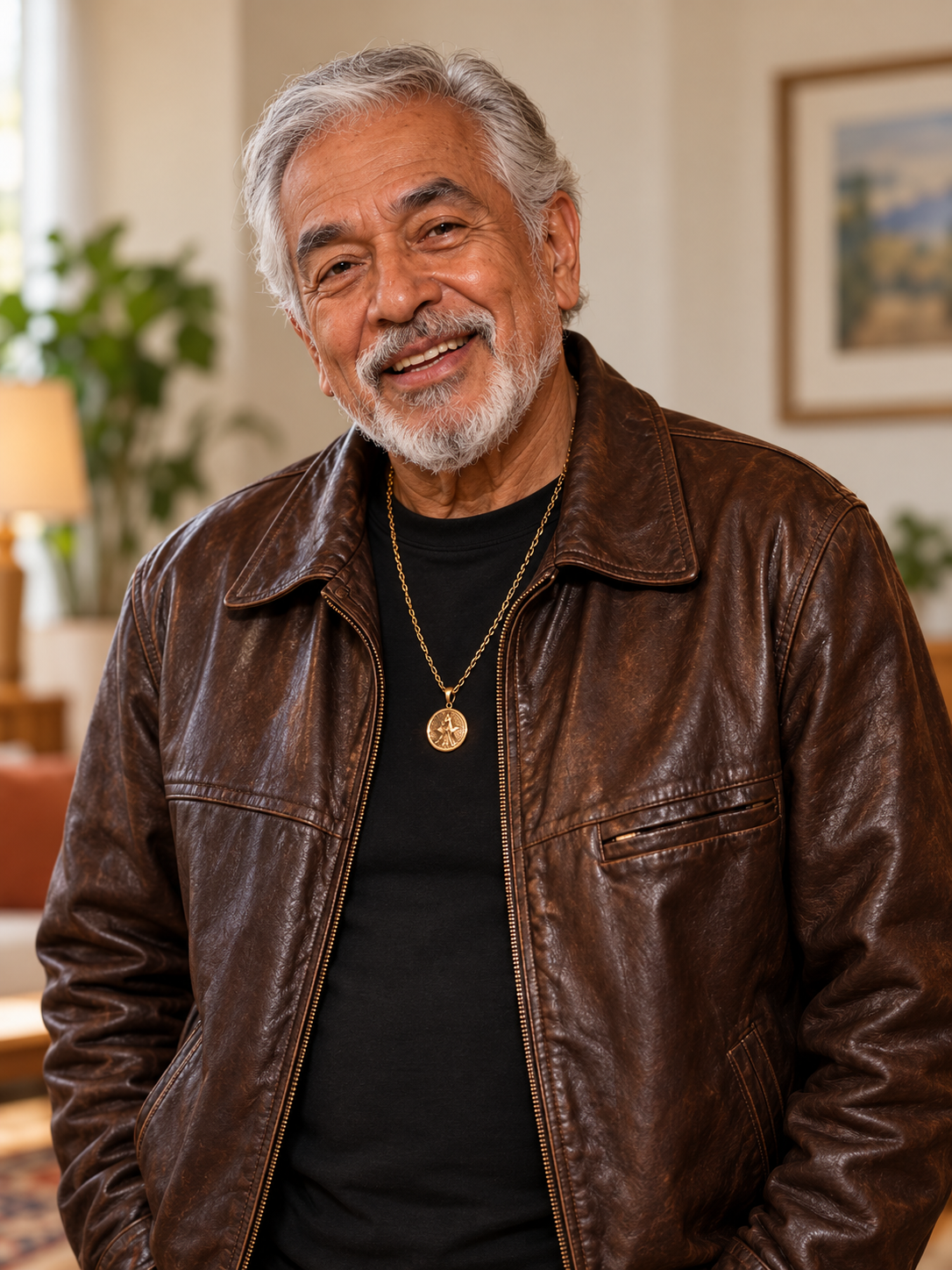
View another photo-to-performance example below.
Getting into the freestyle is harder than it looks.
The setting matters
The red light, close camera and crowd give the performance its energy. Recreating that scene takes more than a phone and a photo.
Movement needs timing
The gestures and camera movement are part of the freestyle. Filming your own version means getting both to work together.
You want to be in the scene
A simple portrait cannot show you performing. This effect uses your photo to create a lead in the prepared scene.
Film a scene or start with one photo.
Filming your own version
Arrange lighting, people and a camera, then coordinate the performance and edit the footage.
Using the Bulin 47 effect
Upload a clear portrait and choose a quality. The prepared performance and original soundtrack guide the result.
How to make a Bulin 47 AI video from a photo
Choose your portrait and output quality, review the credits, then confirm generation. The freestyle performance and original soundtrack are already prepared.
- 01
Upload and check the portrait
Choose or drag one photo into the upload area. Check the face, hair and clothing in the preview; replace the image if they are unclear. You do not need to recreate the red-lit performance scene in your photo.
- 02
Choose the quality and confirm credits
Select 480P, 720P or 1080P. The video stays vertical with a 15-second target. Review the current quote, sign in if asked, and explicitly confirm the displayed credits to start. Selecting a photo or reviewing a quote does not start paid generation.
- 03
Review the complete performance and download
Watch the lead through head turns, hand gestures and foreground occlusions, then check the ending and original audio. Download the finished video from the result area or reopen it from your private creation history.
One photo in, one freestyle out.
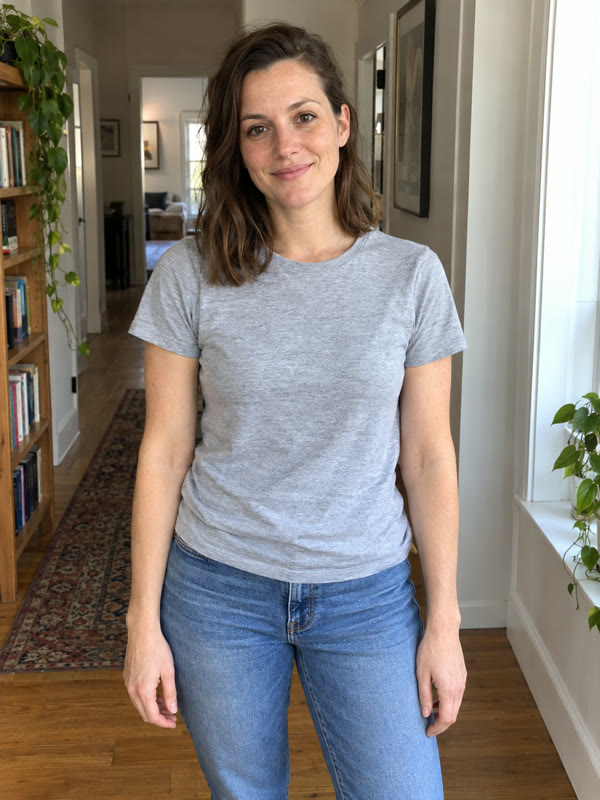
Start with a clear portrait and see different people step into the same freestyle performance.
Start with your photo →Video example 1
Video example 2
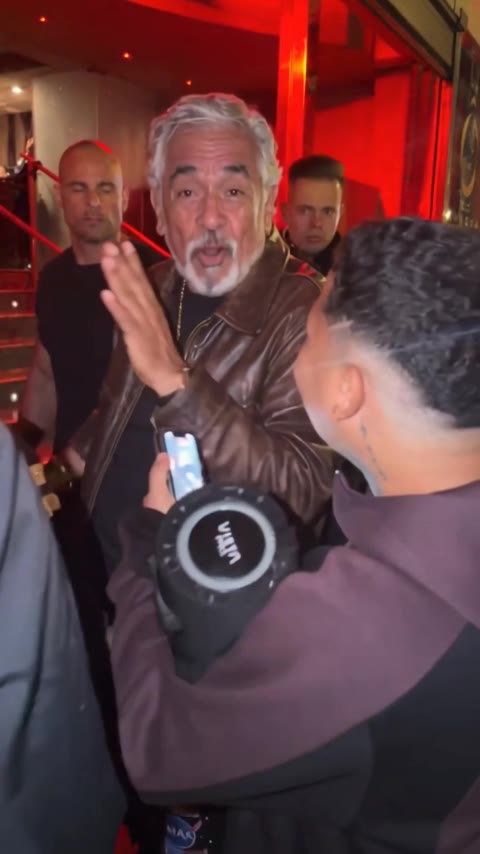
Turn a portrait into a Bulin 47 freestyle.
The Bulin 47 AI video generator turns one portrait into a 15-second vertical freestyle video. The person in your photo becomes the lead in a red-lit crowd performance, with the familiar gestures, handheld scene and original soundtrack.
Your photo supplies the face, hair, clothing and visible accessories. The performance is prepared for you: choose an image and quality instead of writing a prompt or uploading a motion reference. Compare the complete photo-to-video examples above before choosing your input.
A clear face and outfit give the effect more to work with.
A stronger starting photo
- One person, facing the camera or at a slight angle, with a clear, well-lit face.
- Visible hair and clothing, with space around the head and shoulders.
- An unobstructed face and natural skin detail, without strong beauty filters.
- A JPG, PNG or WebP up to 5 MB that you have permission to use.
Photos likely to lose detail
- Group photos or several faces competing for attention.
- A tiny, blurred or heavily compressed face.
- Hands, objects or deep shadows covering important facial features.
- Tight crops that leave the hair or outfit outside the photo.
A recognizable performance for a character-led edit.
Photo-to-performance reveals
Use the starting portrait and complete freestyle clip as a before-and-after sequence. The change of setting and movement makes the transition easy to read.
Vertical short-video openers
Use the 15-second portrait-format performance within a short edit. Keep the original beat when arranging cuts around the clip.
Character appearance comparisons
Try a clearly different cast portrait or outfit while keeping the performance consistent. Compare the whole lead, rather than judging only a single face frame.
A fixed performance, with AI variation.
Your photo guides the lead performer’s appearance. AI can change small facial details, hands, hidden clothing and parts of the crowd, especially during turns or occlusion. The original soundtrack is retained, but exact mouth-to-syllable alignment is not guaranteed.
This preset keeps one performance and its setting. It does not let you write new lyrics, replace the soundtrack, change the background or upload a different dance. Use Image to Video below when you need to describe your own scene and motion.
Choose the credits you need
One-time purchase. Credits are valid for 365 days.
Bonus credits cannot be used for effects. The final credit quote appears before generation; applicable taxes are additional.
More Jynno effects
View all effects →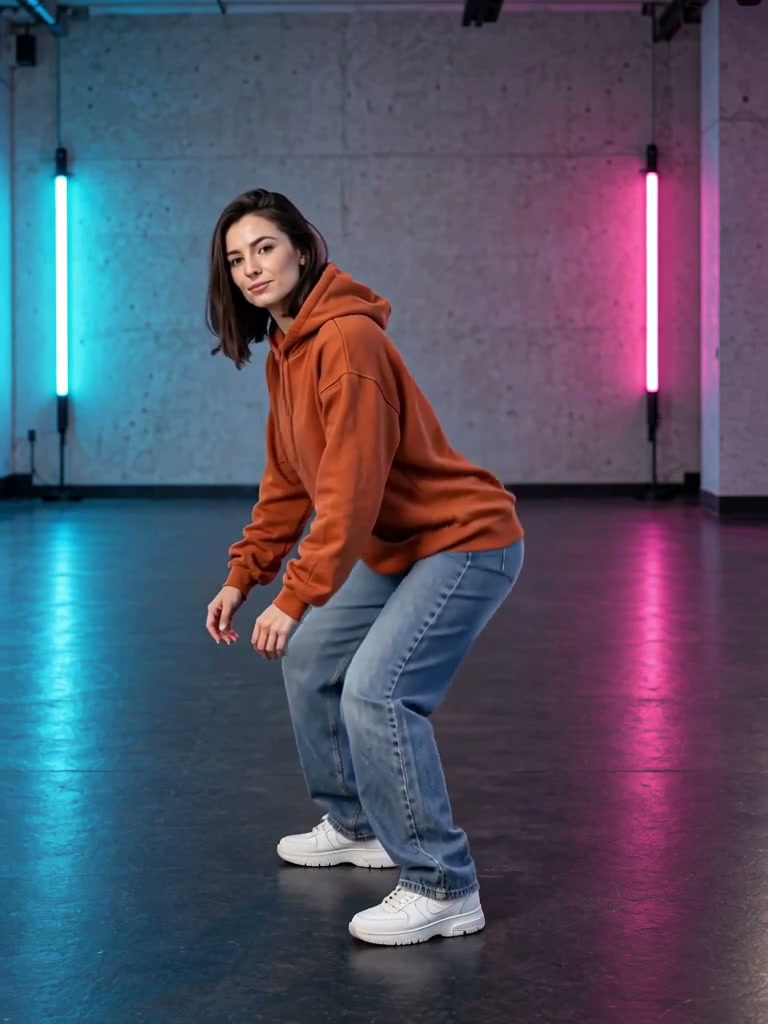
Want to describe your own scene and motion? Explore Image to Video →
Bulin 47 AI video generator FAQ
What is the Bulin 47 AI effect?
It places the person from your photo into a red-lit street freestyle performance. The scene, supporting crowd, gestures and original audio provide the reference; the lead performer is recreated from your photo.
Does it keep the original Bulin 47 audio?
The downloaded video uses the original 15-second soundtrack. Public previews start muted. AI mouth movement may not match every syllable exactly.
Which photo works best?
Use a sharp photo of one person, facing the camera or at a slight angle, with unobstructed facial features and visible clothes. Avoid group photos, heavy blur, small faces and hands covering the face.
Is this only a face swap?
The photo guides the lead performer’s identity, hair, clothing and visible accessories. Hidden details are generated, and AI can change small details, crowd placement or occlusions. Exact reconstruction is not guaranteed.
How long is the video and which qualities can I choose?
The fixed request is 15 seconds, vertical 9:16, with 480P, 720P and 1080P options. Native output dimensions and media timing can vary slightly; the complete result is retained without a crop or repeated loop to extend it.
How many credits does Bulin 47 cost?
480P: 200 credits · 720P: 400 credits · 1080P: 500 credits. Review the quote before confirming. Viewing examples and checking prices are free. Generation uses paid credits; a subscription is not required when your eligible balance is sufficient.
Can I write new lyrics or upload a different performance?
This page uses one fixed freestyle performance and its original soundtrack. Upload only your subject photo. Custom lyrics, background replacement and other performance videos are outside this preset.
Where can I download my Bulin 47 video?
After you confirm generation, your task appears in the result area. When it is ready, play the complete clip and use Download video. You can also reopen saved work from your private creation history.
What if generation is still processing?
Keep the task and check its progress. If you leave the page, return to the result or your creation history. If submission is unconfirmed, check the existing task before starting another request.
Are my photo and finished video public?
Your upload and generated result use private account access. You can reopen the result from your history and download it. Only the examples displayed on this page are public.
Put your photo in the freestyle.
Start with one clear portrait.