


Flying Car AI Video Generator
Turn your car photo into a ramp climb, an airborne flip and a smoky landing.
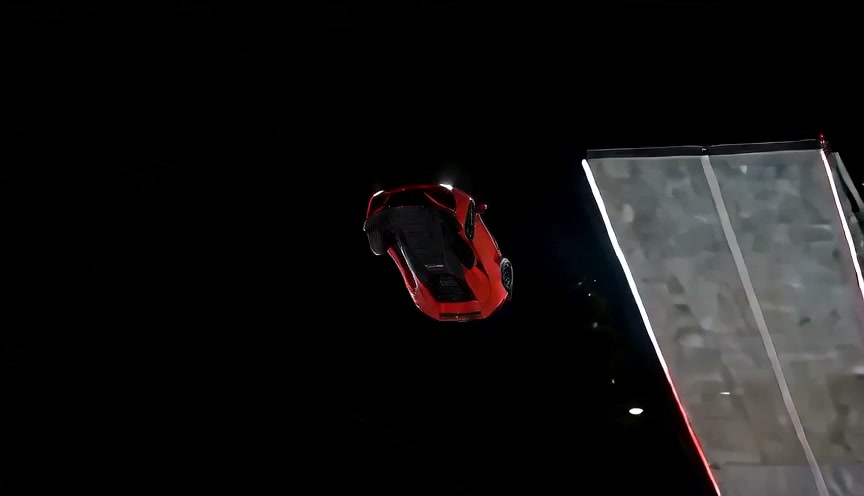
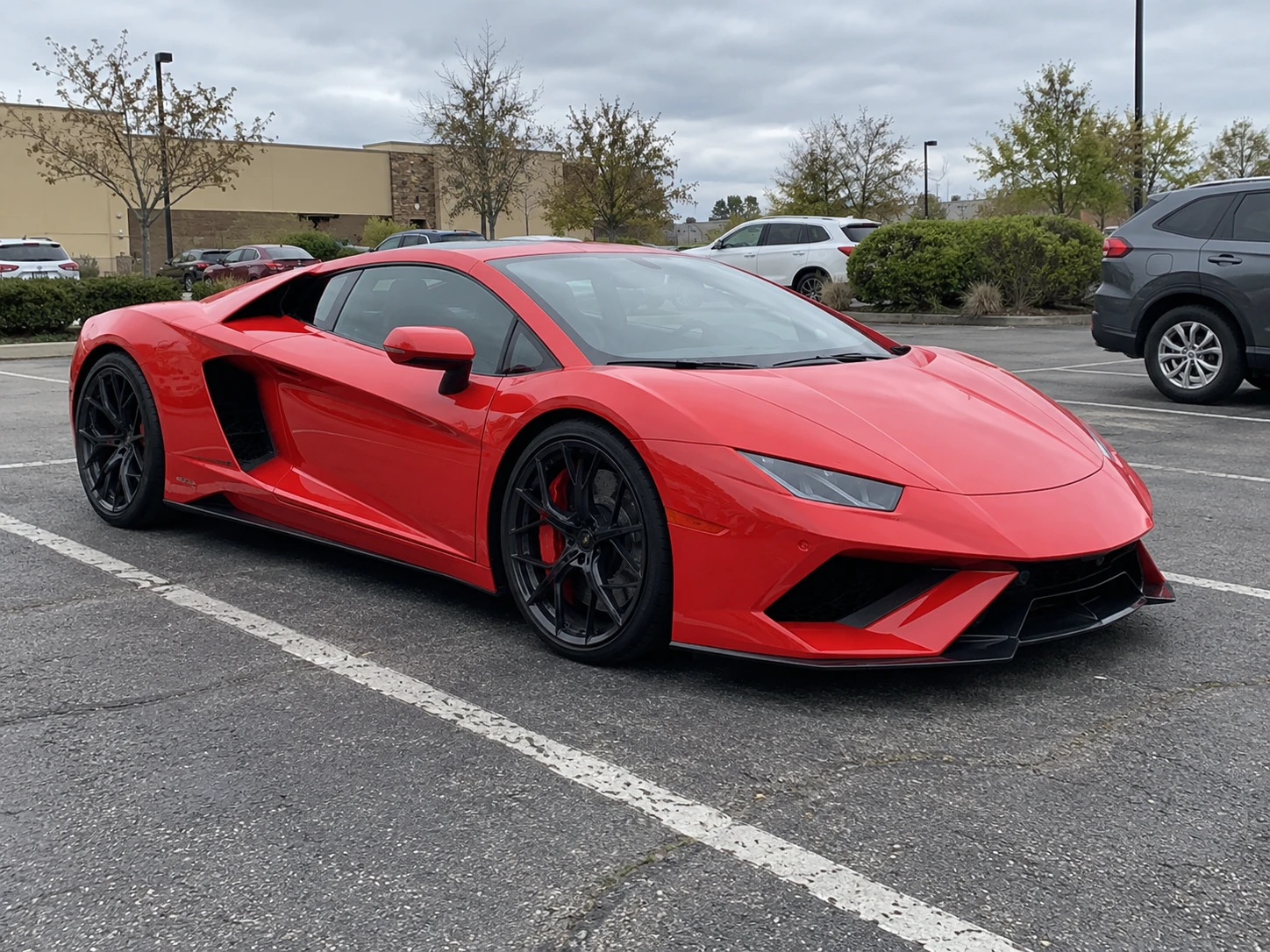
Compare the SUV, sports car and van examples below.
Choose the credits you need
One-time purchase. Credits are valid for 365 days.
Bonus credits cannot be used for effects. The final credit quote appears before generation; applicable taxes are additional.
One photo. Three simple steps.
- 01
Choose a clear photo
Keep one complete car in frame, with the wheels and body easy to see.
- 02
Use the ready-made setup
Choose the available quality. The ramp motion is ready to use.
- 03
Generate and review
Check the approach, flip and landing together before saving a finished clip.
Your everyday car. An extraordinary ramp launch.
Turn a car or van photo into a 13-second ramp stunt with Jynno’s flying car AI video generator. The car climbs a tall curved ramp, flips in the air and lands through smoke.
The input photo provides the vehicle’s appearance; it does not need a ramp or a nighttime background. Compare the low supercar above with the SUV, blue sports car and compact van below. Each photo is paired with its complete generated video.
See the effect with different photos.
Yellow SUV
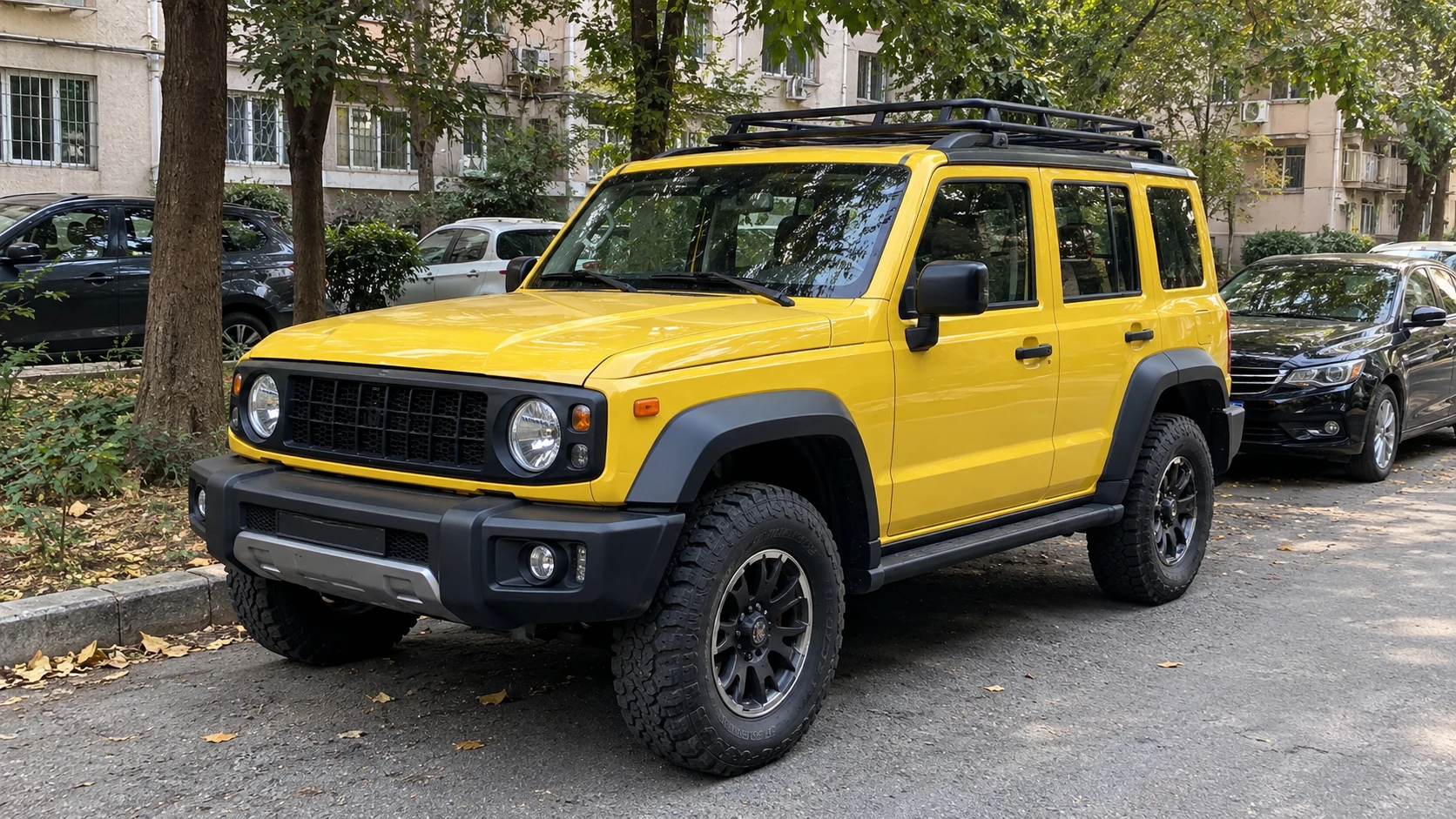
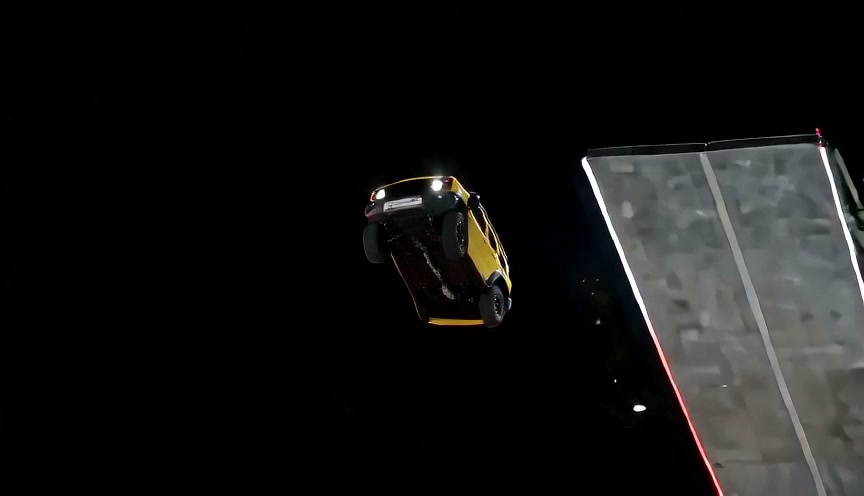
A street-parked SUV brings its boxy silhouette and roof rack into the stunt.
Blue sports car
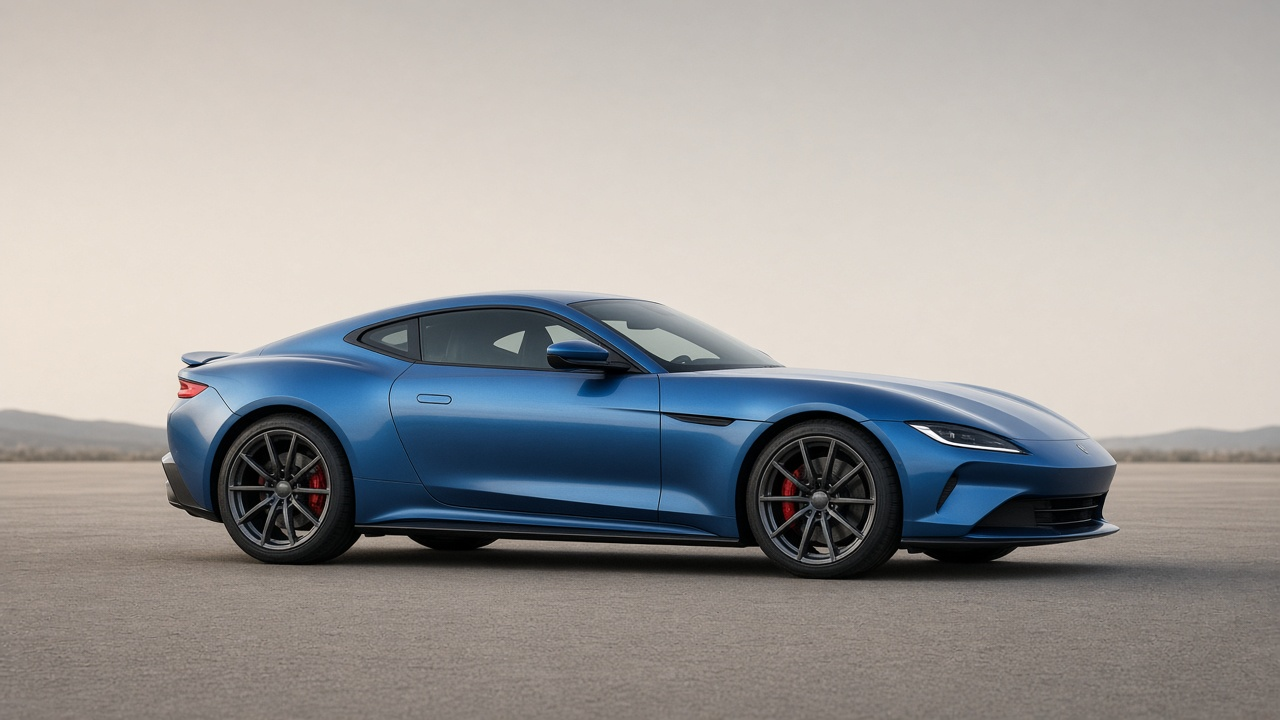
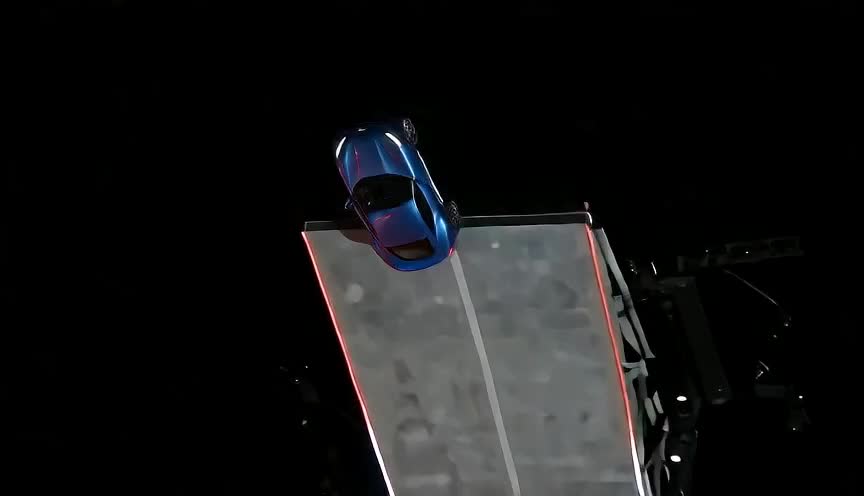
A blue sports car climbs the ramp, rotates and returns to the ground.
Yellow van
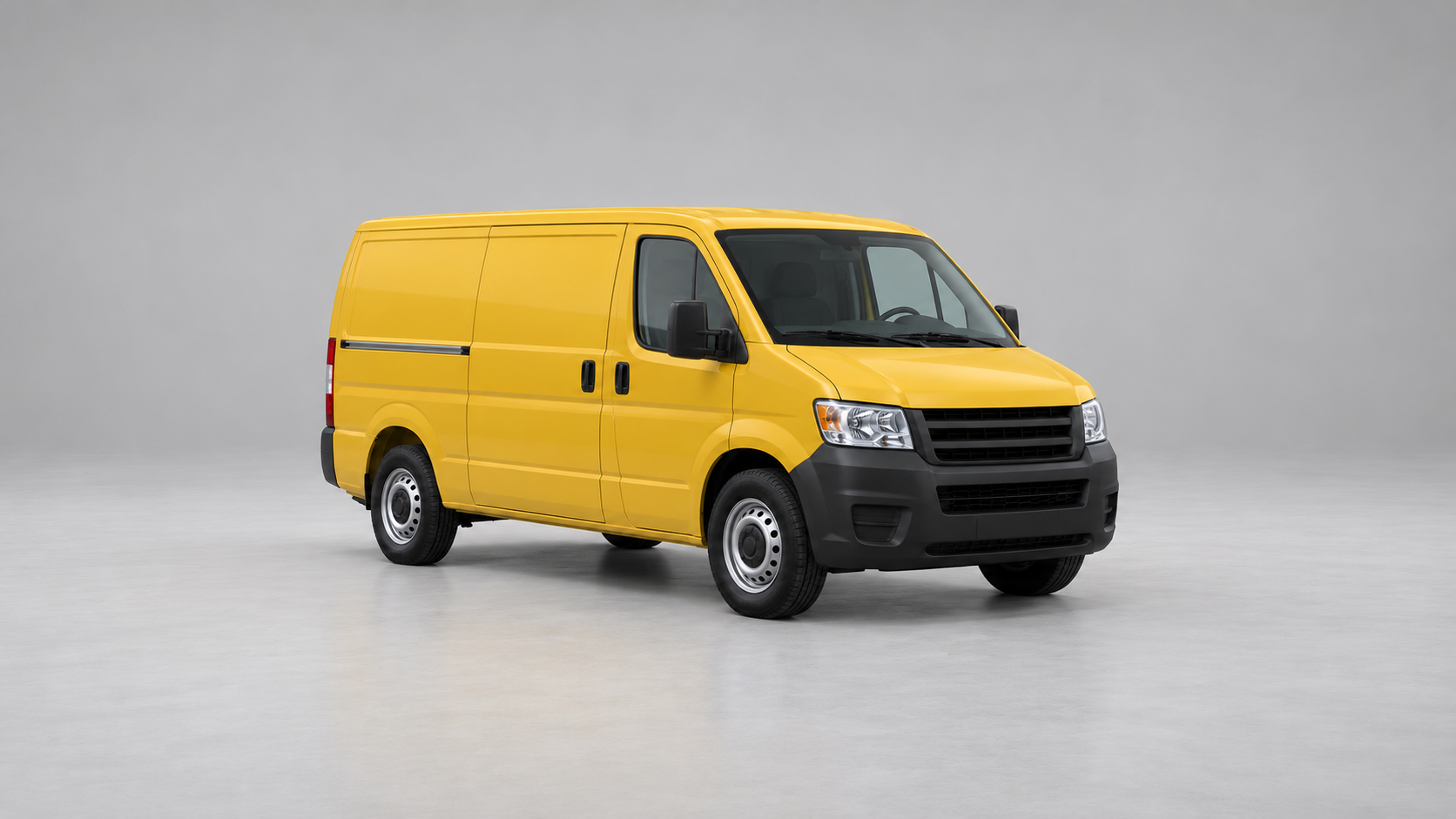
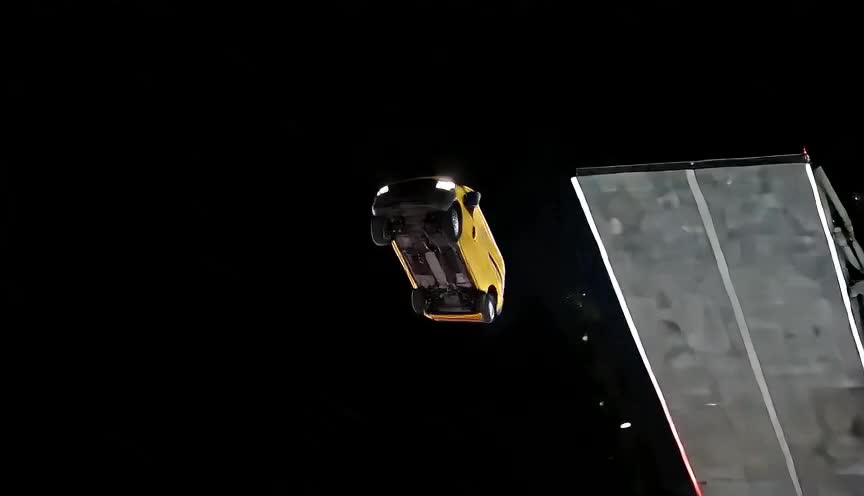
A compact van turns a simple studio photo into a nighttime ramp stunt.
One car. Clearly in frame.
A useful input shows the vehicle’s shape, not just its most dramatic detail. You do not need a special background or a professional shoot.
✓A stronger starting point
- One complete vehicle with visible wheels and room around its edges.
- A sharp front or three-quarter view showing body shape and paint.
- Even light, with detail in both dark wheels and reflective panels.
- JPG, PNG or WebP, up to 5 MB. Use an image you have permission to upload.
−Likely to lose detail
- A cropped bonnet, cut-off roof or wheels outside the frame.
- Several cars overlapping, or people blocking large parts of the body.
- Tiny screenshots, heavy blur, strong filters or very dark lighting.
- Text, stickers or watermarks covering the vehicle.
How to make an AI flying car ramp video
Select your car photo and quality, review the credit quote, then start your paid generation. When it finishes, inspect the whole sequence and download your video.
- 01
Select your vehicle photo
Use the upload card above, or drag a JPG, PNG or WebP onto it. Check that the entire vehicle is visible. Replace or remove it if the roof, bumper or wheels are cut off. Your selected photo is uploaded when you explicitly submit generation.
- 02
Review the recommended setup
Choose a quality from the available options. Review its credit quote before a live generation. The ramp sequence is prepared for you, so there is no prompt to write or reference video to upload.
- 03
Check the complete motion before saving
In a finished clip, look for a coherent approach, a readable ramp climb, one continuous vehicle through the rotation and a wheels-down landing. Inspect the shape and paint again after the smoke clears. After generation completes, download your result from the result area or your creation history.
An unexpected turn for a familiar vehicle
Car enthusiast edits
Put the vehicle at the centre of a fictional action sequence. A familiar daily driver makes the contrast between a normal photo and an impossible stunt easy to understand.
A playful reveal for friends
Use a recognisable car or van for a light-hearted “what if?” moment. Label the clip as AI-generated so it is not mistaken for footage of a real event.
A concept or story opener
The approach, airborne beat and smoky drive-out form a short narrative arc. Use the idea for moodboards or story planning, with the permissions needed for any material you publish.
What this effect can—and cannot—promise
These four generated examples show different vehicle shapes, but they do not guarantee the same quality for every car. AI may reinterpret unseen sides, small lettering, wheel geometry and reflections. Fast rotation and smoke make those details harder to preserve.
This is a fixed scene, not a vehicle physics simulator. It is not designed to keep the original photo’s full background, reproduce an exact number plate or demonstrate a real car’s capabilities. Other models, resolutions and precise output lengths have not been validated by this example.
More Jynno effects
View all effects →
Want to describe your own scene instead of using this ramp recipe? Explore Image to Video →
Flying car effect FAQ
How is this different from other flying car effects?
This is a Ramp Launch: the car climbs a tall curved ramp, flips in the air and lands through smoke. A car jump over people or a standalone car kickflip uses a different action. Those variations are not separate modes on this page.
What is the AI Flying Car Ramp effect?
It is a photo-to-video stunt effect. A vehicle accelerates toward a curved ramp at night, climbs it, rotates in the air and lands through smoke. It is a fictional AI scene, not a recording of a real test drive.
What photo works best?
Use one sharp, well-lit photo of one car or van. A three-quarter view that shows the front, side and visible wheels gives useful information about its shape. Avoid tightly cropped bumpers, other cars overlapping it or large text covering the body.
Can I use a different type of vehicle?
The four examples show a low red supercar, a yellow SUV, a blue sports car and a yellow van. Body proportions and motion can still vary with another photo. These examples do not demonstrate every vehicle type or guarantee identical results.
Will the paint, wheels and details stay exactly the same?
The photo supplies the vehicle appearance, but exact reconstruction is not guaranteed. Small badges, number plates, wheel spokes, reflections and hidden sides can change, especially during the rotation or when smoke covers the vehicle.
Do I need to write a prompt or upload a video?
The page is designed around one car photo and a prepared motion recipe. There is no prompt-writing step or user video upload. For a more open-ended animation, use the Image to Video tool linked below.
How long is the video?
The target length is 13 seconds. The supercar, SUV and van examples are about 13 seconds; the blue-car example is an earlier result of about 10 seconds. Actual file lengths can vary slightly.
How many credits does generation cost?
Viewing the examples and reviewing a quote are free. Generating a 13-second video costs 200 paid credits at 480P or 400 paid credits at 720P. Select a photo and quality, review the quote, then explicitly start generation. A subscription is not required when your paid credit balance is sufficient.
Can I choose another aspect ratio or higher resolution?
Choose 480P or 720P for this 16:9 car effect. The displayed example file is 864 × 496 pixels; it illustrates the motion and does not promise the exact dimensions or quality of every result. Other aspect ratios are not offered here.
Is this real stunt footage or affiliated with a car manufacturer?
No. The video is AI-generated entertainment. It does not show a real vehicle performing this stunt and should not be presented as evidence of a car’s performance, safety or manufacturer endorsement.
Can I post or use the example commercially?
Use only photos and other materials you have permission to use. Viewing this preview does not grant a license to the example or its third-party motion reference. Commercial permissions for that reference remain unconfirmed.
See your car in a different light.
One clear photo is the starting point.