Closed on Sunday AI Choir Video
Turn one portrait into a choir video with natural movement and a cinematic pullback.

Choose the credits you need
One-time purchase. Credits are valid for 365 days.
Bonus credits cannot be used for effects. The final credit quote appears before generation; applicable taxes are additional.
More choir video examples
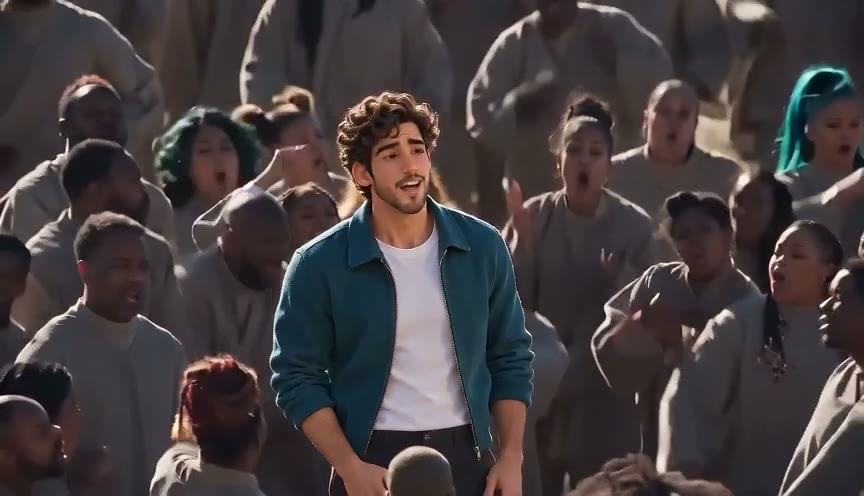

Stand in the middle of a choir
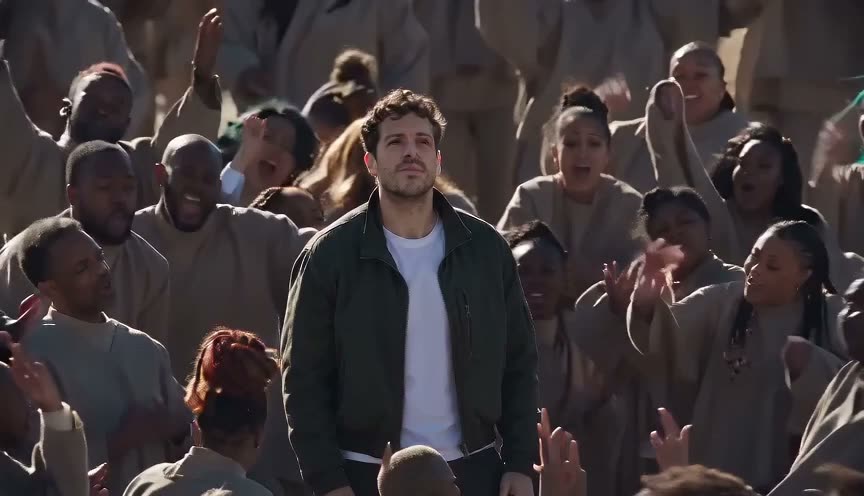
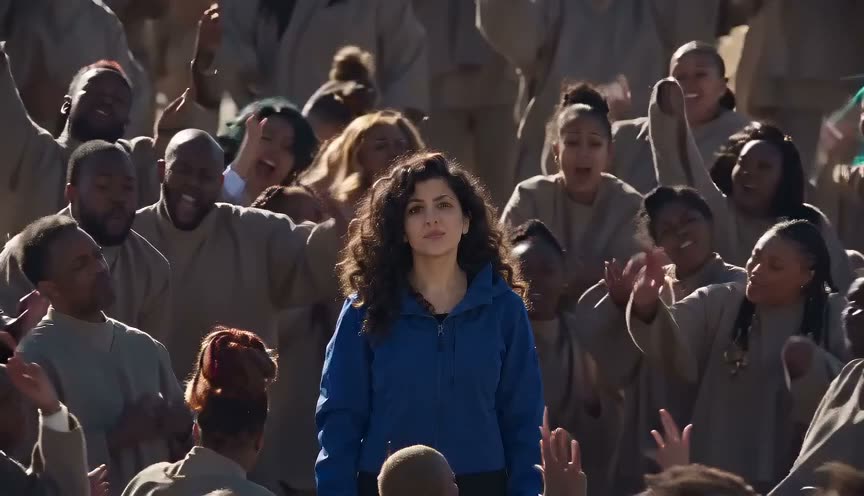
Closed on Sunday AI places your portrait at the center of a moving choir. The lead follows the reference performance with subtle head and body movements as the camera pulls back to reveal the crowd.
How to make your choir video
- 1
Choose a photo
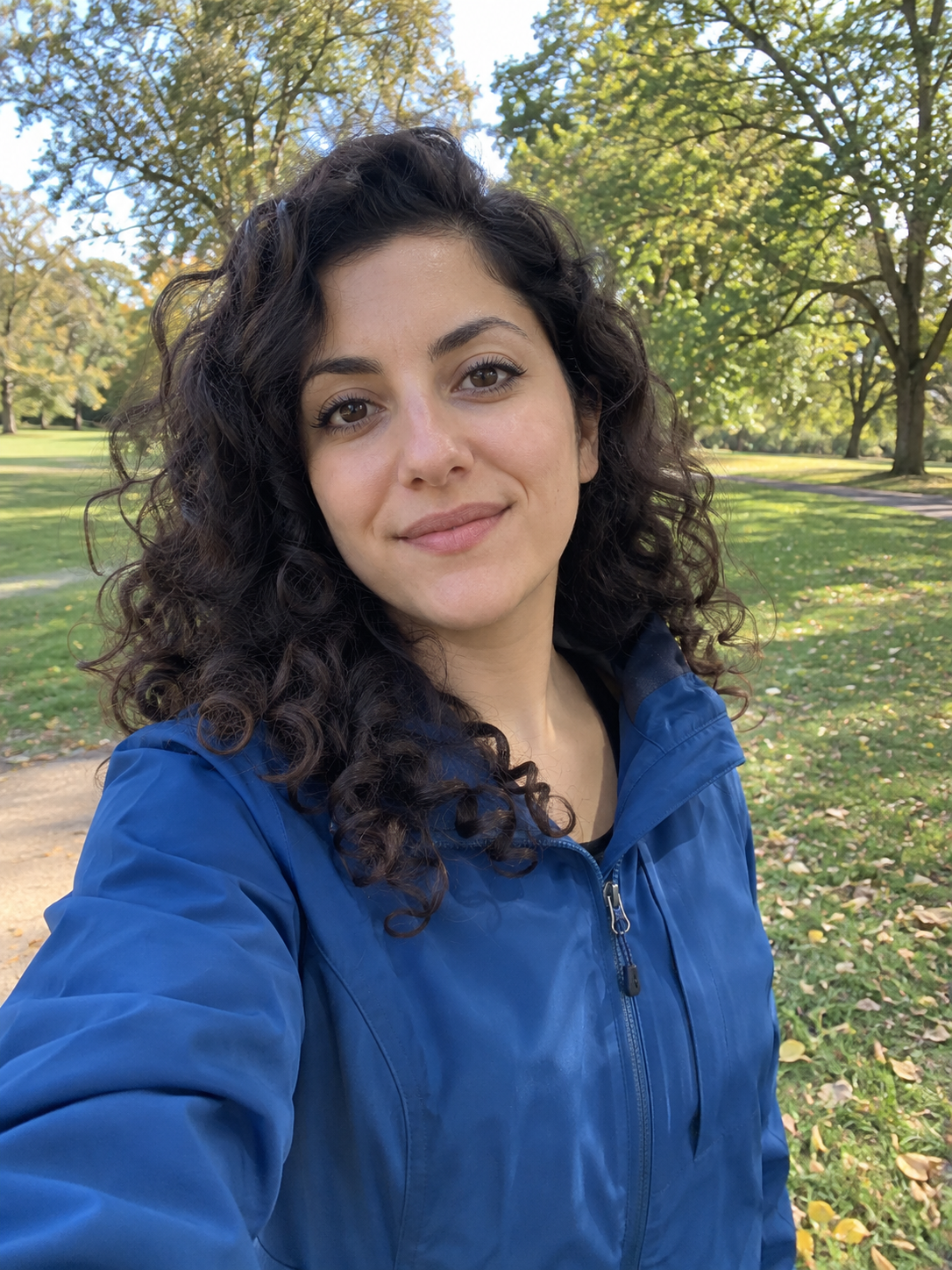
Use a clear portrait with the face visible.
- 2
Create the choir scene
Your portrait becomes the central performer in the choir scene.
- 3
Animate the scene
The lead follows the reference movements as the choir performs.
Choose a photo for the best result
Choose a well-lit photo with one person facing the camera and their face unobstructed. Avoid heavy filters, sunglasses, and small or blurry faces. Use a photo you have permission to share.
Frequently asked questions
Does the lead move?
The lead follows the reference performance, including subtle head and body movements. Individual results can vary.
Are the choir members replaced?
This effect changes the central subject. The surrounding choir follows the reference scene.
Does this include the original song?
Audio is generated with the video and may vary between results.