Giant Ramp Climbing AI Video
Turn a photo into an impossible run up a giant dam.
What is the Giant Ramp Climbing AI trend?
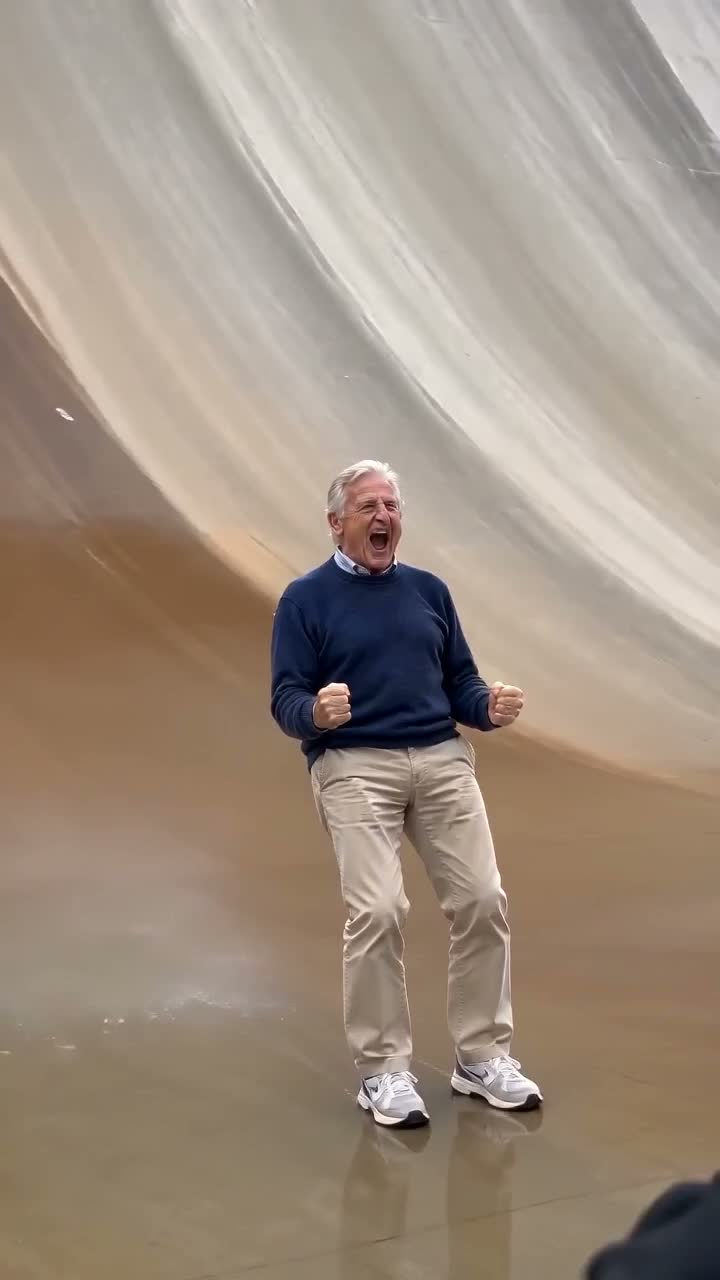
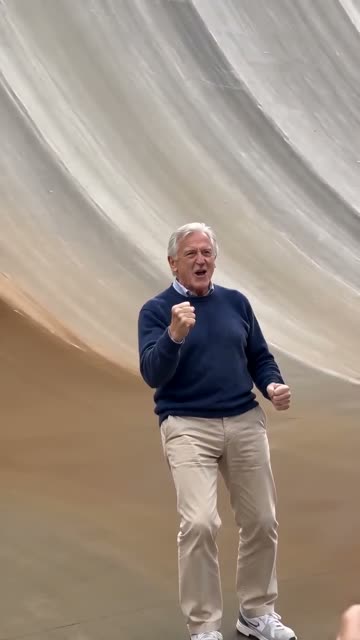
Giant Ramp Climbing is an AI video trend that turns a photo into an impossible stunt: a person runs up a huge curved dam wall, flips high above the crowd and slides back down. You may also see it called the dam wall run or giant ramp AI trend.
With Jynno, you start with one photo. The dam, crowd and stunt are part of the effect, so you can make a vertical video without filming the scene yourself. The action is AI-generated; no one needs to attempt the stunt.
See the effect with different photos.
A photo on the giant ramp
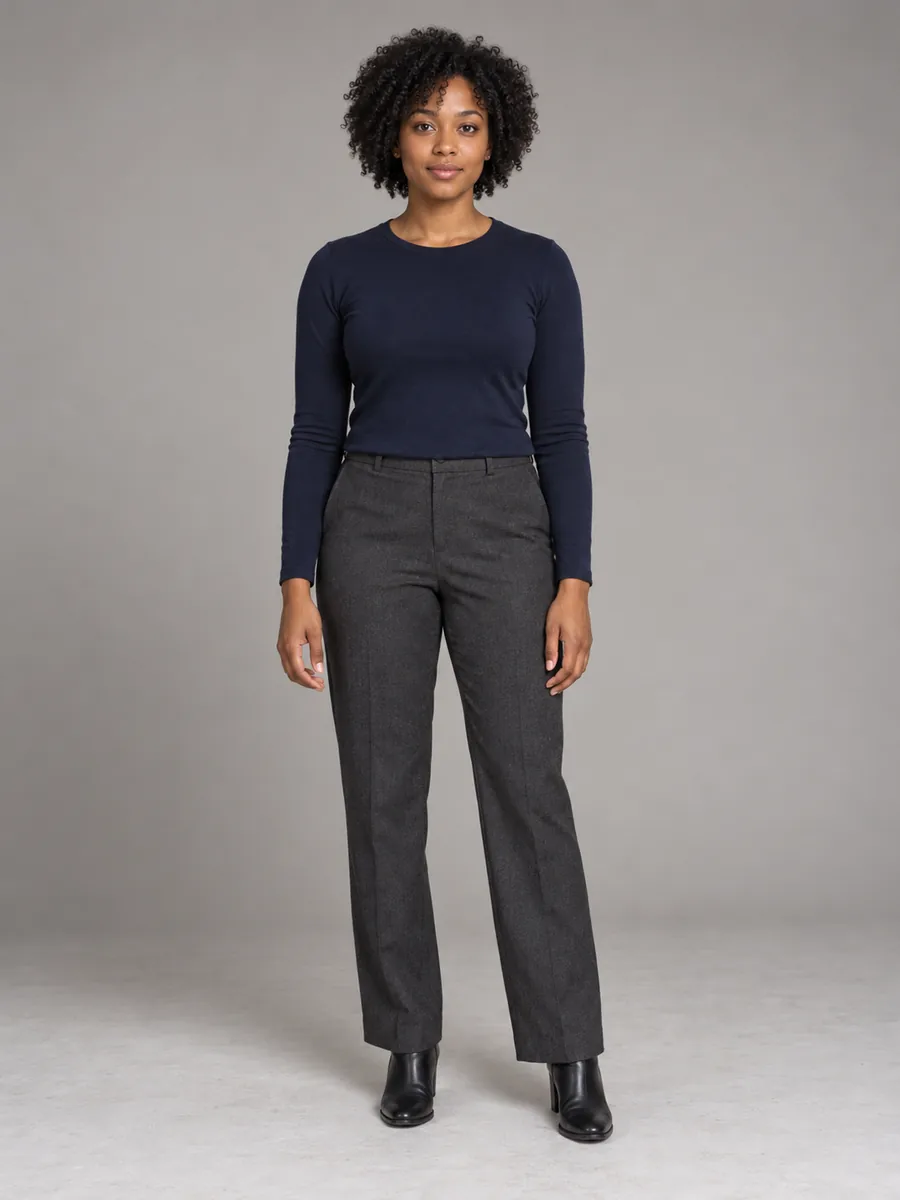
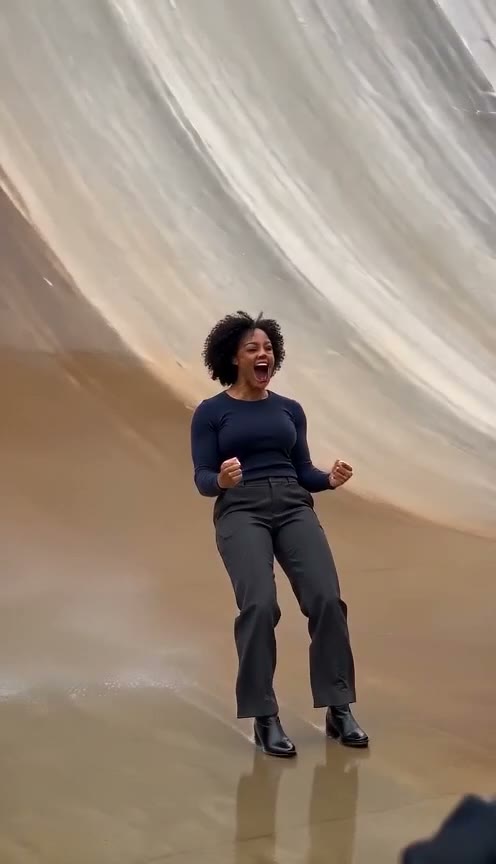
See a photo become a giant ramp run, flip and celebration.
What happens in the giant ramp video?
One photo puts you into a 15-second giant ramp video, from the first run to the final celebration.
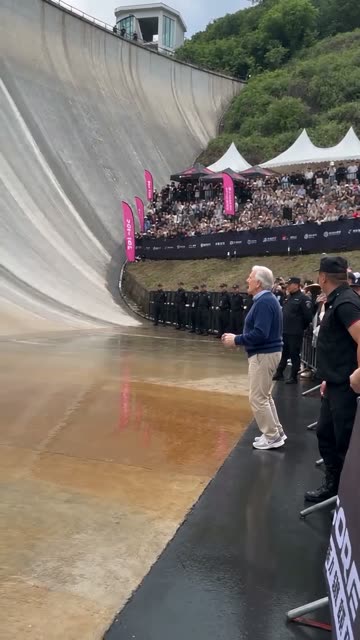
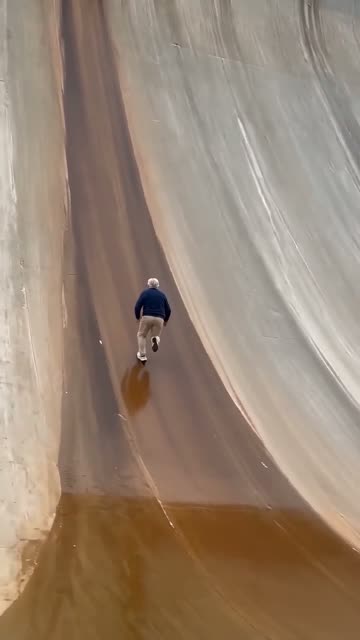
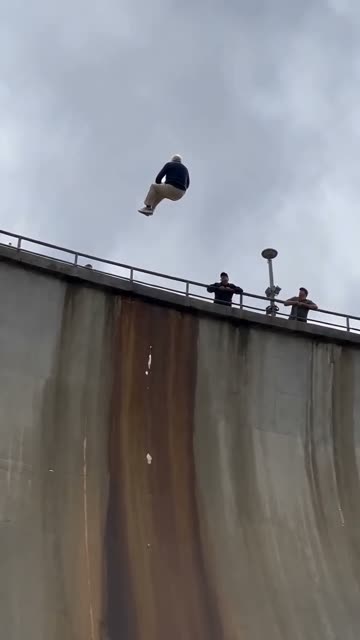
How to make a Giant Ramp Climbing AI video
- Add a photo
Upload a clear photo of one person, preferably showing their full body and face.
- Choose your quality
Select 480P or 720P. Review the credit quote before confirming your generation.
- Create and share
Once your video is ready, play it in Jynno or download it to share.
Choose a photo that works for the wall run
Your photo is the starting point for the person in the video. A clear subject helps the effect carry their appearance through the scene.
Show one person
Use a photo with one clearly visible person. A full-body image gives the effect more information about the subject.
Keep the face clear
Good lighting and a visible face help when the video comes close to the camera at the end.
Pick a sharp image
Choose JPG, PNG or WebP up to 5 MB. Avoid blurry or heavily cropped photos where details are hard to see.
Turn a photo into a shareable stunt
Put yourself in the dam wall run, surprise a friend with a version made from their photo, or create a short reaction clip for your social feed. Choose a photo you have permission to use, and let the giant ramp do the rest.
Giant Ramp Climbing AI FAQ
Do I need to upload a video?
No. Upload one photo of a person. The giant ramp scene and action are included in the effect.
How long is the generated video?
The effect requests a 15-second vertical video. The exact duration of the finished file may vary slightly.
What quality options and credits are available?
Choose 480P for 400 credits or 720P for 800 credits. A paid membership and sufficient eligible credits are required; review the quote before confirming.
Is the giant ramp stunt real?
The video you make with this effect is AI-generated. No one needs to perform the stunt.
Can I make the giant ramp video without CapCut?
Yes. In Jynno, upload one person’s photo and choose the quality. The dam scene and action are included, so you do not need to upload a video or use CapCut.
Can I use a photo of my pet?
This version supports a photo of one person. Pet photos are not supported for this effect.
What kind of photo should I use?
Choose a clear, well-lit photo of one person with their face visible. A full-body photo is recommended. JPG, PNG and WebP files up to 5 MB are supported.
Will the result look exactly like my photo?
The effect uses your photo as a reference, but AI results can vary. Facial details, clothing and movement may change between shots.
Can I download and share the video?
When your video is ready, you can play and download it from Jynno, then share it on your preferred platform.
Ready to take on the giant ramp?
Choose a photo and make your own dam wall run.